What your agents cost, and how to cap it
Cost sits beside permissions and approvals as a governance surface: an agent's spend is part of what it is allowed to do. Every model call is written to the same ledger that records tool calls, priced at the moment it opens, and rolled up agent → domain → organization. Nothing on these pages is sampled or projected, and where a figure cannot be exact the page says so.
Two kinds of number
Which figure you are looking at depends on whose key the call ran on.
- Managed - models served through Yekar.AI and billed to your prepaid credit. These are charged actuals: the tokens the provider reported, at Yekar.AI's rates, and exactly what was debited from your balance. Managed serving is not live for every workspace yet; see AI providers.
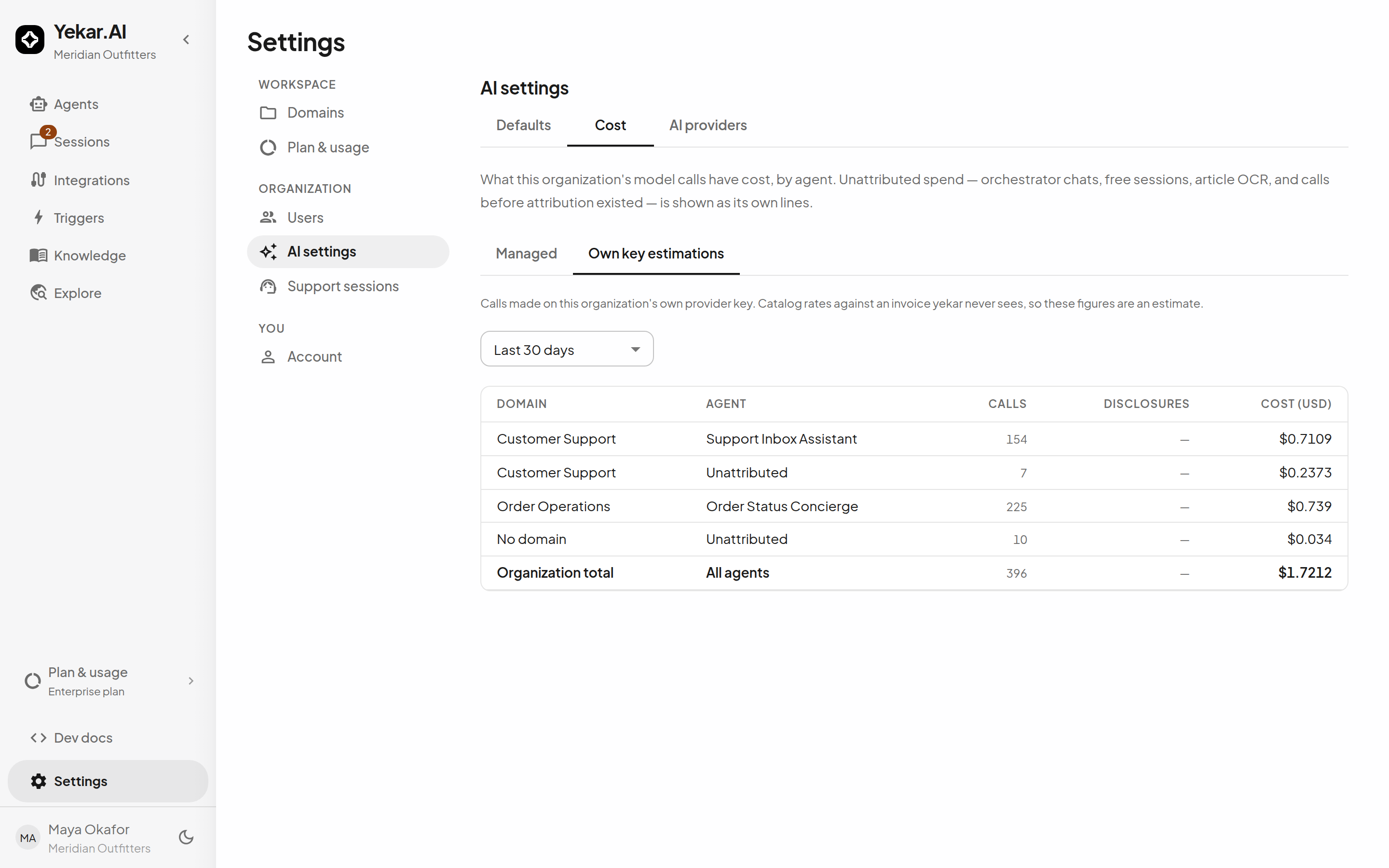
- Own key - calls made on your own provider key. Yekar.AI never sees that provider's invoice, so the figure is an estimate: the provider's reported tokens priced at catalog rates. The tab is called Own key estimations for that reason, and the provider's invoice is the truth.
The two are never added together. A workspace on its own keys can run all day and show managed credit untouched.
Every money figure follows one grammar. An em dash means nothing could be priced. A trailing + means some calls could not be priced, so the figure is a floor. Amounts carry up to four decimals because a single conversation is routinely a fraction of a cent.
What is counted
The ledger records one row per model round. A conversation turn that calls three tools is three or four rounds, not one. Beside the agent's own reasoning (llm.turn) you will see the housekeeping calls that share the same key: titling a conversation, rolling up a long history into a summary, reading scanned pages, rewriting a search query, and a flow's language-model step.
Some calls happen while you build rather than while anything runs, and they are counted too, on the agent or flow they were for: checking a Procedure with Verify, generating a flow step with AI, and an agent's learning reflections. They use the same key and the same prices as everything else, so on managed providers they are paid from your credit.
Two tools are charged per call rather than per model round: web search and media generation. Both run on Yekar.AI's account with the provider, so each call draws credit at a per-call price set by Yekar.AI even when your models run on your own key, and a call your balance cannot cover is refused rather than run. The charges are part of the daily usage in Billing history under Plan & usage, where each day's breakdown lists them as tool and media usage. Web search is on by default wherever Yekar.AI offers it, so every search run in your workspace - by an agent, a flow's web search step or a conversation - spends a little credit.
Two things are excluded from every tenant figure. Embedding calls, which index your knowledge and memory for search, run on Yekar.AI's own key and are Yekar.AI's cost. Eval runs and step tests are rehearsals of an agent or flow rather than production, so they are kept out of the reports - each run of an agent's tests reports its own cost instead.
Three disclosures ride beside every total, and they are the reason the totals can be trusted:
| Disclosure | Meaning |
|---|---|
| unpriced | Metered calls with no usable rate, usually a model outside the catalog. They contribute nothing to the sum, so the sum is a floor. |
| unmetered | Calls that lost their usage to a crash or a provider error. Billed by the provider, uncounted here. |
| unmeasured | Healthy calls whose API reports no usage at all - today, embeddings. |
Where to see spend
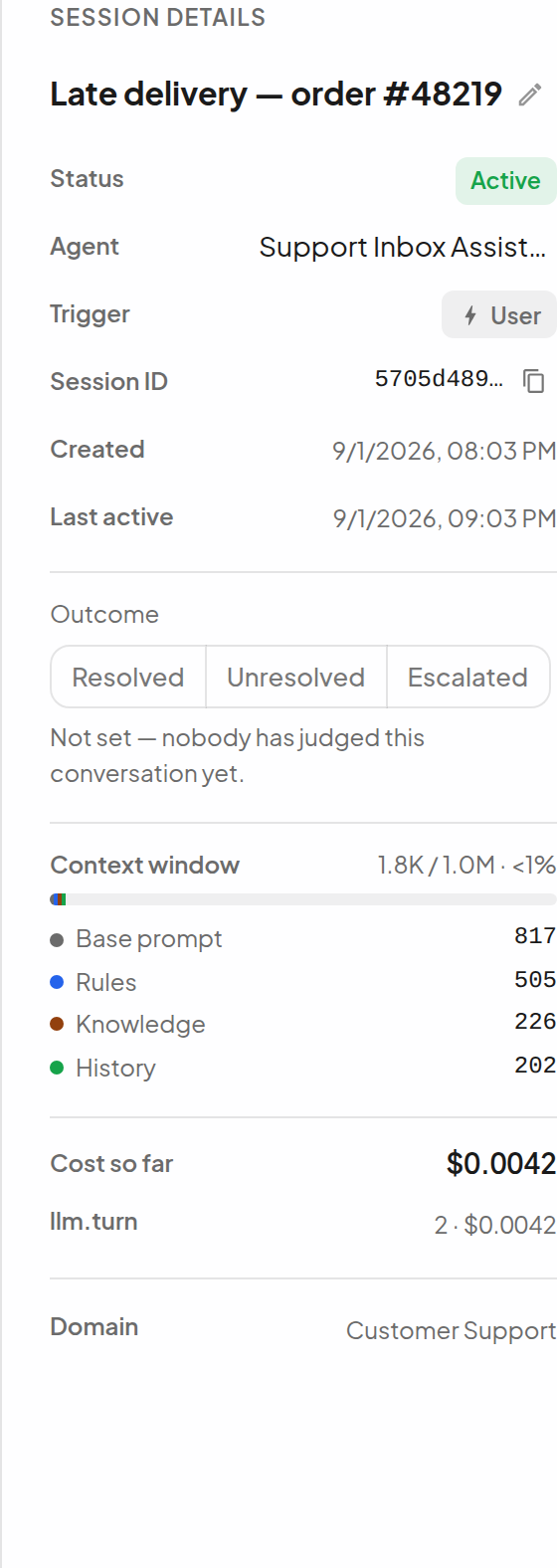
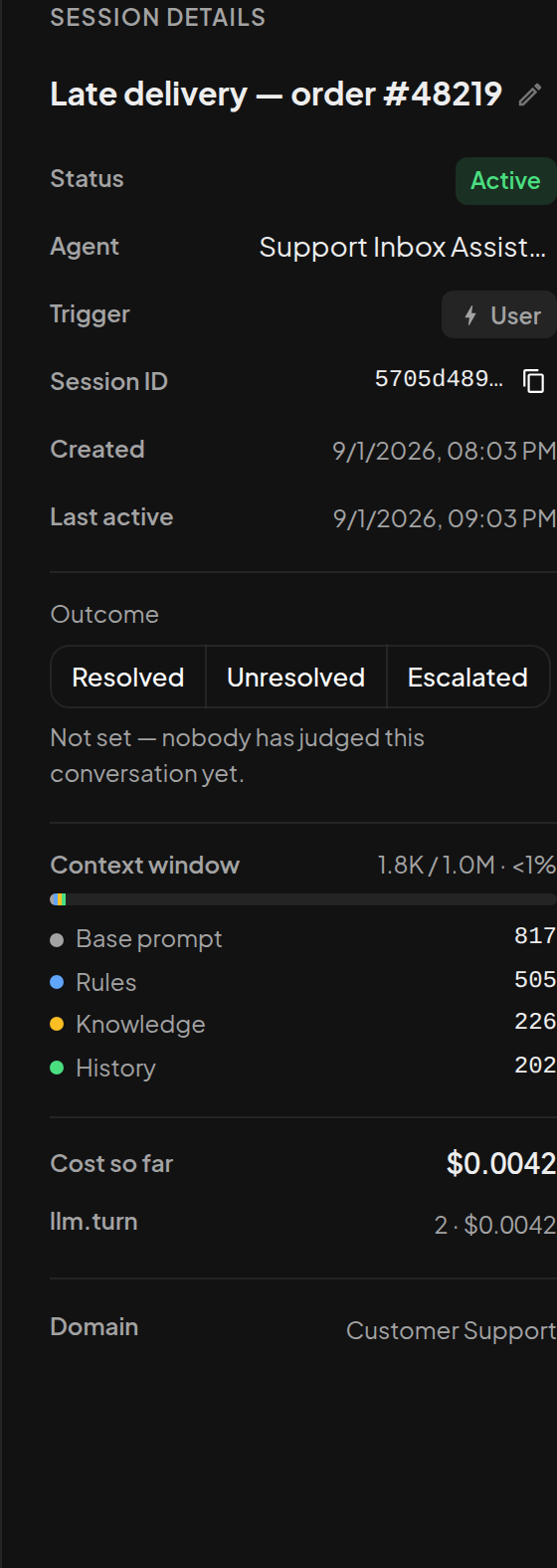
Per session. The details panel of any conversation carries a Cost so far card, broken down by tool so that titling and OCR are never mistaken for the agent's reasoning - the agent's own rounds read Model round. It reads Cost so far (running) while calls sit at an approval gate: spend happens before a gate, so a parked conversation already has a complete record and will grow when the call runs. Anyone who can open the conversation can see its cost. A called subagent's spend is on the subagent's own session, never folded into the caller's.
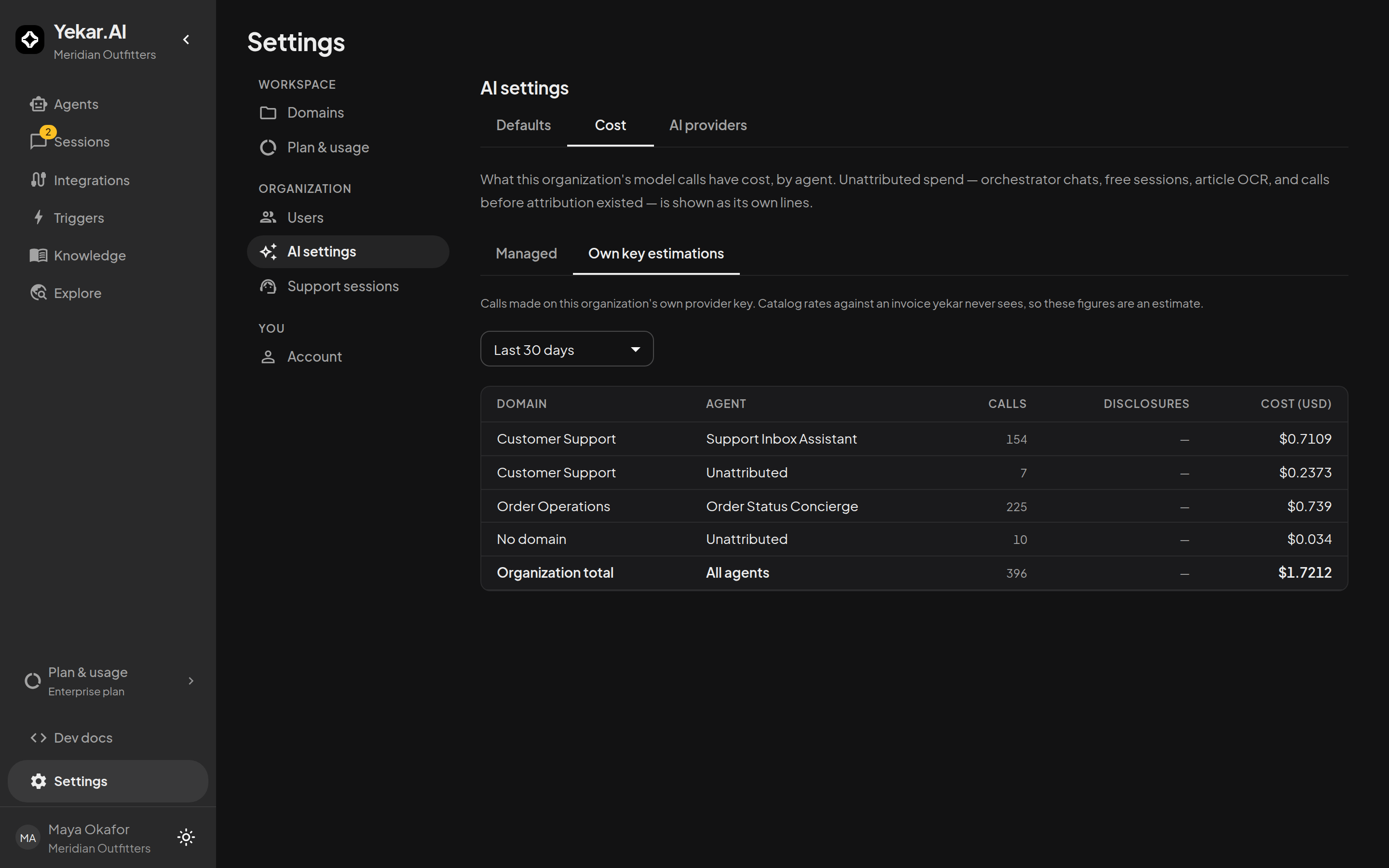
Per organization. Settings → Plan & usage → Cost is the organization report, for organization admins: a window of 7, 30 or 90 days or all time, the Managed and Own key estimations tabs, and one line per agent under its domain. The Organization total row is computed over the whole window even when the lines beneath it are paginated.
Spend that cannot be attributed to an agent is shown rather than hidden. Unattributed lines carry a domain but no agent (an article being OCR-read in that domain), or neither (a conversation with no agent, or calls made before attribution was recorded). The lines always add up: agents plus a domain's unattributed line equal the domain, and domains plus the organization's unattributed line equal the organization.
History survives the audit trail's own retention. Tool-call records are pruned after 90 days, but each closed day is rolled up first, so the 90-day and all-time windows read from durable daily totals and the current day reads from the live ledger.
Per plan. Plan & usage shows the credit on us that comes with the plan and any credit you added, separate from resource capacity.
Budgets and caps
Settings → AI settings → Defaults holds the organization-wide controls. They apply to every agent and flow, and a change applies to the next turn.
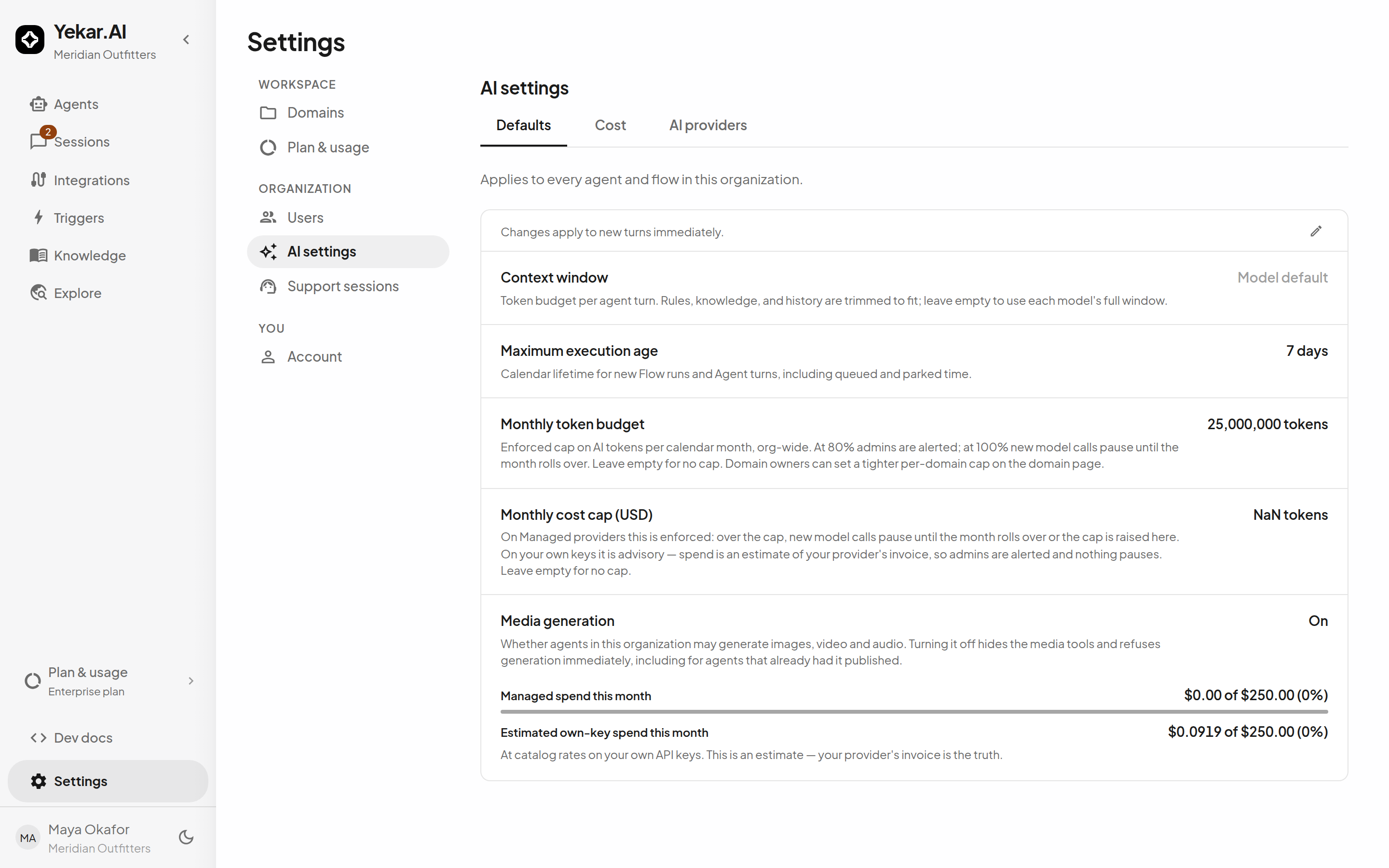
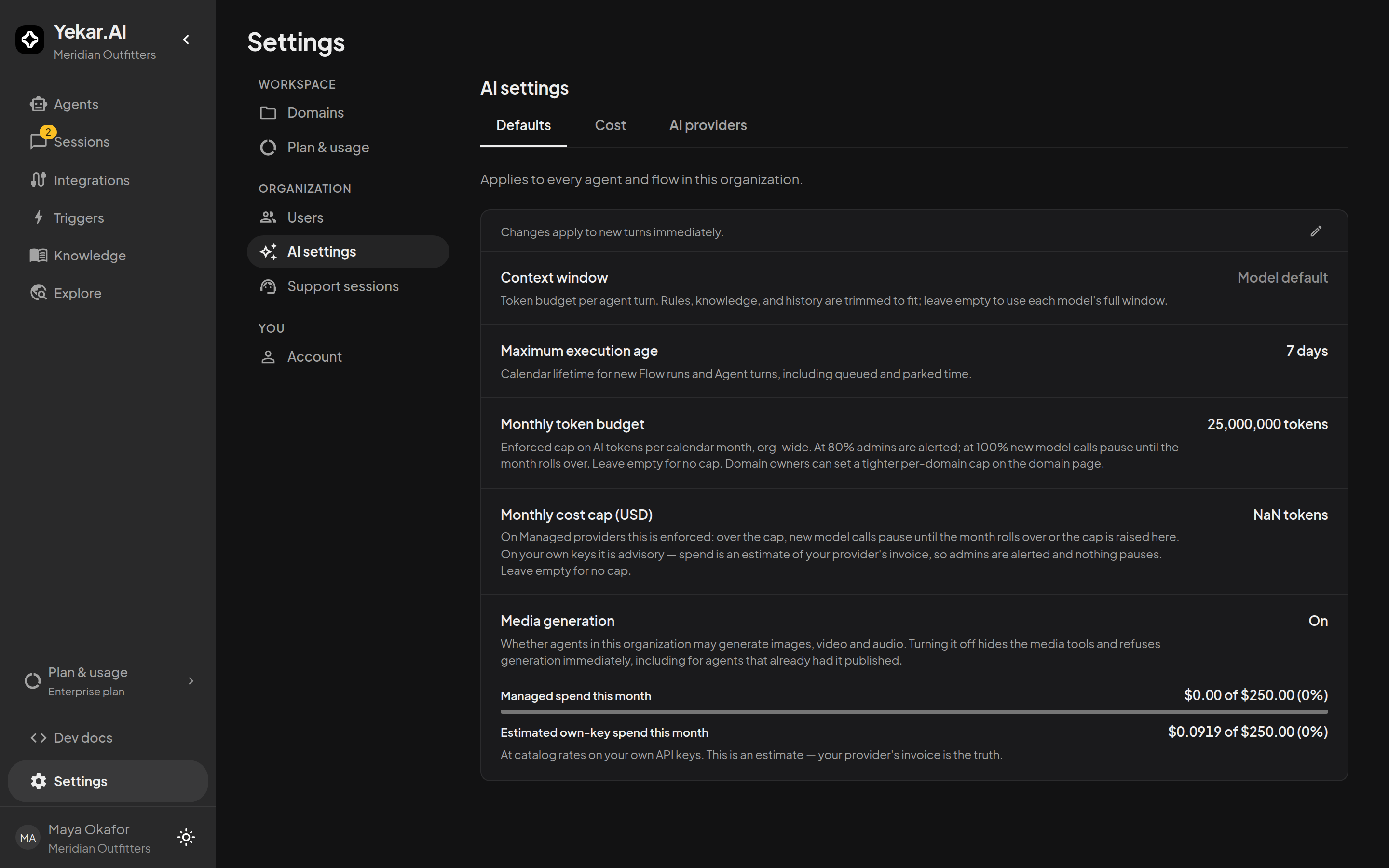
- Monthly token budget is an enforced cap on AI tokens per calendar month, org-wide. At 80% the organization's admins are emailed; at 100% new model calls pause until the month rolls over or an admin raises the budget. It is checked when each conversation turn starts, before each flow model step and before each scanned-document read - so a turn already under way finishes, and usage can end a little past the budget. A conversation that hits the cap says so in its thread - I can't respond right now - rather than hanging. Because it is a circuit breaker and not an invoice, it counts step tests as well as production, and its usage figure can be up to a minute old, so a change takes up to a minute to bite.
- Monthly cost cap (USD) is enforced on managed providers: over the cap, new model calls pause. On your own keys it is advisory for model calls - spend there is an estimate of somebody else's invoice - so admins are emailed once for the month and models keep running. Media generation and web search count against the same cap, and pause at it whichever key your models use.
- Context window and Maximum execution age are not budgets, but they bound cost: the first caps the tokens a single turn may carry, the second the calendar lifetime of a run. Both are described in Workspace settings.
Beneath the controls the page prints this month so far: managed spend against its cap, and the estimated own-key figure with its own caption that it is an estimate.
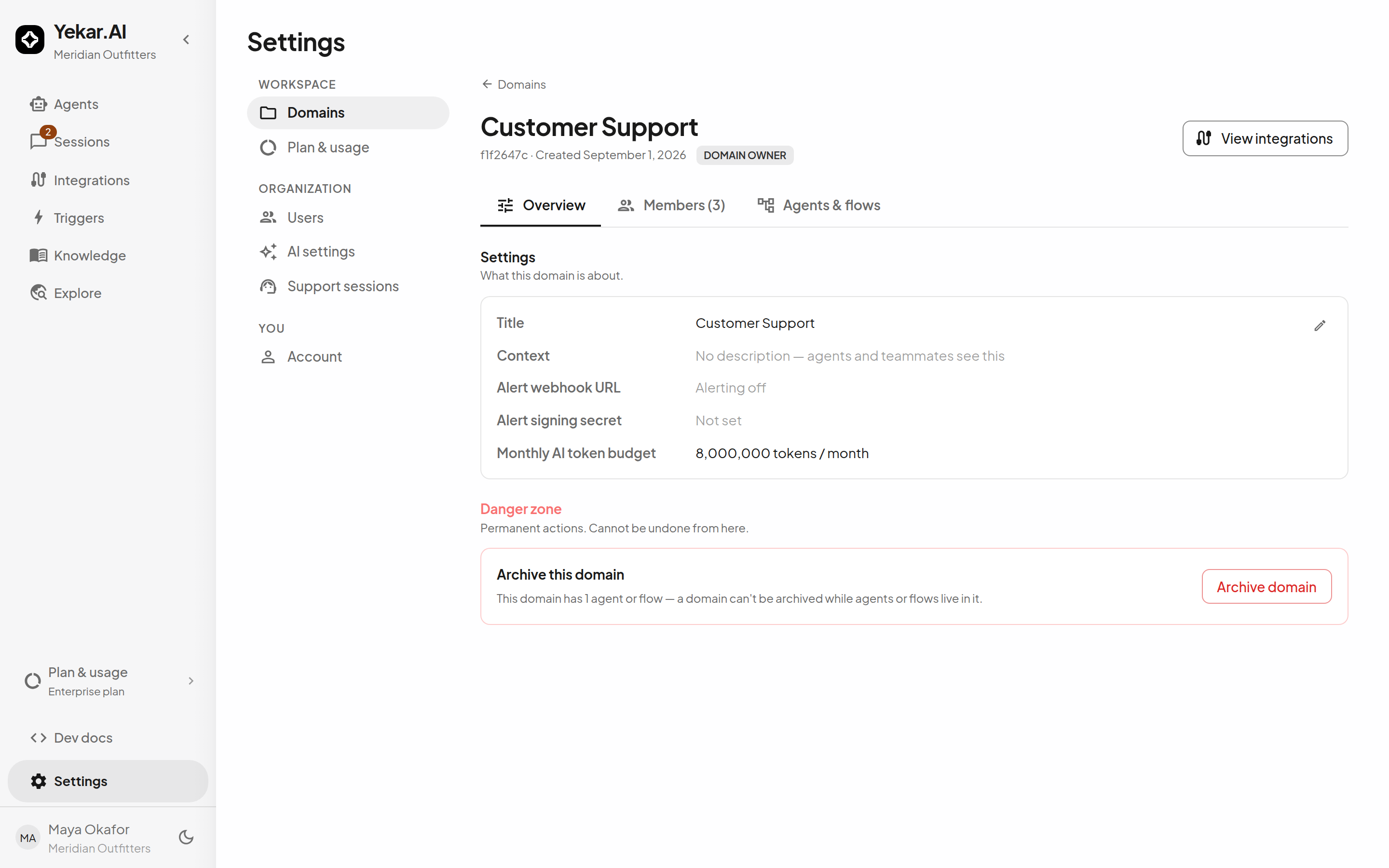
A domain owner can set a tighter monthly token budget on the domain's page. It is measured on the domain's own slice of the ledger and checked first, so one team's spike pauses that team rather than the whole organization.
Where an estimate is put in front of you
Two places quote a price before anything is spent.
Scanned documents. When a PDF has pages with no text layer, extraction stops and prices the pages that would need OCR: the number of scanned pages, the vision model that would read them on your key, an estimated cost range and an estimated time. Nothing is spent until you confirm, and declining is recorded - extraction keeps the text layer and costs nothing. The range is wide on purpose, because input tokens vary with page density. See Documents.
Media generation. An agent that generates images, video or audio does so at the quality tier set in its Setup, never at a tier the model chooses, and video and audio are charged on the duration requested. The Setup can also set a monthly media budget for that one agent and choose whether a generation should drop a tier rather than fail when the balance cannot cover it. See Settings.
When a call is refused
| What you see | Why | What to do |
|---|---|---|
LLM_BUDGET_EXHAUSTED | The organization's or a domain's monthly token budget is spent. | Raise or clear it under Settings → AI settings → Defaults or on the domain, or wait for the month. |
LLM_BUDGET_UNAVAILABLE | Consumption could not be checked and enforcement is fail-closed. | Retry shortly; contact Yekar.AI if it persists. |
MANAGED_CAP_EXCEEDED | Managed spend passed the monthly cost cap. | Raise the cap, or wait for the month. |
MANAGED_BALANCE_EXHAUSTED | The prepaid balance cannot cover the next call. | Add credit. |
ORG_RUN_RATE_LIMITED | Too many runs were started in one minute for your plan. | Retry after the Retry-After seconds; the limit is per organization and applies to root starts, not to subagents. |
Every one of these arrives in the conversation as a plain notice, and to an API caller as the code in the session stream's budget.failed event. None of them cancel work already in flight.