Start a session from a blank page
Free chat - a session bound to no agent - is enabled per workspace, on request. Every other part of Sessions works in every workspace.
Not every piece of work arrives with an agent attached to it. Start a session gives your team one place to open a conversation, describe what they need in plain language, and let the assistant take it from there - the fastest way into Yekar.AI for anyone who hasn't built anything yet.
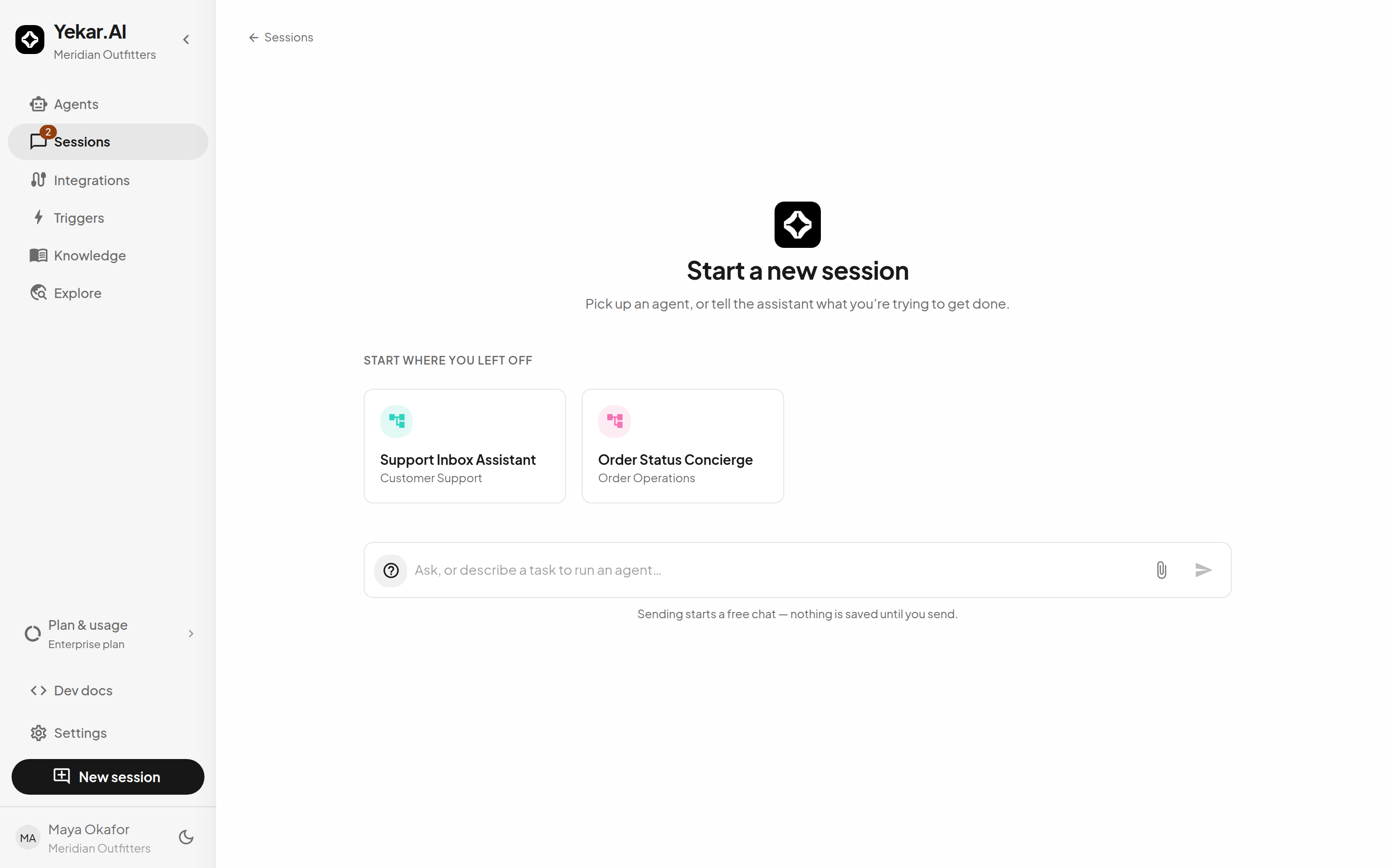
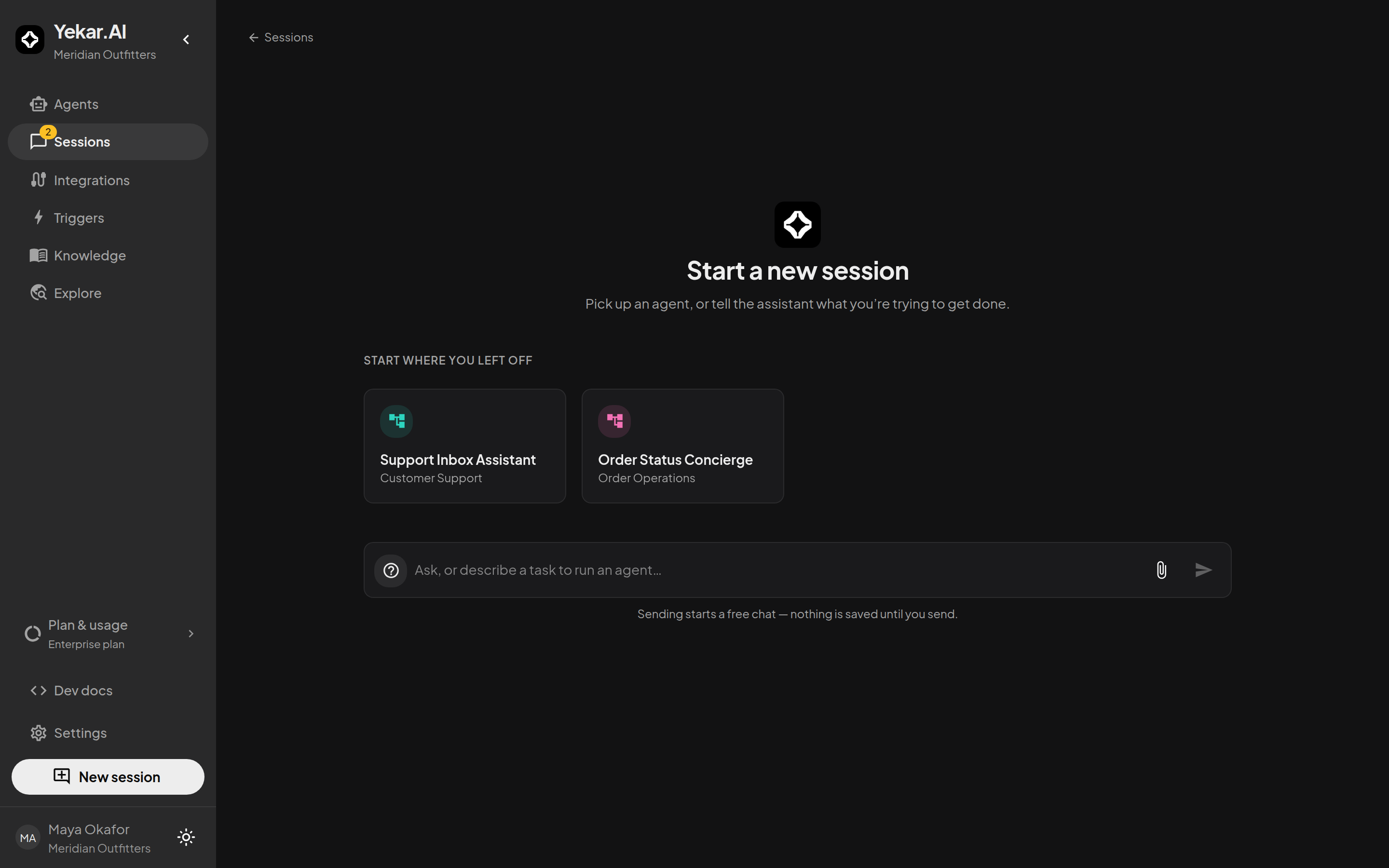
Open one
Select New session at the foot of the sidebar. The page offers two ways in, and you can use either:
- Pick up where you left off. The agents you've been working with sit above the composer. Choose one and your message runs against that agent, its published Setup, its knowledge, and its tools.
- Just start typing. With nothing picked, the assistant handles the conversation itself. Describe the outcome you want and it will work through it with you.
Nothing is saved until you send, so it costs nothing to open the page and change your mind.
What it's good for
- Onboarding a new teammate. They can be useful on day one without learning the builder first.
- One-off work that doesn't deserve an agent. Ad-hoc research, a quick summary, a question about something you already have in Yekar.AI.
- Finding the agent you actually want. Start the conversation, then hand it to a published agent once it's clear which one fits.
Every session started this way is a full session: it appears in Sessions, it records every action, and it can be reopened by people who have access. A chat with no attached agent stays private to its creator, including from organization Owners and Admins. Attaching it to an agent makes it visible to members of that agent's domain. See Session visibility and participation.
Turning ad-hoc work into an agent
A conversation that keeps recurring is a good candidate for an agent. When you notice the same request twice, a domain Editor or Owner can open Agents → New agent and turn the steps you just walked through into a published Procedure - then the next person gets the answer without asking anyone.