Watch everything executing right now
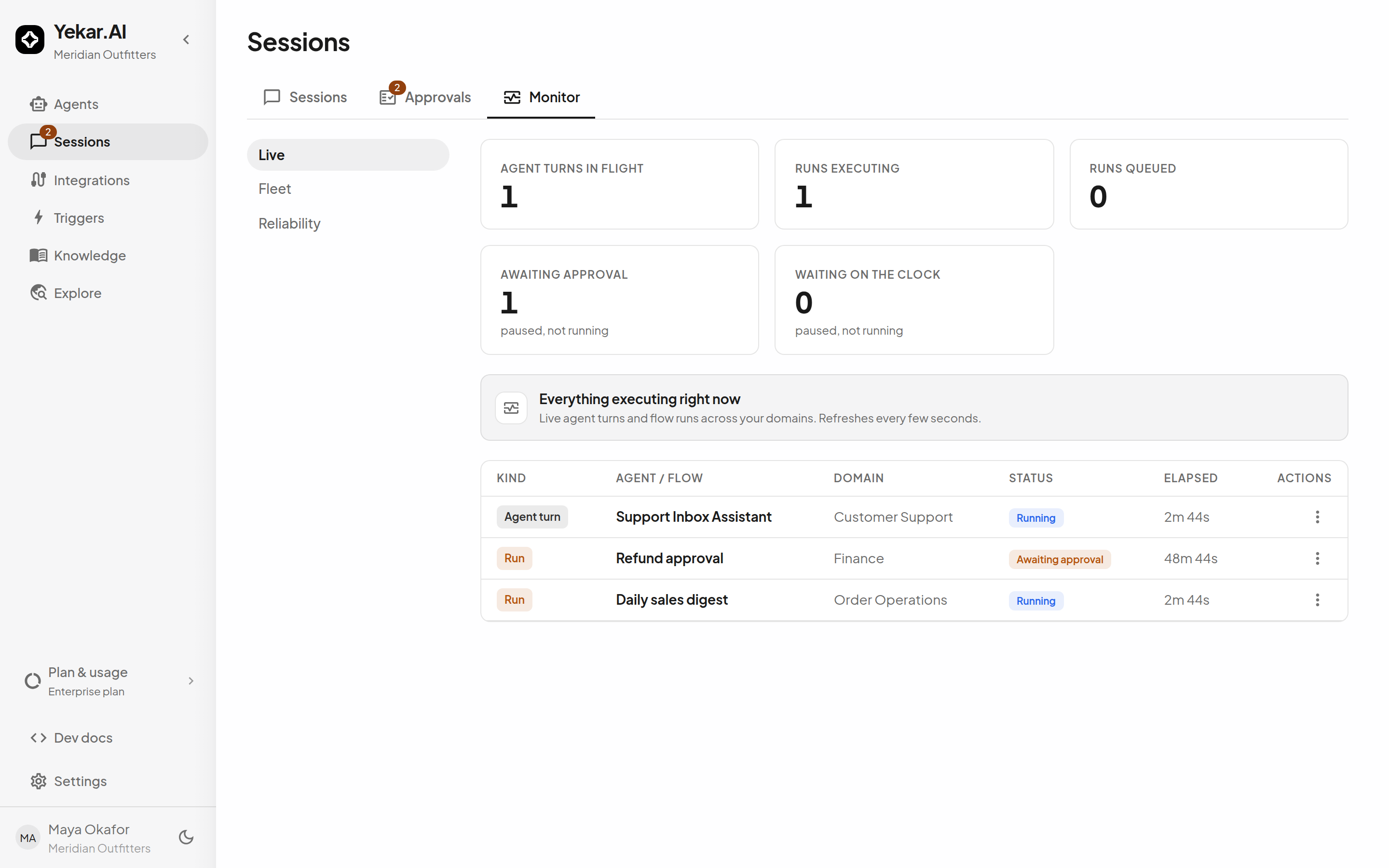
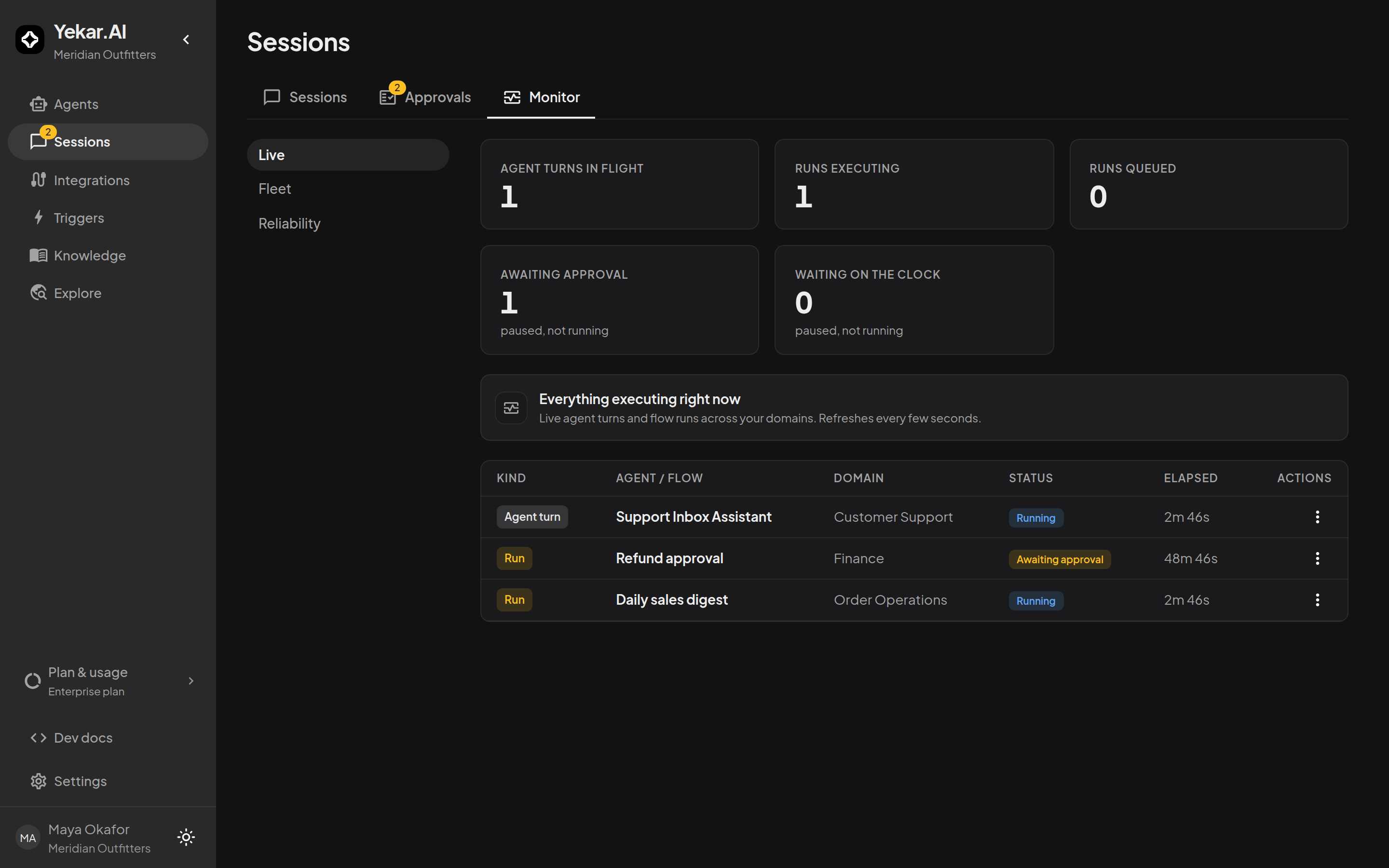
When agents are doing real work, you want one screen that answers "is everything fine right now?" - and a way to step in when it isn't. Sessions → Monitor is that screen: every agent turn in flight and every flow run executing, queued or parked, refreshed every few seconds, with cancel one click away.
Read the tiles
- Agent turns in flight - conversations where a model turn is executing now.
- Runs executing - flow runs executing now.
- Runs queued - accepted, waiting for capacity under their flow's Max concurrent runs.
- Awaiting approval - parked for a human decision; not running, and not counted against that limit.
- Waiting on the clock - parked by a wait step; not running, and not counted against that limit.
The tiles are counted over everything live, not just the rows shown - a large backlog reads as its true size.
Inspect and cancel
Each row links to its session - select Open session to see the conversation or run mid-flight. To stop something, open the row's action menu, select Cancel, and confirm Cancel it. In an active Agent composer, the stop control ends the current turn.
Cancellation uses the same participation check as sending a message: the session's creator/recorded owner or a domain Operator, Editor or Owner can cancel, while other Viewers can inspect the work. A role in a different domain does not grant control here. See Roles and permissions.
Fleet and Reliability
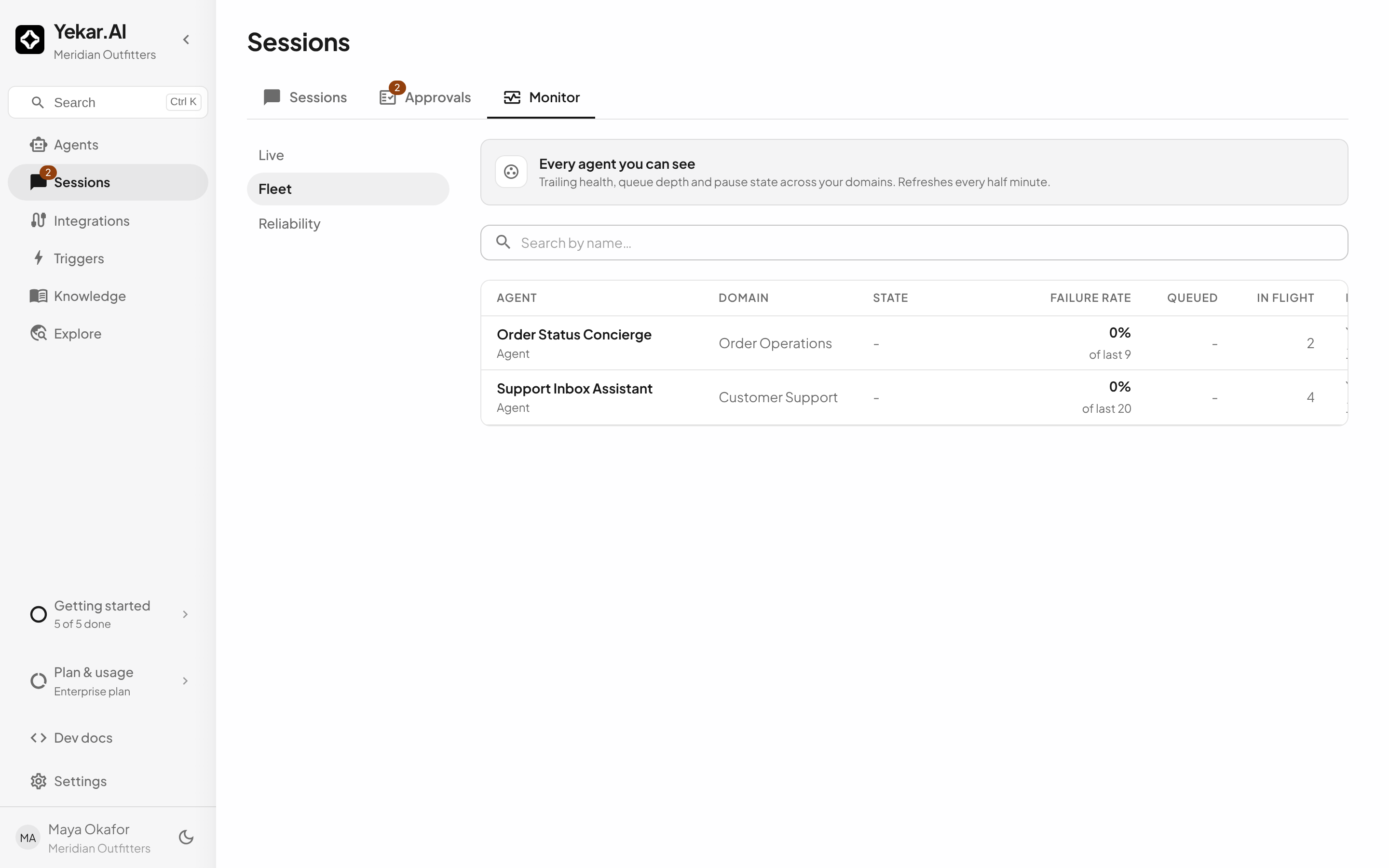
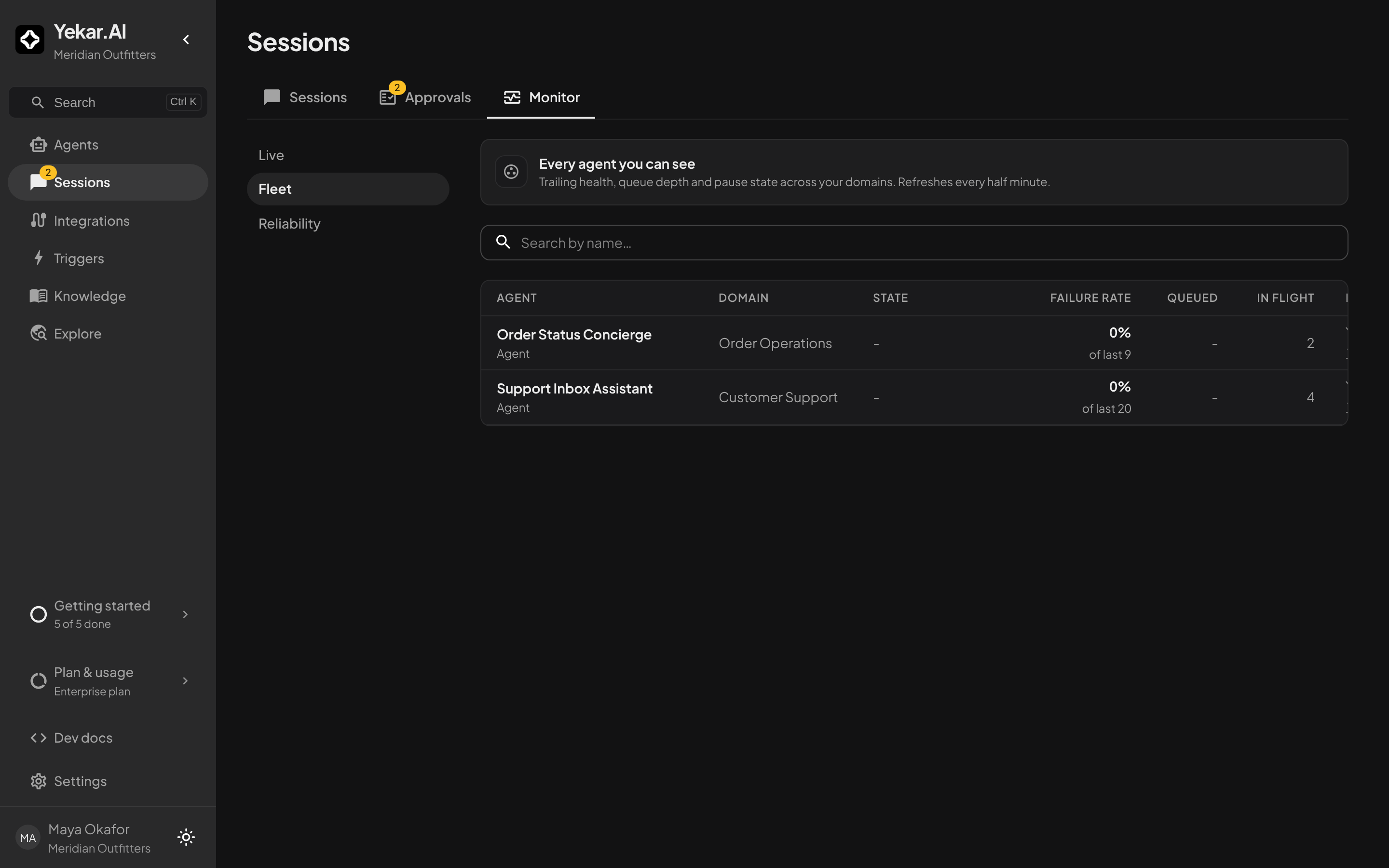
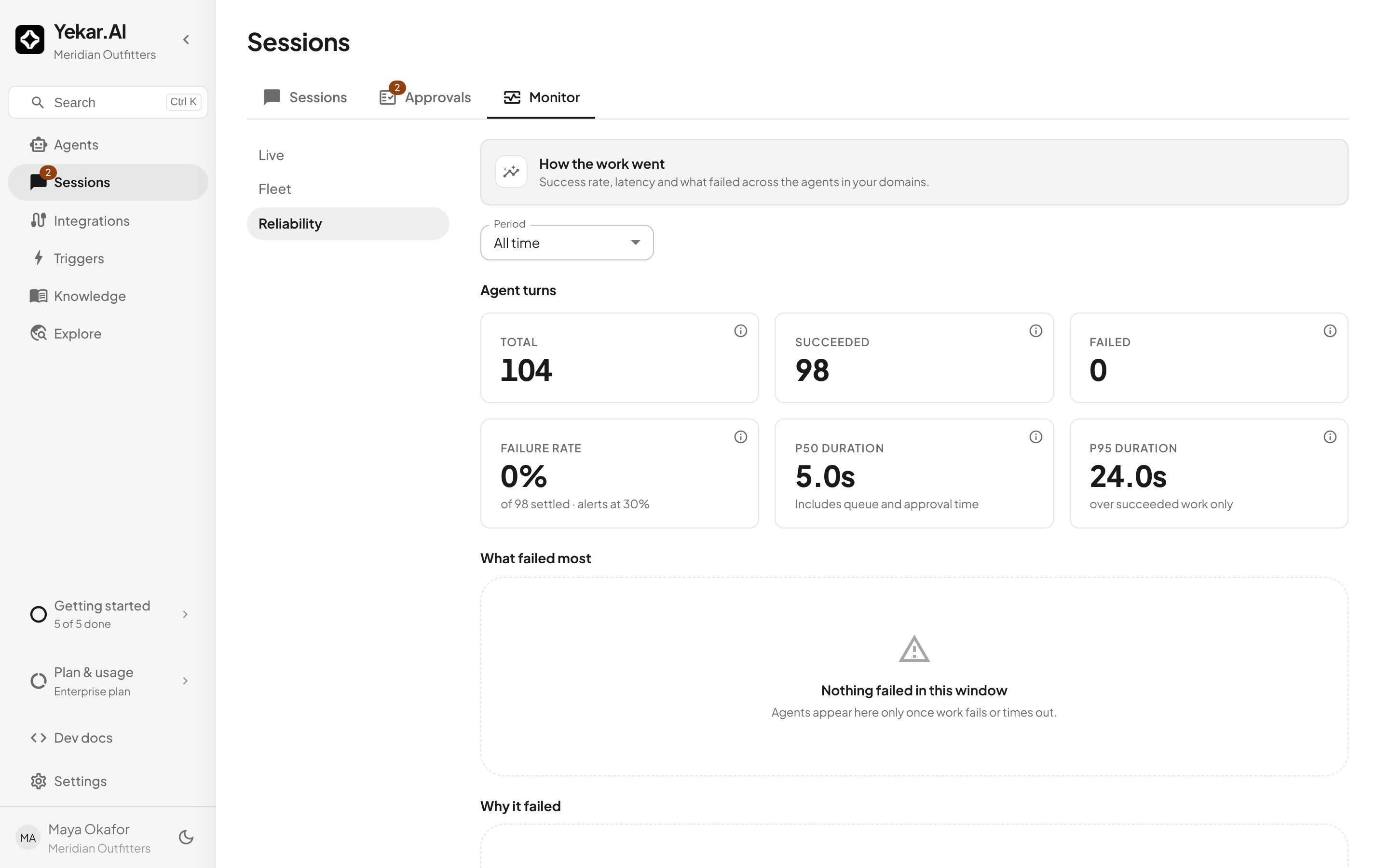
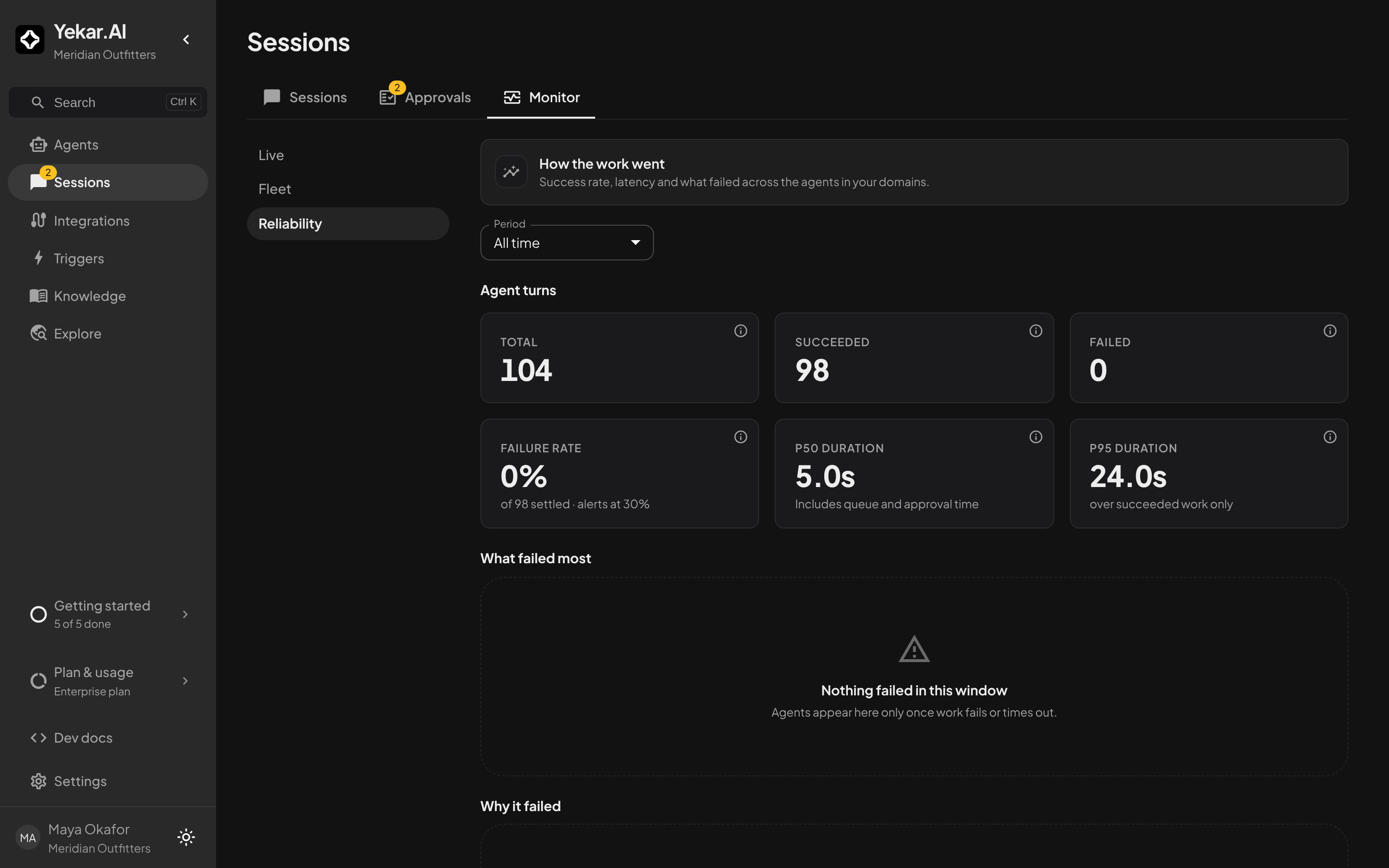
Monitor has three views, each its own page. Live is the table above. Fleet lists every agent and flow you can see with its state - Alerting, Paused or Draining - its failure rate, how many runs are queued and in flight, and its last run; a row opens the flow's run history or the agent's page. Reliability reports how the work went over a Period of 7, 30 or 90 days, or all time: total, succeeded, failed, failure rate and p50 / p95 duration for agent turns and flow runs, the agents and flows with the most failures and when each last failed, and a breakdown by error code. All three read through your domain memberships, so their counts never contradict each other.
Capacity limits
An agent or flow's published Max concurrent runs setting governs every new live or test execution. Flow capacity counts runs stored as queued or running; terminal runs and top-level runs parked in waiting or awaiting approval do not count. Polling runs and Flow parents with active or parked branches remain running, so they continue to count.
The limit uses the published setting even when Test run exercises a draft - raising the limit in a draft does not take effect until that Setup is published.
Tips
If work sits in Runs queued, the runs already executing are using that flow's concurrency - finish or cancel them, or raise its Max concurrent runs and publish. A run stuck in running after a failure keeps counting against the same limit until it settles; cancel it from Monitor. See Troubleshooting.