Files in a conversation
Drop a screenshot, a PDF or a spreadsheet into the composer and the agent gets it with the message. Images reach the model as images; documents are read into text first; anything the agent produces comes back the same way.
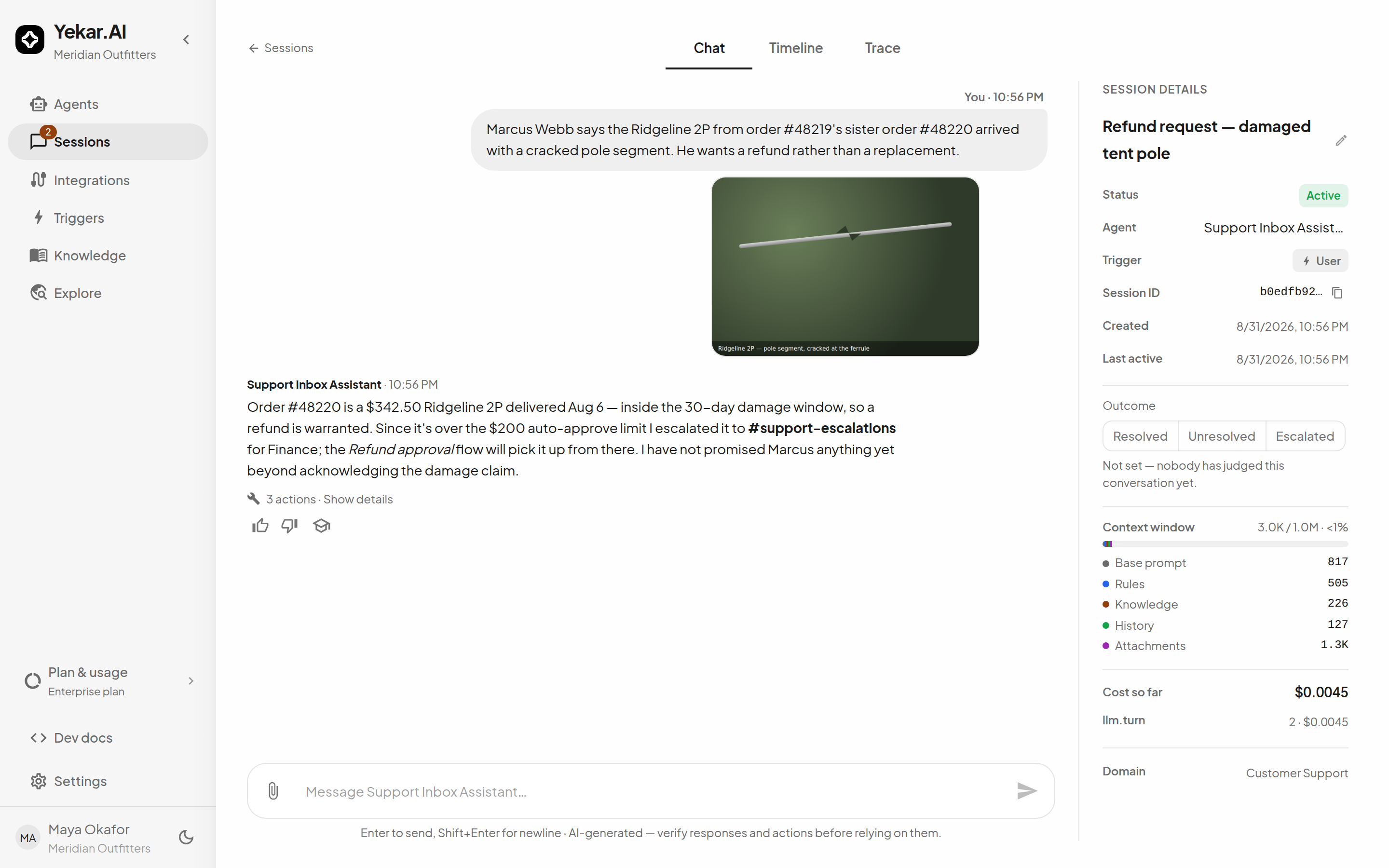
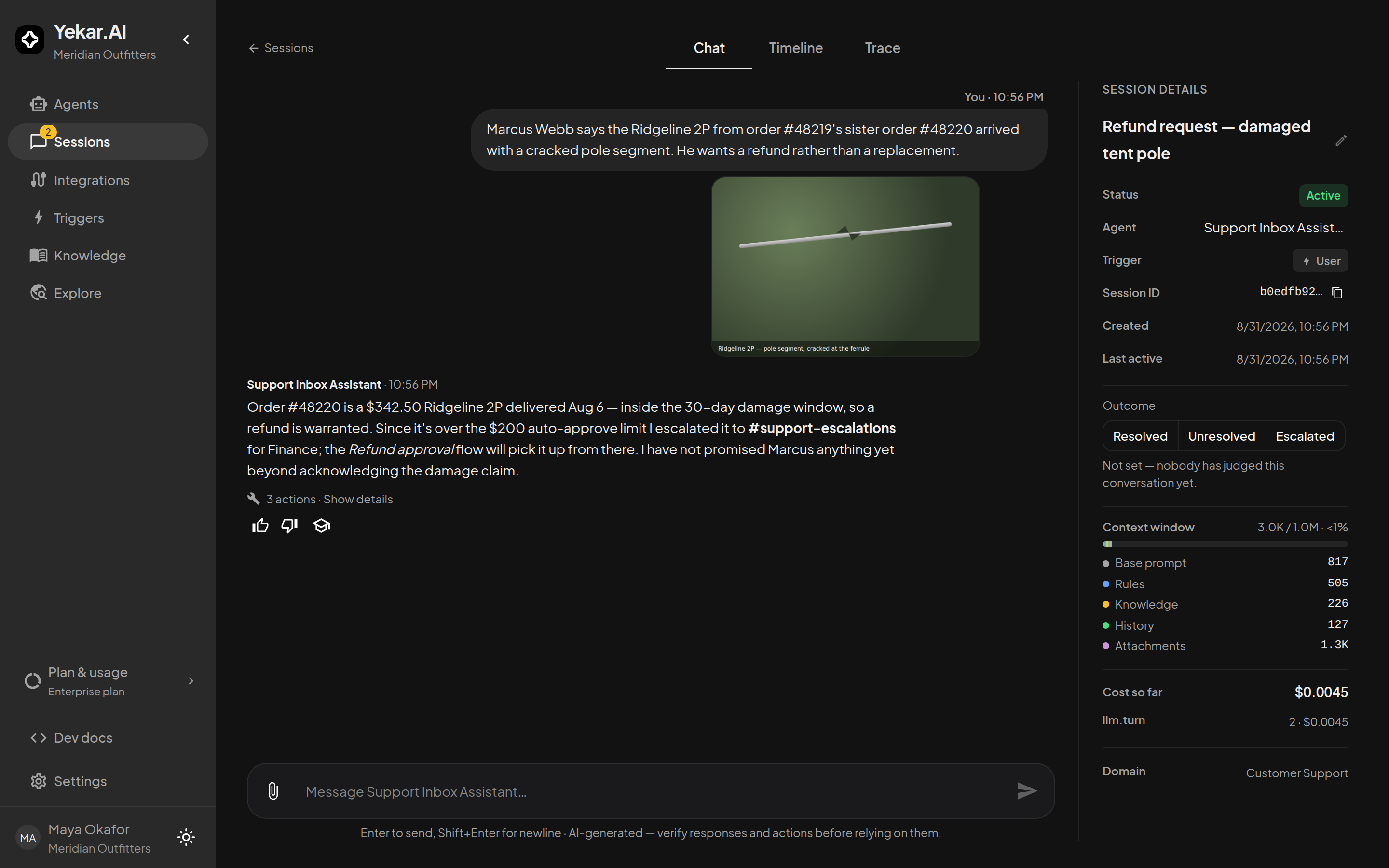
Uploading an attachment requires permission to participate in the session. Anyone who can view the session can inspect and download its existing attachments. The same domain and personal-chat privacy rules apply to files and transcripts; see Roles and permissions.
What you can attach
| Kind | Types | Limit |
|---|---|---|
| Images | PNG, JPEG, GIF, WebP | 10 MB each |
| Text | plain text, CSV, Markdown, JSON | 10 MB each |
| text and scanned | 32 MB each | |
| Documents | Word, Excel, PowerPoint | 10 MB each |
| SVG | stored and downloadable, never rendered inline | 2 MB |
Up to five files per message, by the paperclip, by pasting, or by dragging onto the composer. A file uploads the moment you add it, so Send stays instant; remove it before sending and it is swept after a day. A message may be files alone. Video and audio cannot be uploaded; they exist only as something an agent generates.
A file over its ceiling is refused with FILE_TOO_LARGE, and the message names the limit for that type - a 12 MB PNG is refused at 10 MB while a 12 MB PDF is accepted.
What the model sees
Images are shown to the model as images, when the model accepts them. Only the four most recent image-bearing messages are fed as pixels; older images become a note naming the file and inviting the agent to ask for it again. A model without image input skips the image and the message says so, naming the model. Each image costs the turn roughly its pixel count divided by 750 tokens, shown under Attachments in the context meter.
Text files are inlined into the message verbatim. Documents are read after upload - the text of each PDF page, the computed values of a spreadsheet, the text of a deck - and inlined when the result is under about 16,000 characters.
A larger document reaches the agent as a document card: its name, page count, how it was read, its outline and the start of page 1, and the fact that this is not the whole document. The agent then reads what it needs with two tools that only ever see this conversation's documents:
- read_document reads a page range (up to 20 pages at a time) or, for a document without pages, the next stretch of text, and says where to continue.
- search_document finds the passages that contain what the agent is looking for and names the page each one is on, so the answer can cite it.
Pages that are mostly pictures - a screenshot, a chart, a scanned form - are detected when the PDF is read. On a model that accepts images, up to four such pages from a newly attached PDF are shown to the agent as images alongside the message, and the agent can ask to see any page as an image with read_document. A model without image input is told it cannot see them instead.
On a model that reads PDFs natively - Claude, OpenAI's and Gemini's models through their own providers, and those three through OpenRouter - a small PDF - up to 20 pages and 10 MB - attached to the newest message is sent whole: the model sees every page as both text and image. Larger PDFs, and PDFs on other models, take the card-and-tools path above.
If a turn starts before the reading finishes, the agent is told the file is still being read rather than shown nothing. A password-protected PDF cannot be read, and the agent is told so; remove the password and upload it again.
A PDF page with no text layer is a scanned page. In a conversation up to fifty such pages are read with a vision model on your organization's key, behind the same budget checks as a turn, each in its place in the page order, and the result says how many pages it read. In the knowledge library the same reading is priced and confirmed first - see Documents.
Credentials found inside a file are scrubbed from what the model is shown and from the extracted text that is stored; the file you uploaded is never modified.
What the agent sends back
A tool that produces a file - a generated image, a rendered report, a video from a media tool - attaches it to the reply under the same rules: five per turn, the same size ceilings, a note in the result for anything that could not be stored. Generated video and audio are stored and downloadable, never read back into the model.
A document a tool downloads - an email attachment, a Drive or OneDrive file, a PDF an HTTP call returned - is read just like an attached one, and the agent opens it with read_document by the file id the tool returned. Text the agent reads from a document it did not get from you is treated as untrusted content: instructions written inside it are not followed.
Where files live
Images open inline in a lightbox; other files download through temporary links. Files are deleted with their conversation. If attachments are unavailable (STORAGE_UNCONFIGURED), contact Yekar.AI for help.
Over the API
Upload first, then send: POST /sessions/:id/files (multipart, one part named file) returns a file id; POST /sessions/:id/messages takes fileIds beside content. Whoever may chat in a session may put a file in it. A session started by a trigger, a schedule, or the agent API carries a message string only - files enter a conversation through the upload route alone. Produced files announce themselves on the session stream as file.added. See the API reference.