Group articles into modules
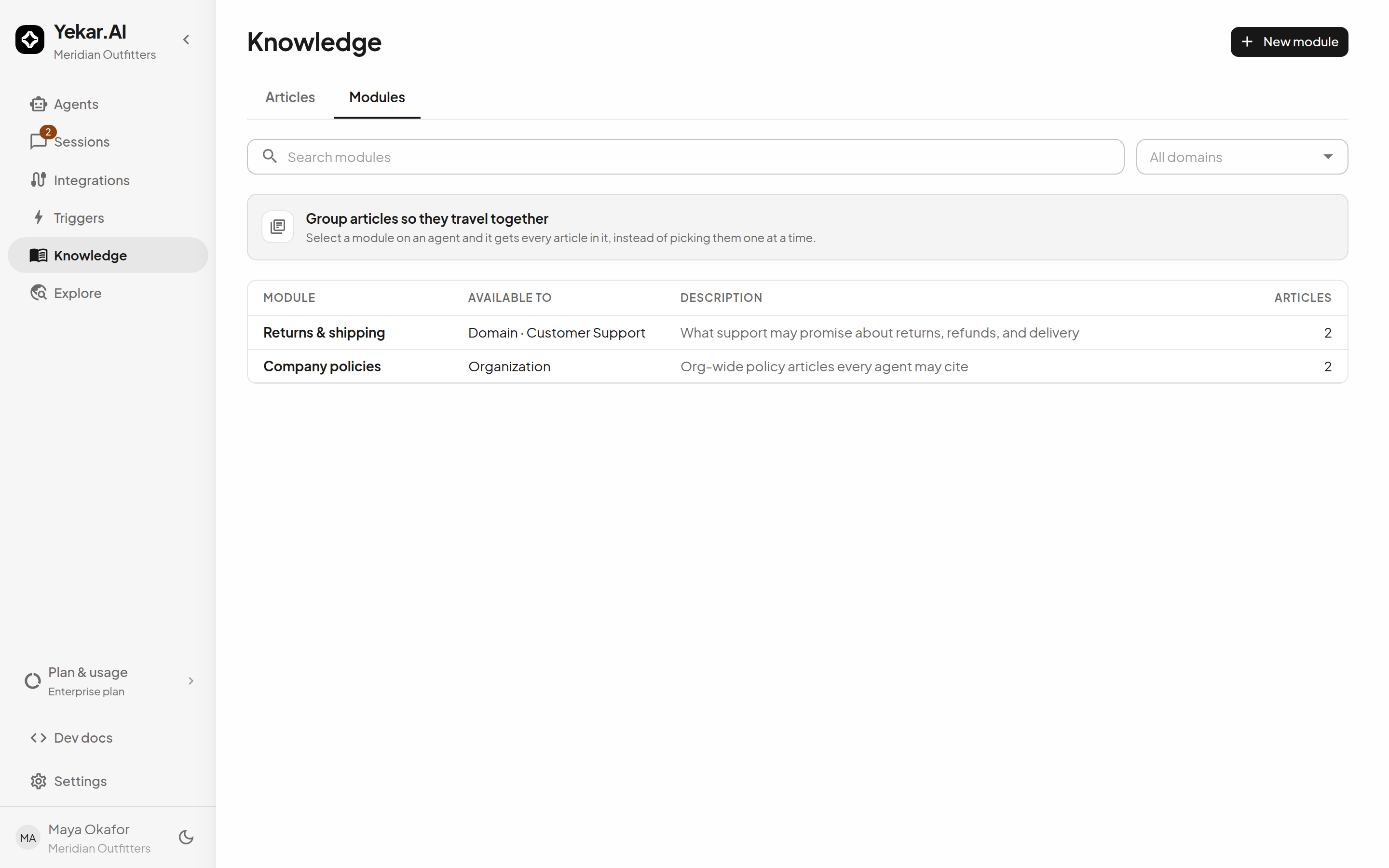
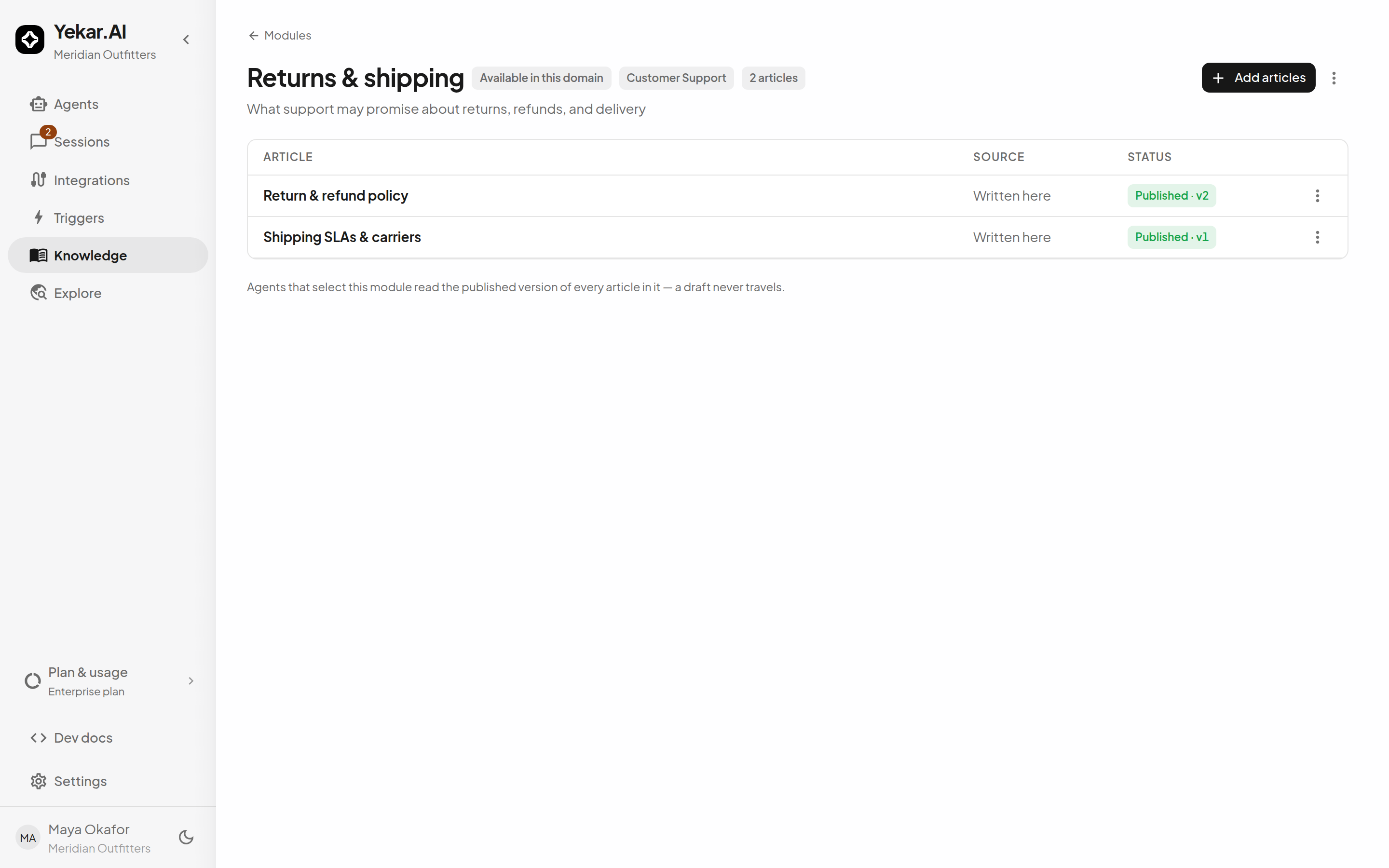
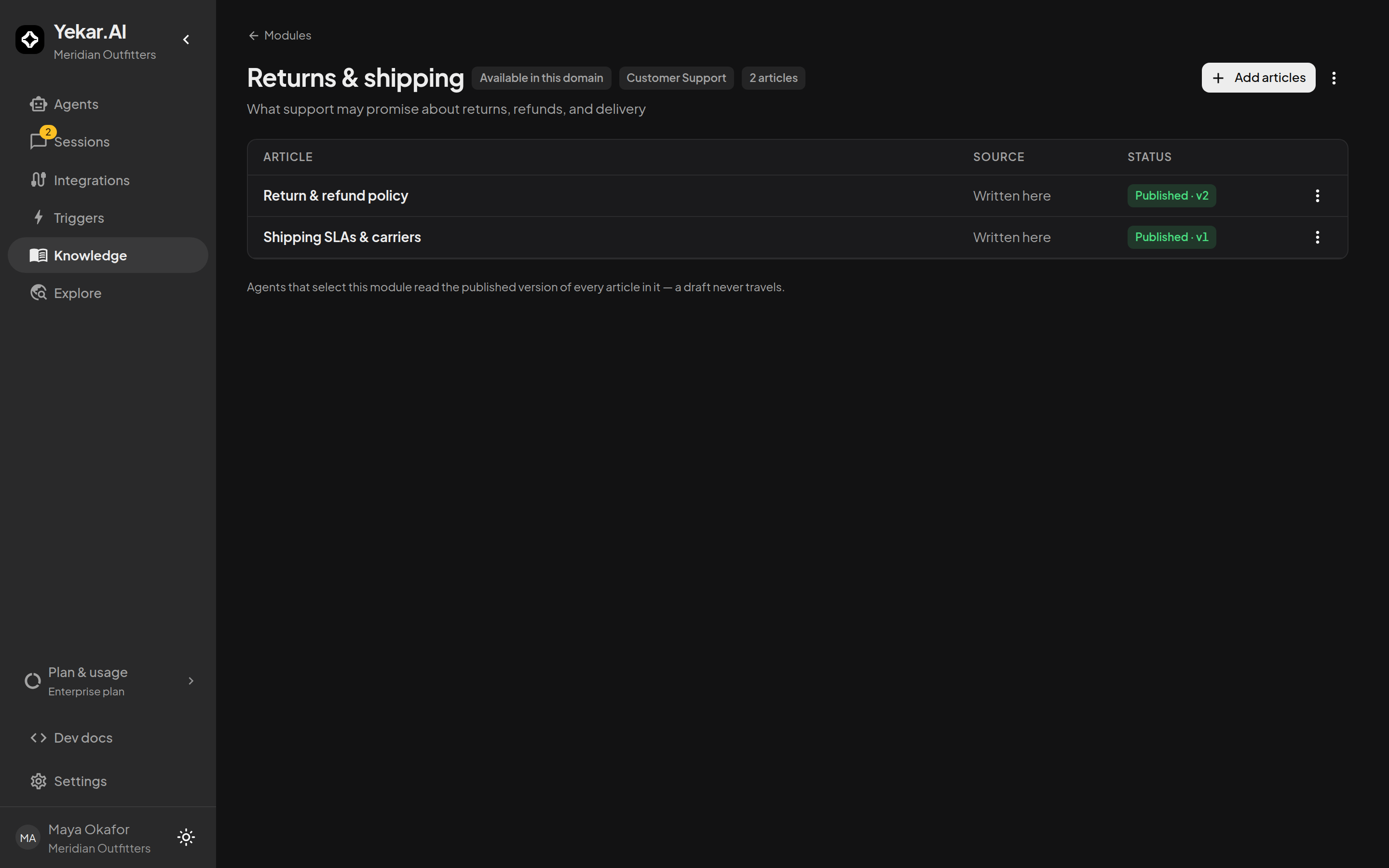
A module is a reusable selection of published articles - "Returns & shipping", say - that an Agent binds as one unit. Bind the module, and the Agent receives every article in it; add an article to the module later and every binding picks it up. That indirection is the point: curate once, and the agents that depend on the topic stay current without editing each one.
Domain and org modules
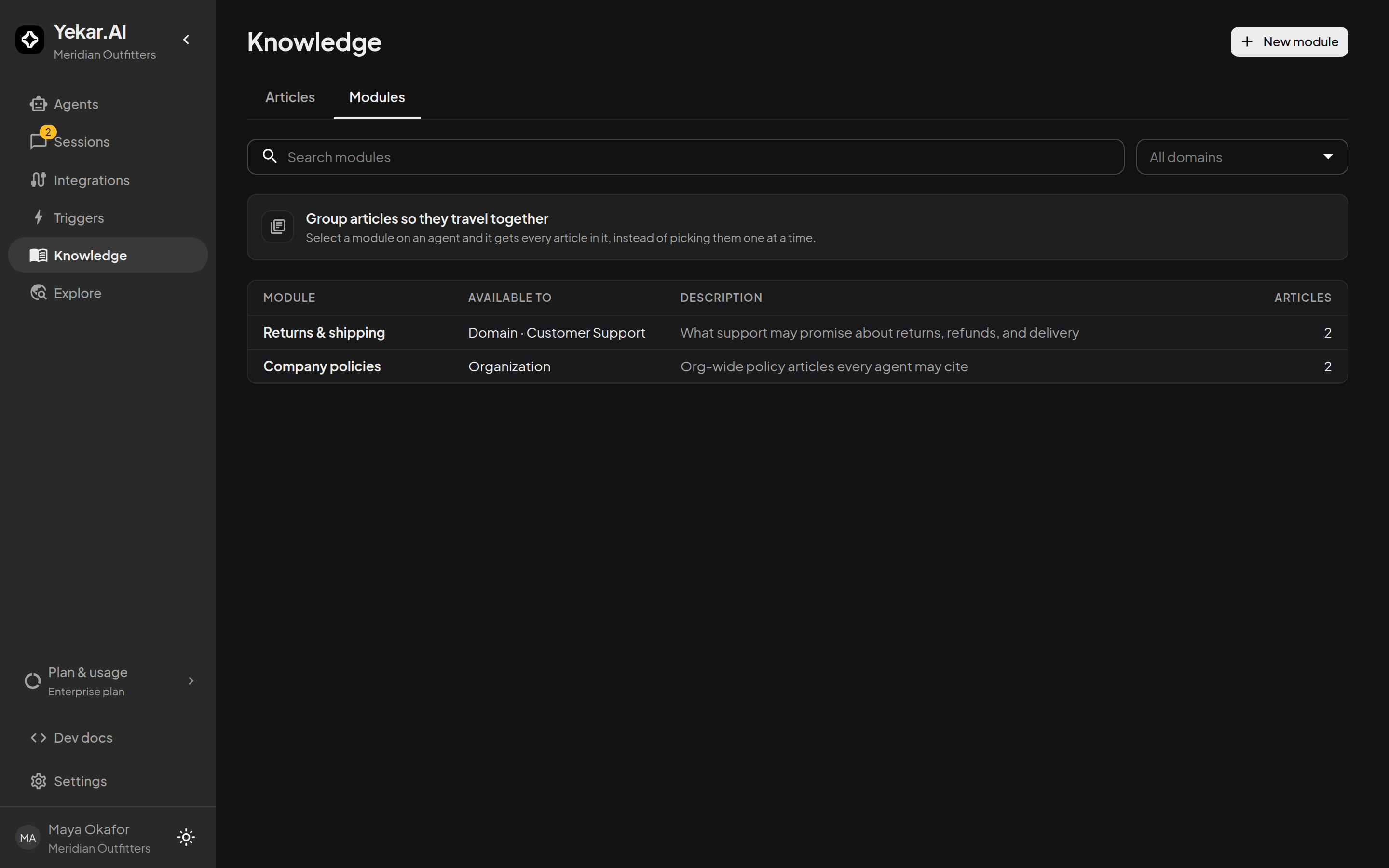
- A domain module belongs to one domain and is what agents in that domain pick under Specific modules.
- An org-wide module is curated by an organization admin and available across domains.
Modules provided by Yekar.AI
Some modules are written and kept up to date by Yekar.AI - reference knowledge that is useful to many organizations, and the same for every one of them. They are not part of any organization's knowledge: every workspace can read them, none can change them, and nothing of yours is visible through them to anyone else.
Where you see them. On the Modules tab of Knowledge they are listed beside your own, with Provided by Yekar.AI in the Available to column where a domain module names its domain and an org-wide module says Organization. In an agent's knowledge drawer, Specific modules groups them under a Provided by Yekar.AI heading, after This domain, so you can tell at a glance whose material an agent is bound to. Opening one of its articles shows a notice saying it is provided by Yekar.AI and cannot be edited here.
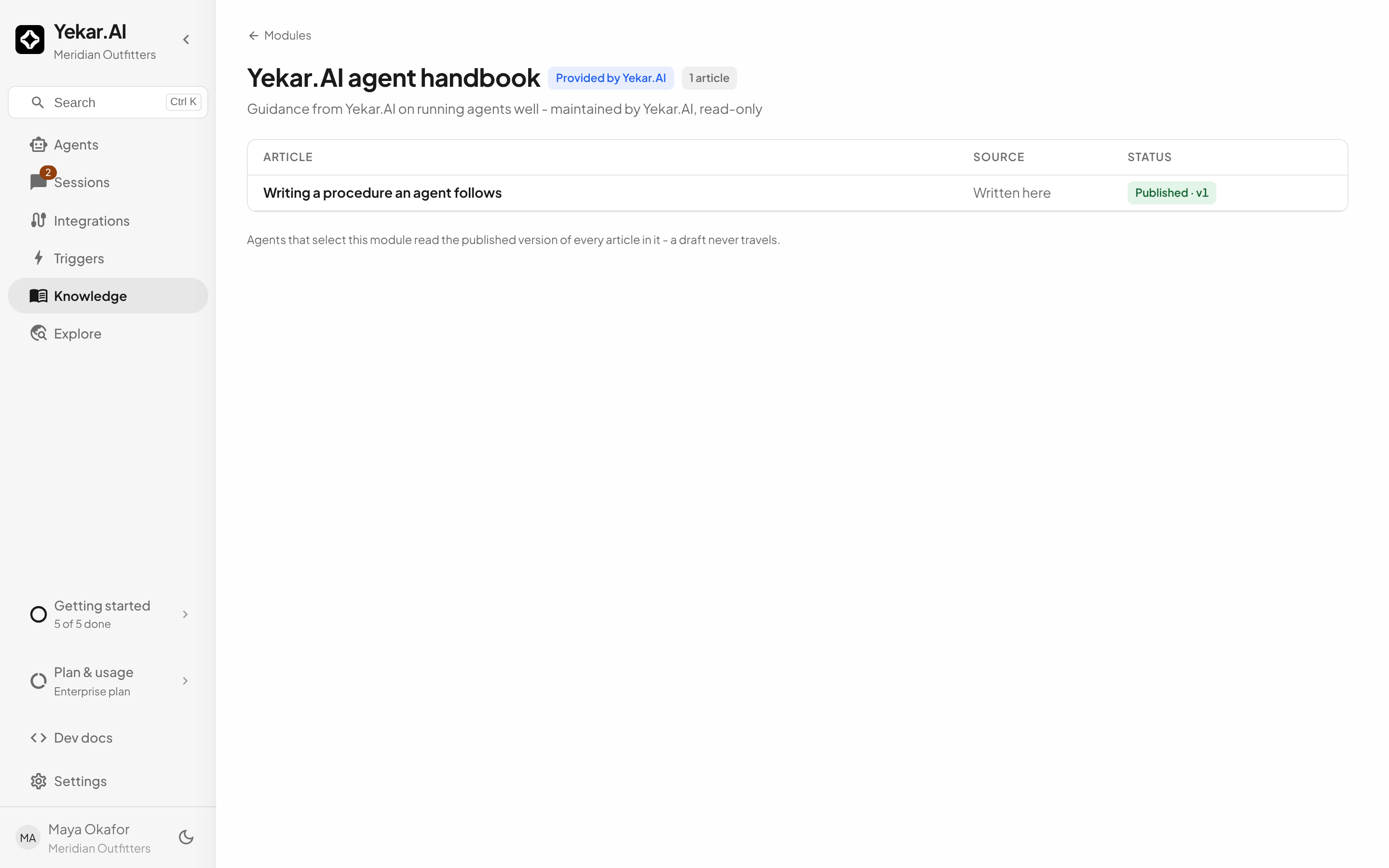
What an agent does with them. Any agent can select a provided module exactly as it selects one of yours; it then searches the module's articles alongside its other knowledge and cites them the same way. Only published articles are in a module, so what the agent reads is what Yekar.AI has released. When Yekar.AI updates an article, the agent sees the new text on its next search - there is nothing to re-bind.
What you cannot do. You can open and read these modules and their articles, but you cannot edit, publish, archive, move or delete them, add your own articles to them, or change which domains they are offered to - Yekar.AI maintains them. They are not stored in your workspace and are not counted in your knowledge limits.
If Yekar.AI withdraws one. A module Yekar.AI retires disappears from the picker and the list once it holds no published article, and an agent that had selected it simply finds nothing there: the agent keeps running on its remaining knowledge, and nothing in its Setup has to change.
Only published articles can join a module - a module can never smuggle someone's draft into an agent's context.
Curate deliberately
A module is a promise about scope: an agent bound to Returns & shipping answers from returns and shipping material, not from whatever happened to be in the base. Keep modules topical and small; prefer two focused modules over one catch-all. When an article stops belonging, remove it from the module - every binding updates at once.
Tips
If an article won't add to a module, it isn't live yet - an uploaded document must reach Active, a written article must be published. If an agent bound to a module doesn't see a new article, confirm the article was added to the module (base membership alone is not a binding). See Using knowledge in Agents.