Bring your own integration
The system that matters most to your business is usually the one nobody builds connectors for - the in-house warehouse tool, the internal pricing service, the vendor with an API and no partner programme. Yekar.AI treats those as first-class: describe your own REST API as tools, or import a running MCP server, and your agents use them exactly like Gmail or Stripe. Both live under Integrations → Built by you and behave like any other integration once defined - connections, identities, approvals, and audit all apply.
Two ways to create one
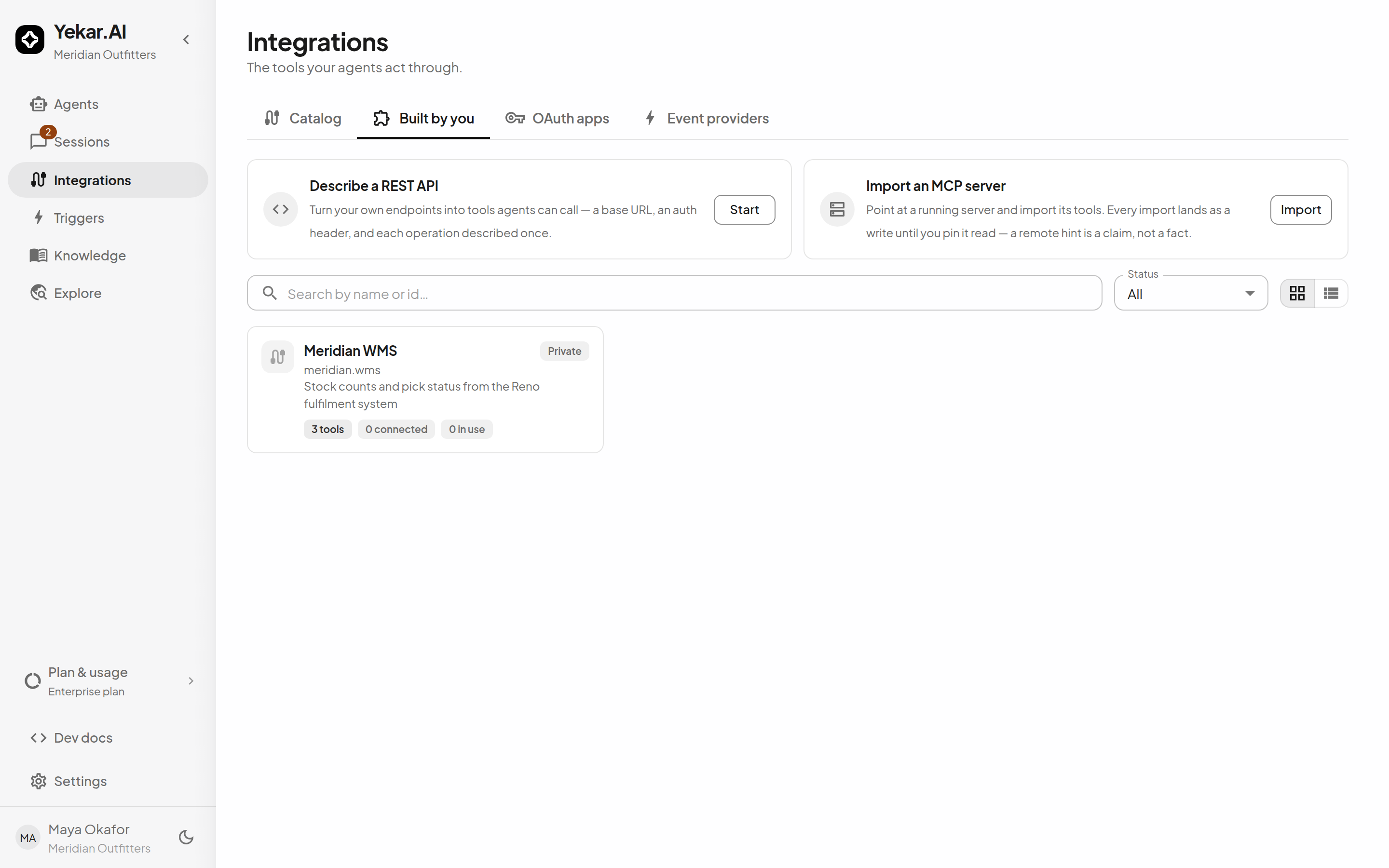
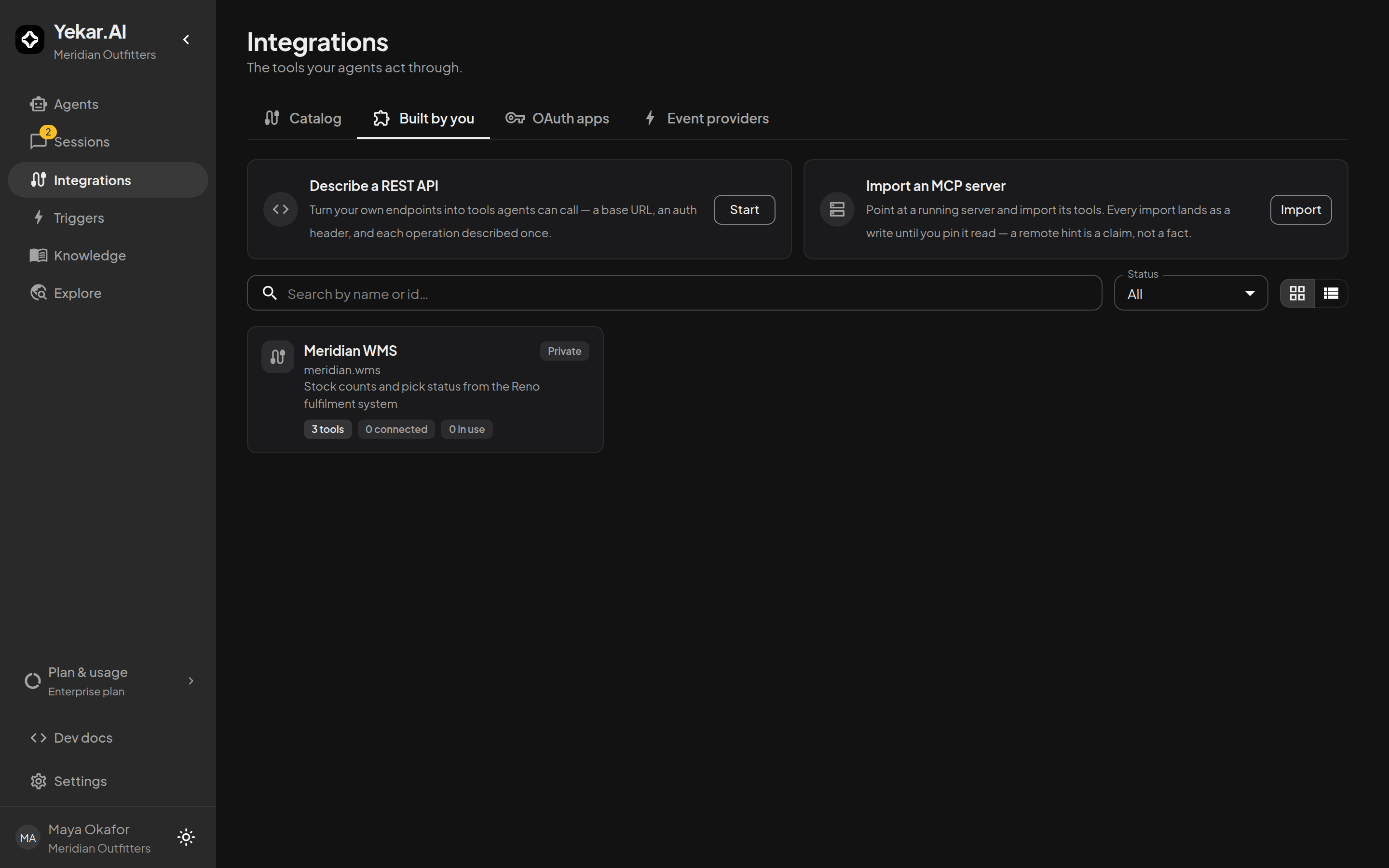
From Integrations → Built by you, choose:
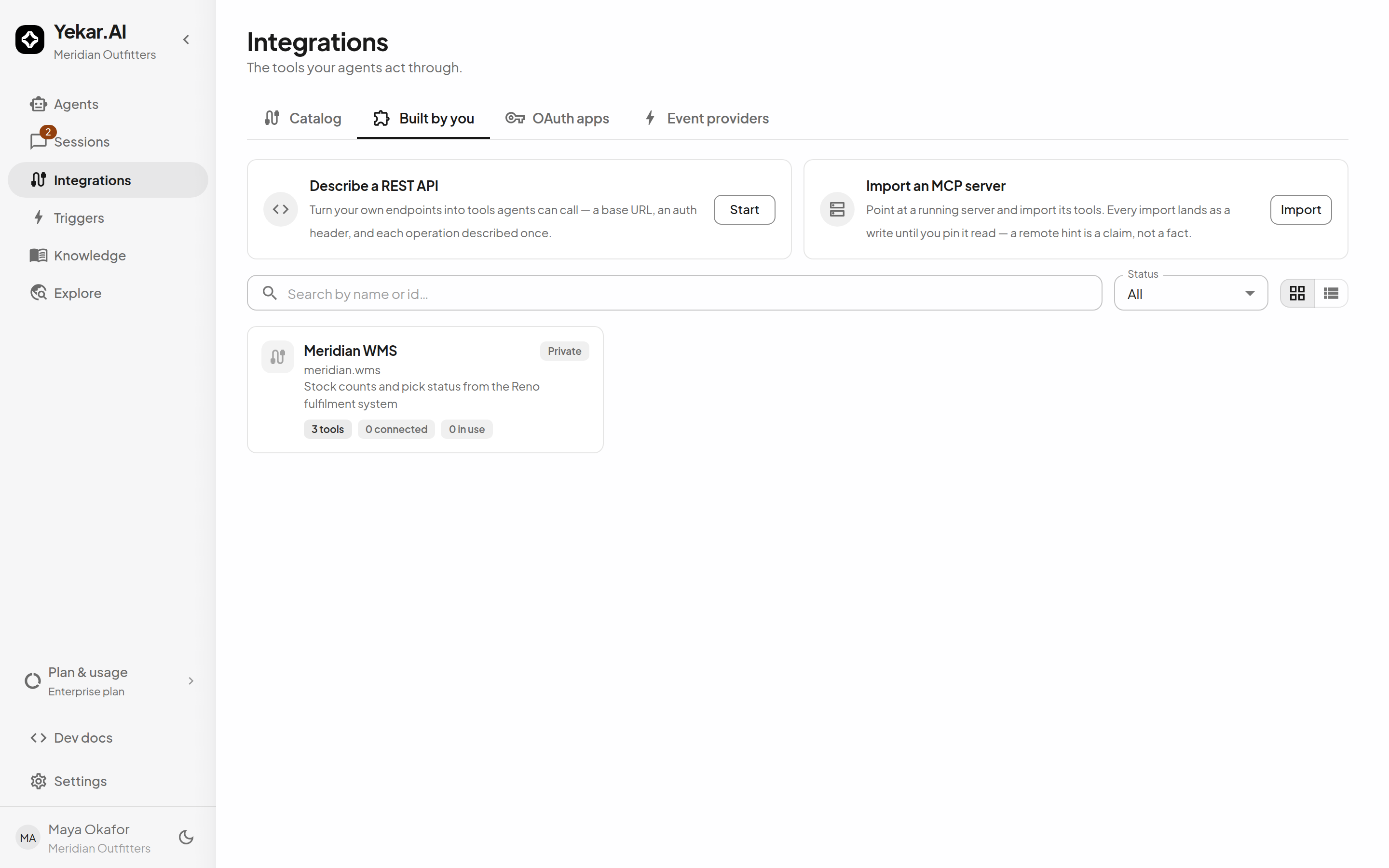
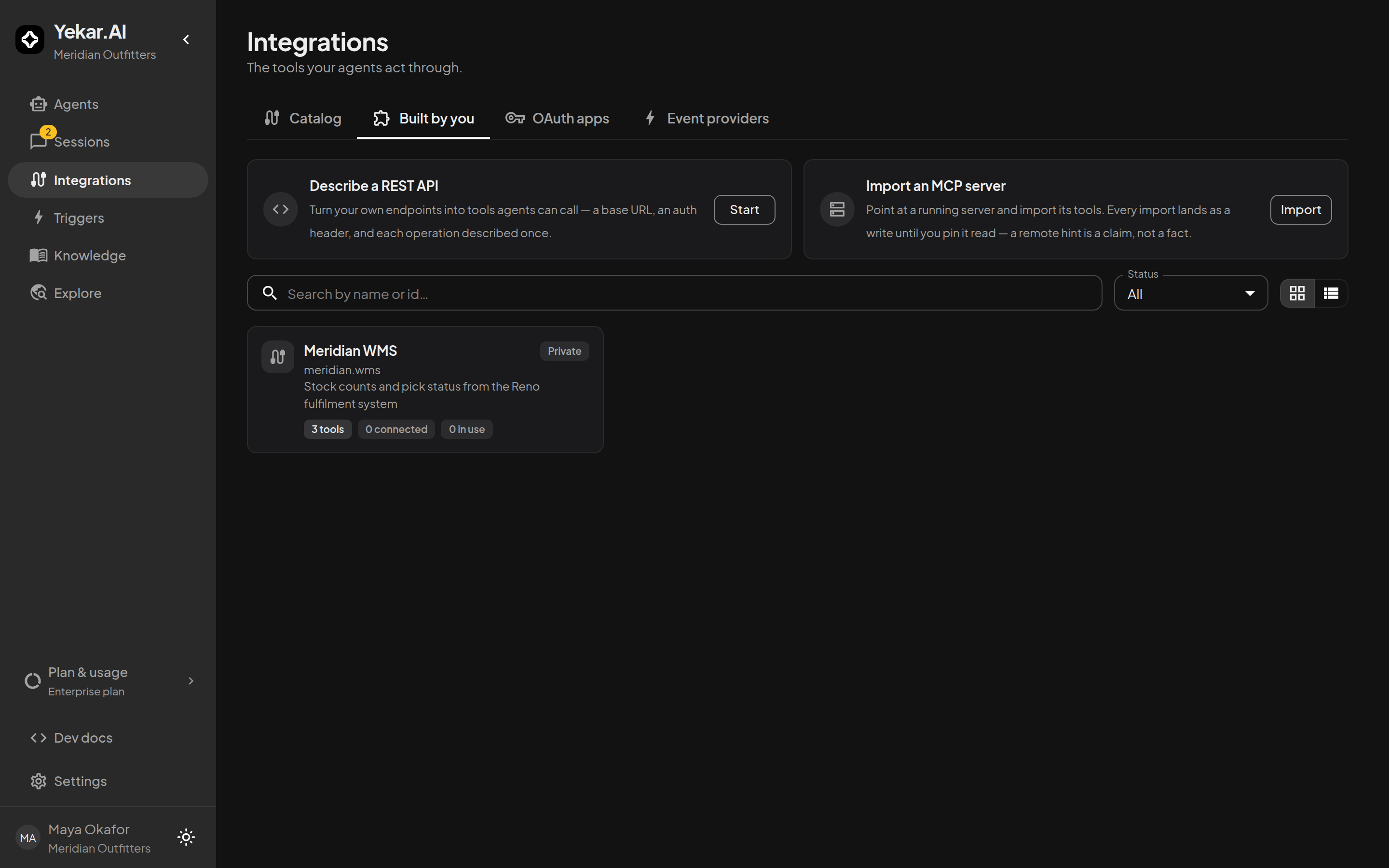
- Describe a REST API (Start) - describe your own REST endpoints as tools: the connection's fields (properties and secrets), and each tool's method, path, and typed inputs.
- Import an MCP server (Import) - import a running Model Context Protocol server's tools, then pin each one's read/write nature.
A defined integration is private to your organization until Yekar.AI reviews it for wider release. Namespaces make ownership visible: defined integrations are identified as <publisher>.<name>, distinct from the shipped yekar.* catalog.
HTTP API definitions
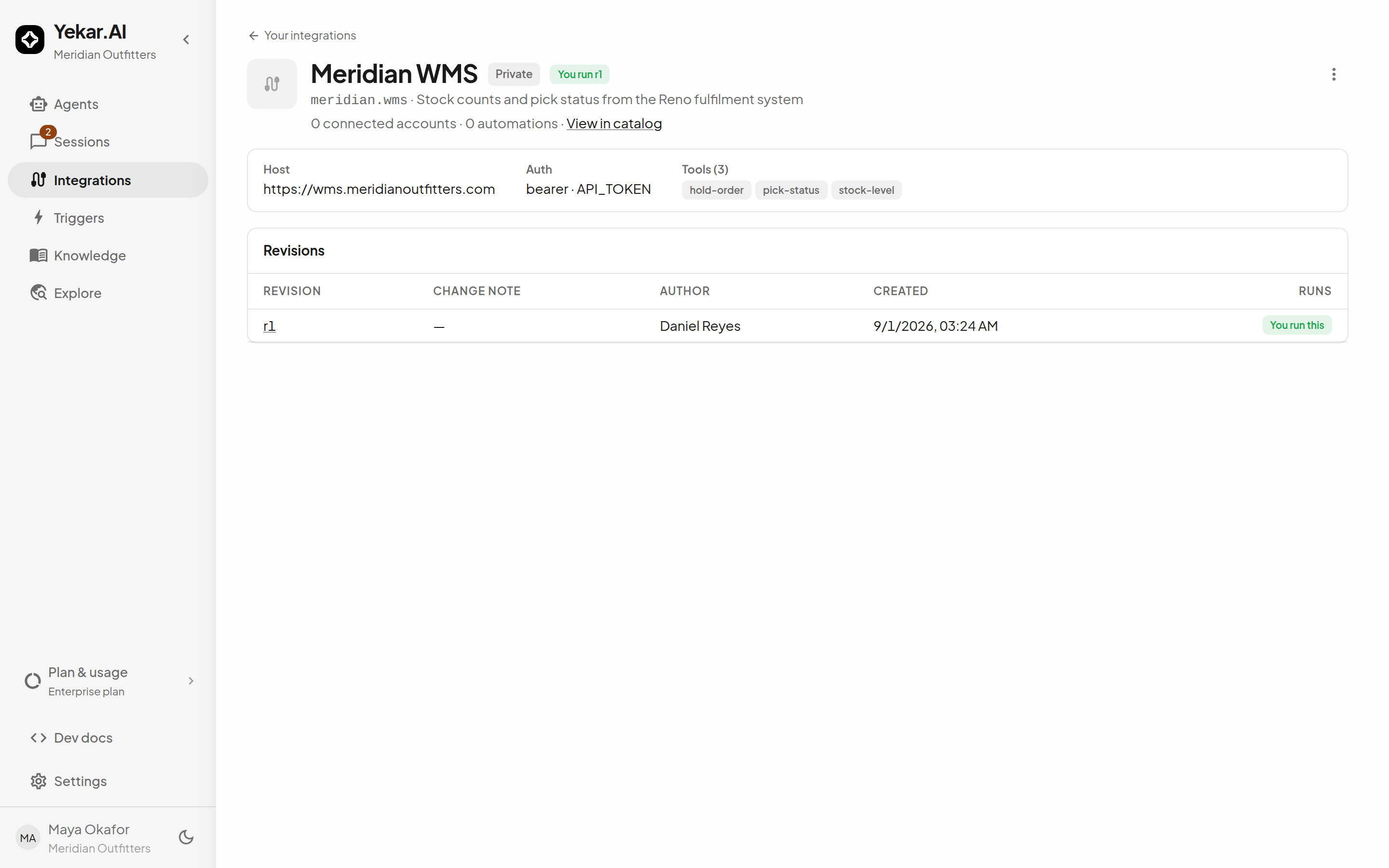
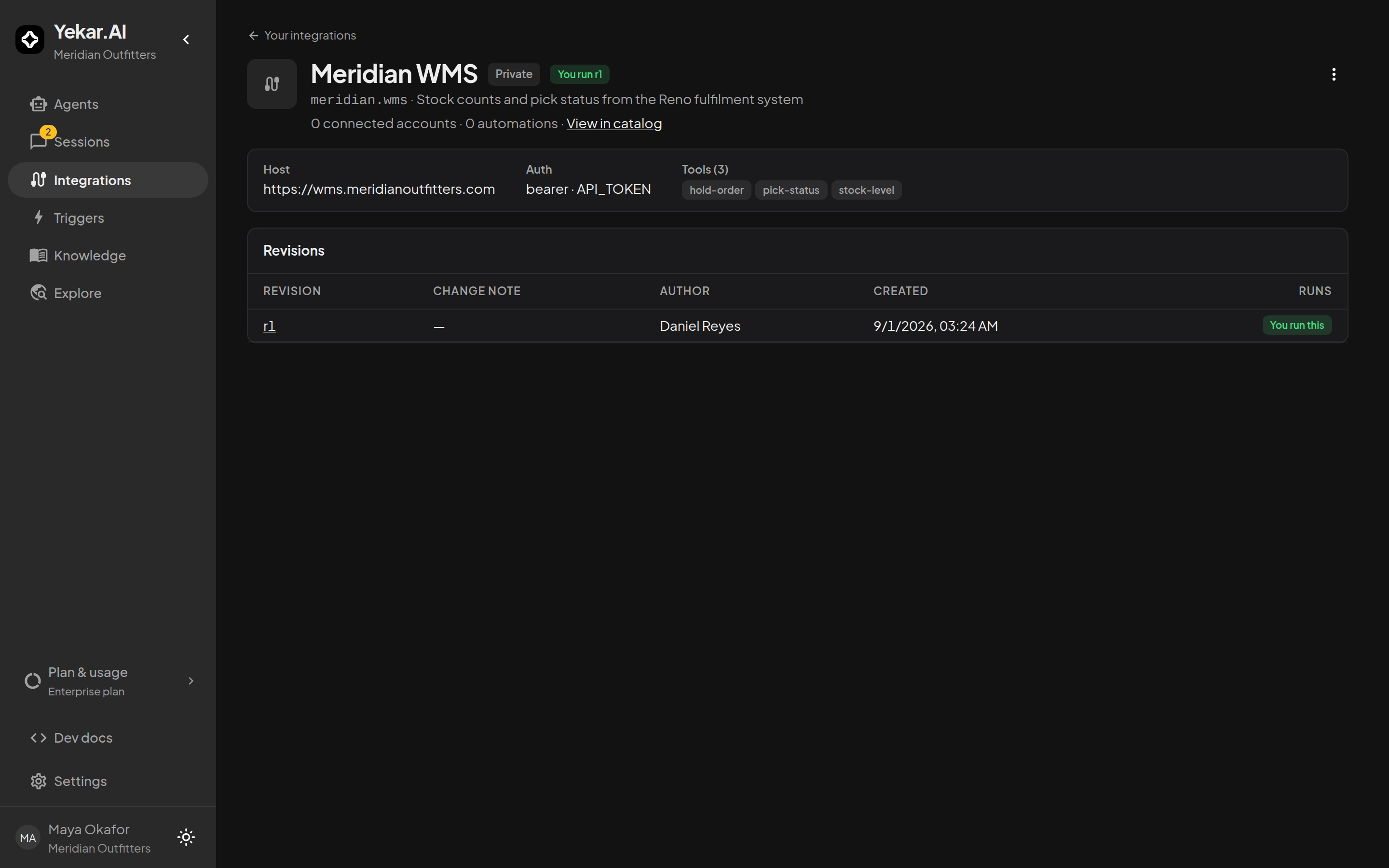
A definition declares connection fields and tools; agents reference the tools with # exactly like catalog tools, and Flows call them as steps. Definitions are versioned as append-only revisions - editing creates a new revision, and you choose when it becomes the one connections use. Reviewed definitions may be shared with specific organizations or made global, according to the grants they receive.
Import from MCP
The MCP import connects to the server, discovers its tools, and synthesizes a definition:
- Enter the Server URL (its Streamable HTTP endpoint) and, only if the provider gave you one, an Access token - with an Auth header name if the server expects something other than a Bearer
Authorizationheader. The token reads the tool list and is not stored, which is why a re-sync asks for it again; the organization connects afterwards through the ordinary connection flow. Leave it empty for open servers and for servers you sign in to. - Review the discovered tools and complete the import. Large servers are supported (up to 200 tools per definition).
- Re-sync later from the integration page's action menu (Re-sync from the MCP server…) to pick up server changes. The result says how many tools were added, removed and kept and how many pins were preserved - pins carry over by tool id, so a renamed tool comes back as a write until you pin it again.
Servers that sign you in
You are never asked how a server authenticates - paste its URL and press Import tools. A server that answers with its tool list is imported. One that asks for a sign-in instead turns the drawer into the sign-in step: it shows what it found - Authorization server, Scopes, whether Dynamic client registration is supported, and what Tokens are issued for - and one button, Sign in and import. Yekar.AI registers itself with the server when you sign in, so there is no OAuth app to configure and nothing to paste. You are sent to the server's own sign-in page and the import happens on the way back; you land on the integration's page, whose pins section is the review step for an import made this way, and its authentication reads OAuth sign-in · server.
Two things differ from a pasted token. Your sign-in is kept as your own connection to the integration - it is what a later re-sync reads the tool list with, and the drawer offers Sign in again when it has expired - and each person who will use the tools connects their own account from Integrations with My account selected under Acting as. There is no team account for such a server, so agents reach it only when set to run as the person using it. And on this path a tool the server marks read-only starts as a read rather than a write - a default your pins override in either direction.
Some catalog integrations are MCP under the hood
A few shipped integrations reach their vendor through MCP rather than a REST API - CrowdStrike Falcon (against a falcon-mcp deployment you run), Granola (against Granola's own hosted server) and SignalHire (MCP) (against SignalHire's own hosted server). Those are typed façades: the remote tools they call are pinned in Yekar.AI's code, which is what lets their reads register as reads instead of inheriting the everything-is-a-write caution below. You connect them like any other catalog integration; no import is involved.
Imported tools are writes until you say otherwise
An MCP server may claim a tool is read-only (readOnlyHint), but that claim is unverified third-party metadata. Yekar.AI surfaces the hint advisorily and stores every tool imported with a pasted token, or none, as a write - so approval gating and audit treat it with full caution until you review and pin it. This is deliberate: a wrongly-trusted "read-only" hint would silently make the call eligible to batch in parallel and would record a mutation as a read in the audit trail. A server you sign in to is the one exception, above: there the hint sets the starting value, and your pin still decides.
The other direction
This page is about your agents calling someone else's MCP server. Yekar.AI also serves one: an MCP client can list your published agents as tools and call them, with no code and nothing to install. See MCP server.
Tips
If an import fails at discovery, verify the server URL is reachable from Yekar.AI and the discovery token is current. If a tool call fails after a re-sync, compare the pinned tool against the server's current schema - the pin preserves your choice, not the server's old behavior. See Troubleshooting.