Start from a template
The fastest first agent is one somebody already built. Explore is a catalog of ready-made agents and flows that you copy into your workspace, point at your accounts, and publish. It lists the templates published for your workspace; when none have been published yet, the gallery says so.
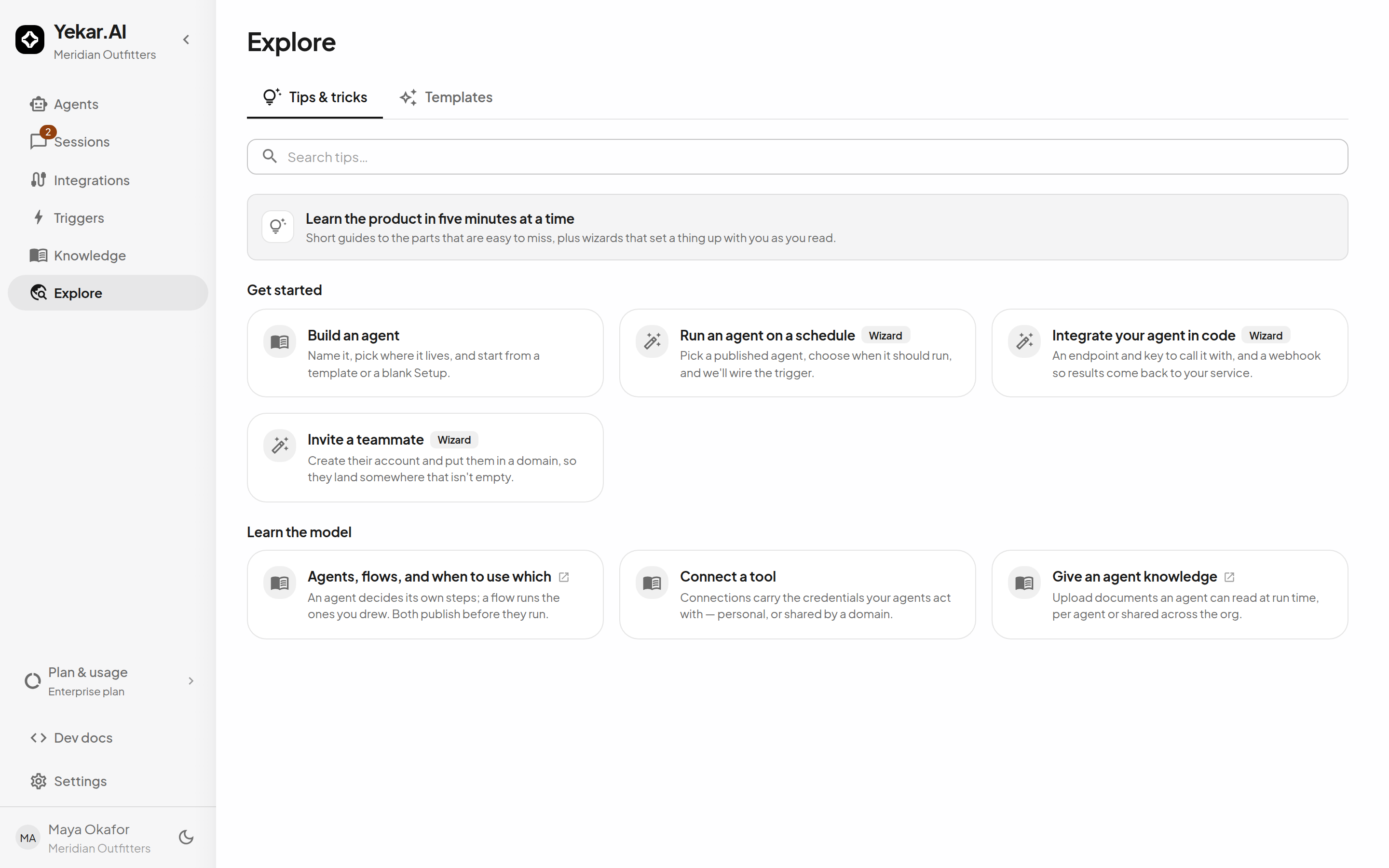
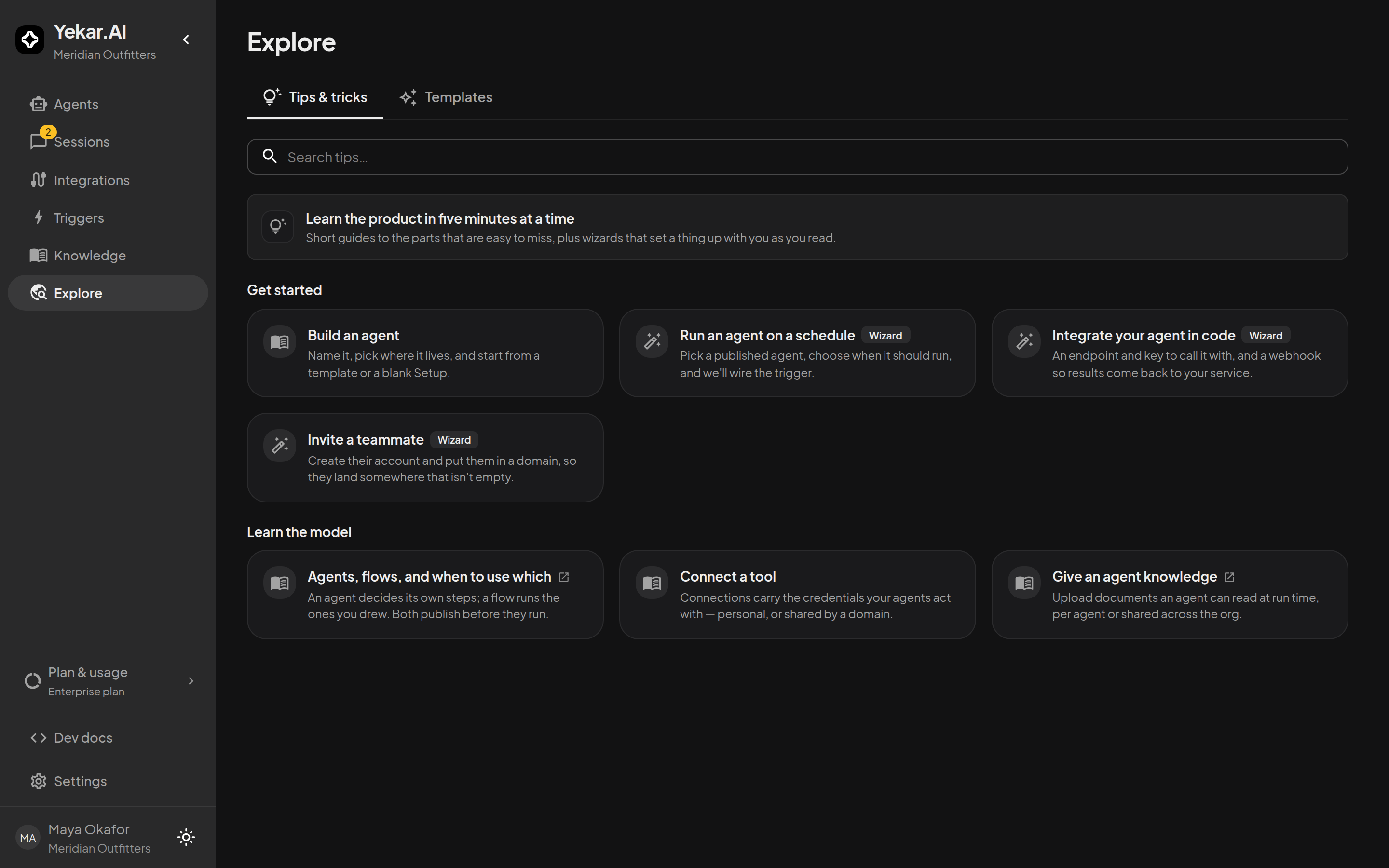
Explore opens on Tips & tricks - short guided walkthroughs that set something up with you rather than telling you how. The Templates tab beside it is the gallery.
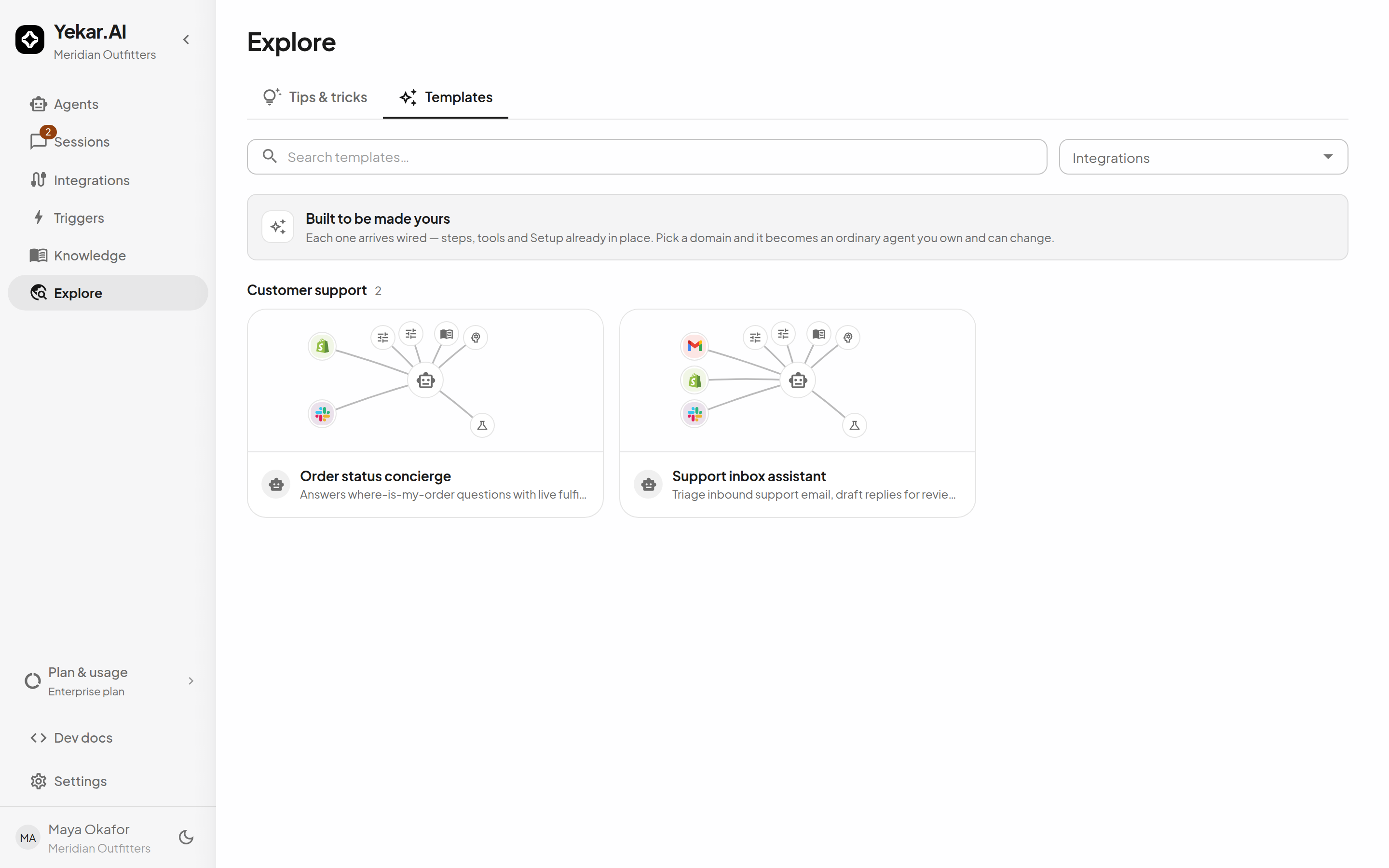
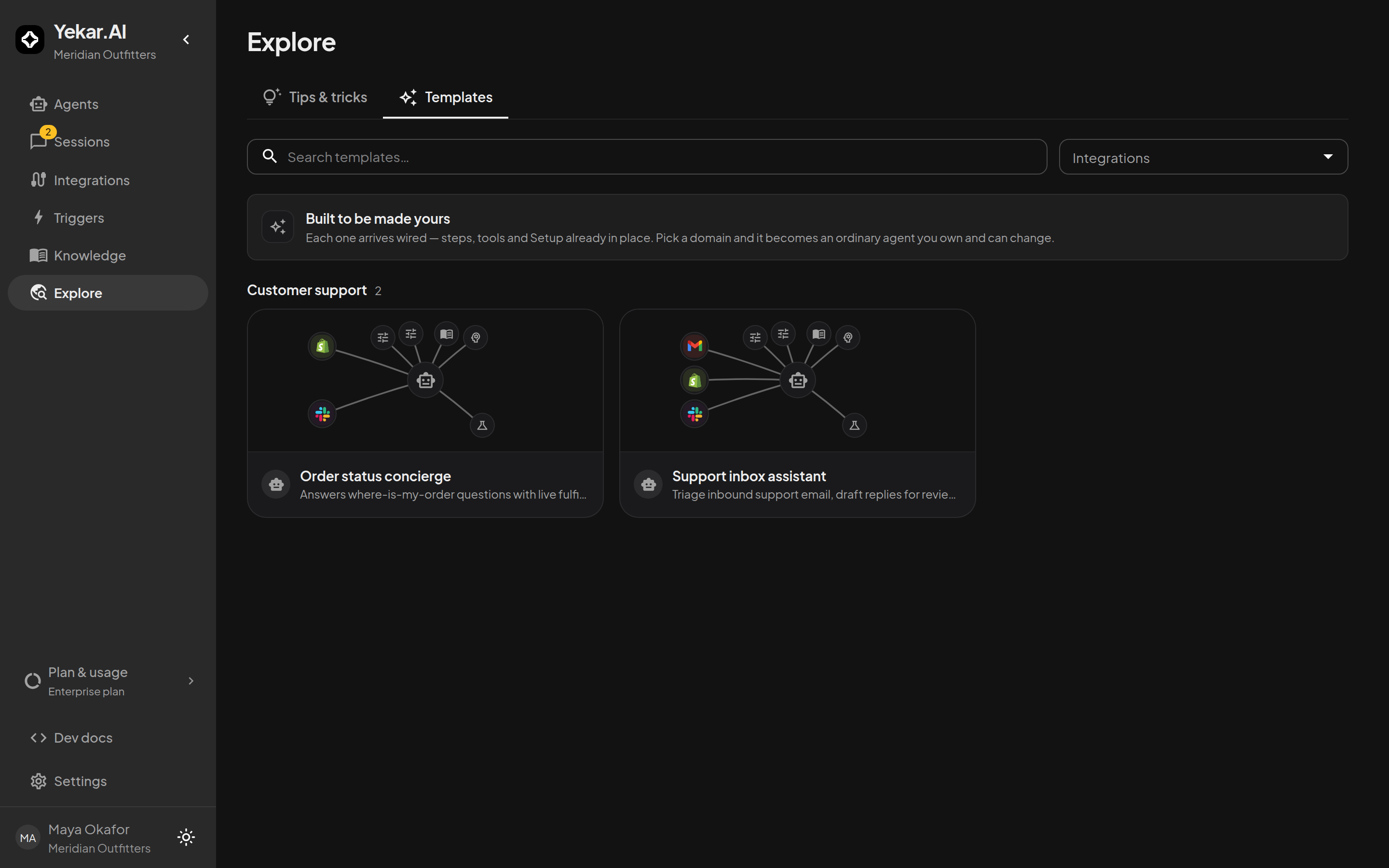
Browse the catalog
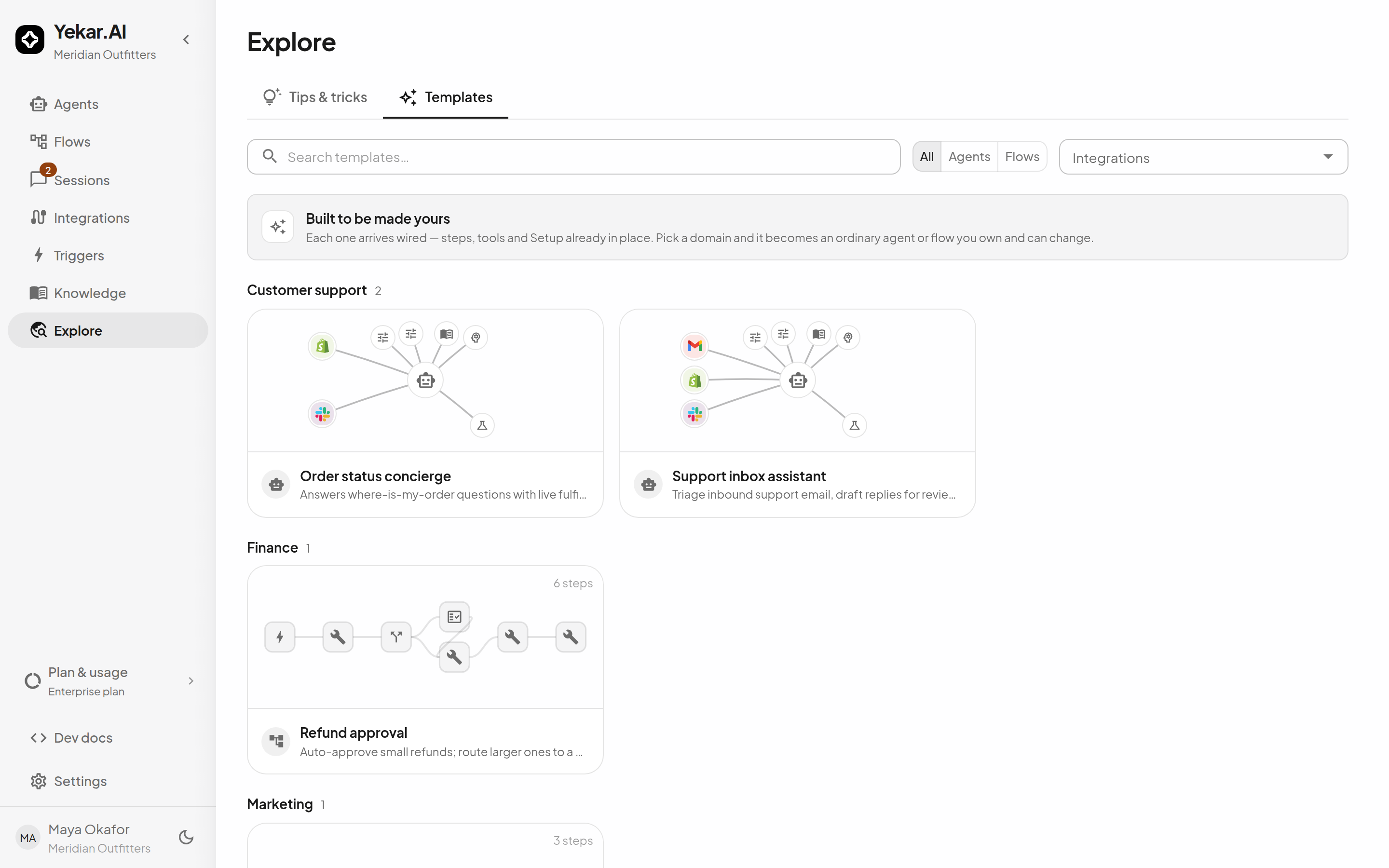
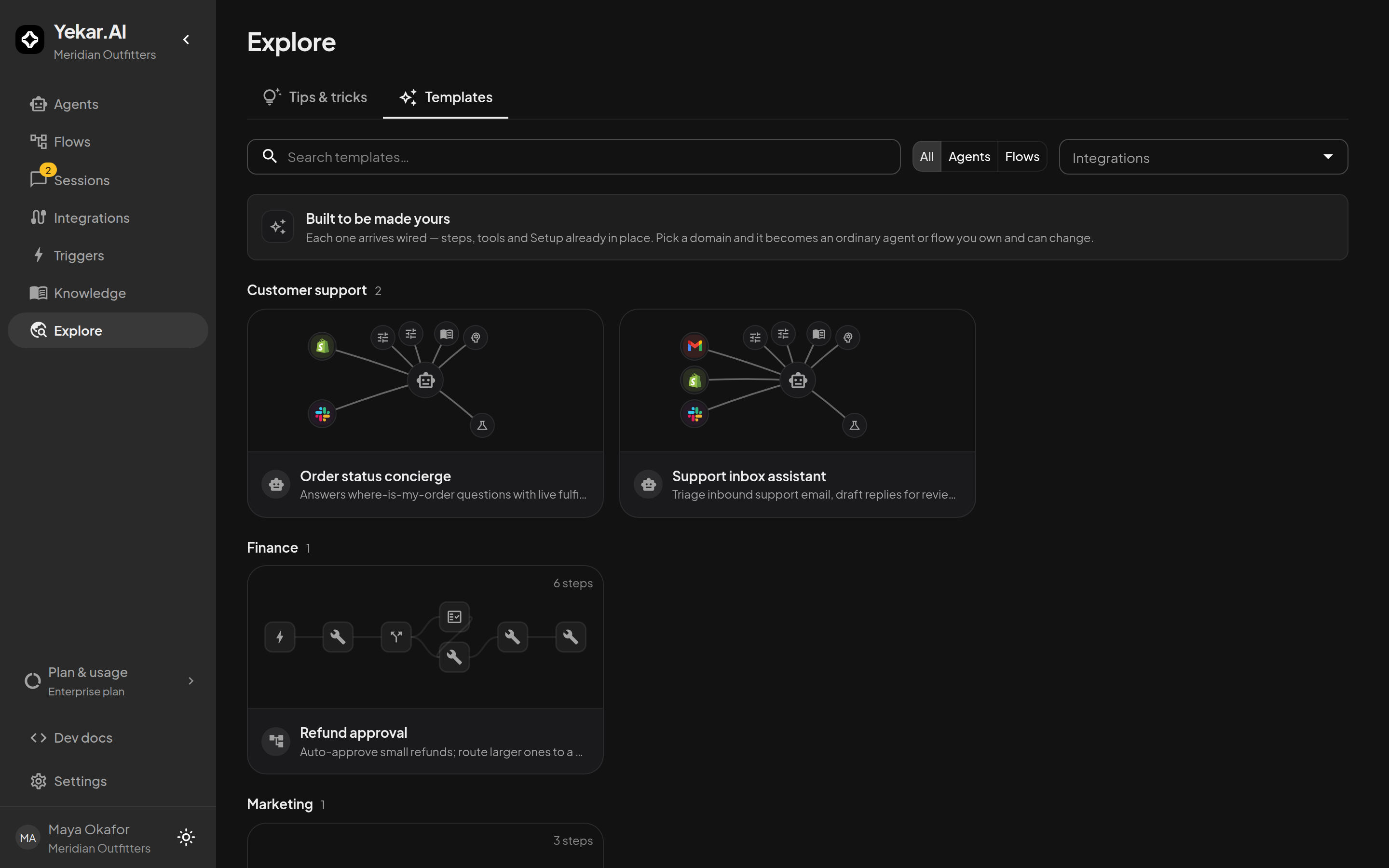
Open Explore in the sidebar. Templates are grouped by category - customer support, finance, operations, marketing - and searchable over names, descriptions, and categories. Workspaces with Flows can also filter by kind (Agents / Flows); if you don't see Flow templates, ask Yekar.AI for early access.
Every card previews what you'd be getting: an agent card shows its anatomy - the integrations and capabilities around the model - and a flow card shows its step graph and step count.
Read a template
Select a card to open the template's detail page:
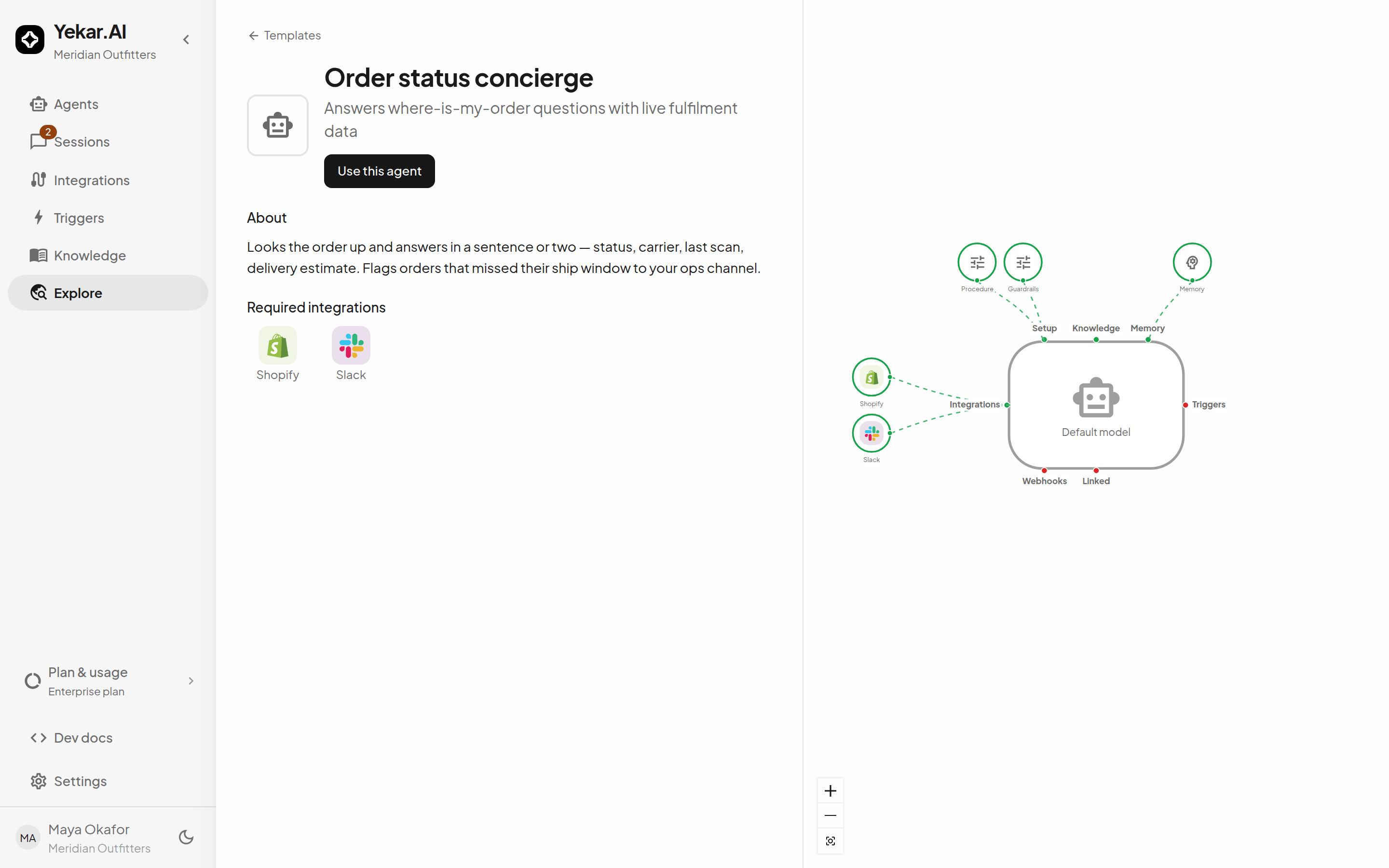
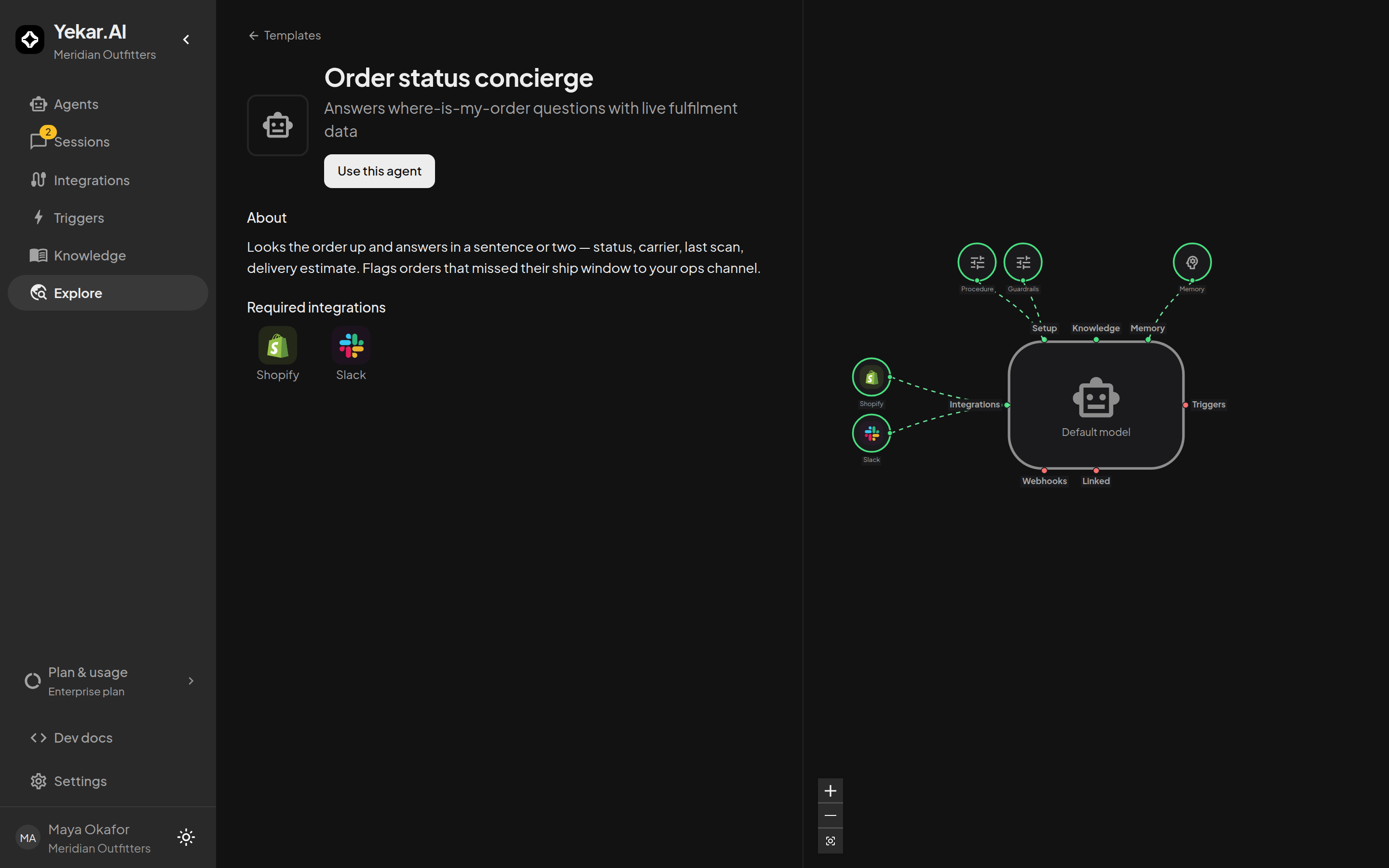
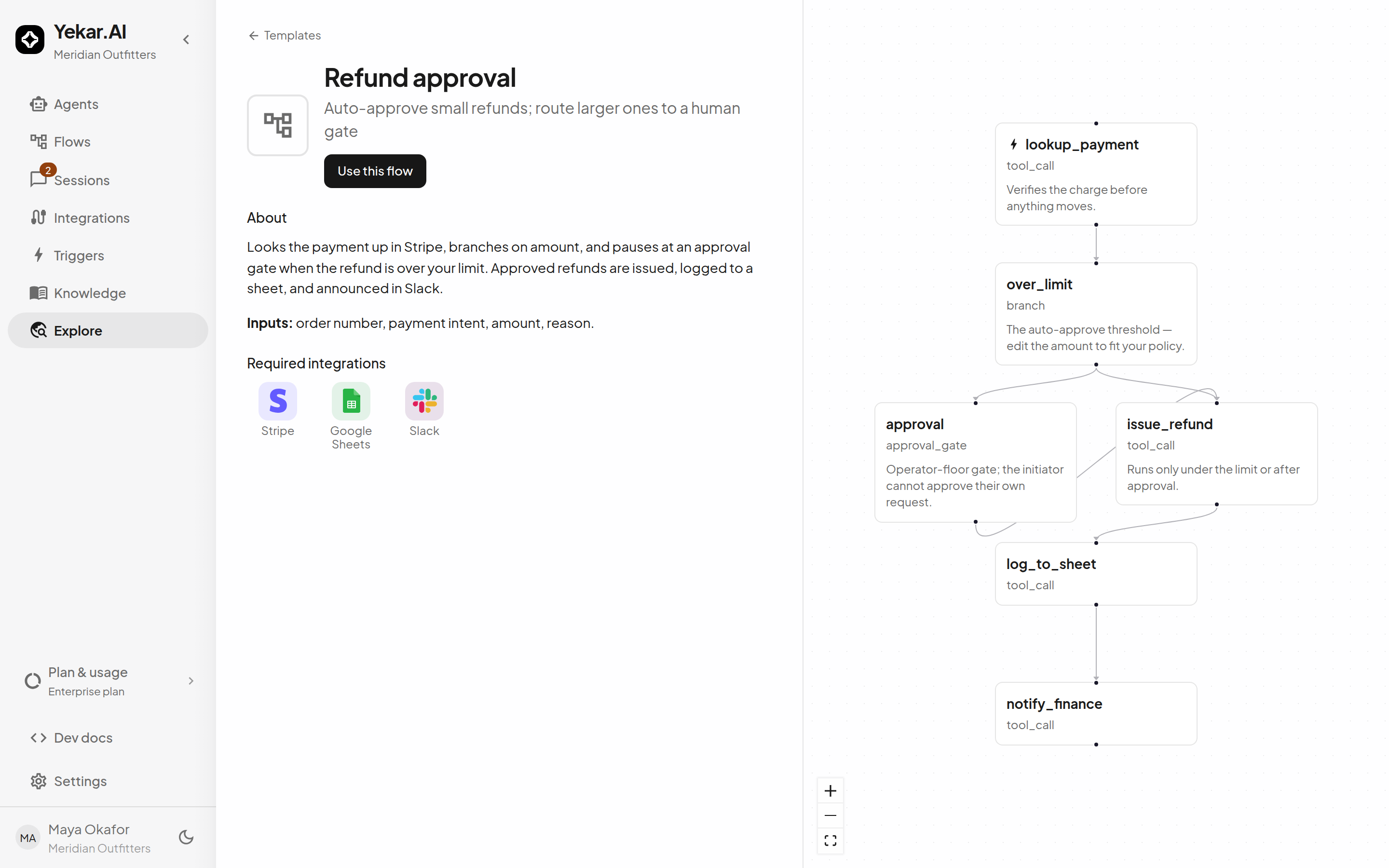
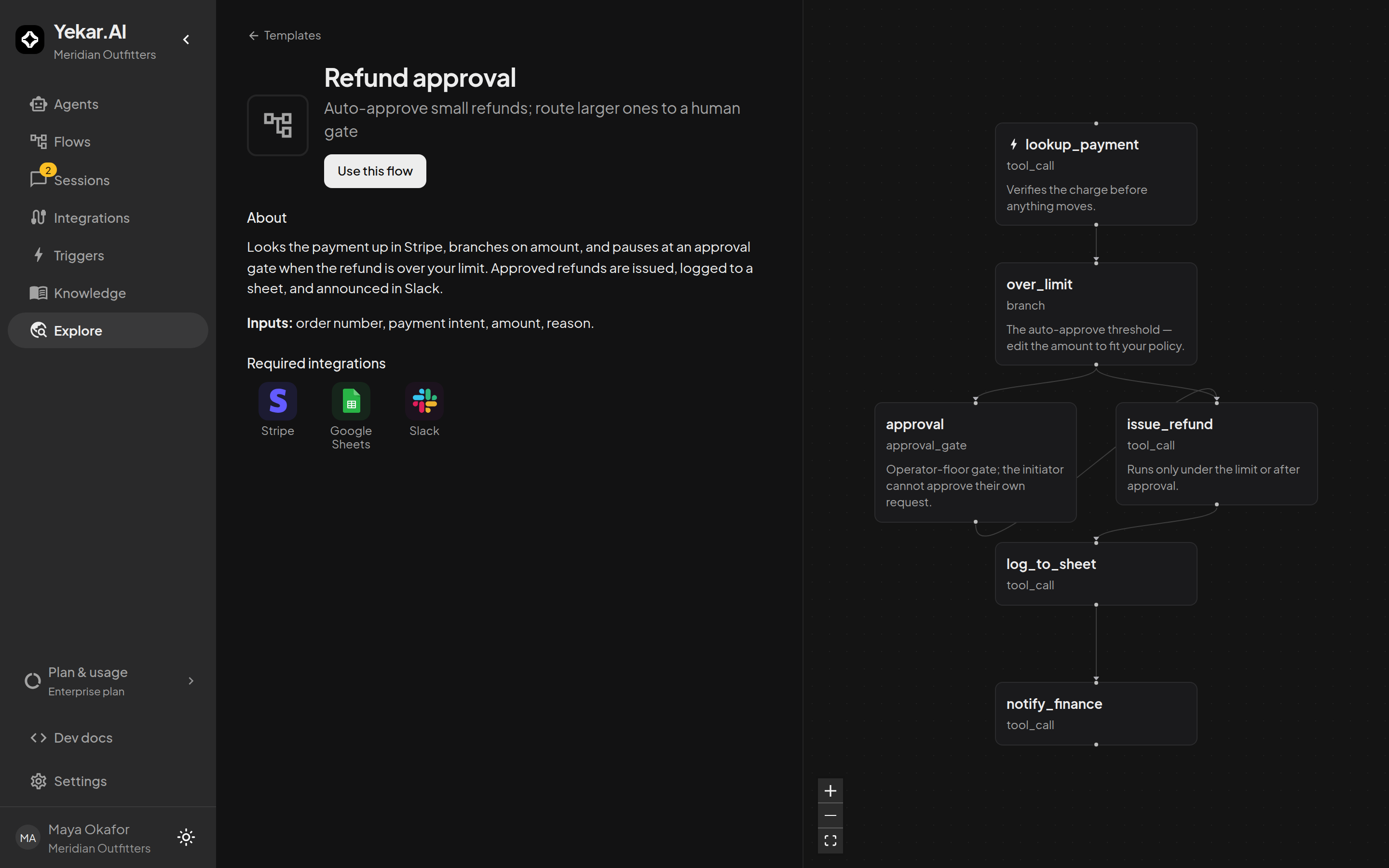
- About - what the template does and how it's meant to be used.
- Inputs (flows) - the fields a run starts with.
- Required integrations - what needs to be connected for the copy to work, and what each one still needs in the domain you pick: Ready, Connects in one click (Yekar.AI's sign-in app, or your own, is set up for it), Needs your own OAuth app, Needs a key, or a step a domain owner must finish. The Use drawer shows the same answer for the domain you choose.
- Included knowledge (agents) - documents the template ships with. They are copied into your new agent's knowledge when you use the template, so what the preview lists is exactly what the agent will know.
- The annotated preview - the step graph (or agent anatomy) with notes on the steps that matter: where the thresholds live, which gate needs which role, what to edit first.
Use a template
Select Use this flow (or Use this agent), then choose the Domain the copy belongs to and a Name:
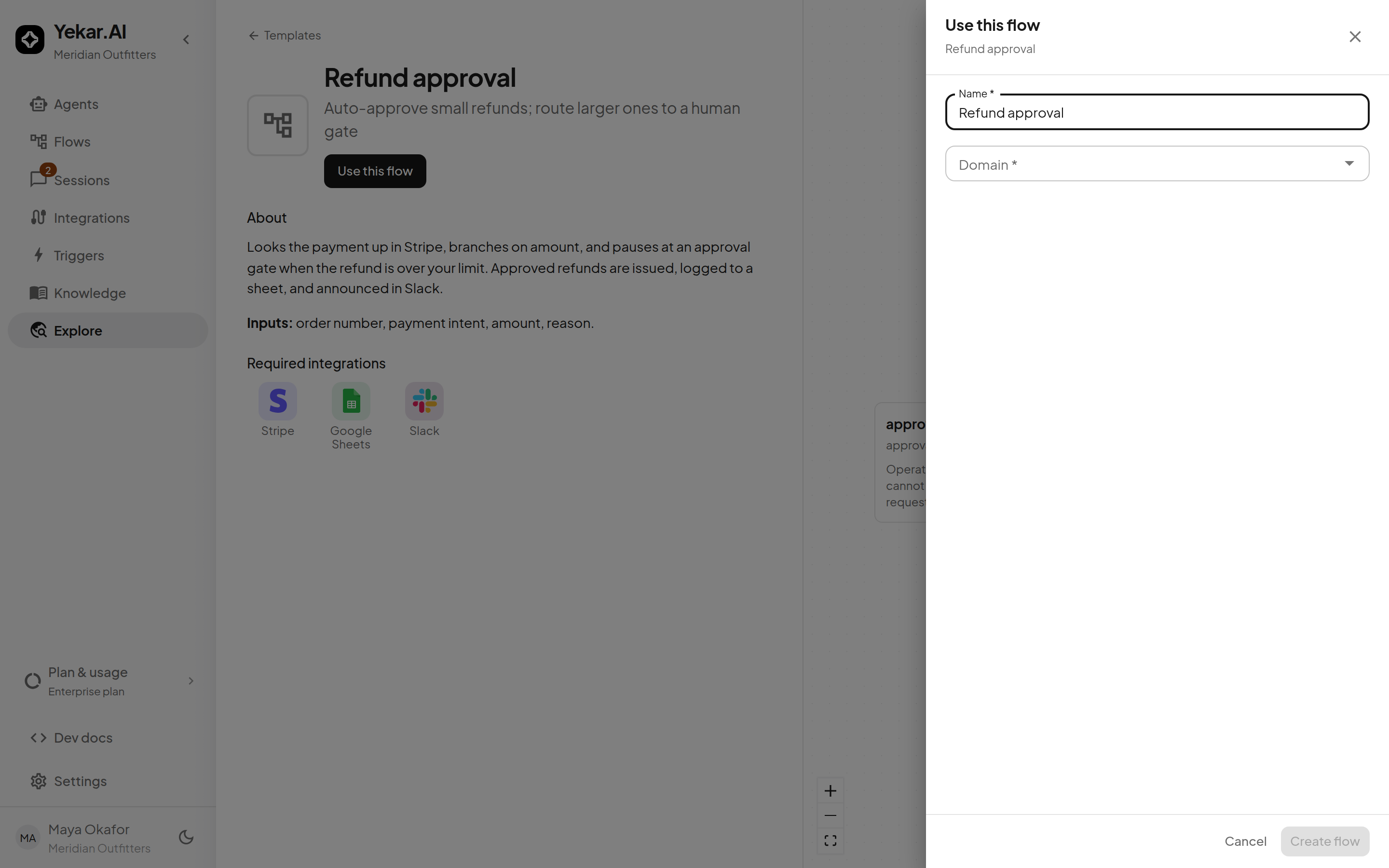
Create flow (or Create agent) copies the template into your organization as a normal draft - from that point it is entirely yours:
- The copy opens in the builder (flows) or on the Agent page (agents), editable like anything you built by hand.
- Nothing runs until you publish it, and nothing connects on its own - connect the required integrations for the target domain. Until you do, an agent runs without that integration's tools and its conversations show a notice offering to connect it (or naming the domain owners who can); a flow step that needs it fails with a named credential error.
- The copy does not track the catalog: later template updates never touch the agents and flows you already instantiated.
- An agent template's included knowledge is copied into the new agent as ordinary knowledge files - manage them from the agent's Knowledge panel like any file you uploaded yourself.
Workspaces with Flows see flow templates in the same gallery, filterable by kind:
A flow template's detail page annotates the step graph the same way an agent template annotates its anatomy:
Make it yours
Templates are deliberately generic where your business is specific. Before publishing, walk the annotations: adjust thresholds (the amount above which a refund flow routes to its approval gate), retarget channels and mailboxes, and rewrite prompts in your voice. Then test drive an agent or Test run a flow before it goes live.
Tips
If Use this flow is unavailable, you need a domain where you may edit agents and flows - ask a domain owner for the editor role. If the copy's first run fails with SERVICE_CONNECTION_MISSING, connect the required integrations for the domain you copied it into - see Connect an integration. See Troubleshooting.