What you will be told, and who hears it
Most turns run unattended. When something needs a person - an approval, a task, an agent that has started failing, a budget about to bite - Yekar.AI tells the people who can act on it, once, by email, with a link to the place to act. There is no notification centre or per-person preference. Approval recipients follow the credential owner or the domain's approval policy, including named approvers and any additional Flow gate role floor. A domain Owner manages that policy; see Roles and permissions.
What is sent
| Event | When | Who receives it |
|---|---|---|
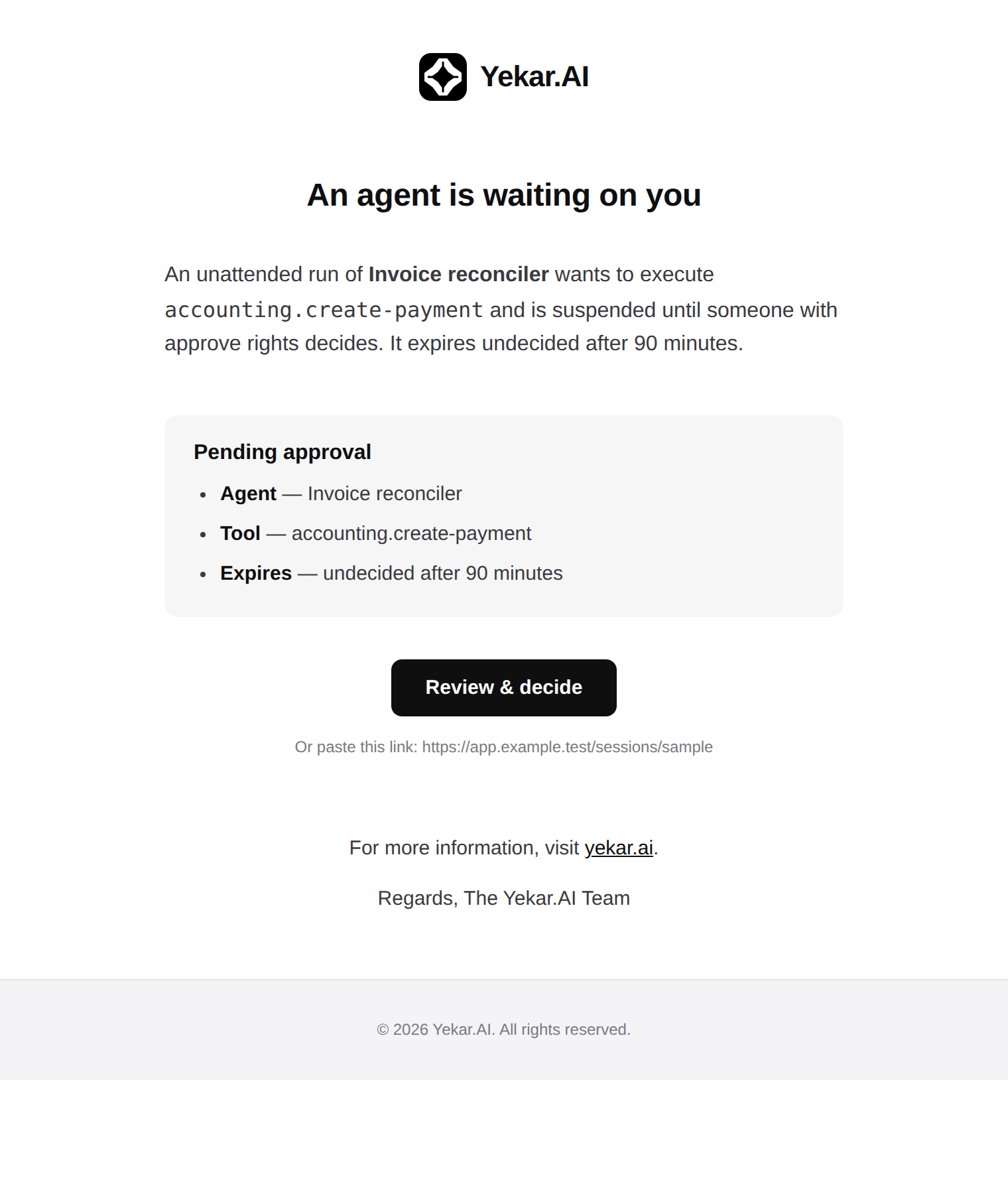
| Approval needed - an agent tool call | An agent started by a schedule, an API call or another agent or flow stops at a gated tool | The domain's approvers under its current policy, or the owner of the credential the call runs on |
| Approval expiring | Only when the agent's Setup asks for a reminder: the gate is still undecided a chosen time before its deadline. One reminder, and the deadline does not move | The audience the Setup names - approvers, domain owners or organization admins; for a confirmation, only the person who was asked |
| Approval expired | That approval went undecided past its window (72 h by default) and the turn was abandoned | The same people |
| Approval needed - a flow gate | A flow run pauses at an approval gate, however the run was started | The domain's approvers who also meet the gate's role floor, or the credential owner |
| Your input needed / Task expired | A flow pauses at a human task, or the task went unanswered past its window | Members at the task's assignee role |
| Failing / Recovered | An agent or flow's failure rate over its last runs crosses the organization's threshold, and later drops back | The domain's operators and above |
| Stuck / Recovered | A run or turn of an agent or flow has not advanced for ten minutes, and later does | The domain's operators and above |
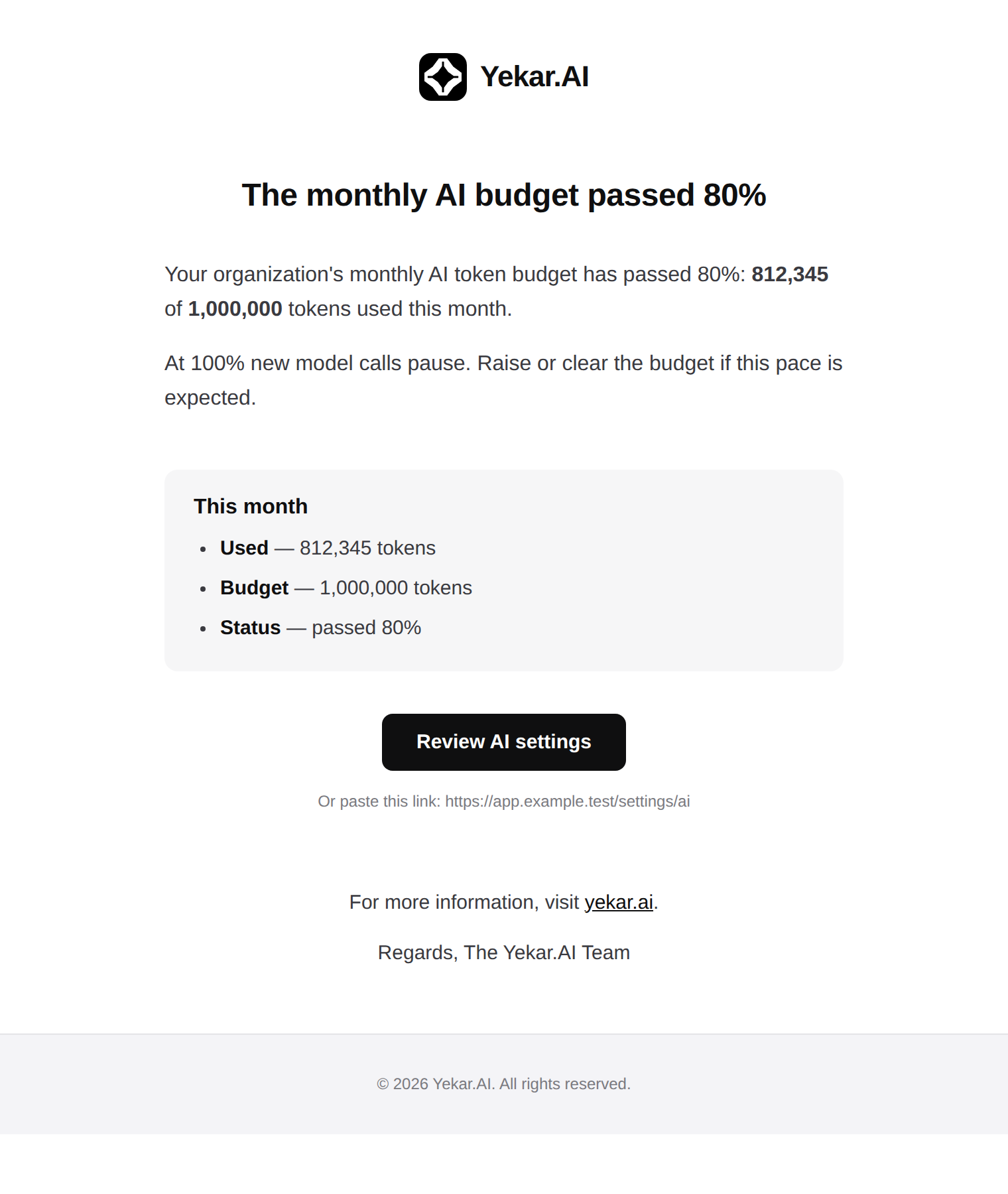
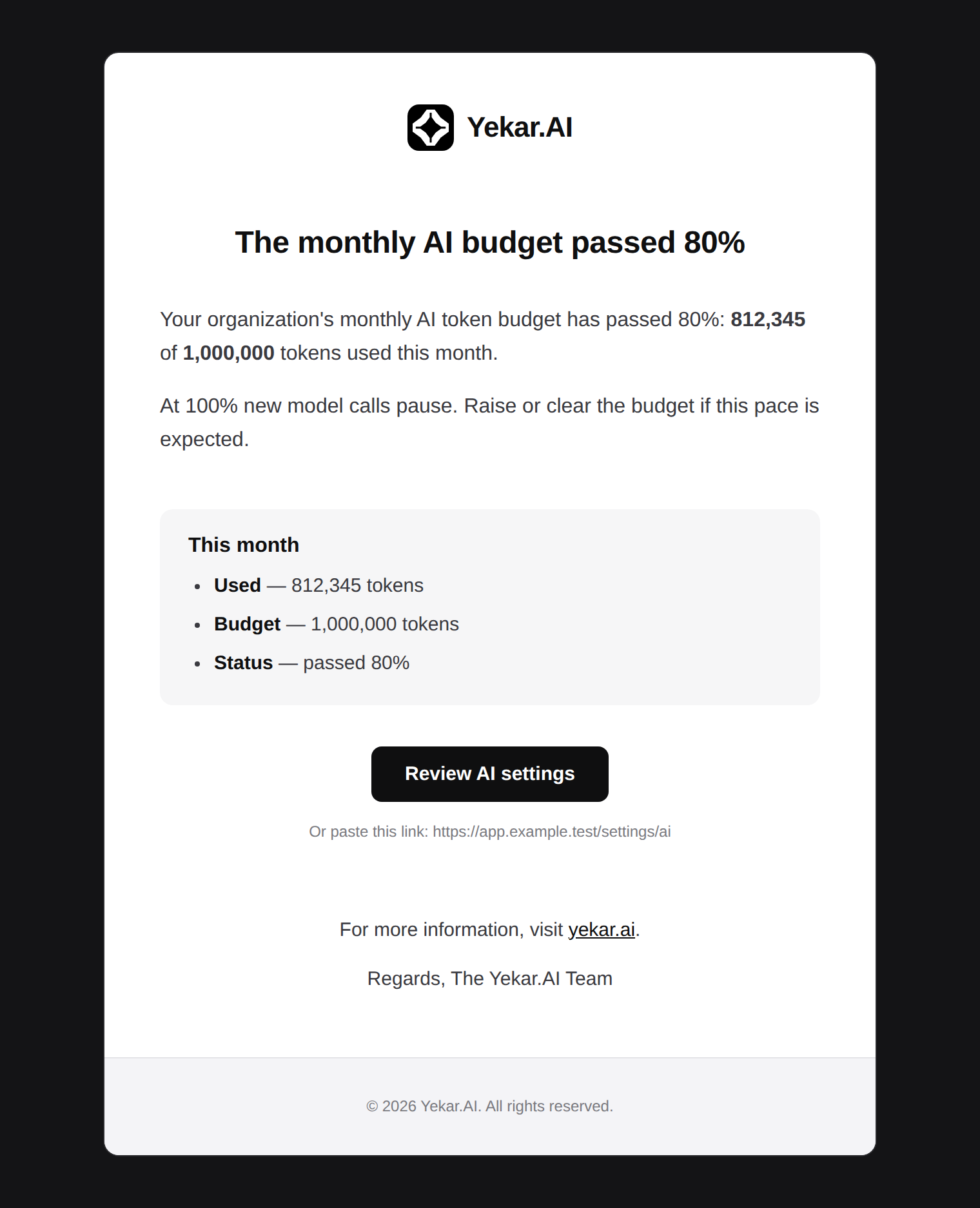
| AI token budget at 80% / exhausted | The organization's or a domain's monthly token budget crosses 80% or 100% | Organization admins |
| Estimated AI spend passed your cost cap | Own-key spend, at catalog rates, passes the monthly cost cap - advisory, nothing pauses | Organization admins |
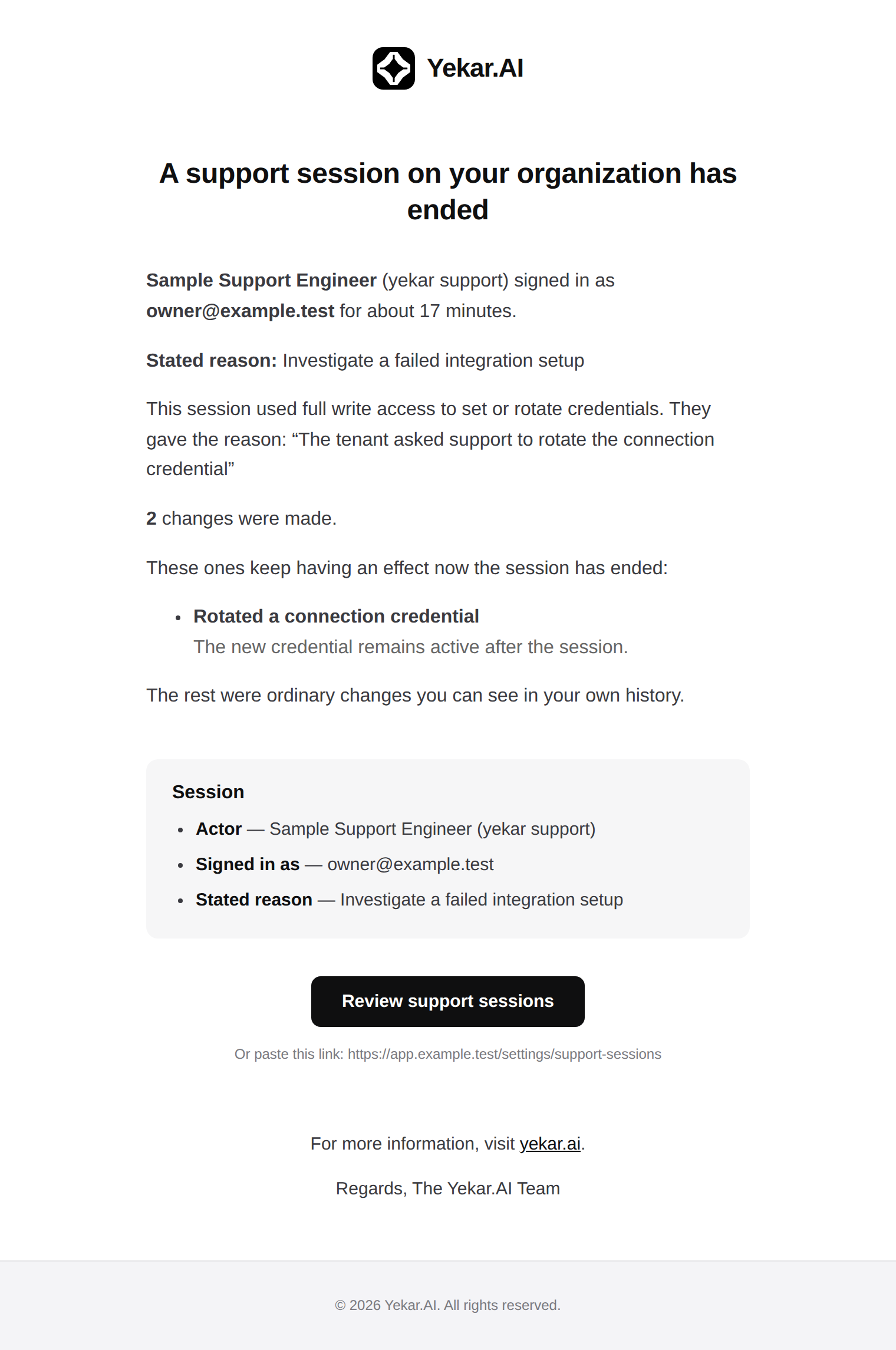
| A Yekar.AI admin accessed your organization | A support session ends, with who, as whom, why, and what changed | Organization admins |
| A support session is waiting for your approval | Your organization requires approval for support sessions and support asked for one - who, as whom, why and in which mode, with a link to approve or deny it | Organization owners and admins |
| Your workspace has been suspended / is active again | Yekar.AI suspended your workspace, saying why and what to do next, and again when it is active. A suspension because your plan ended is told by the plan email instead | Organization owners and admins |
| A model is being retired / retires on / has retired | A model one of your agents, flow steps or conversations uses is scheduled for retirement, is within 14 days of its date, or has retired - naming the model it will run as | Organization admins |
| Security alert | Ten or more failed sign-ins named one member within 15 minutes; one member running three or more data exports within an hour; the audit log being exported; or a personal API key created while Yekar.AI support was signed in as its owner. Once per occurrence, with a link to the filtered audit log | Organization admins |
| Invitation / Activate your account | Someone is invited, or an organization is created | The person invited |
Three things are true of all of them. Each is sent once per episode: a failing agent is reported once when it breaches and once when it recovers, a budget threshold once per month, an approval once when it parks and once if it expires. Each carries a deep link and nothing else - no decision token; approving still means signing in as someone who may approve. And a failure to send never fails the work that caused it.
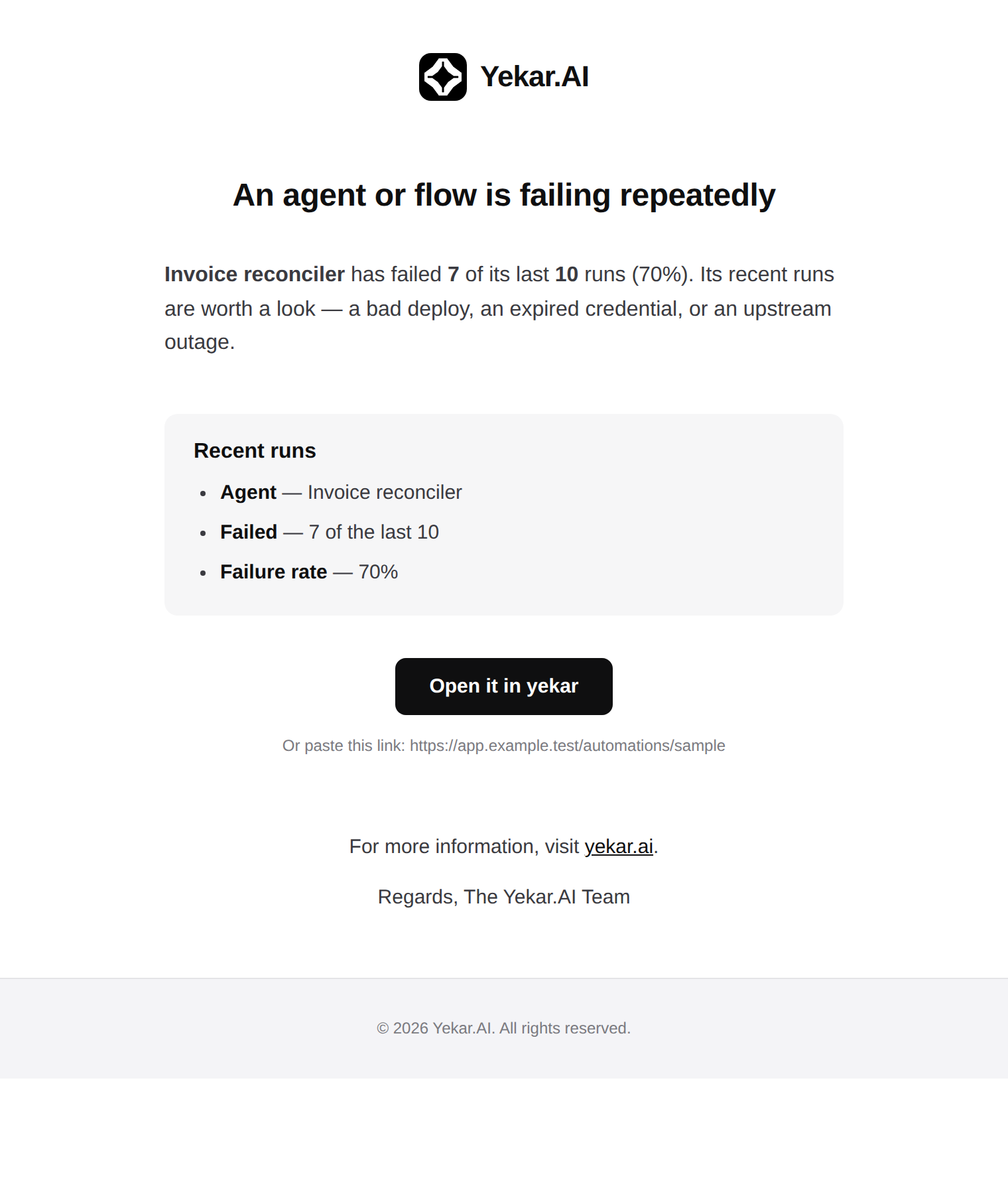
An agent gate reached in a conversation someone is sitting in sends nothing - they are already there. Confirmations stay in that conversation and do not enter the Approvals inbox or send approval notifications. A single failed run sends nothing either: a run that fails is visible on its session and in the agent's Health page, and becomes a notification only when the rate crosses the threshold. Cancelled work never counts as failure.
Failing and stuck, precisely
Failing looks at an agent or flow's most recent terminal runs or turns in production - by default the last 20, and only once at least 10 exist - and breaches when more than 30% failed or timed out. Stuck means ten minutes without advancing, not ten minutes old: a run waiting on a poll or a turn waiting on a called agent is not stuck. Both are per-organization rules that Yekar.AI can tune for you.
Webhooks
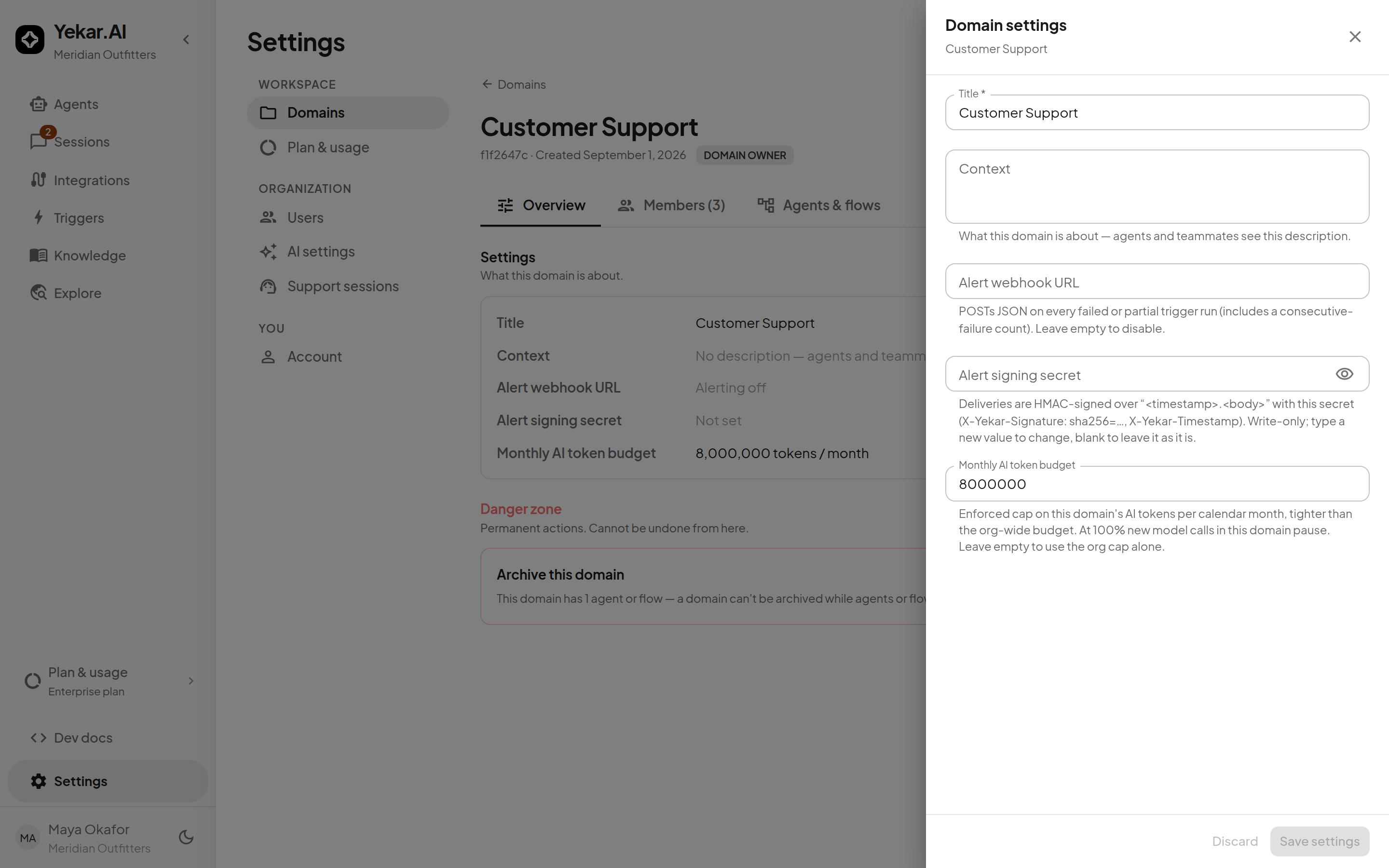
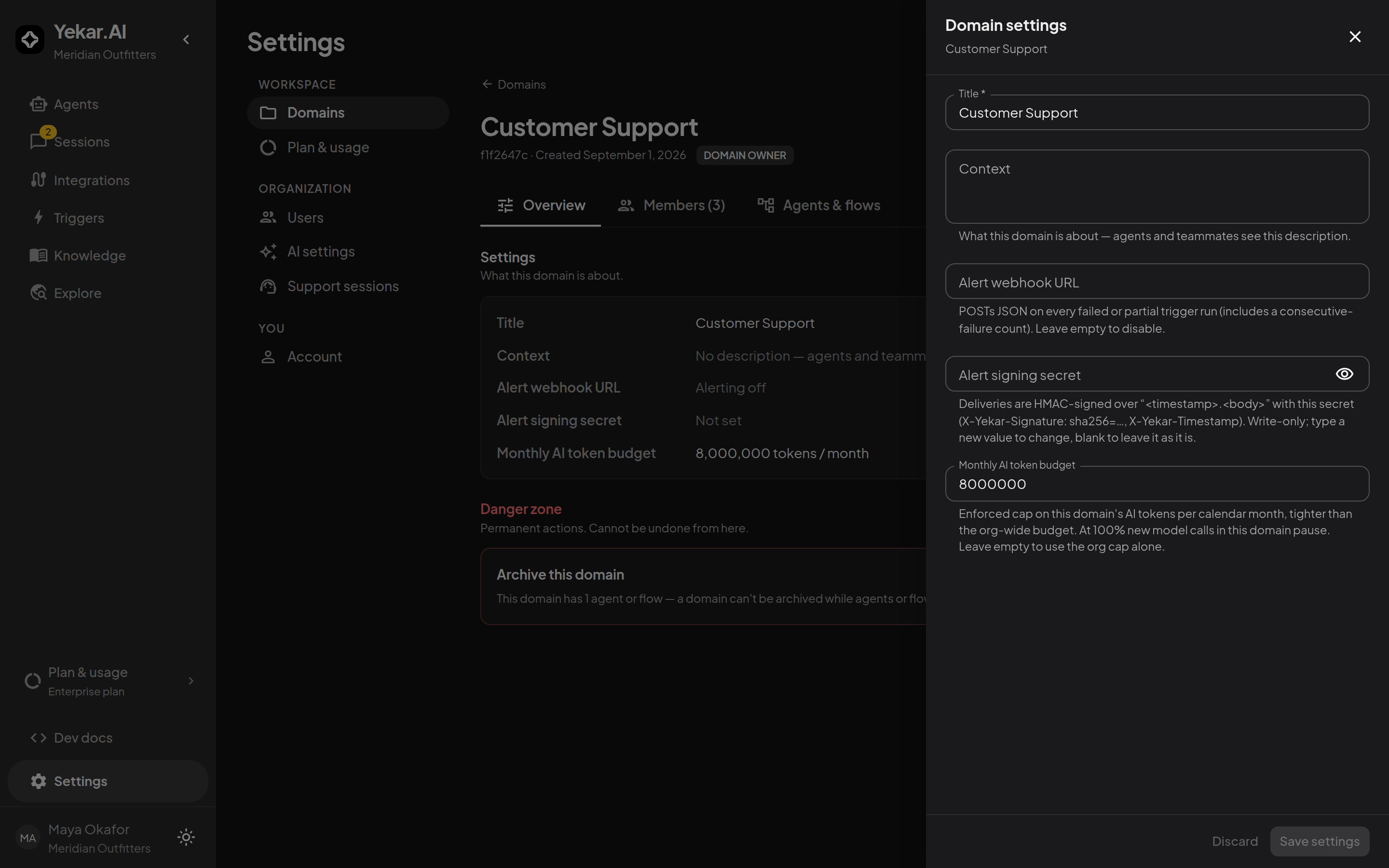
A domain can receive the same events as signed JSON. On the domain's page, Edit settings holds the Alert webhook URL and a write-only Alert signing secret; deliveries are HMAC-signed over <timestamp>.<body> and carry X-Yekar-Timestamp and X-Yekar-Signature.
A model_retirement delivery goes to each domain with an agent or flow on the retiring model and carries stage (deprecated, retiring_soon or retired), model, retiresOn, replacement and the ids of that domain's affected agents and flows.
The webhook is an independent leg - it fires whether or not an email went out - and it carries one event the email does not: a failed trigger run, with a count of consecutive failures. Budget events for an organization-wide cap fan out to every domain's webhook, because the cap pauses all of them alike.
Events: trigger_run_failed, llm_budget_warning, llm_budget_exhausted, model_retirement, automation_failure_rate_breach, automation_failure_rate_recovered, automation_stuck_breach, automation_stuck_recovered, agent_turn_suspended, agent_turn_approval_expiring, agent_turn_approval_timed_out, run_gate_pending, human_task_pending, human_task_timed_out.
For a notification about your own agent or flow's completions - every run, not only the ones that go wrong - subscribe a webhook on the agent or flow instead.
Support access
Support sessions send a summary email when they end by default. A platform admin with full write impersonation access can turn off Inform user before starting a session in any mode. Organization admins can review who signed in, as whom, the stated reason and recorded actions under Settings → Support sessions. Partner platforms with a configured webhook continue to receive the session-end event even when email is turned off.
What you are not told
- A single failed or cancelled session or run.
- A question a called agent asked its caller - it is not a decision anyone holds.
- A conversation with no domain - there is nobody to route it to.
- A recovered budget, a decided approval, a run that succeeded.
- A suspension of your organization; contact Yekar.AI.
If email delivery is unavailable, notifications are recorded as skipped. The invitation drawer provides an activation link you can share directly.