Stop it now
When an agent is doing the wrong thing at speed, you want the smallest lever that stops it and a clear idea of what keeps running afterwards. Here they are, narrowest first. None of them undo what a tool has already done: an email that was sent stays sent, a row that was written stays written. That is what approvals are for, before the fact.
The levers
| Lever | Stops | Leaves running | Who |
|---|---|---|---|
| Stop in the composer | The turn in front of you, at its next step | Queued follow-ups in the same conversation | Anyone who can chat in it |
| Cancel on Monitor | One turn or run, and everything it spawned | Other sessions | Domain members |
| Max concurrent runs → 1, publish | New starts beyond one at a time | The one running | The agent's editors |
| Disable a trigger | Every future firing from that schedule or event | Turns already started, other triggers | Domain operators |
| Untick tools on the connection | Those tools, for every agent using that connection | Everything else | Domain owners |
| Disconnect a connection | Every tool of that integration, for every agent on it | Everything else, and in-flight calls | Domain owners |
| Rotate or revoke an API key | Every request signed with it, immediately | Everything else | The key's owner |
| Provider Off in AI providers | The next model call of every agent on that provider | Turns mid-flight, non-model steps | Organization admins |
| Monthly token budget → tiny | New model calls org-wide, within about a minute | Turns mid-flight | Organization admins |
Stopping one conversation
Press the stop control that replaces Send while the agent is working. The agent stops at its next step boundary; the client stops painting at once. If the turn already reached a tool, that call completes or fails on its own terms.
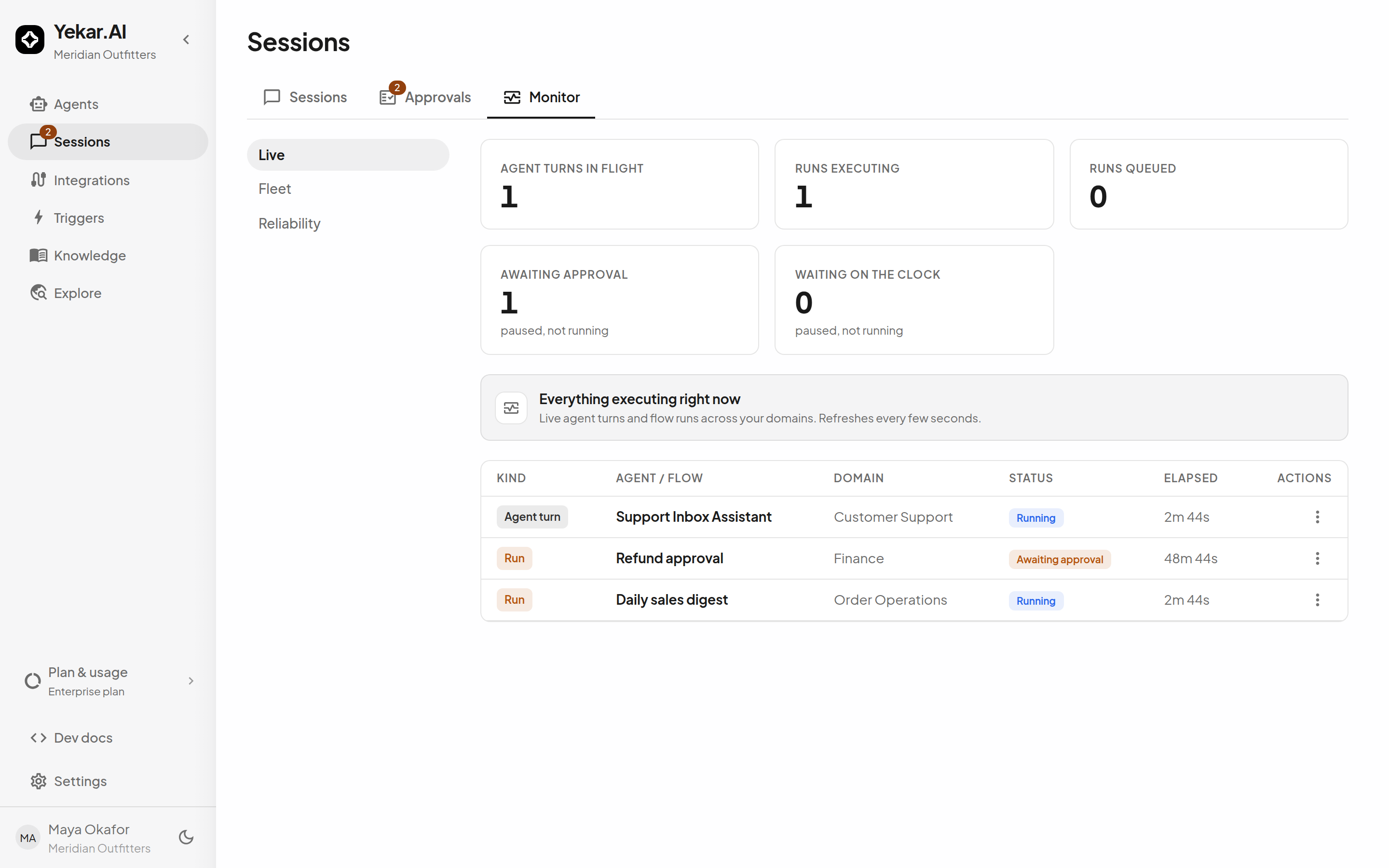
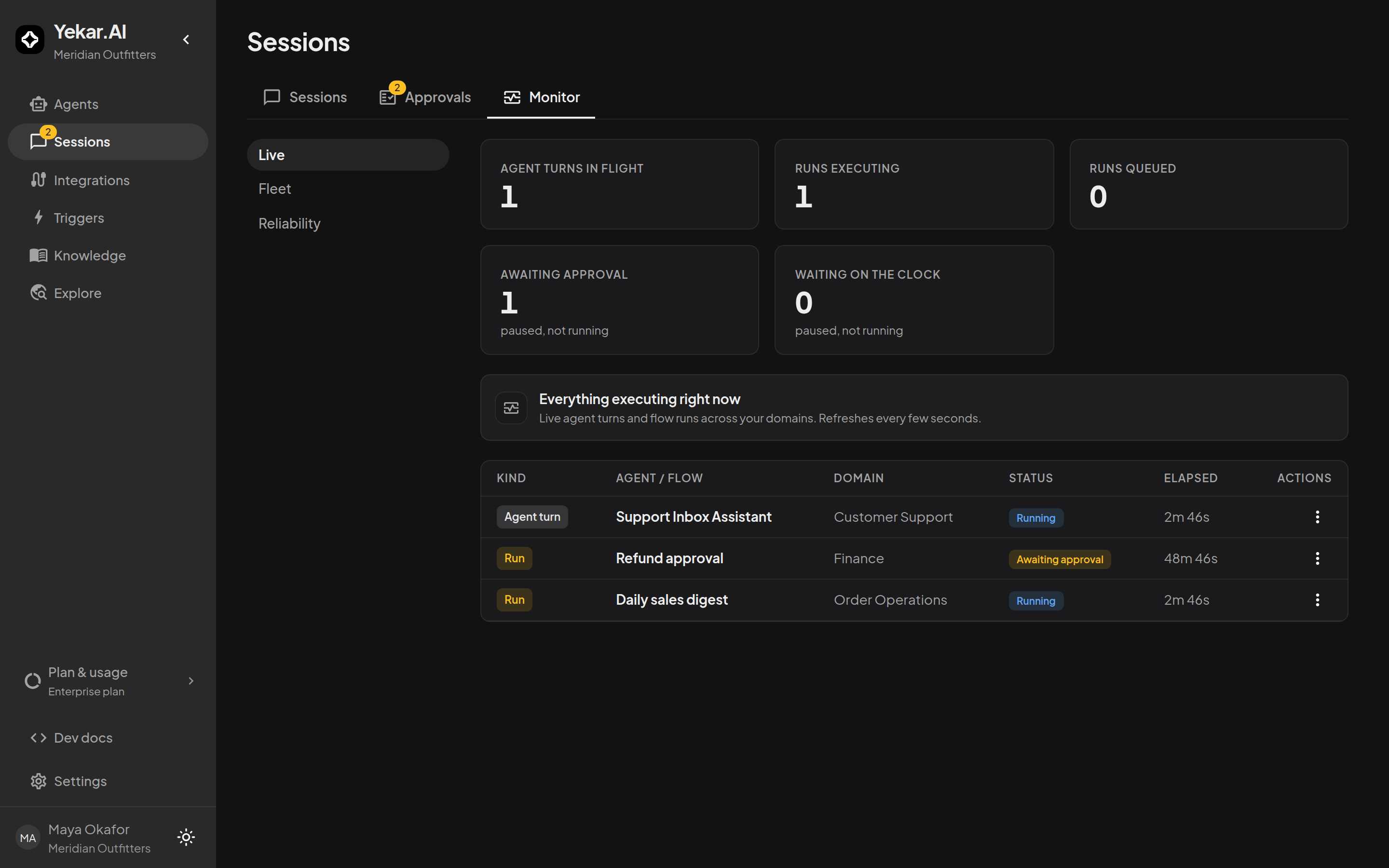
To reach a turn you are not sitting in, open Sessions → Monitor, find the row, and choose Cancel from its menu. The confirmation says what it means: an agent turn is aborted mid-thought and anything its tools already did stays done; a flow run stops at the next step boundary and completed steps are not rolled back. Cancelling a caller cancels every agent or flow it spawned, deepest first. A parked approval belonging to the cancelled work is withdrawn, and the audit trail keeps why.
Stopping an agent without stopping it
The least destructive throttle is the agent's own Max concurrent runs (Setup → AI → Limits). Set it to one and publish: new starts beyond the one already running are refused with AUTOMATION_AT_CAPACITY and told to try again once it finishes. It applies from the next publish, and a test run uses the published value.
Disabling a trigger stops future firings and nothing else. Fires against a disabled trigger are counted and shown on the trigger's page, so you can see what you turned away. Disabling an event trigger also removes the subscription at the provider where Yekar.AI registered it for you (Shopify, Telegram); a webhook you registered by hand stays configured at the provider, and its deliveries to the disabled trigger are not processed. When you enable a schedule again it resumes from now - missed occurrences are not fired retroactively.
Cutting off what it can reach
On an integration's page you can untick individual tools for a connection, which removes them from every agent that uses that connection, or Disconnect, which deletes the credentials permanently and fails every run on that integration's tools until someone reconnects. The dialog names how many agents are affected. Neither interrupts a call already in progress.
A personal API key is revoked from Triggers → API keys; the key's owner is the only one who can, and it takes effect on the next request. The gentler lever is Rotate key: the old secret stops working just as immediately, but the name and scopes survive and the new key is shown once, so the system you trust can be moved over without re-creating anything. Every key also expires on its own - after 90 days unless its owner chose otherwise, and at most a year - so a key that leaks and is forgotten does not work forever. The exception is a key its owner deliberately set to Never expires; the API keys list marks those so you can find them. Deactivating a person retires every key they hold.
Cutting off the model
Settings → AI settings → AI providers: switch the provider Off. Every agent on it stops at its next model call with LLM_NOT_CONFIGURED, said plainly in the thread, whether or not a key is still stored - Off beats key presence, which is why it is a better lever than removing the key. Turns that already hold their key finish; flow steps that call no model keep going.
A monthly token budget set to a small number does the same for the whole organization, with about a minute's lag while the cached month-to-date figure refreshes. It counts test runs too, so nothing can walk past it. See Cost & budgets.
What you cannot do from here
- Archive the agent. Archiving is refused while the agent has any sessions, attached triggers, flows that call it, or agents that link to it - so on a production agent it will not go through, and it does not stop in-flight work anyway. It is a retirement verb, not an incident one.
- Suspend the organization or change the platform fairness cap. Those are Yekar.AI's; contact support. A suspension blocks new activity and lets in-flight work drain.
Afterwards
The record is intact. Every cancelled turn carries a notice in its transcript, every withdrawn approval an audit row, every refused start a count on the trigger. The agent's Health page will show the failure rate the incident produced, and Why did it do that? is the method for the post-mortem.