Versions, publishing, and run history
Runs execute the published version of a Flow; the draft you edit in the builder is yours until you publish it. Every run is recorded against the version it executed.
Publish a version
In the builder, resolve errors under Flow → Validation, select Save draft, then Publish. The Versions list marks the current, published, and read-only versions - published versions never change; saving on top of one creates the next draft.
To roll back, choose a read-only version in Versions, select its Publish action, and confirm Publish this version. Runs start using it immediately, while your current draft remains untouched.
Published history is retained. You can move live use to another published version, but you cannot turn a published Flow back into a never-published draft.
Read the run history
Open the Flow and select Runs. The page shows totals - runs, succeeded, failed, p50/p95 duration - and every run of the published definition, newest first, with its status, input, starter, and duration.
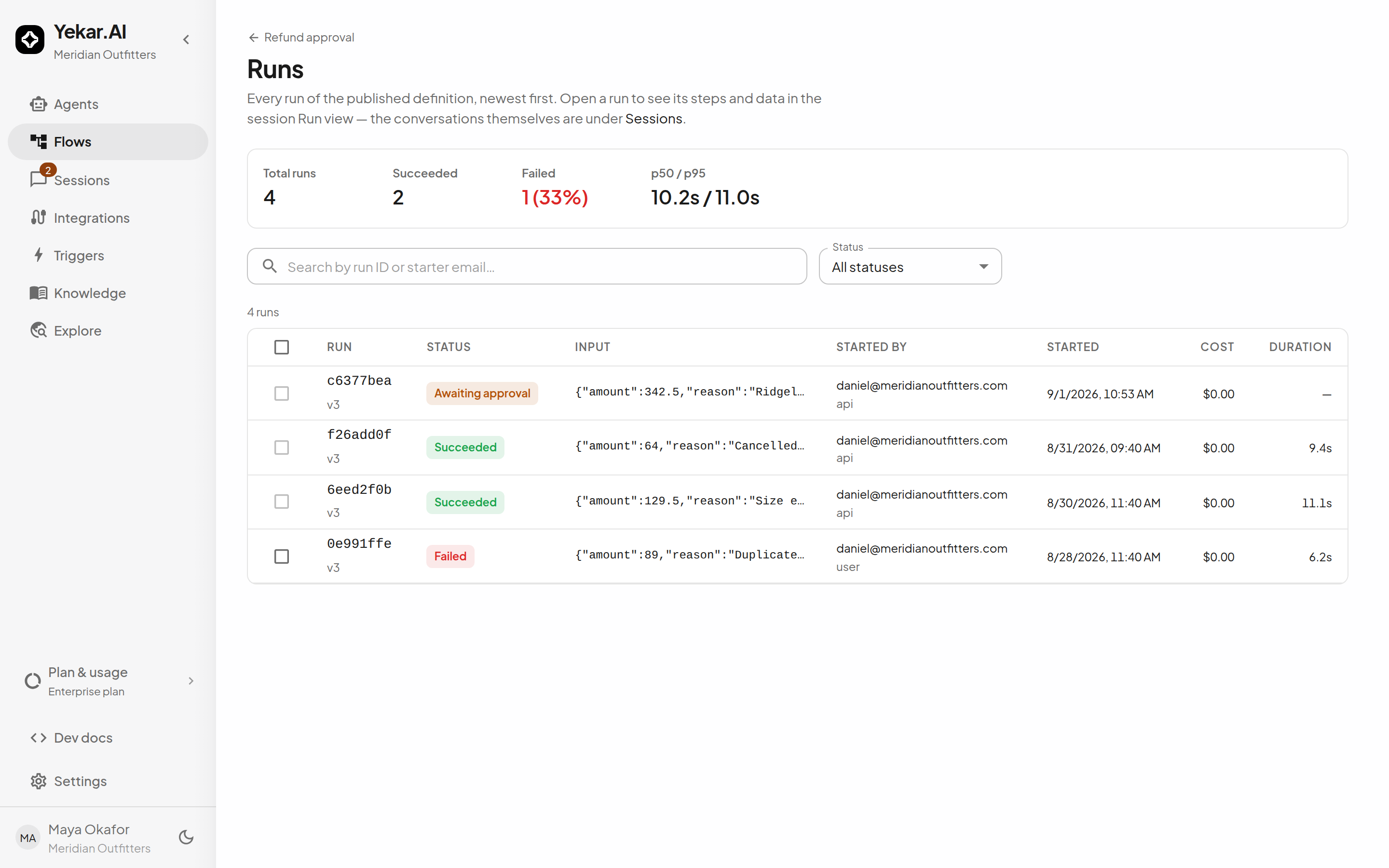
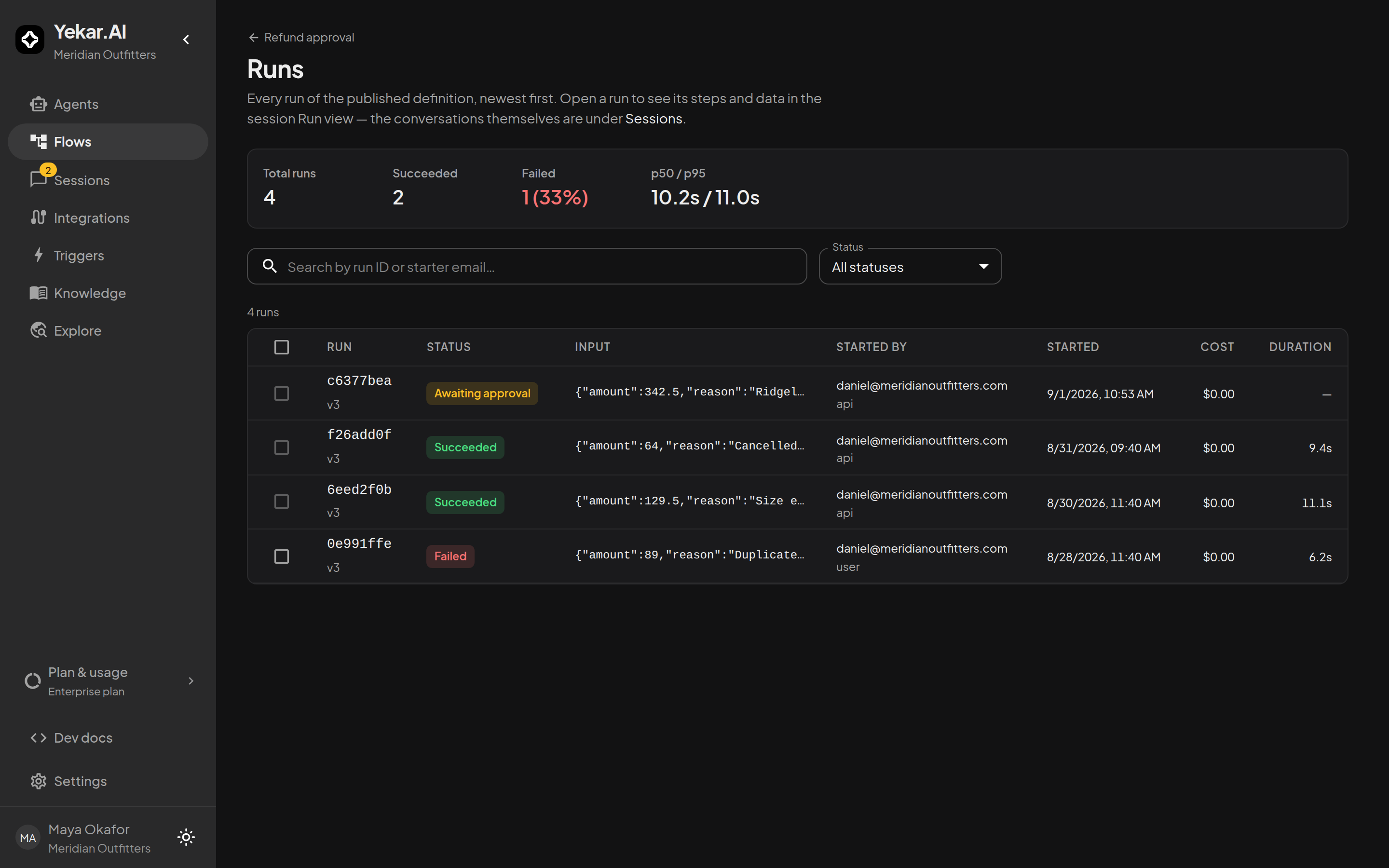
Run statuses:
| Status | Meaning |
|---|---|
| Queued | Accepted, not yet started. |
| Running | Executing now - includes a parallel parent with live branches, and a poll between attempts. |
| Awaiting approval | Parked for a human: an approval gate or a human task. |
| Waiting | Parked on the clock by a wait step - deliberately not "running". |
| Succeeded | Finished; output recorded. |
| Failed | Stopped on an unrouted error; the failing step carries the code and message. |
| Cancelled | Stopped by a person from Monitor. |
| Timed out | Exceeded its execution budget. |
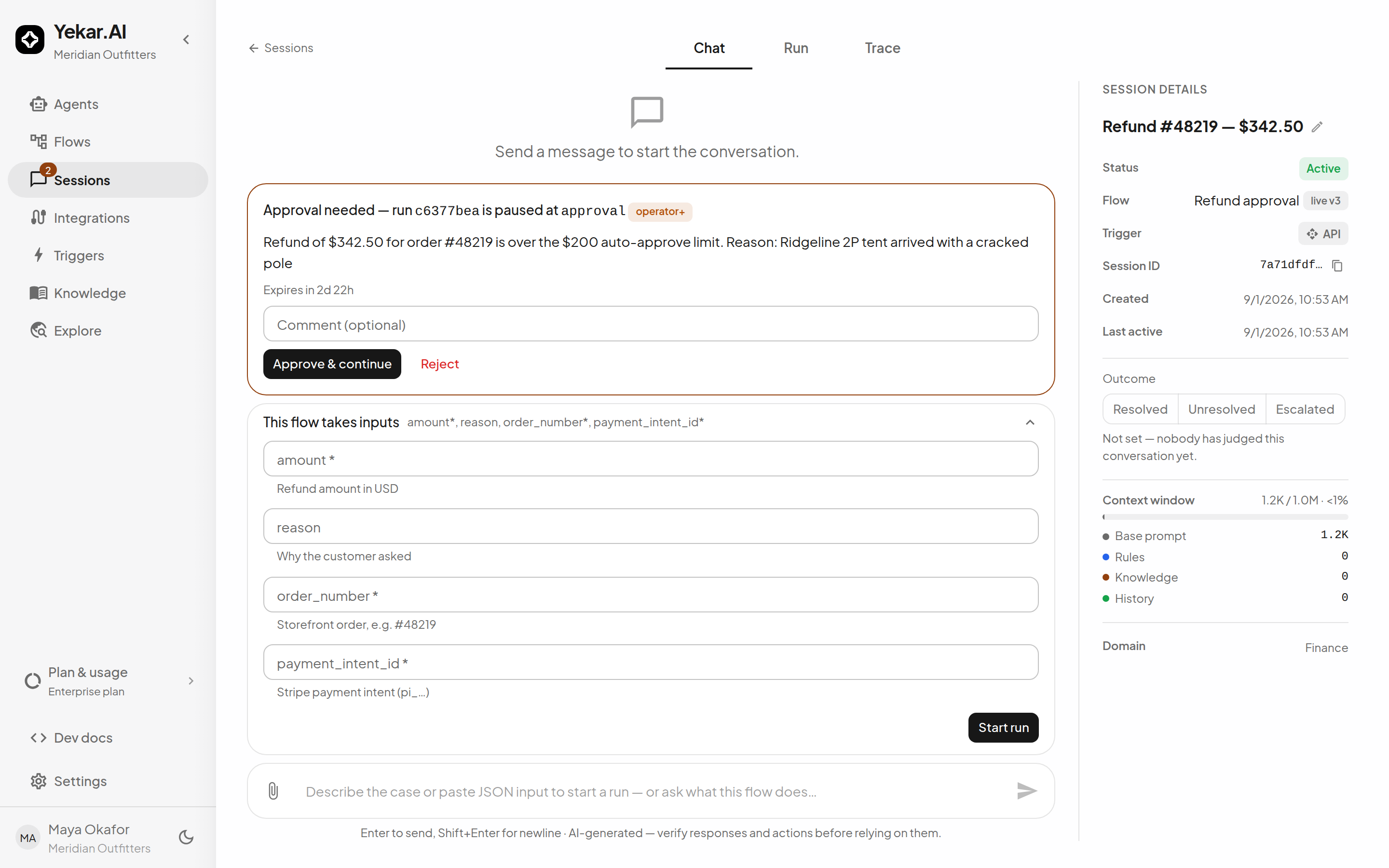
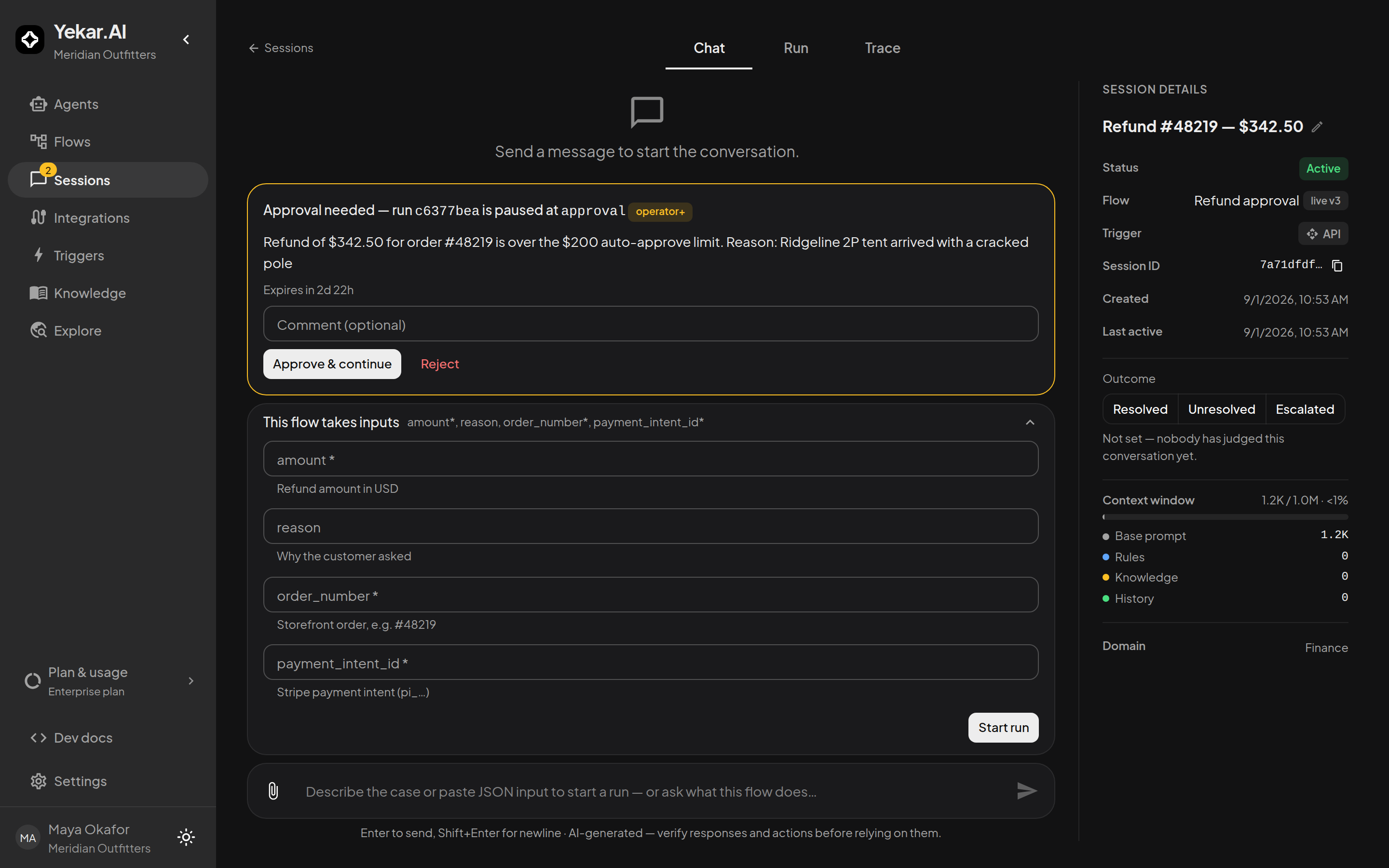
Open a run to see its steps and data in the session Run view - the conversations themselves are under Sessions.
Webhooks on completion
A Flow can notify an external system when runs complete or fail - configure webhooks from the Flow's Webhooks control, and see Webhooks for delivery, signing, and retries.
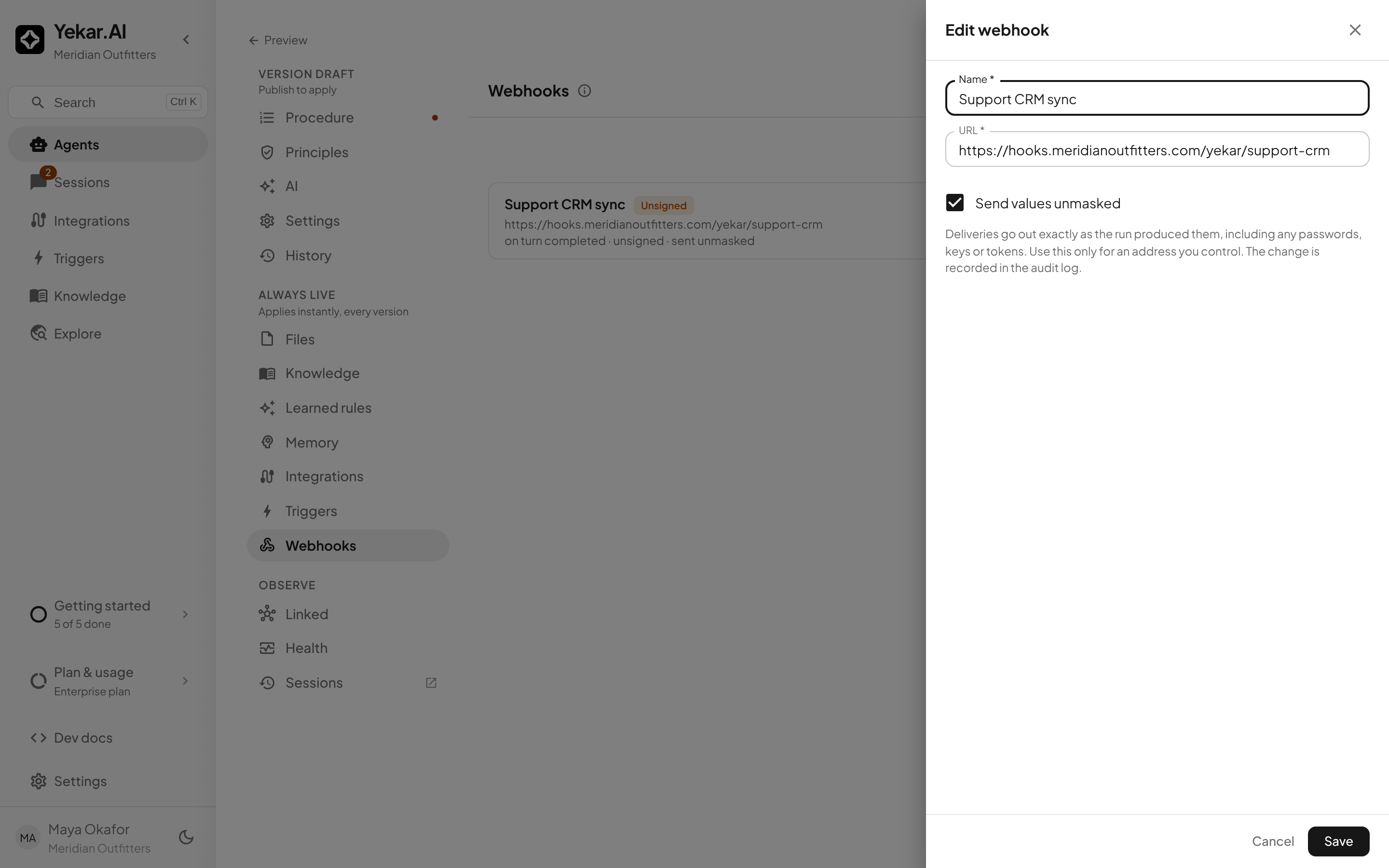
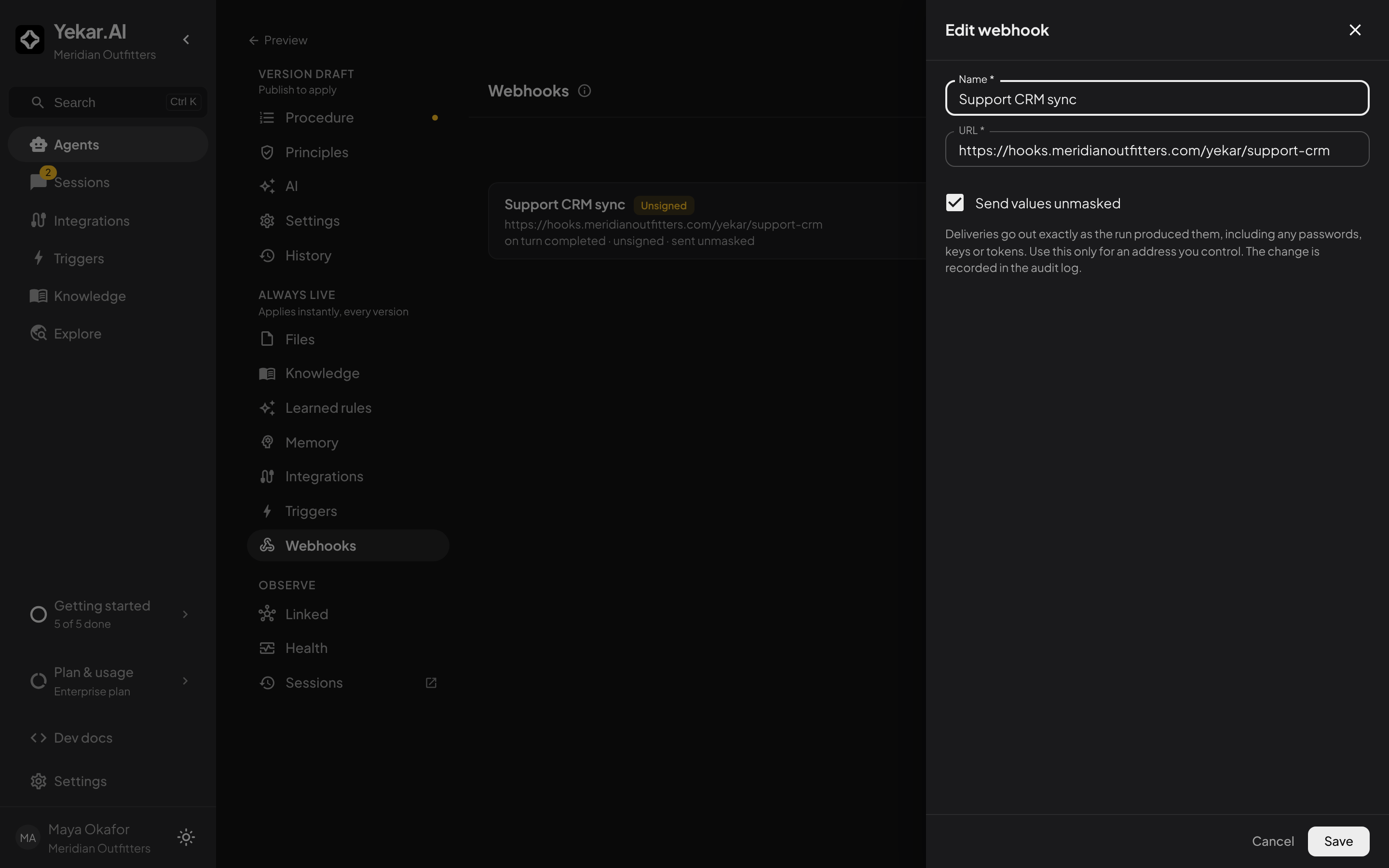
Deliveries are masked by default: anything in the payload that looks like a password, key or token is hidden before it is sent. For an endpoint you control that needs those values as they were produced, tick Send values unmasked on that webhook; the drawer says what that means, the list marks the webhook sent unmasked, and each change is written to the audit log. Turning it on is refused inside a support session that is not in full write mode. Agents carry the same control on their own Webhooks section.
Tips
If a run is missing from the list, check whether it was a Test run - draft test runs are audited but kept out of statistics. If Publish says the definition is not ready, the validation checklist names each blocker. See Troubleshooting.