Flows
Flows are enabled per workspace, on request. They run on the same engine, audit trail and permission model as agents - ask Yekar.AI to switch them on for your workspace.
Some work should never be improvised. A refund, a nightly reconciliation, a customer-facing digest - you want the same steps, in the same order, every single time, with a human in the loop at the one point that matters.
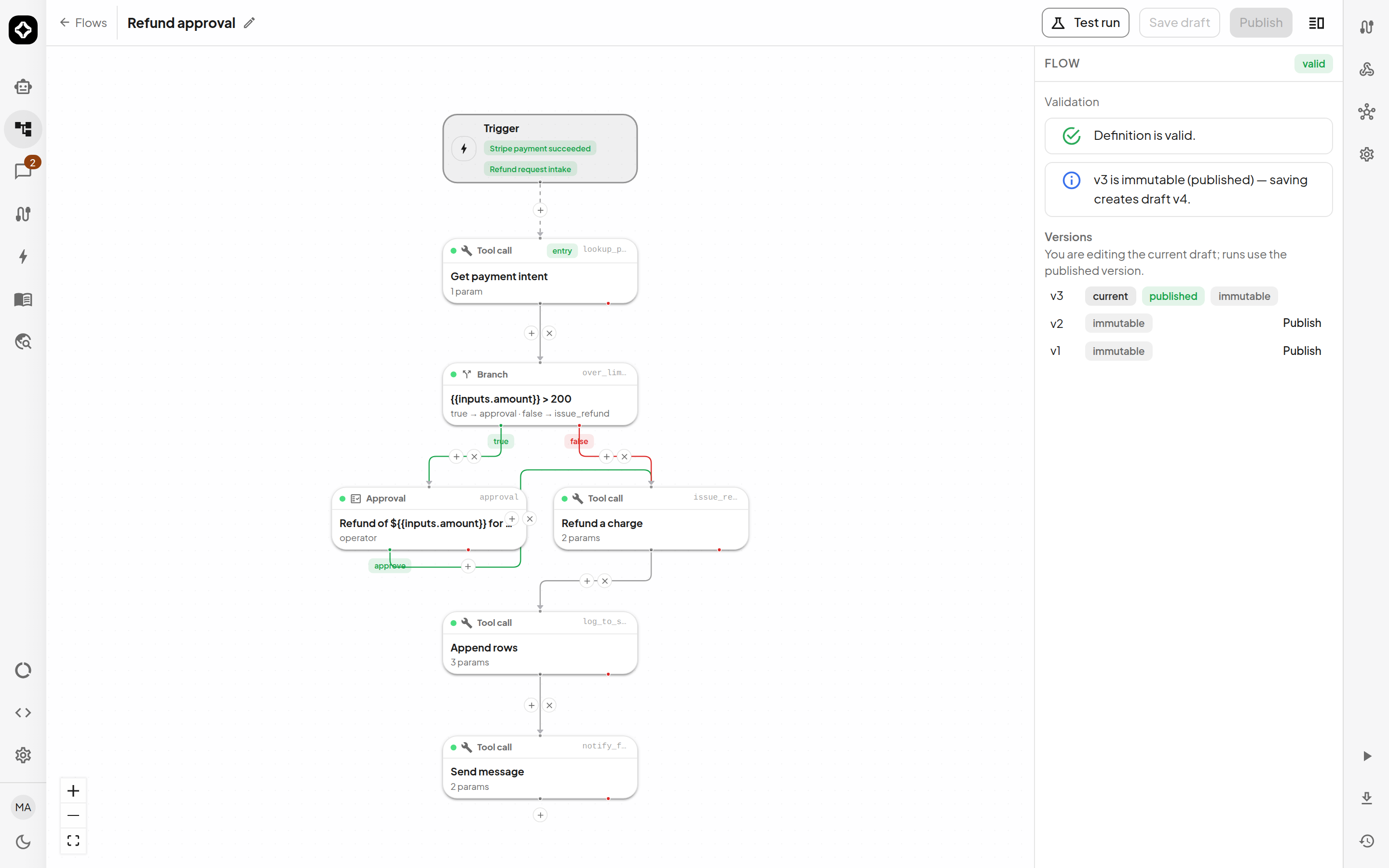
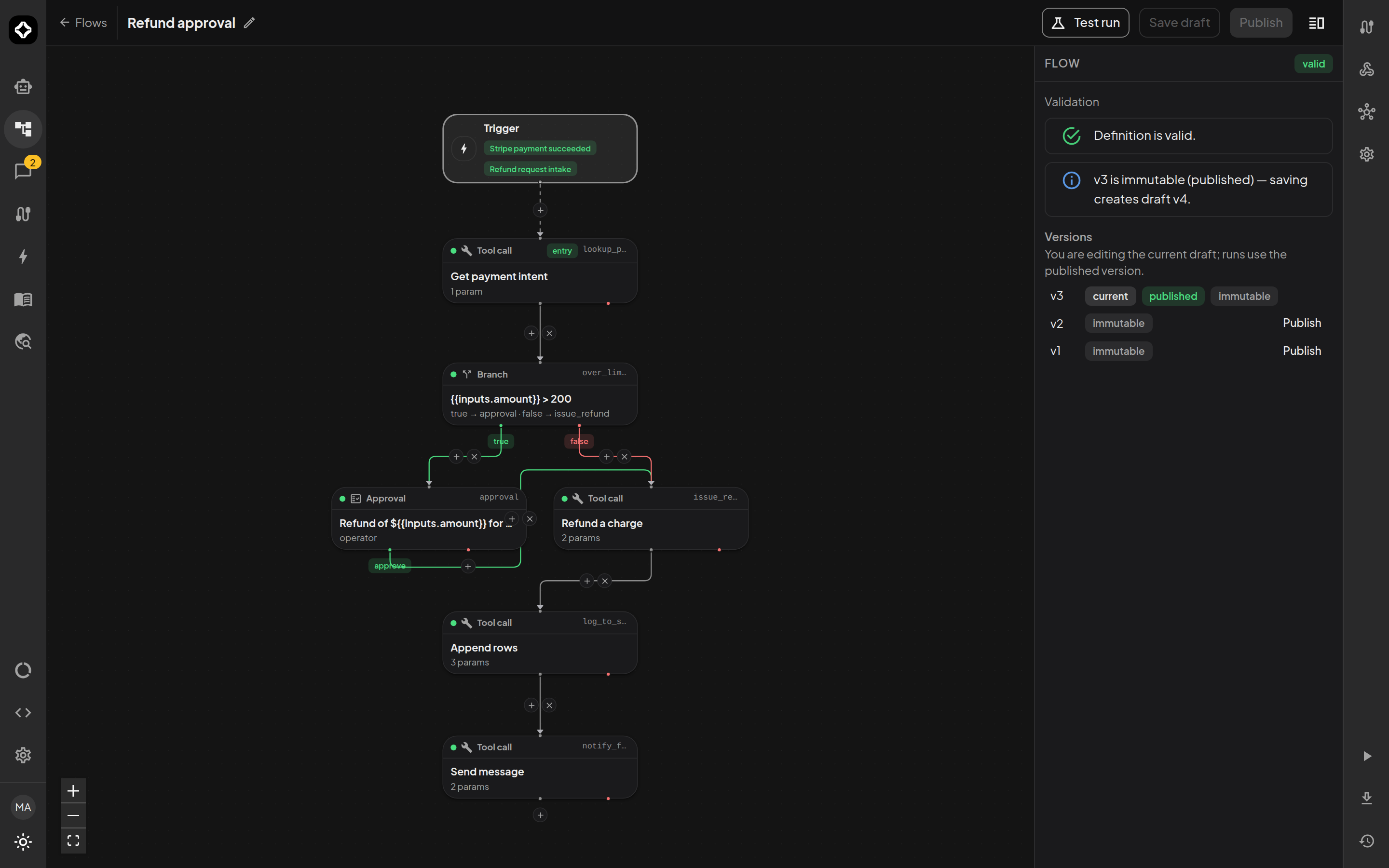
A Flow runs the graph you drew: deterministic steps with explicit routing, approval gates and error edges. Where an Agent reasons from written instructions, a Flow executes exactly what the canvas says. Use both - agents for judgement, flows for procedure.
All domain members can inspect Flow configuration and run published Flows. Creating, editing, publishing and starting a draft Test run require Editor or Owner access in that Flow's domain. Viewers and Operators inspect the graph and JSON without editing. See Roles and permissions.
Create a Flow
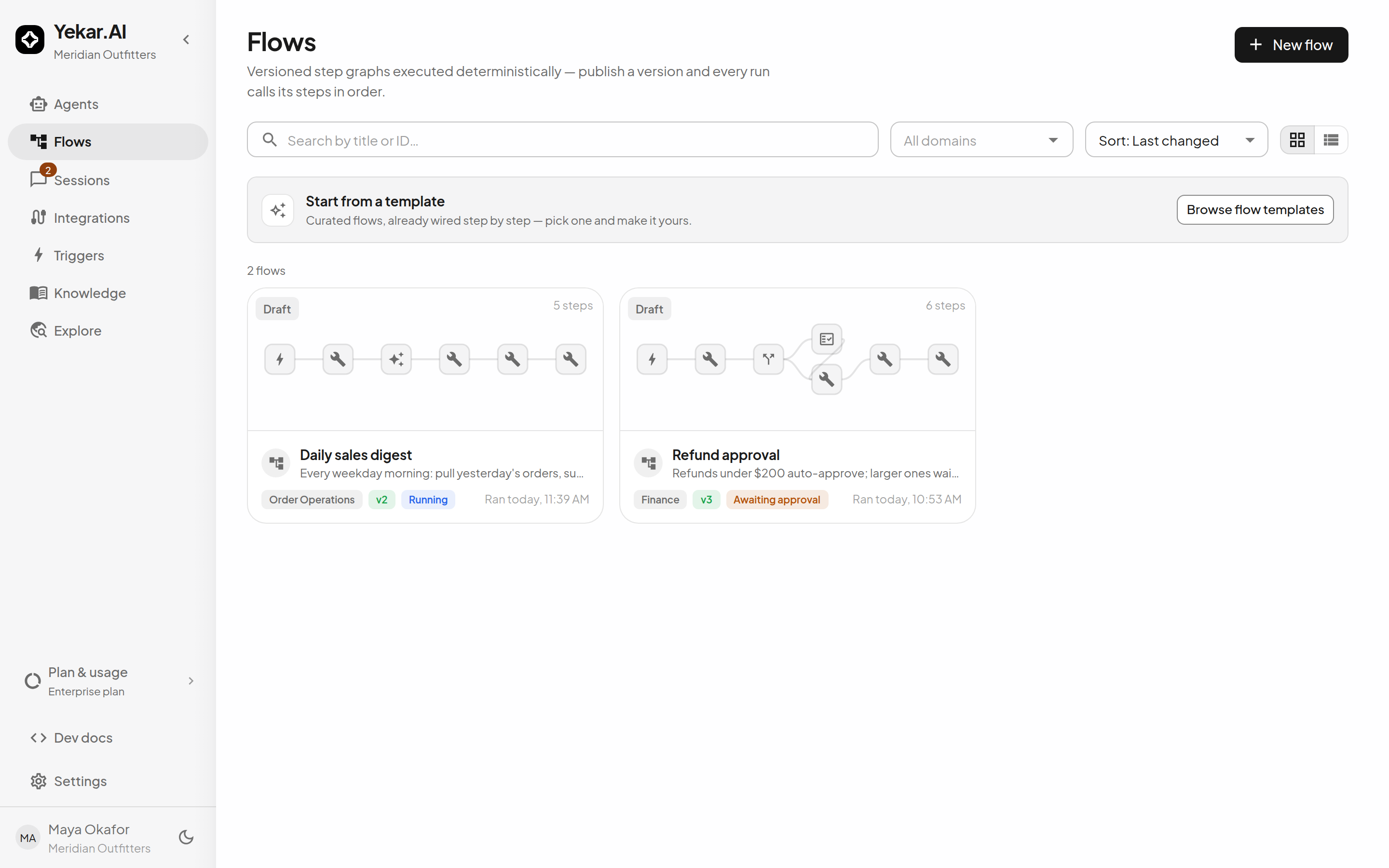
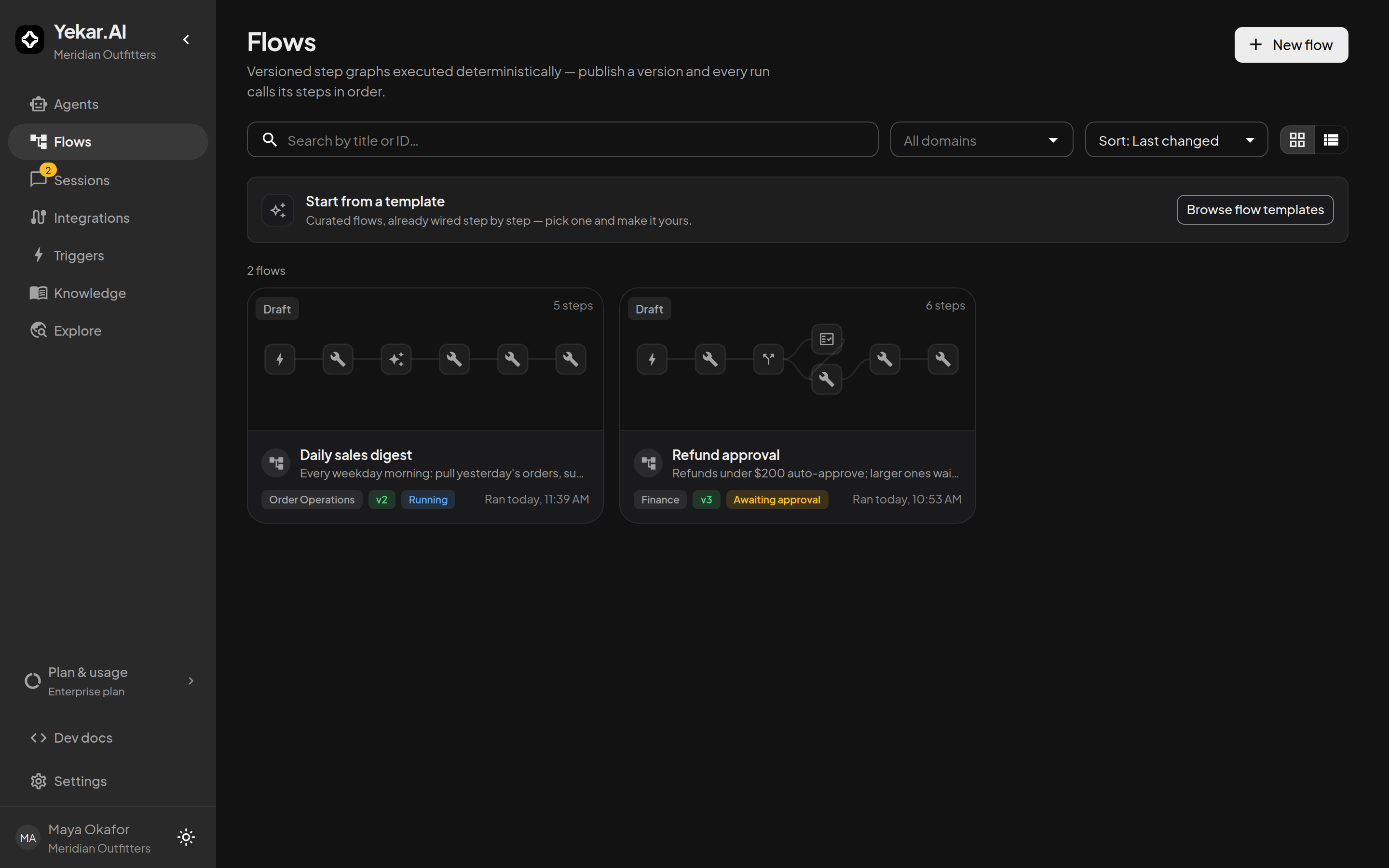
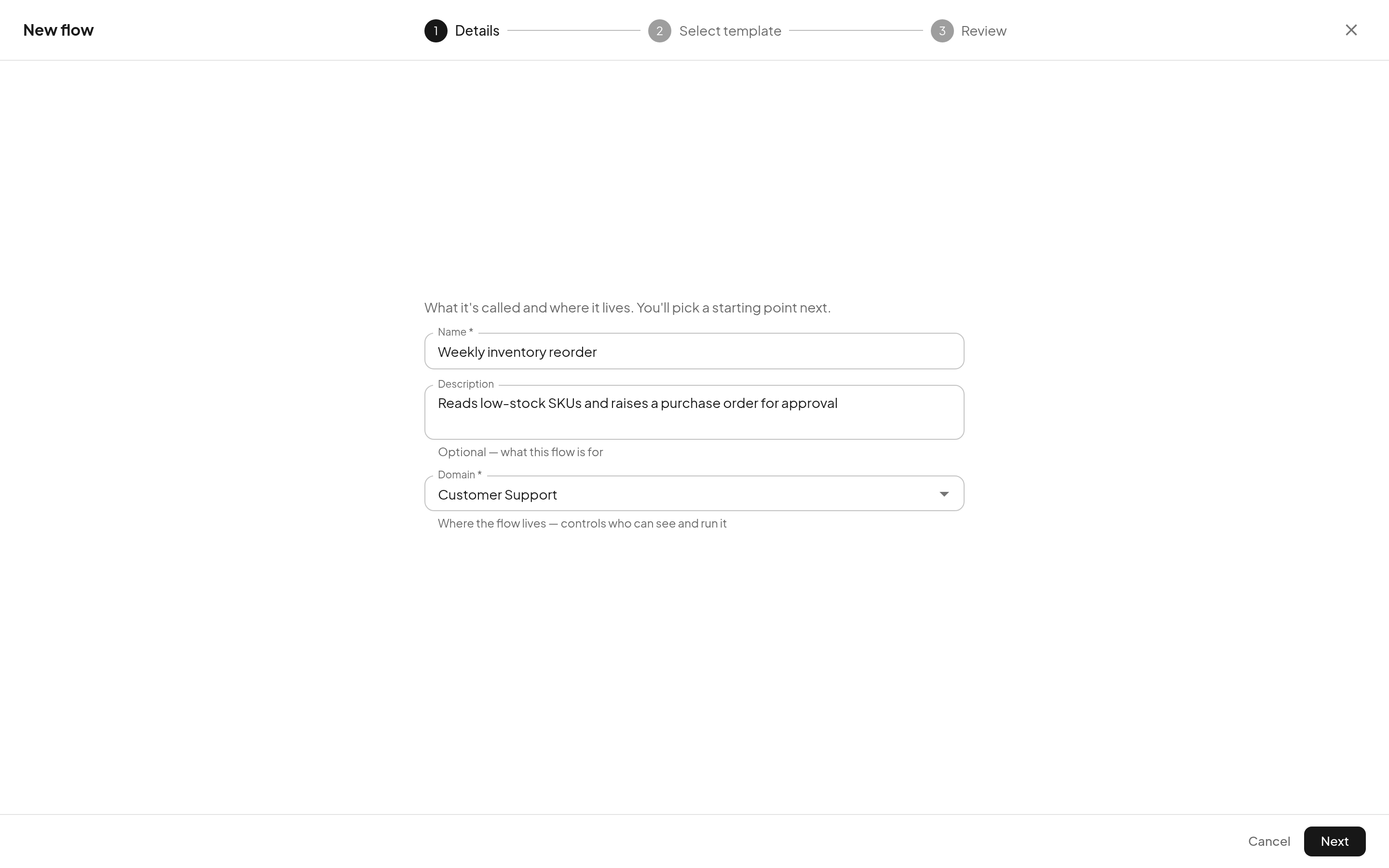
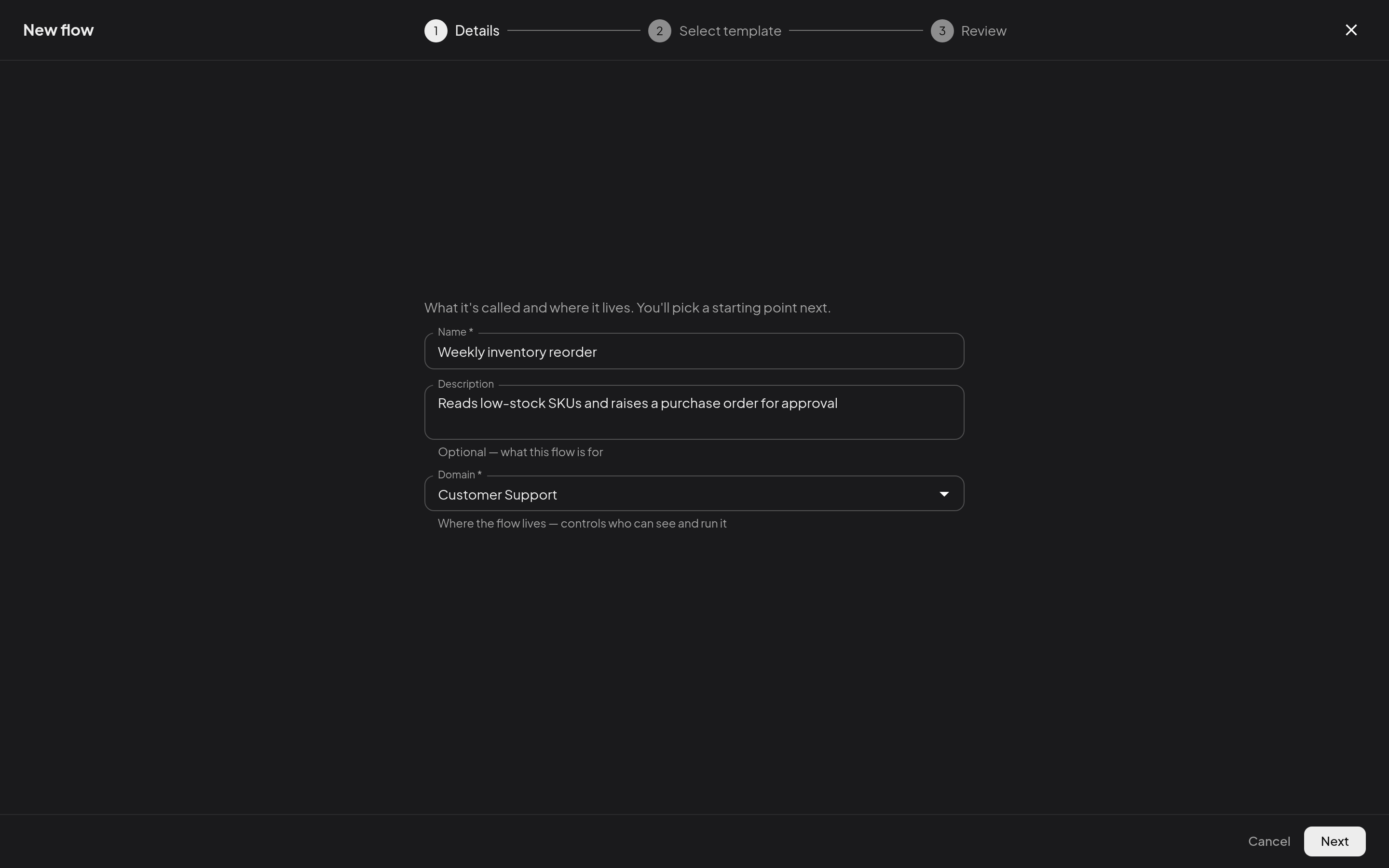
Open Flows, select New flow, choose a Domain, and enter a name. The builder requires a screen at least 768 pixels wide.
Build the graph
Select a + on the canvas. The step picker groups actions under Connected apps & data, AI & agents, Logic & timing, and People. Choose a step, complete its fields in the step editor, then select Apply.
- Drag an outlet to another step to change what runs next. The Trigger node points to the entry step.
- A Branch step routes on a condition - its
trueandfalseoutlets go to different steps. - An Approval step parks the run until someone with the required domain role decides.
- For steps that support failure routing, turn on If this step fails and connect the red outlet; otherwise the run stops and is marked failed.
The full catalogue of step types is in Steps; how data moves between them is in Inputs & data.
Validate, save, publish
The Flow → Validation panel lists errors and warnings live - unresolvable references, unreachable steps, missing connections. Resolve its errors before saving or publishing.
Select Save draft to preserve the current graph. Published versions are read-only: the panel tells you plainly - "v3 is read-only (published) - saving creates draft v4." Select Publish when validation is clean; see Runs & versions for the version lifecycle.
Test before publishing
- Test one step: select a step, find Test this step, and choose Run a test…. Review or edit Sample data from earlier steps, then run it. Tool tests can perform real external actions.
- Test run: run the entire current draft with chosen credentials from the builder toolbar. A test run is audited but does not fire webhooks or count in statistics and alerting. For a connection that acts as whoever starts the flow, you can paste that person's token to test as them; it is kept only until the test run ends.
Tips
If saving says the definition is invalid, use Flow → Validation and open the affected step. If a step reports a missing connection, open ⋮ → Connections. If a test performs an unwanted write, stop using that credential and verify the tool before retrying. See Troubleshooting.