Test the draft, then make it live
Editing a Setup never changes what live sessions run. The draft autosaves as you type; Publish is the explicit step that turns it into a numbered revision every new turn uses.
Publishing is not sharing. It changes which version of the agent runs inside your workspace - who can see and use the agent is still governed by its domain's membership, and nothing becomes public.
Publishing, restoring draft configuration and starting a draft test drive require Editor or Owner access in the agent's domain. Viewers and Operators can inspect configuration and revision history. An existing draft test drive also requires current edit permission to continue. See Roles and permissions.
Test drive the draft
Select Test drive, then Start test drive. The draft-mode session runs the current draft rather than the live version - the draft's model, the tools its Procedure references (including ones the live version does not bind yet), and its approvals. Its tools are real and its conversation is retained, so use test accounts when a step can change external data. Each turn re-reads the draft, so you can edit the Setup and send again in the same conversation; the one thing a test drive takes from the published Setup is Max concurrent runs.
Evals
Tests are situations the agent should handle - scripted, saved from a conversation, or live. Run them against your changes before you publish and get a result rather than an impression. See Evals.
Publish
Select Publish in the Setup panel's footer. The dialog shows what you are about to make live:
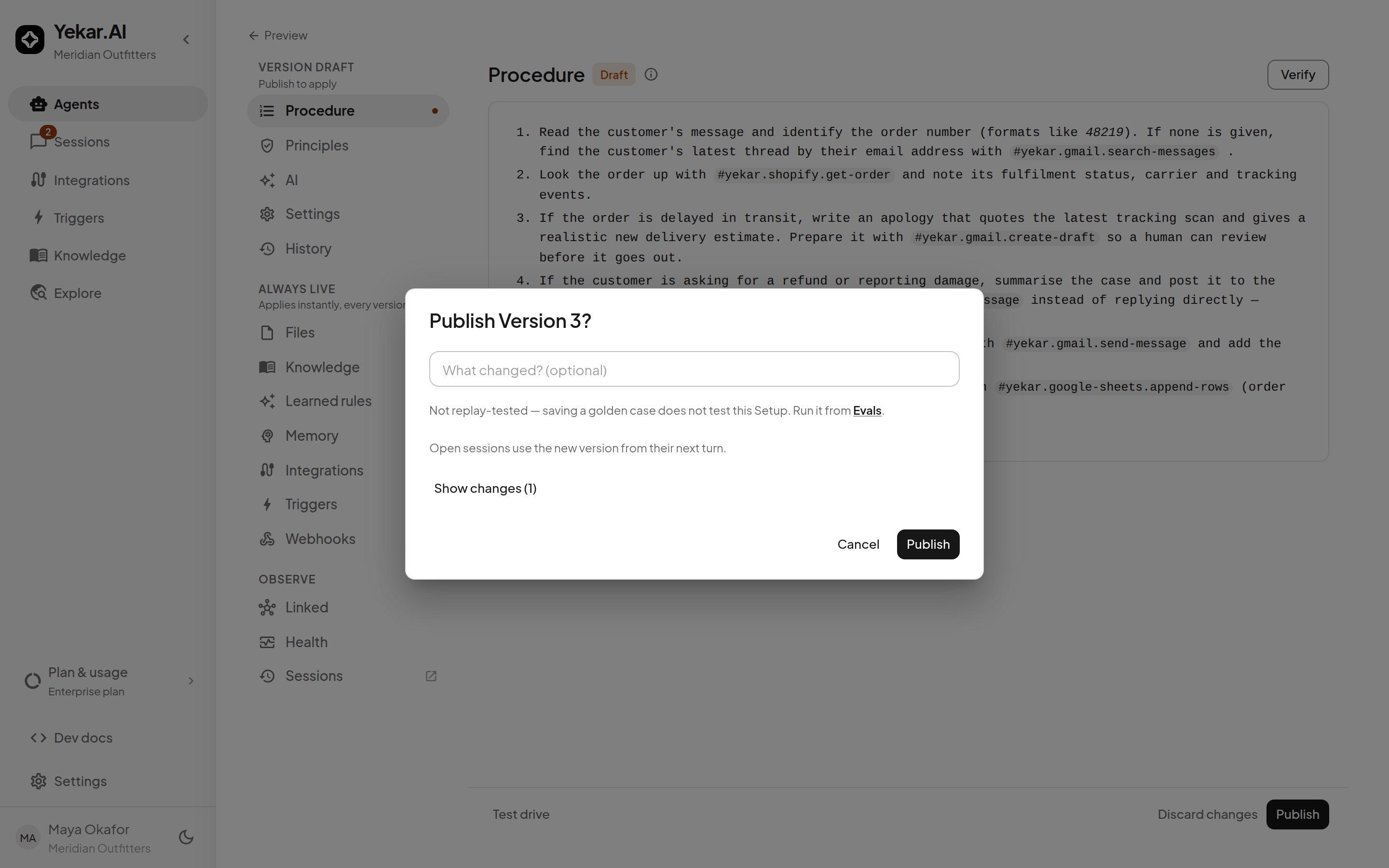
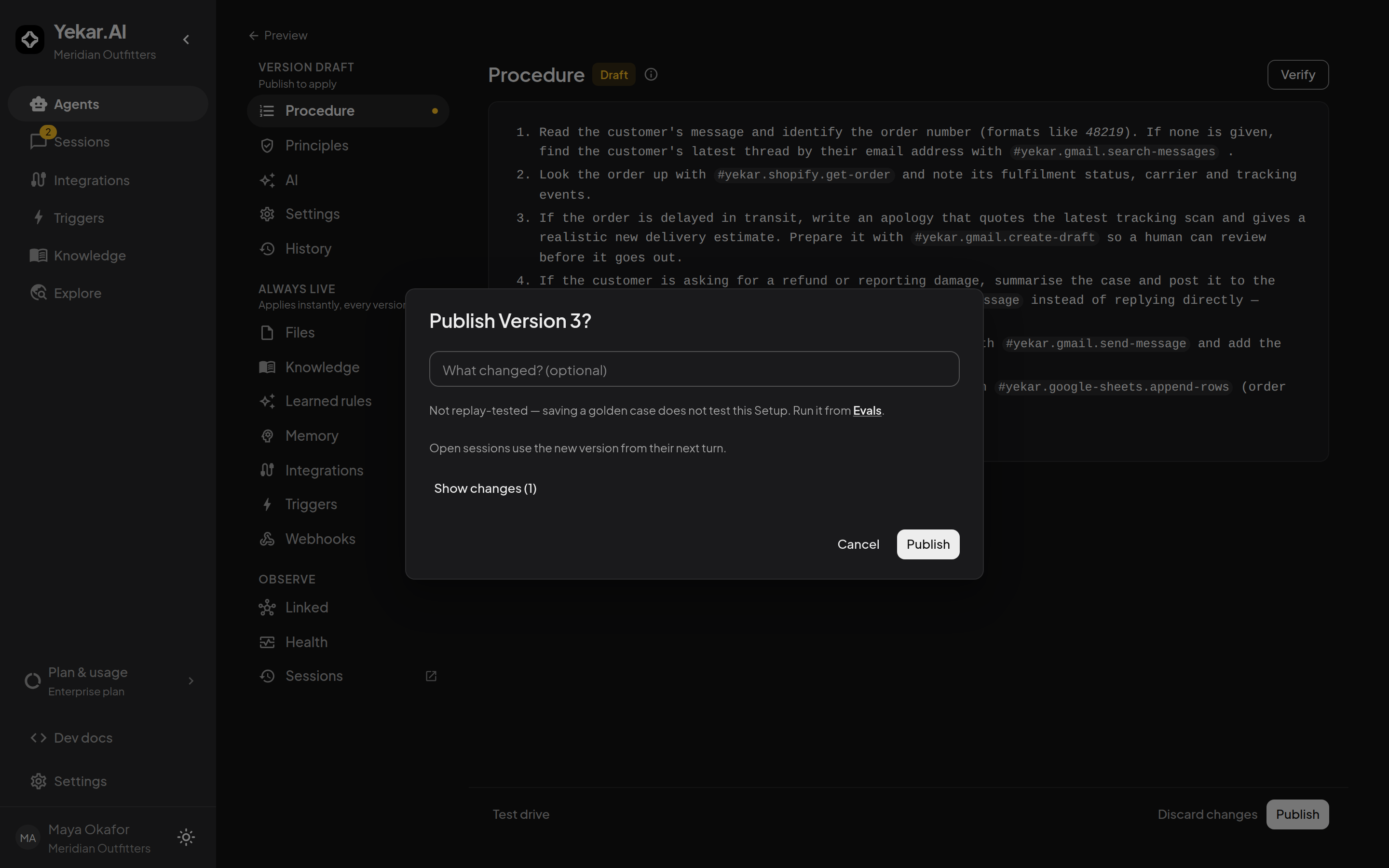
- The version number the revision will get.
- What changed? - an optional note that becomes part of the revision's history.
- Where Evals is on, how the newest run of the tests went - Last tested: what it tested, when, and how many tests passed - or Not tested yet, linking to Evals to run them. Without Evals the dialog shows no test line at all.
- Show changes - the diff against the live revision, section by section: the Procedure and Principles, the model, the integrations, the gated tools and their Auto-approve conditions, and every other Setup field that moved.
Confirm Publish. New turns use the new version from their next turn; open sessions are not interrupted mid-turn.
History and rollback
Open Setup → History to see every published revision - who published it, when, and its change note. The Publishes view shows decisions; All versions includes older per-save revisions.
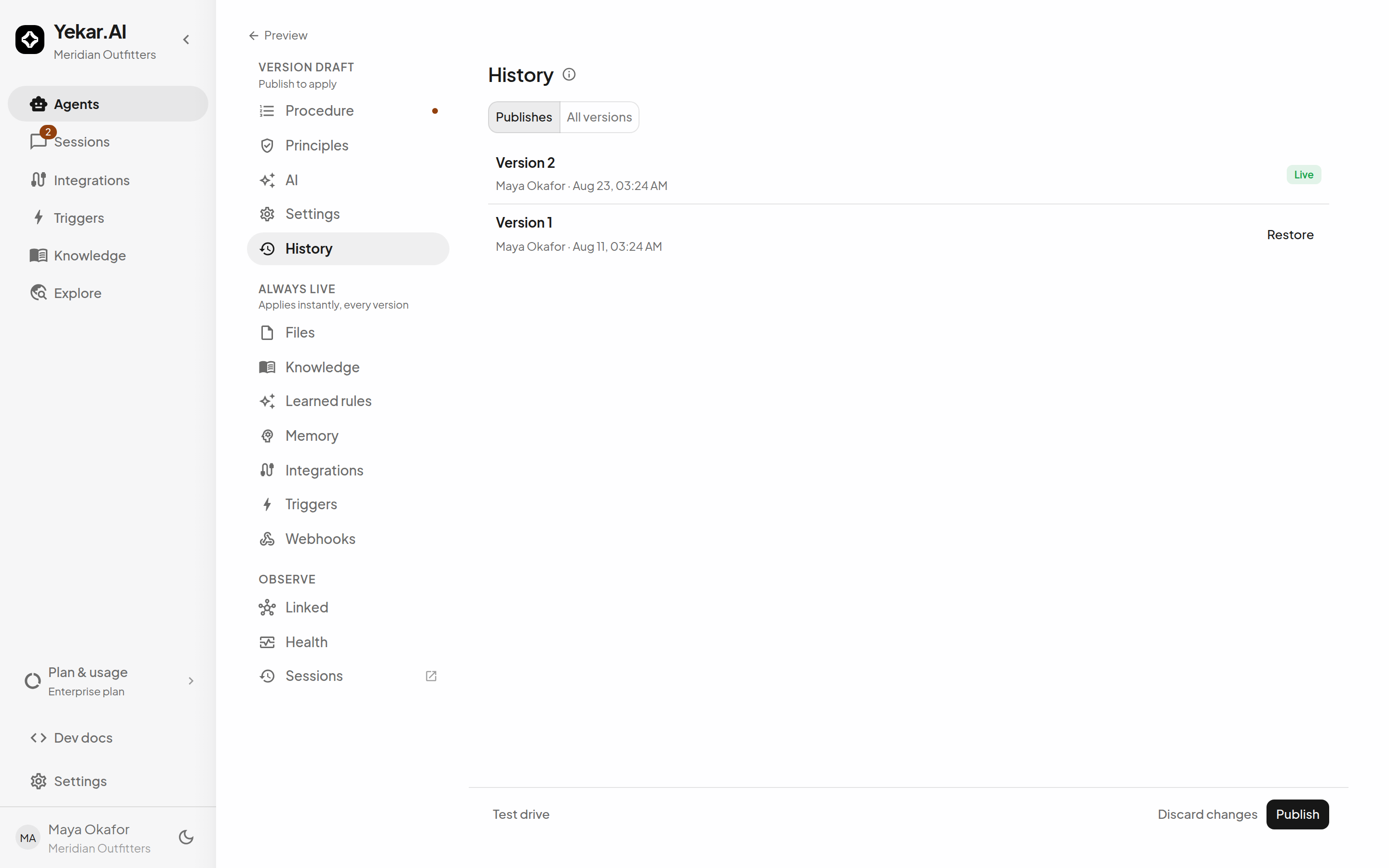
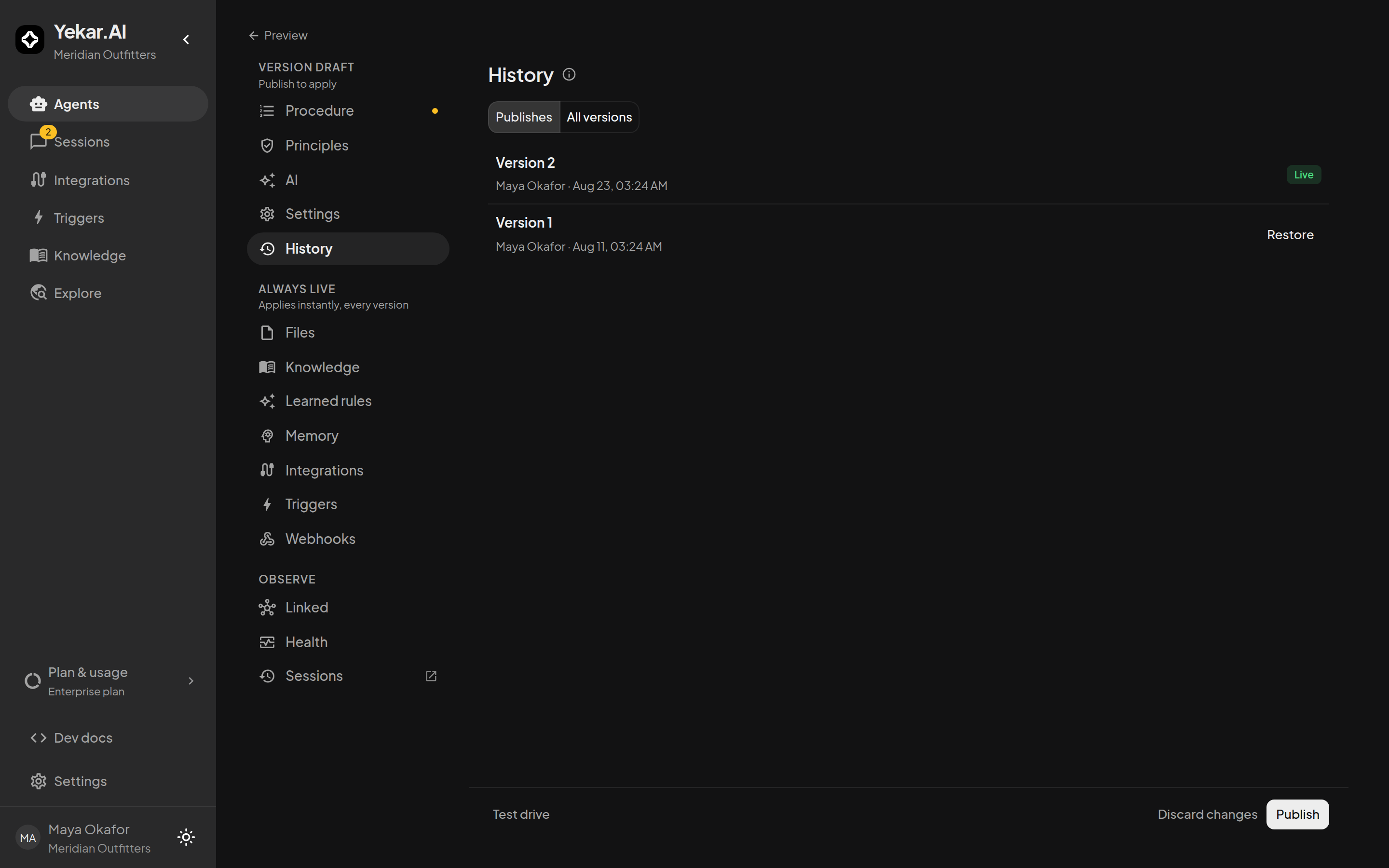
Select Restore on a revision. Restoring copies the old Setup into your draft - it does not publish it, so a revert goes through the same review as any other change; select Publish separately when you want it live. The restored publish is recorded as a restore, so a revert reads as a revert.
Publishing is one-way: you can move live use to a different revision at any time, but a published Agent never returns to a never-published draft.
Tips
If Publish is unavailable, finish the required Setup fields and resolve the message shown in the panel. If a restored version is not live, return to Setup and publish the restored draft - restore alone changes only the draft. See Troubleshooting.