Write the Procedure and Principles
You use Setup → Procedure to tell the Agent what to do, step by step, and Setup → Principles for the rules that apply throughout. The Procedure is guidance the model interprets - write it the way you would brief a careful new teammate.
Write an ordered procedure
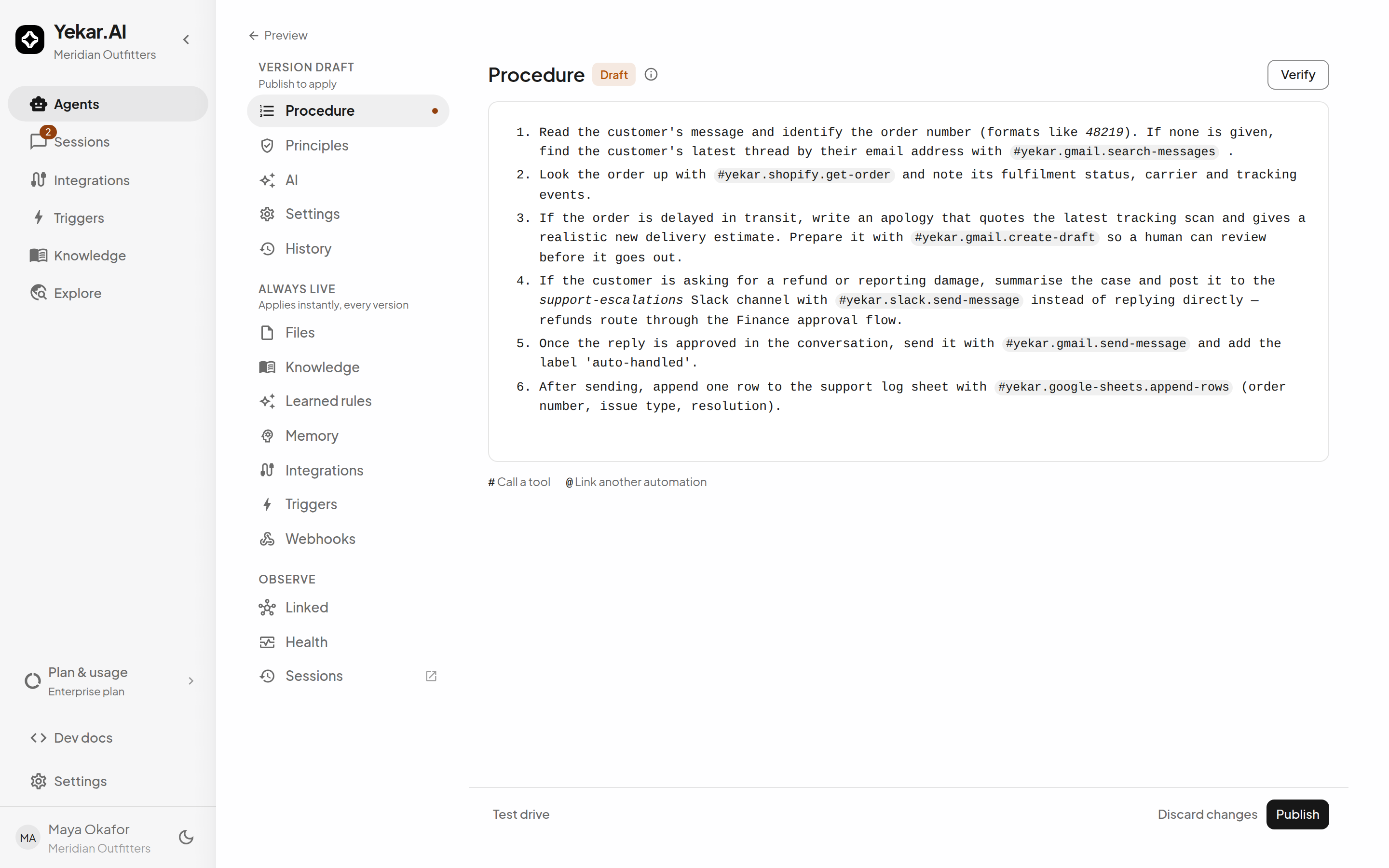
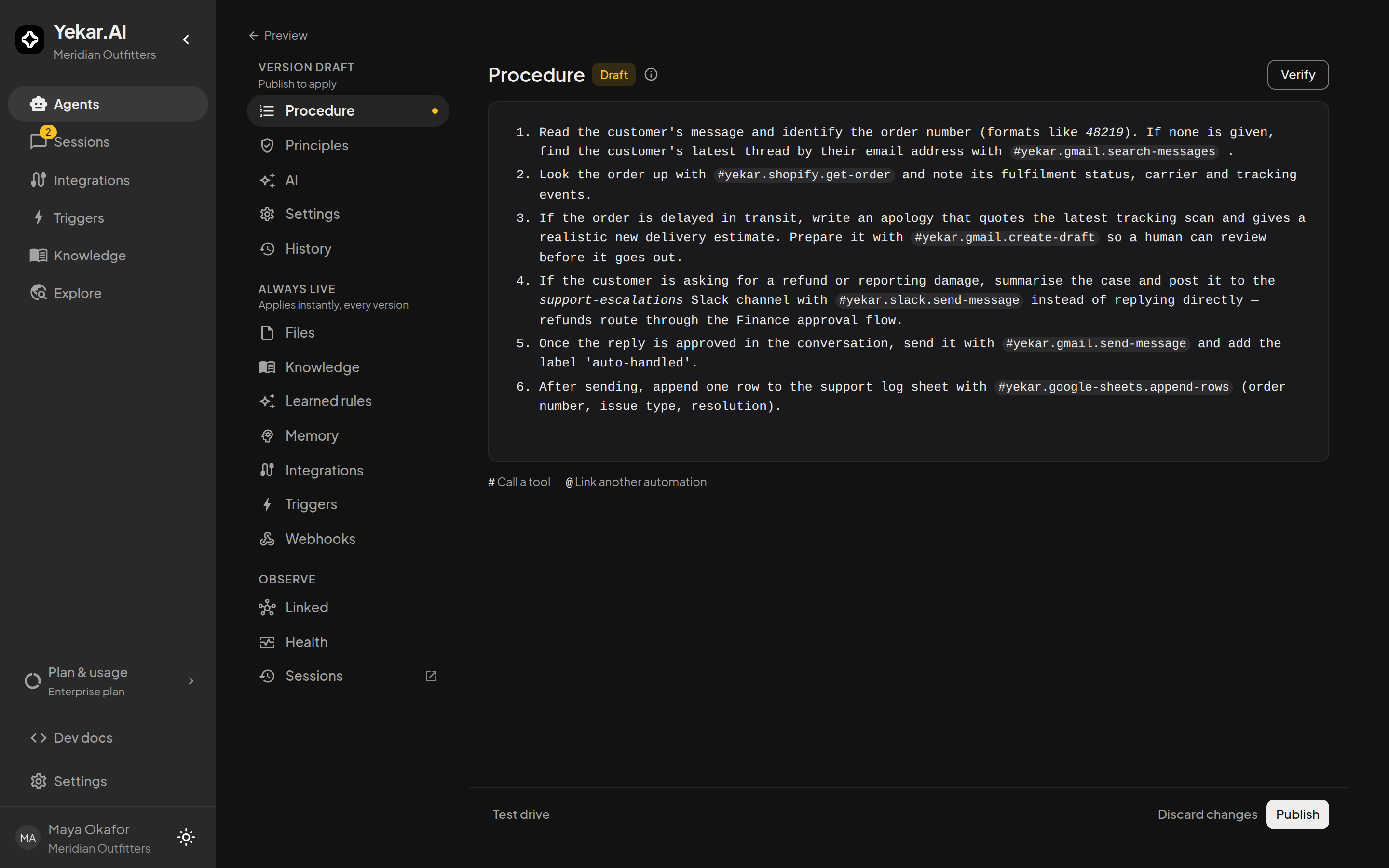
Open Agents, choose the Agent, then select Setup → Procedure. The section shows the current draft as it will run; select Edit procedure (or Write procedure while it is empty) to open the full-screen editor. Write numbered steps with explicit inputs, decisions, and expected results:
- Name the signal to look for - "identify the order number (formats like #48219)".
- Name the decision points - "if the order is delayed in transit… if the customer is asking for a refund…".
- Name the outcome - what done looks like, so the Agent knows when to stop.
Keep outcome criteria in the Procedure. Use Principles for anything that should hold on every step - tone, escalation rules, hard limits - rather than repeating it inline.
Use procedure
The Procedure is optional. An Agent with none - nothing written yet, or the switch off - still answers every message using its Principles and the tools of its integrations: each message decides what it does. Write a Procedure when you want it to follow the same steps every time, or to run on a schedule.
Use procedure, the switch in the section's header, turns the Procedure off and on without deleting it. Off is a draft change like any other: the text is kept, dimmed, and the next version you publish runs without it; switch it back on and the kept text runs again. The Publish dialog says when a version will run without its Procedure, and names any schedule triggers that will skip the Agent until a version with the Procedure on is published - a schedule only says when, and without a Procedure there is nothing to run at that time. Event and API triggers keep running, because each brings its own task.
While the Procedure is off, its # references bind nothing: the Agent keeps only the integrations chosen in its Integrations section. Verify, the Structured view and eval replays apply to the Procedure, so they are set aside while it is off.
The editor
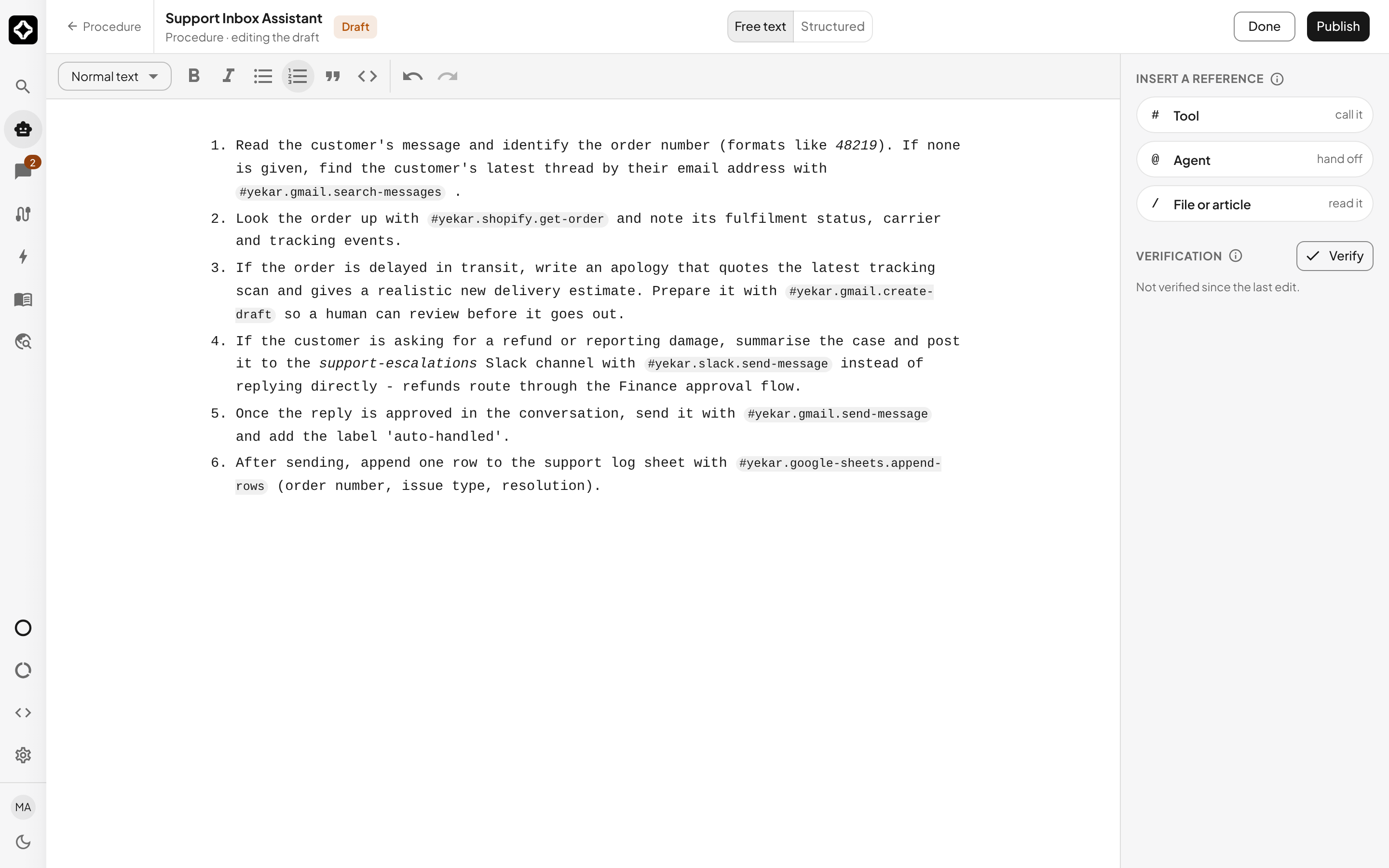
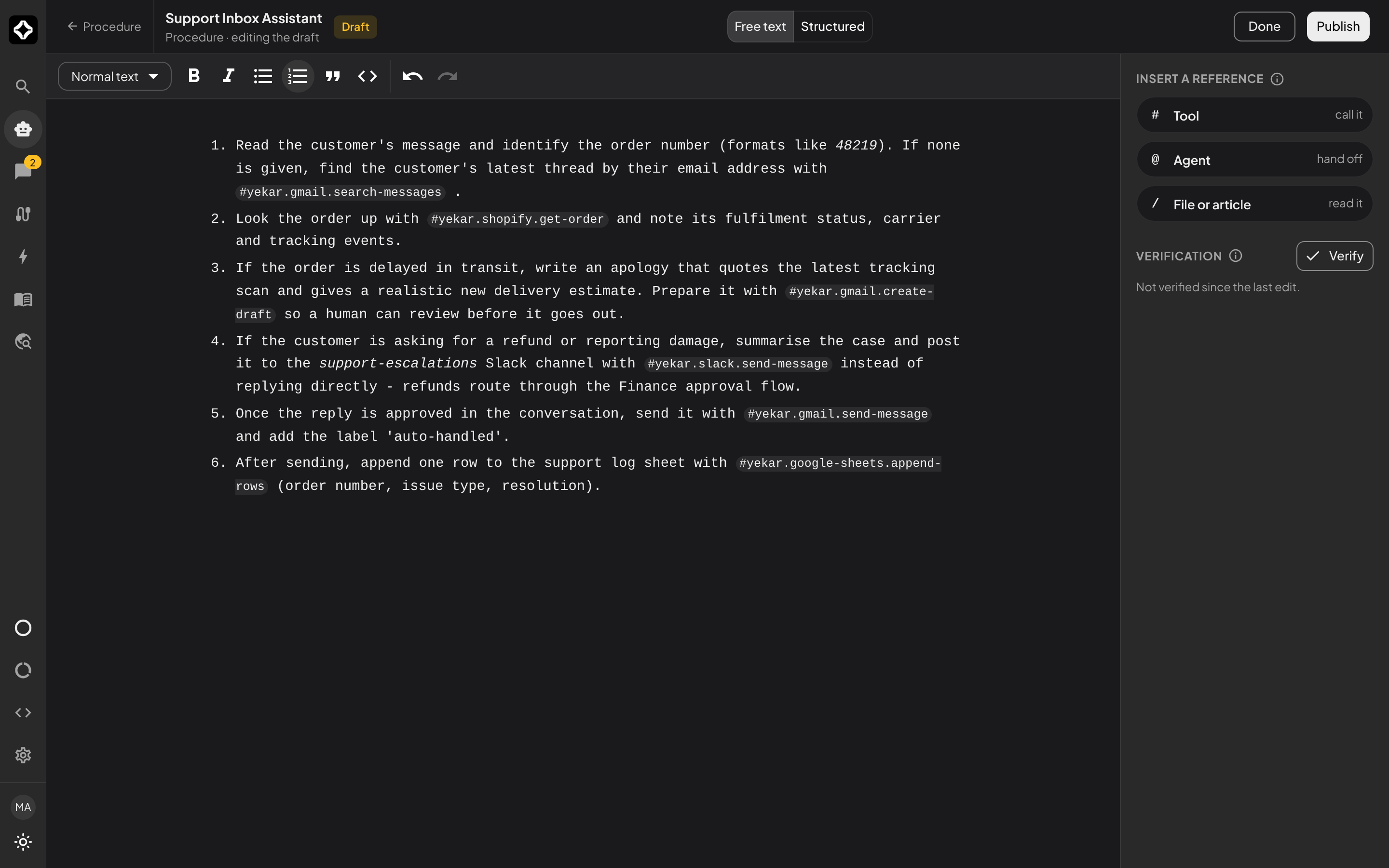
The full-screen editor has three parts. The writing surface takes most of the width, with a formatting strip above it for text style, bold, italic, lists, quotes and code. The column on the right holds Insert a reference - Tool, Agent or flow (Agent where Flows are not enabled) and File or article - and Verification, with the Verify button (it reads Verify again once a check has run) and what the check found. Selecting #, @ or / there opens a reference panel on the left with a tab for Tools, Agents and Files, a search box, and the same catalogue the inline menu offers, shown as chips. Select a chip to insert it where the caret is, or drag it into the text to insert it where you drop it. An empty Procedure offers Insert a starter template to begin from. On a narrow screen the reference panel and the tools column open as drawers from the header, and the writing surface takes the full width.
The editor saves the draft as you type, and the header says when the last save landed. Publish in the header publishes the whole draft, the same as Publish on the Procedure section; Done returns to the section, where Test drive and Discard changes live.
Free text and Structured
The editor's header switches between two views of the same Procedure. Free text is the text as you wrote it. Structured shows it as numbered steps: each list item or paragraph becomes one step, in order.
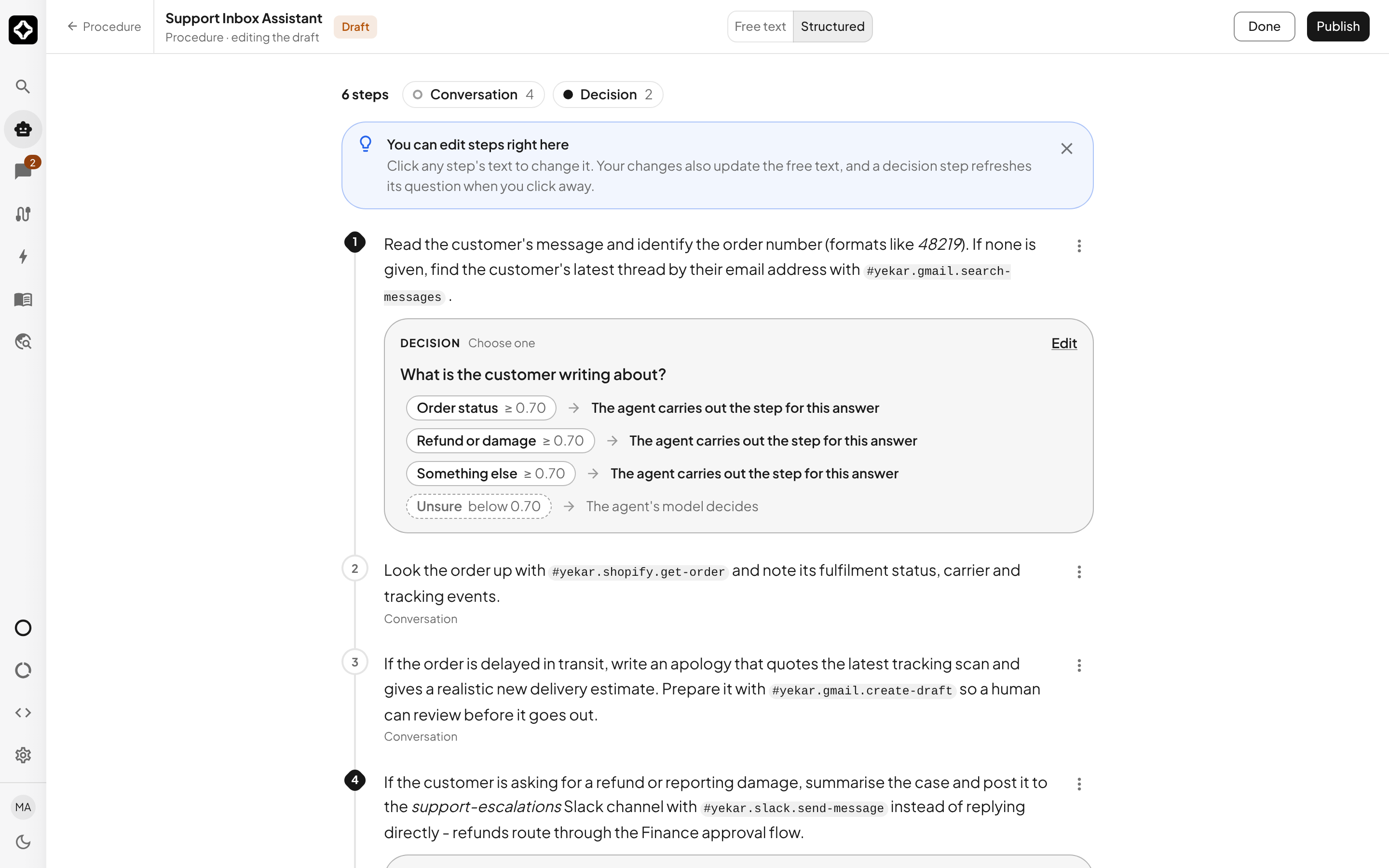
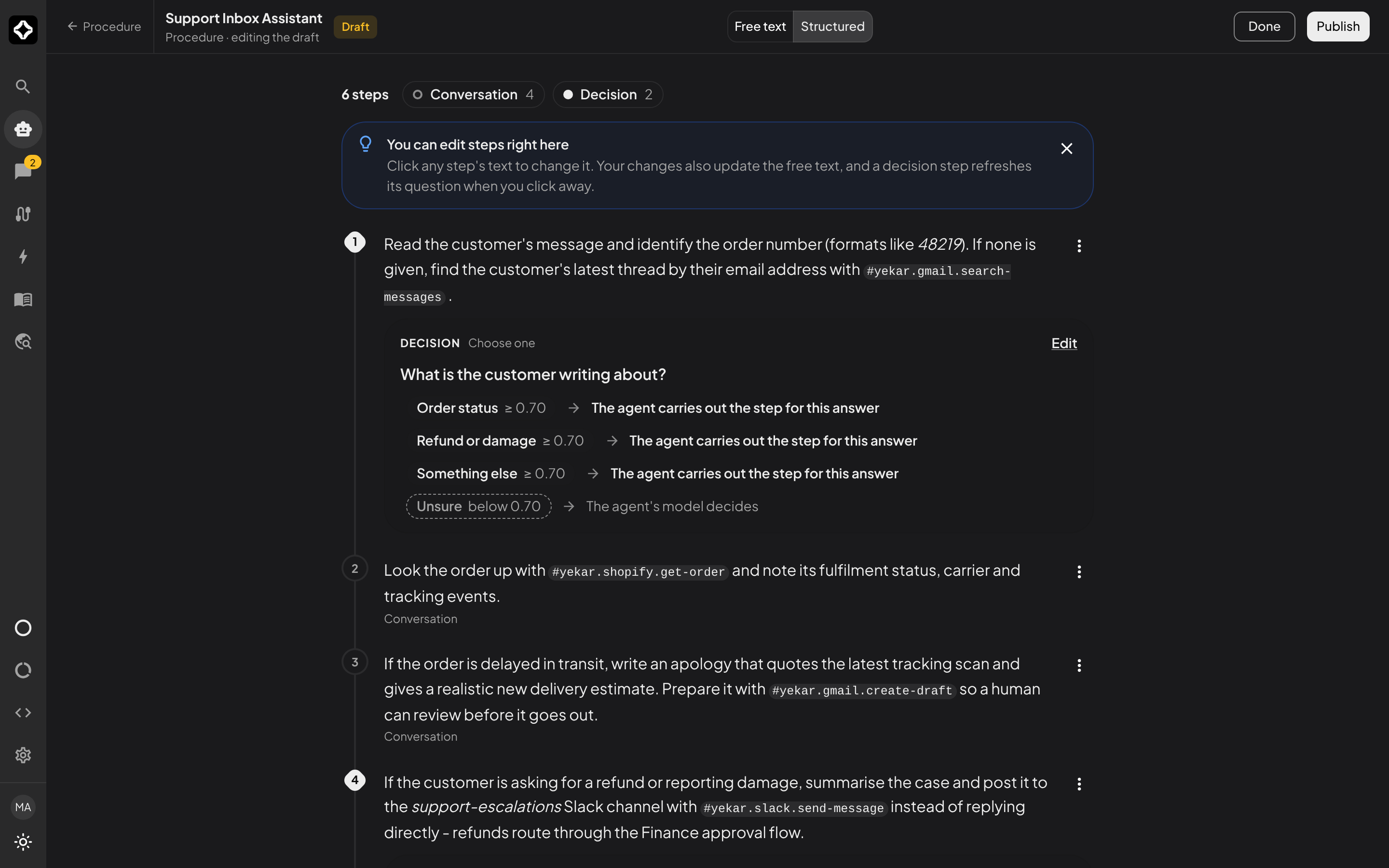
A step is one of two types:
- Conversation step - the Agent's model works on it by talking, writing or using tools. Every step can be a conversation step.
- Decision step - one question about the conversation - yes or no, choose one, or a score - answered with probabilities by the Agent's decision model. Decision steps are offered only when the Agent has a decision model selected under Setup → AI → Decision models.
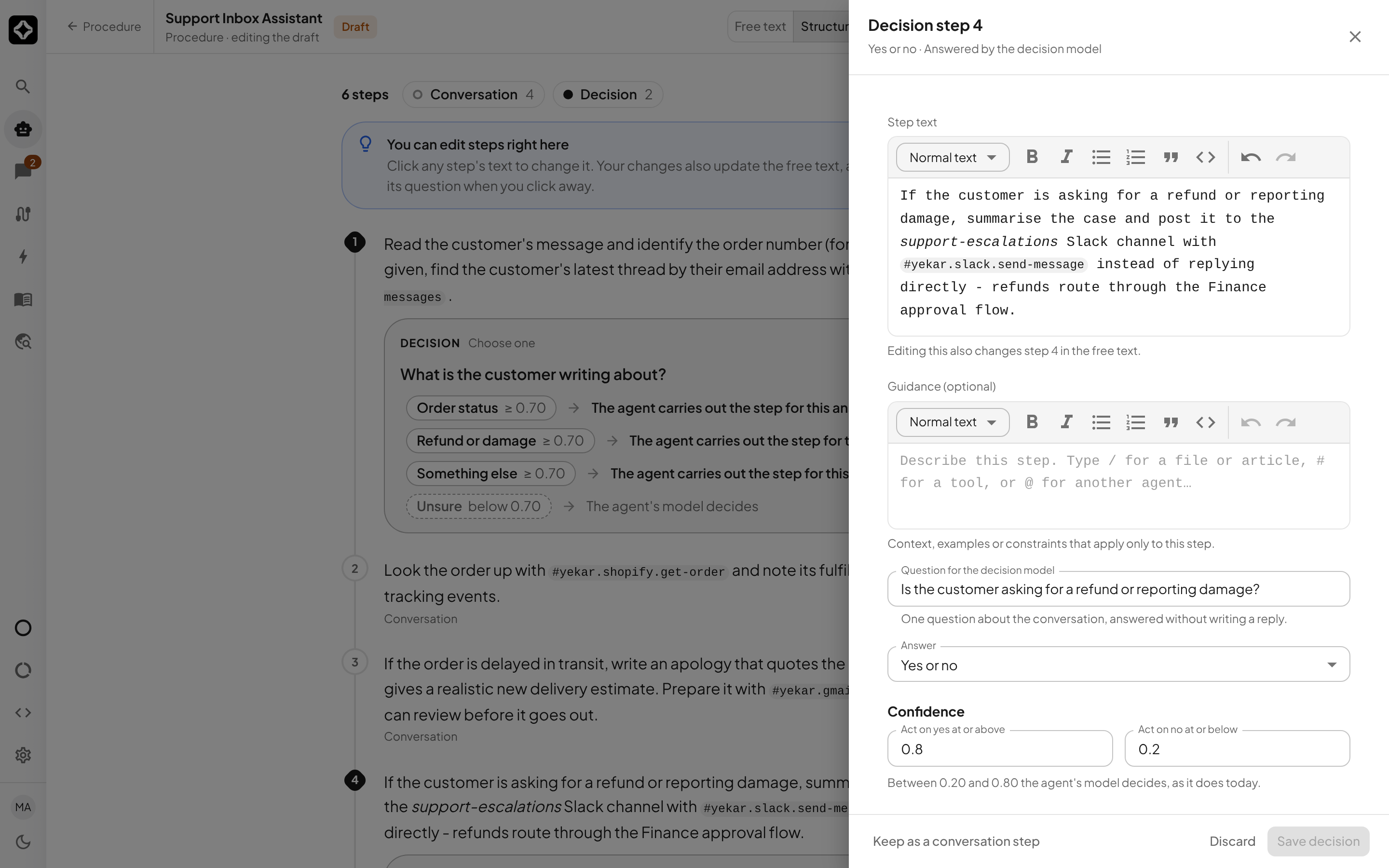
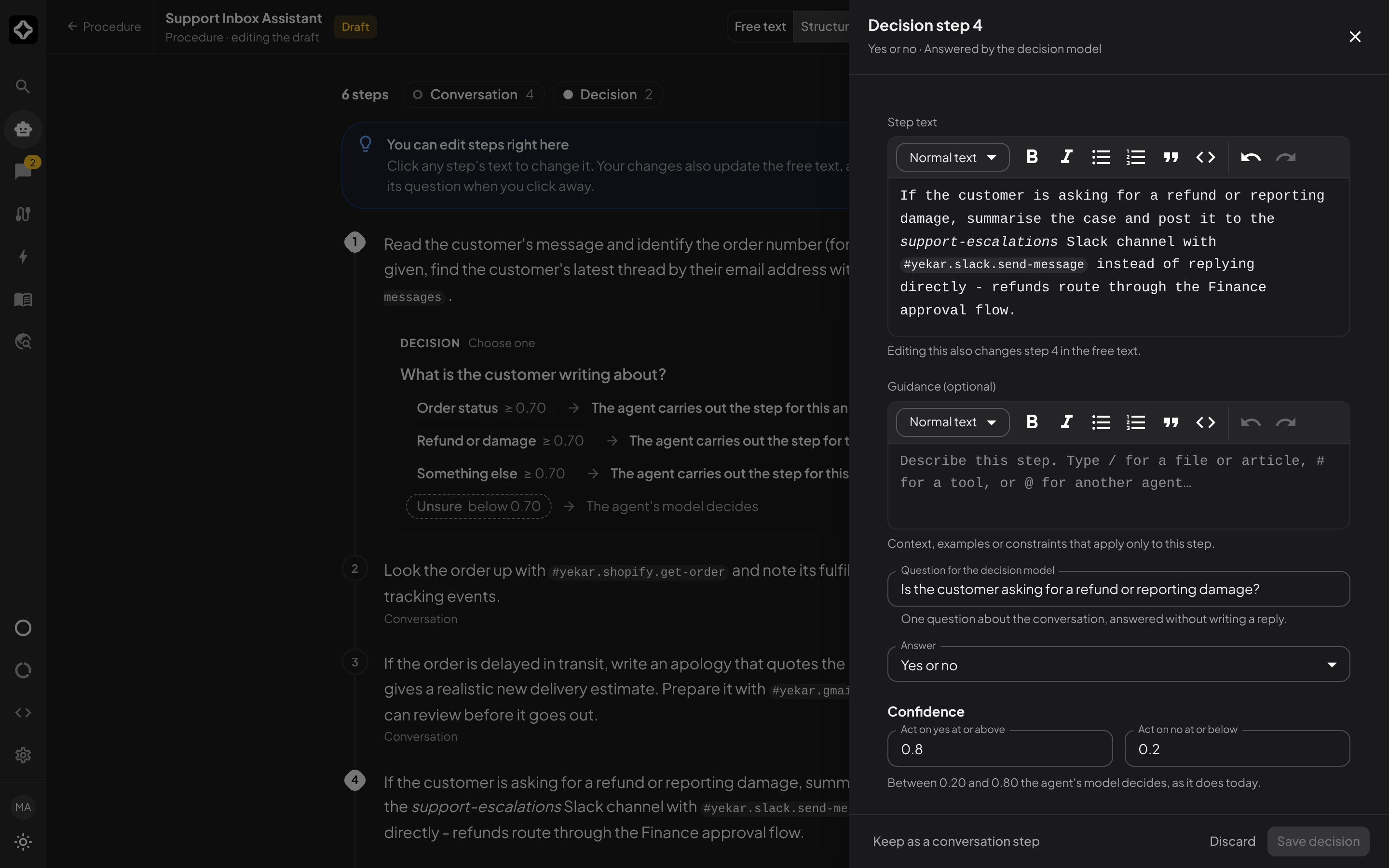
The steps are made from your text the first time you open Structured, which takes a few seconds; after that only steps whose text changed are looked at again. Click a step's text to change it in the same editor as the free text - with its formatting strip and the #, @ and / references - and the change is written back into the free text when you click away; Esc discards it (with a reference menu open, Esc closes just the menu). References show as chips in every step, as they do in the free text. A decision step's card shows its question and what each answer does; select Edit to change the question, the kind of answer, the answers themselves and the confidence thresholds, or Keep as a conversation step. A step's ⋮ menu turns a conversation step into a decision step and back. Your choice of type stays with the step when you edit other text.
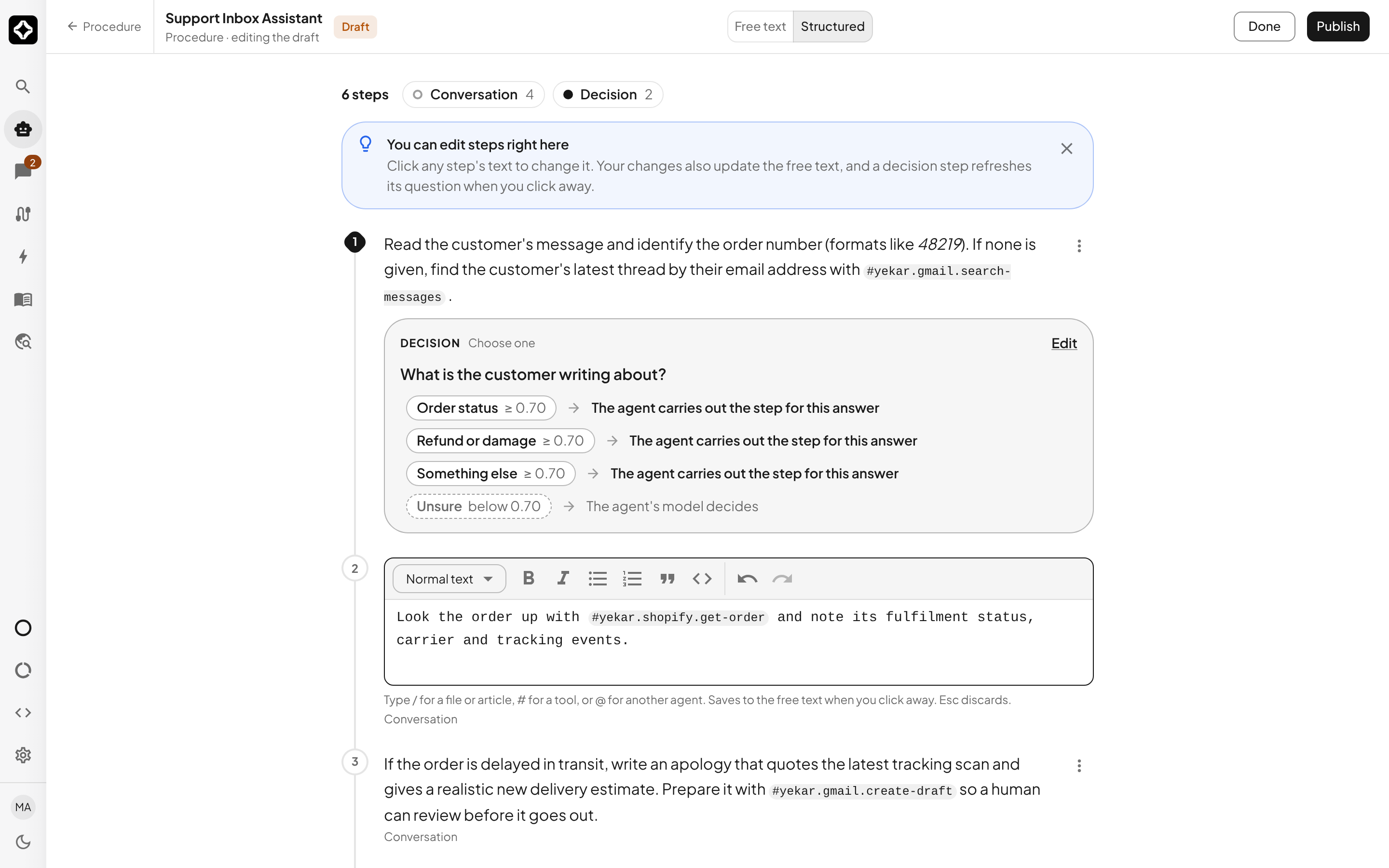
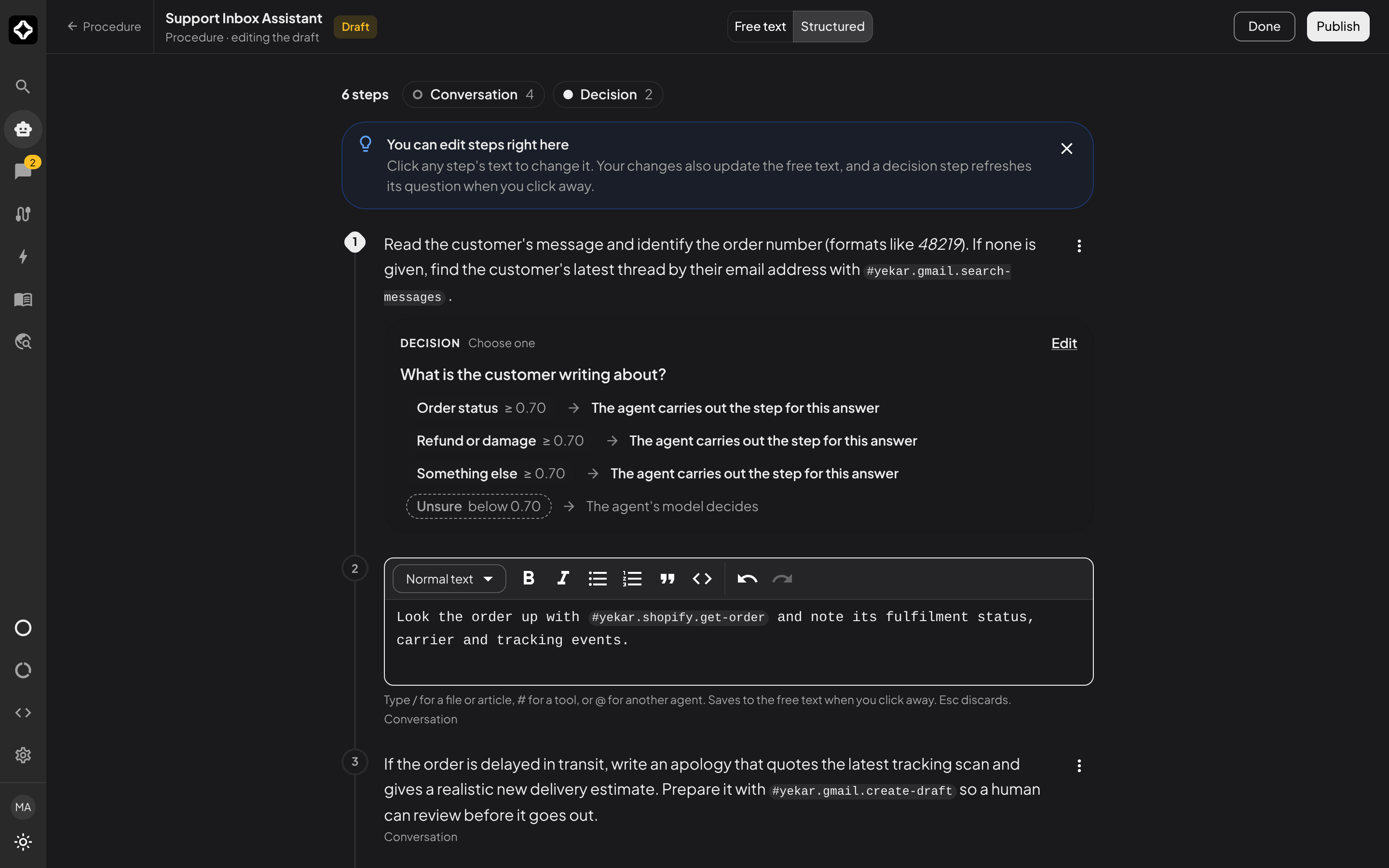
Kinds of decision step
A decision step asks one question about the conversation so far, and the decision model answers it with probabilities instead of writing a reply. The step's Answer setting decides what kind of answer that is. There are three kinds:
| Kind | The decision model gives | You set | The answer is acted on when | Default |
|---|---|---|---|---|
| Yes or no | how likely the answer is yes | a yes threshold and a no threshold | the probability is at or above the yes threshold (yes), or at or below the no threshold (no) | 0.80 and 0.20 |
| Choose one | a probability for each answer you name | 2 to 20 answers and one threshold | the most probable answer is at least the threshold | 0.70 |
| Score | a probability for each level of your scale | 2 to 11 levels, lowest first, and one threshold | the most probable level is at least the threshold | 0.70 |
Whatever the kind, an answer below its threshold is Unsure: the Agent's model decides that step itself, as it would a conversation step, and is told which way the decision model was leaning and how strongly. Thresholds are probabilities from 0 to 1. Raising a threshold (or widening the gap between yes and no) sends more conversations to the Agent's model; lowering it lets the decision model settle more of them.
Yes or no
For a step that turns on a single condition, such as Decide whether the order is refundable. Its question is one that can be answered yes or no - Is the order refundable? - and its card shows three outcomes: Yes at or above the yes threshold, No at or below the no threshold, and Unsure between the two. The no threshold must be below the yes threshold. The Agent's model is told the answer and carries the step out as yes or as no.
Choose one
For a step that sends the conversation one of several named ways, such as Work out whether the customer is asking about an order, a refund, or something else. You name the answers, one per line - 2 to 20, each at most 80 characters, in your own words. The card lists every answer with the threshold, then Unsure. The Agent's model is told which answer the decision model chose and carries the step out for that answer. Include an answer such as Something else when the named ones may not cover every conversation, so the decision model has somewhere honest to put the rest.
Score
For a step that places the conversation on an ordered scale, such as Rate how urgent the request is: low, medium or high. You list the levels lowest first, one per line - 2 to 11, each at most 80 characters. The card shows the scale in order with its threshold, then Unsure. The Agent's model is given the level and carries the step out at that level. Use Score rather than Choose one when the options have an order, so the question is about how much rather than which.
For every kind, the question is at most 500 characters and asks about the conversation, not about what to write next. When the steps are made, each decision step is given the kind that fits its text, with its answers or levels taken from it and the default thresholds; review them in the step's drawer. A step you turn into a decision step with ⋮ starts as Yes or no with its own text as the question - rewrite it as a yes-or-no question, or change Answer to another kind. Switching between Choose one and Score keeps the lines you have typed as the answers or levels.
Action steps
An action step is a step the Agent does not have to think about: when the conversation reaches it, Yekar.AI calls the step's tool directly, without a round of the Agent's model, so the step finishes faster and the same way every time. You do not create action steps by hand. When the steps are made, a step that is a plain instruction to use one tool the Procedure references with # - "Look up the order with #yekar.shopify.get-order" - can become an action step. A step with a condition ("if the customer is upset…"), a step that needs judgement, or a step that writes a reply stays a conversation step.
An action step's card shows the tool and where each of its arguments comes from:
- Fixed value - a value written in the step itself.
- From the conversation - something the customer said, such as an order number. The Agent's own model reads it out of the conversation in one short call before the tool runs. If it is not there yet, the Agent asks for it, and the step runs automatically once the answer arrives.
- From an earlier step's result - a field of an earlier action step's result, such as
order.id. - An earlier decision's answer - the answer to an earlier decision step.
Select Edit to change the arguments, or Keep as a conversation step. A step's ⋮ menu turns a conversation step into an action step - offered when the Procedure references a tool - and back.
An action step goes through the same rules as any other tool call: approval requirements and the Agent's Approvals list still pause it for a person to decide. If an action step cannot run - the tool fails, the call is rejected, or the tool is no longer connected - the Agent carries out that step itself; nothing is skipped. Consecutive action steps that do not depend on each other run in one go.
Choose how it runs when you publish
Publish asks How should this version run?
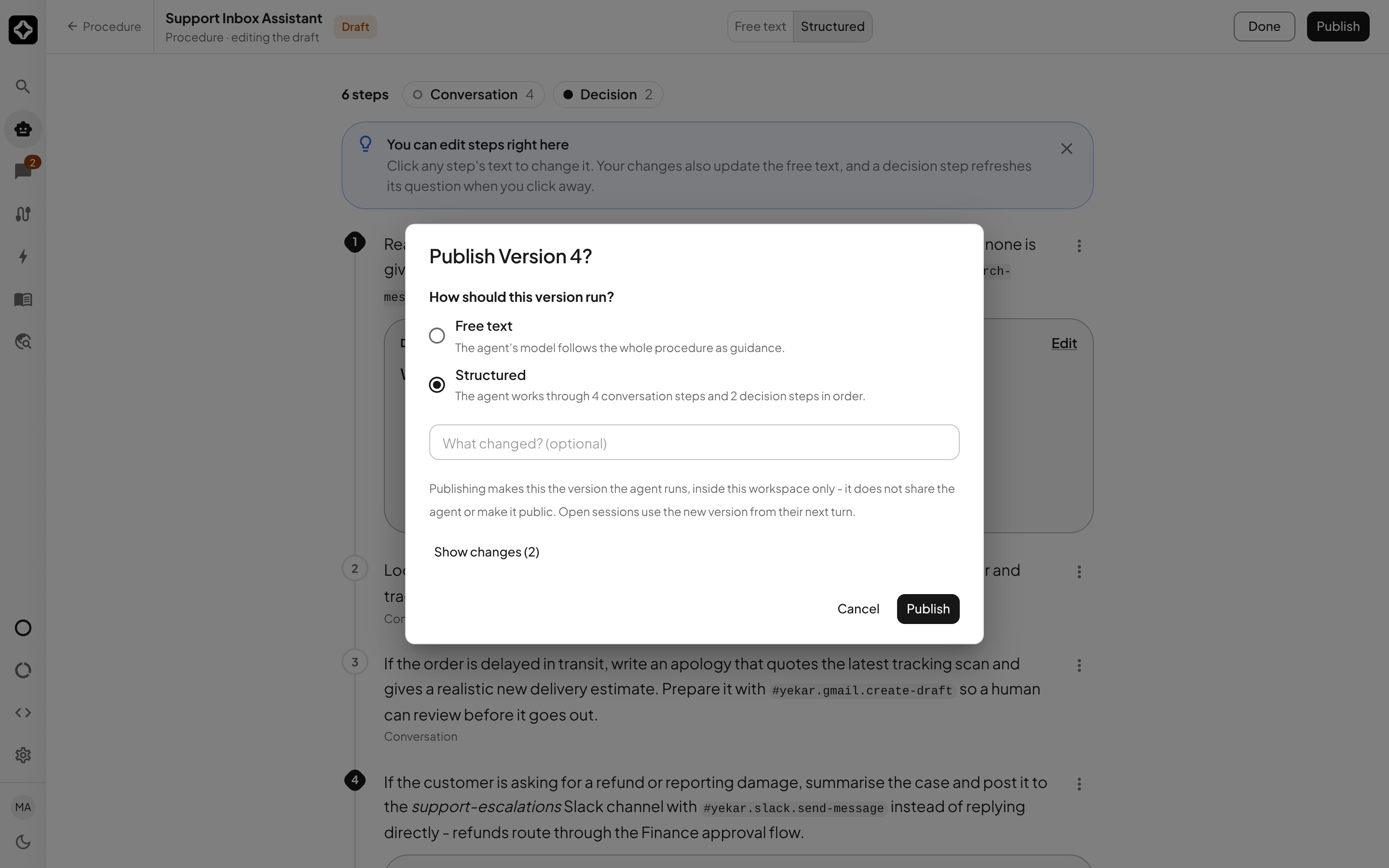
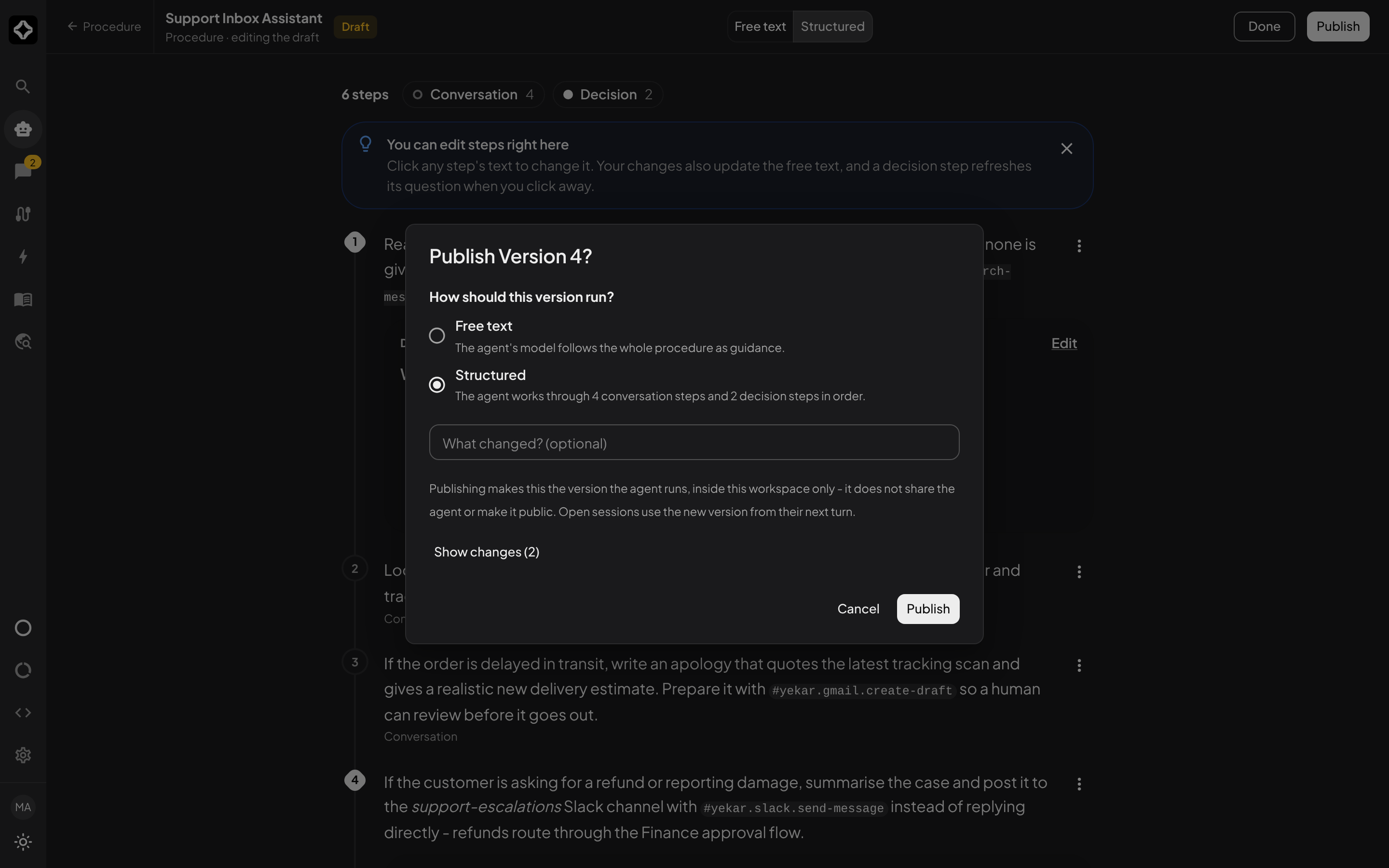
- Free text - the Agent's model follows the whole Procedure as guidance. New Agents run this way.
- Structured - the Agent works through the steps one at a time. It finishes each step before moving to the next; on a decision step the decision model answers the step's question about the conversation, and the Agent's model carries the step out on that answer. An action step runs its tool automatically, and the Publish dialog lists the tools those steps call. When the decision model is not confident enough - below the step's thresholds - the Agent's model decides that step itself. After the last step the conversation continues freely.
A Structured Procedure without decision steps needs no decision model. With the Agent's decision model turned off, its decision steps show and run as conversation steps; turning the decision model back on brings them back unchanged. A step you edit while the decision model is off is classified when you turn it back on - reading the rest of the Procedure for context - and every other step keeps its type.
Structured needs the Standard response mode. Structured is unavailable in the Publish dialog while the Procedure has decision steps and the Agent's decision model is not available to your organization. If that happens after publishing - an administrator turns decision models off - the Agent's conversations stop with an error until a decision model is available again or the Agent is published as Free text. A conversation also stops, rather than skipping the step, when the decision model cannot be reached.
Reference tools with #
Type # where the Agent should use a tool and pick it from the menu, or select Tool under Insert a reference and pick it from the panel. The reference is inserted as a chip carrying the tool's id - #yekar.shopify.get-order, #yekar.gmail.send-message - and that reference is what wires the Agent: the Integrations drawer reflects the referenced set, and you do not add an Agent integration manually.
Type @ to link another agent or flow the Agent may call.
Select Verify in the editor's tools column to check the references before you rely on them: it confirms every # reference resolves to a tool the Agent can actually reach, and flags anything that looks like a reference but isn't - a plain #hashtag in the instructions gets called out so it can be reworded or bound, and a real integration with a misspelled tool name is told which tool it has instead. Findings appear under the button as references need fixing - they block Publish until fixed, and a refused Publish shows the same list beside the Procedure section. Suggested references are cards beneath them, optional: Review change shows the original and proposed wording side by side, Accept applies it to the draft where you can still change or undo it, and Ignore keeps your wording for this review (verify again to see it reconsidered). A clean check reads All references resolve. No suggestions. - the first half is a guarantee, the second only means nothing was suggested.
Reference files and articles
In the Procedure editor, type / and search for an uploaded file or a published knowledge article, or open the Files tab of the reference panel. The picker lists ready files attached to this Agent and articles included by its current Knowledge selection. Select a source to insert a named reference. This shortcut is available in Procedure only and requires Standard response mode.
For example, write "Check the payment against ", type /, select PaymentReceipt.pdf, then continue the instruction. Selecting the source inserts a chip; typing a filename or article title as plain text does not create a reference.
References identify the source by ID, so renaming it does not break the link. Each run loads the referenced file's extracted text or the article's current published content explicitly. If the source is removed, becomes unavailable, or no longer belongs to the Agent's selected knowledge, verification and execution report the broken reference. A run also reports when the referenced content cannot fit in its context window; use a smaller source or increase the context limit.
All attached files and selected knowledge remain available through the usual context and retrieval behavior, including sources that the Procedure never mentions. A direct reference ensures that source's full extracted text is included on each turn; other sources are included or retrieved according to relevance and available context. File uploads and saved knowledge selections still take effect without publishing Setup; edits to Procedure require publishing.
If an article is missing from /
Check that the article is active, published, finished processing, and included in the Agent's Knowledge selection. Organization includes articles shared with the organization plus the Agent's own domain. An article from another domain must have Organization visibility to appear under this selection. With Specific modules, the article must belong to a selected module. After changing access or publishing, close the picker and type / again. See Using knowledge in Agents.
Write Principles
Open Principles and add the durable rules - guardrails and constraints the agent must always follow, injected into every session of the agent.
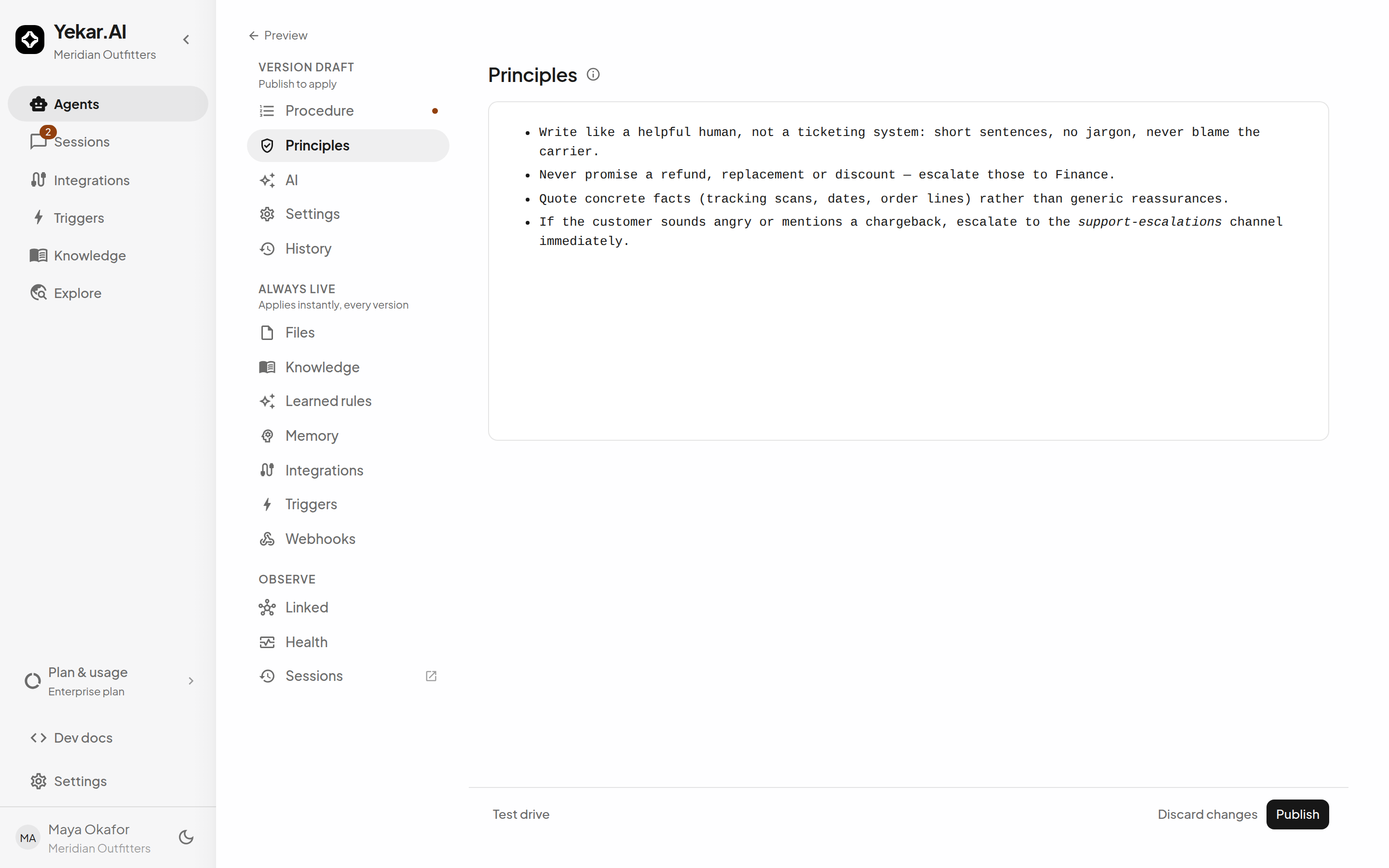
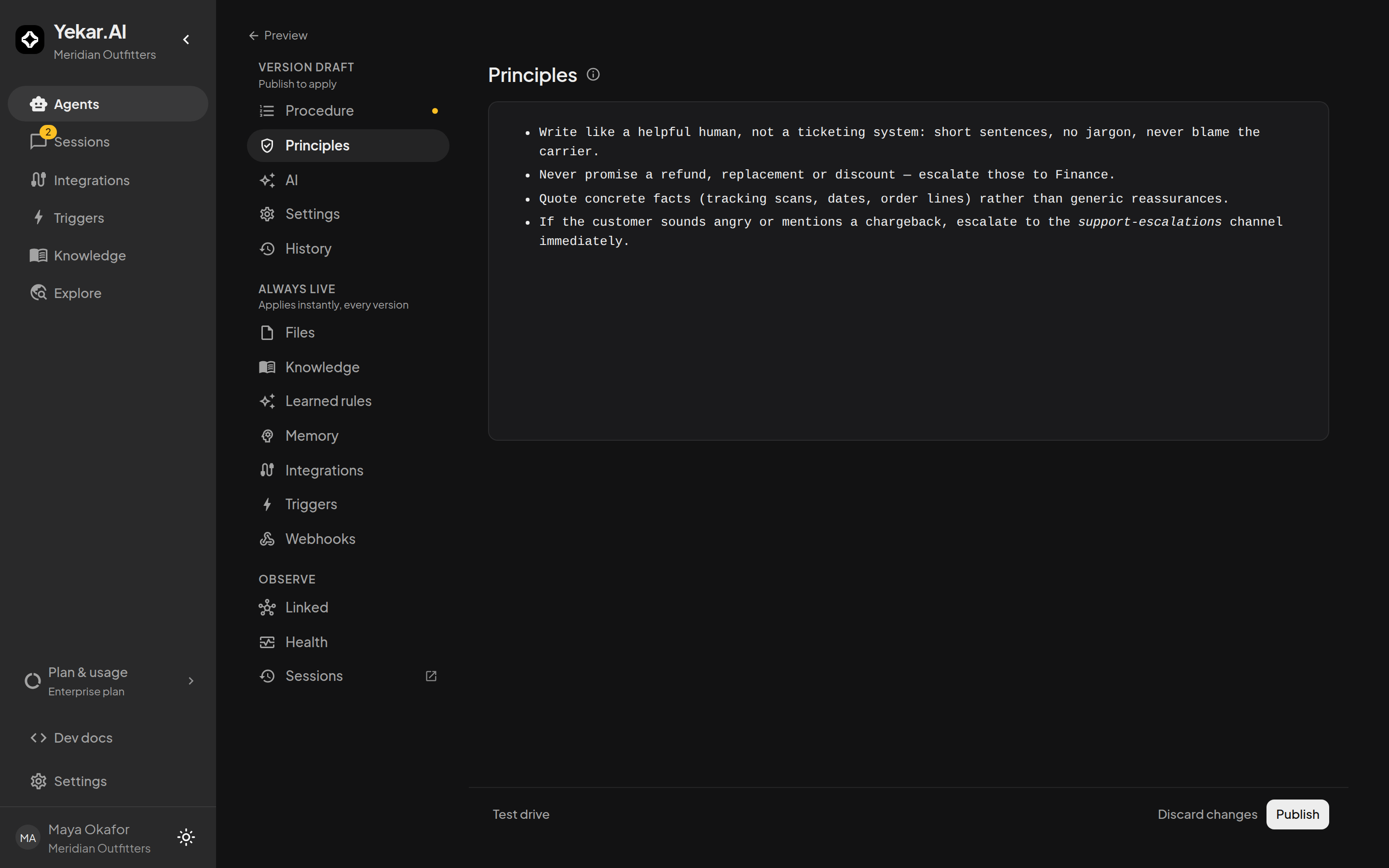
Good principles are concrete and checkable - "never promise a refund, replacement or discount; escalate those to Finance" beats "be careful with refunds". They apply across every step of every turn. Anything that must stop the Agent - spend limits, approval requirements - belongs in Settings as a gated write tool, not only in its instructions.
Drafts autosave; publishing is explicit
The Setup panel and the Procedure editor save the draft as you type - the footer reads Saving…, then Draft saved with the time it last saved. Nothing you write here changes what live sessions run until you select Publish. See Test drive & publish.
Tips
If an Agent answers as though it has no instructions, check that the Procedure you wrote was published - a draft alone changes nothing that live sessions run. If a # reference reports an unconnected integration, use its Connect it link. See Troubleshooting.