Give the Agent context
Beyond its Procedure, an Agent can draw on three sources of context: knowledge you upload, memory it accumulates across sessions, and web search it performs on its own initiative. Each is opt-in and visible in Setup.
Knowledge
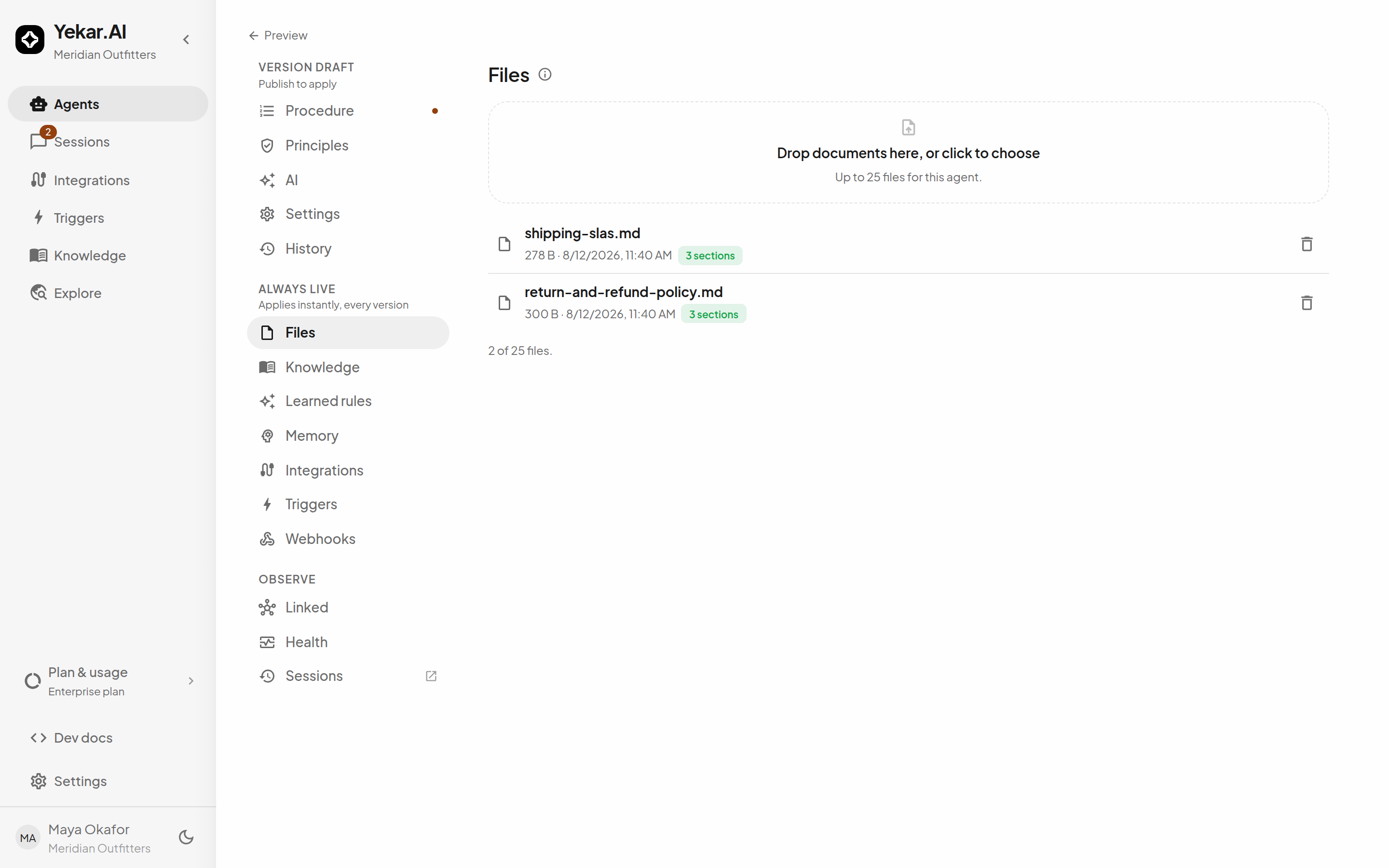
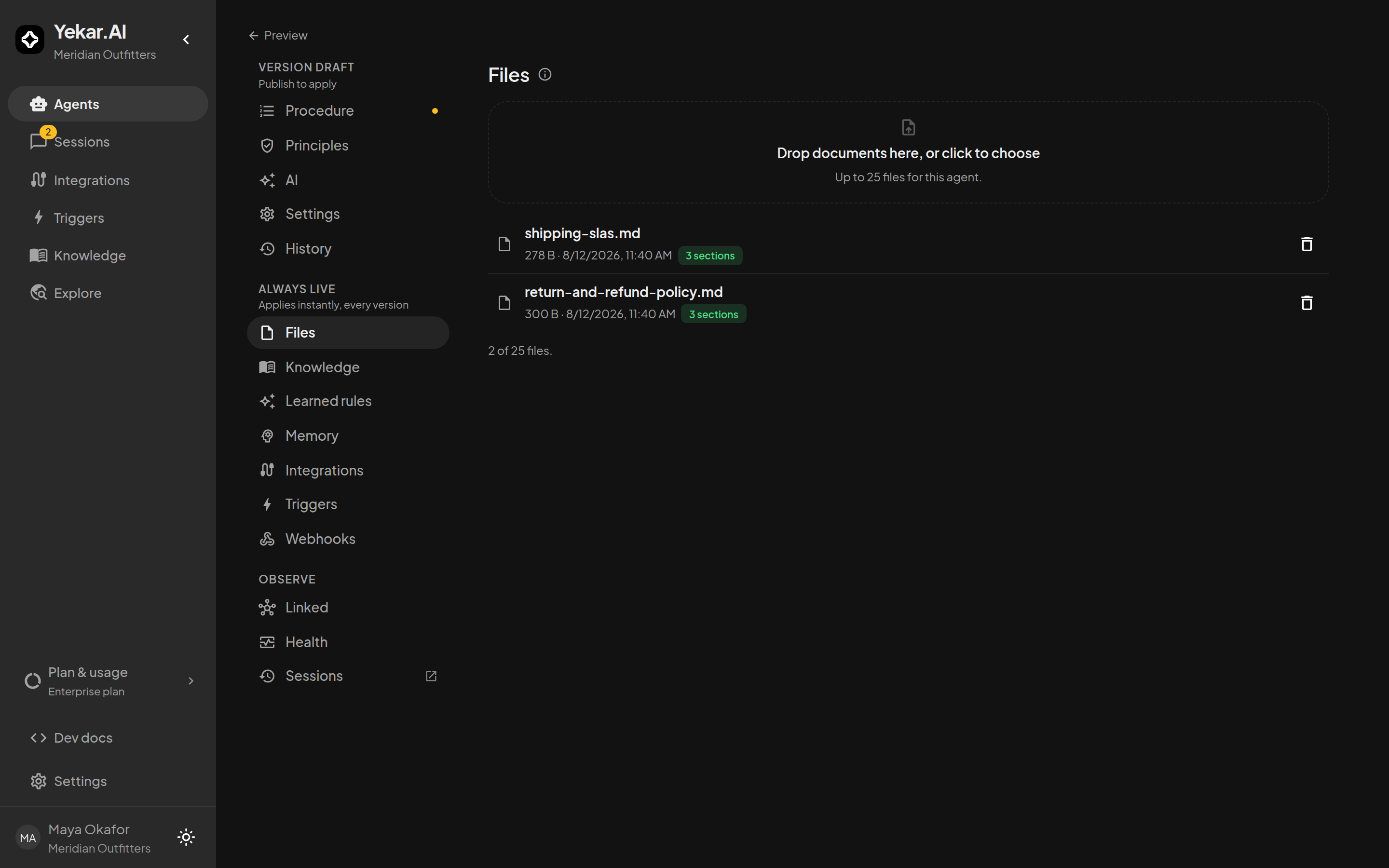
Open the Knowledge drawer from the Agent page's sidebar - its Files tab holds the documents the Agent can read - policies, price lists, product specs. PDF, Word, Excel, PowerPoint, CSV and text are supported, up to 25 files per Agent. Each file's text is extracted and split into sections; the tab shows how many sections a file actually contributes, so the list says what the Agent knows, not merely what was uploaded.
Sources under an answer
When an answer drew on knowledge, a Sources row lists the files it read. Click a source to open it: the viewer shows every passage the answer cited from that file (section and page, with the text the Agent read), the document itself opened at the cited page, and a button to open it in Knowledge. A source whose file has changed since the answer says so; one whose file was removed still opens, as a record of what the answer relied on. Use ← and → to step between an answer's sources.
Files apply to all versions of the Agent, including published ones - adding or removing one takes effect on the next turn without republishing. The drawer's other two tabs make the same bargain: Knowledge is where the Agent binds shared organization knowledge curated outside this Agent, and Learned rules holds the short corrections it has picked up from its own runs (see Learning from runs).
To refer to a particular file or article in a step, type / in Procedure and select it. Its extracted text is loaded into each turn in Standard mode. All other attached files and selected knowledge remain available through normal context and retrieval. See Reference files and knowledge.
Keep knowledge files focused. A tight return-policy document beats a full company wiki: retrieval quality follows document quality.
Memory
In the Memory drawer (Agent page sidebar), the Agent's accumulated cases live under searchable keys - "kept the tracking number in case she writes back" becomes a case it recalls in later sessions. Cases are open while relevant and closed when resolved; close the stale ones here.
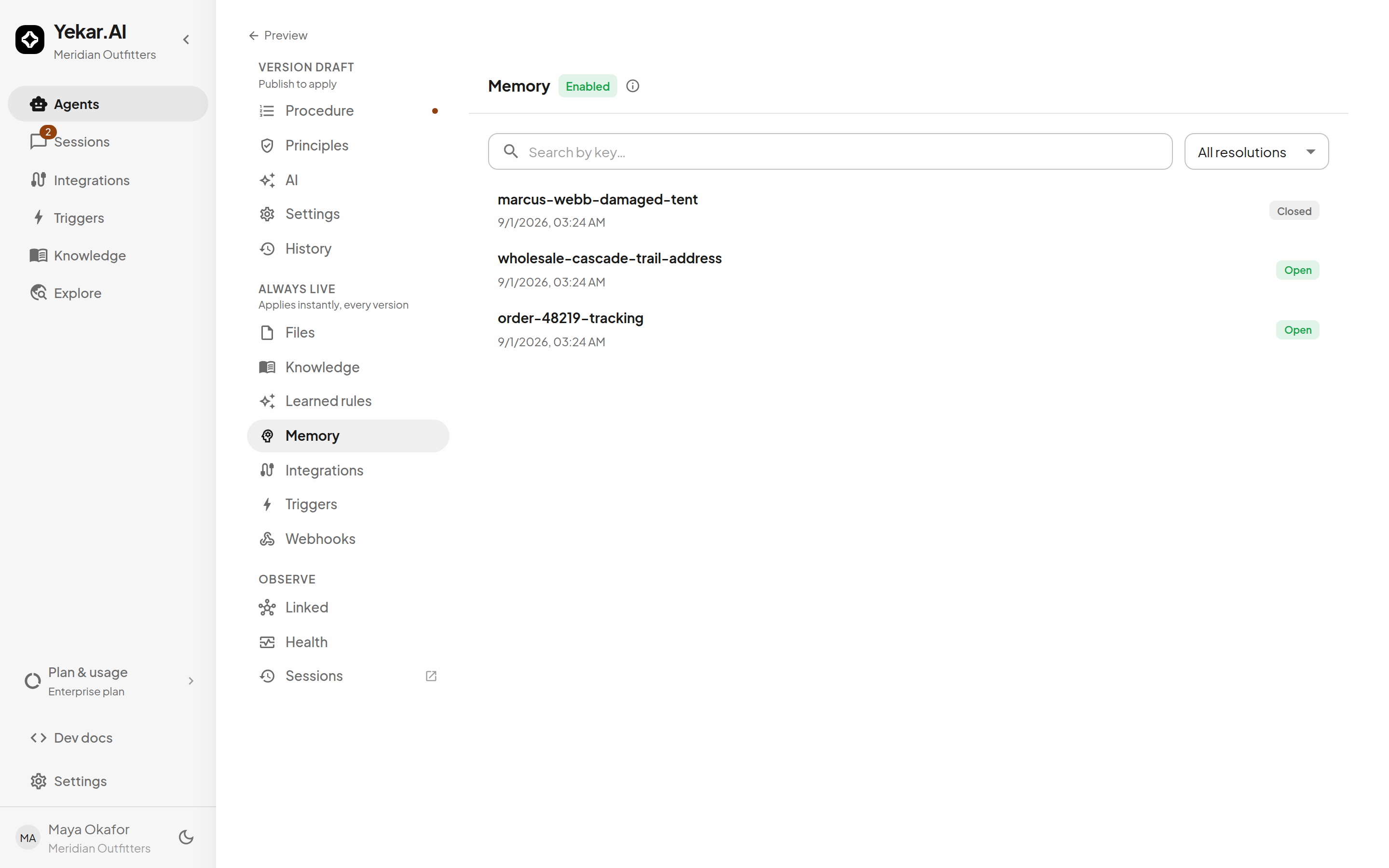
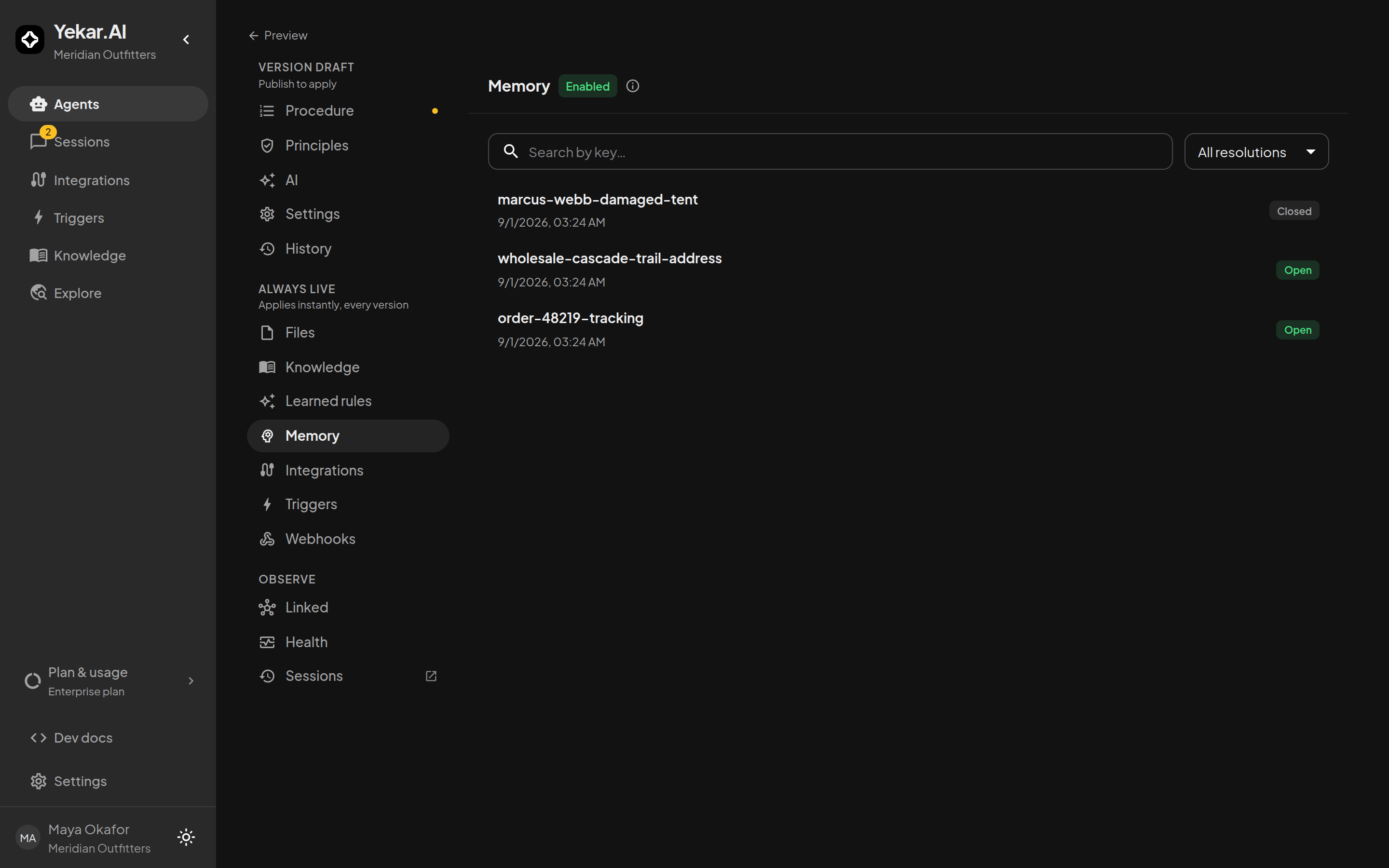
Memory is on unless someone turns it off - the on/off switch lives in Setup → Settings → Memory & knowledge, publishes with the Setup, and keeps existing cases while off. An Agent nobody configured keeps memory available; an explicit off stays off.
Web search
In Setup → Procedure, enable Let this agent search the web on its own - even where the Procedure doesn't say to when web search should be available without an explicit # reference. The control appears only when web search is available to the organization. Web search is managed by Yekar.AI and is on by default in every organization where Yekar.AI offers it - there is nothing to connect, and Integrations lists it under Connected as Managed by Yekar.AI · Ready to use. If it is missing, or your organization wants it turned off, ask Yekar.AI. The Browser is also managed by Yekar.AI but is turned on per organization, on request.
Each search draws a small per-search charge, set by Yekar.AI, from your organization's credit balance - including when your models run on your own provider key, because searches run on Yekar.AI's search account - and is part of the daily usage in Billing history. A search your balance cannot cover is refused, and searches count toward the monthly cost cap.
Search results are snippets from the open web and are treated as untrusted input - the Agent reads them; they do not override its Principles.
What the session shows
Each conversation's details panel discloses exactly what context the turn carried - base prompt, rules, knowledge, history, and, where they apply, the rolling summary, tool definitions and attachments - counted against the model's context window, so you can see what the Agent actually had in front of it. Over a long conversation, older messages fall out of the window and are folded into a rolling summary; see Long conversations.
Tips
If the Agent cannot use an uploaded file, check that extraction has finished and the Agent uses Standard execution mode. File changes apply on the next turn without publishing Setup. For shared articles, check their published state, visibility, and the Agent's Knowledge selection. If memory cases accumulate noise, close the stale ones from the Memory drawer. See Troubleshooting.