Insights
Auto discovery is enabled per workspace. If Insights is not at the top of your sidebar, your workspace does not have it yet - ask Yekar.AI to switch it on.
Insights tells you what to automate. A discovery reads a domain's integrations - its shared mailbox, store, chats, sheets and knowledge base - and writes insights: a recurring piece of work, with the numbers and examples behind it, and an agent ready to take it on. Create agent builds that agent, publishes it and switches it on.
Discovery only ever reads. It calls an integration's read-only tools and nothing else: it never sends, posts, edits or deletes.
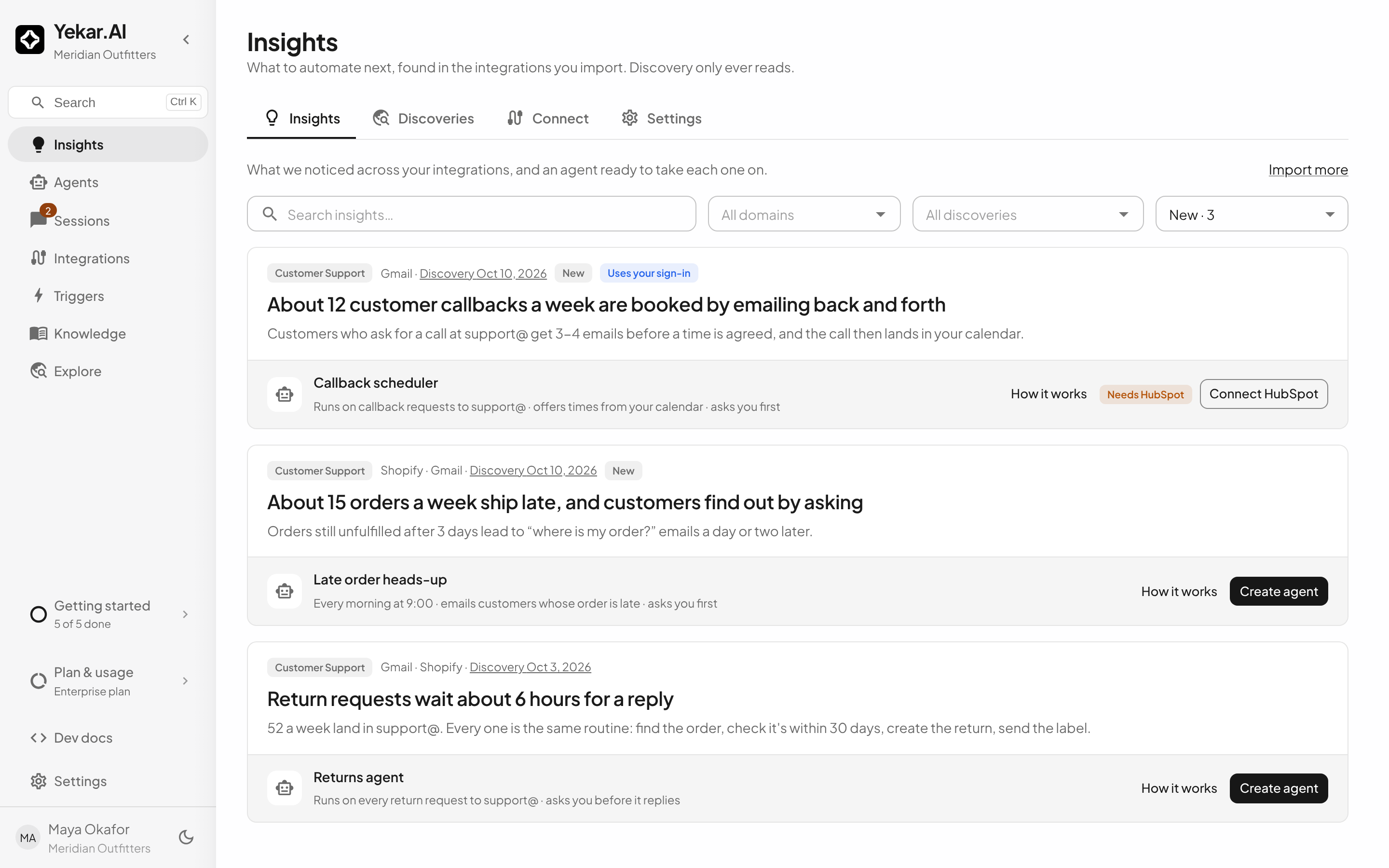
Insights has four tabs: Insights, Discoveries, Connect and Settings.
1. Connect: choose what discovery reads
Nothing is read until someone imports it. On Connect, pick the domain, then Import each connected integration you want looked through, or Import all integrations. The domain's published knowledge base can be imported the same way. Each domain imports its own integrations and runs its own discoveries.
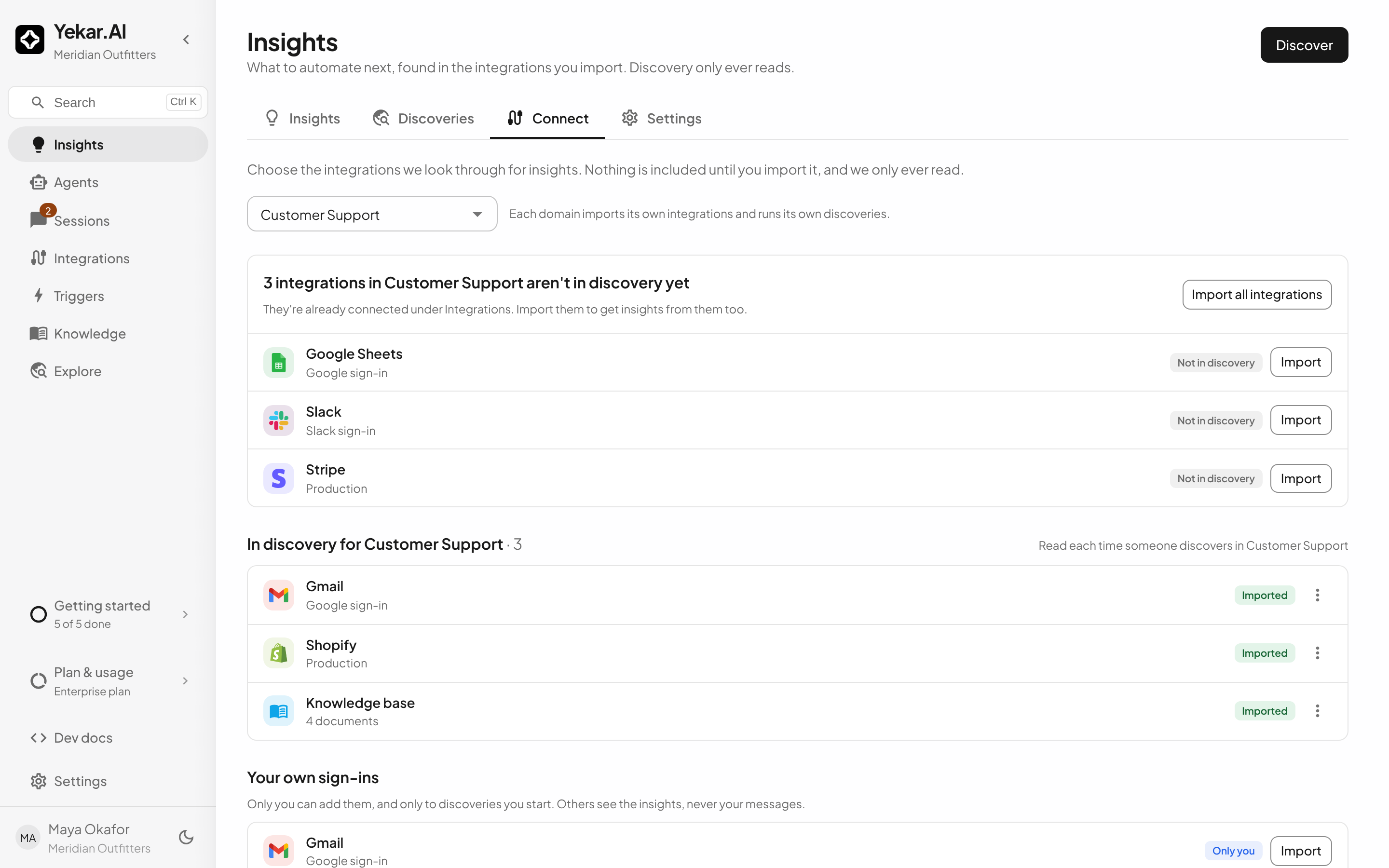
Your own sign-ins - your own mailbox or calendar - are listed only to you, and only in domains where you can start a discovery, since only a discovery you start reads them. Only you can import them, and you choose, each time you discover, whether to add them. Insights that use them say so; the examples behind them stay visible only to you, and are removed if your account is erased.
To read something the domain has not connected yet, Connect a new integration opens that integration's page for the domain. Come back to Connect afterwards and import it.
2. Discover
Click Discover, check what will be read, choose how far back to look, and Start discovery.
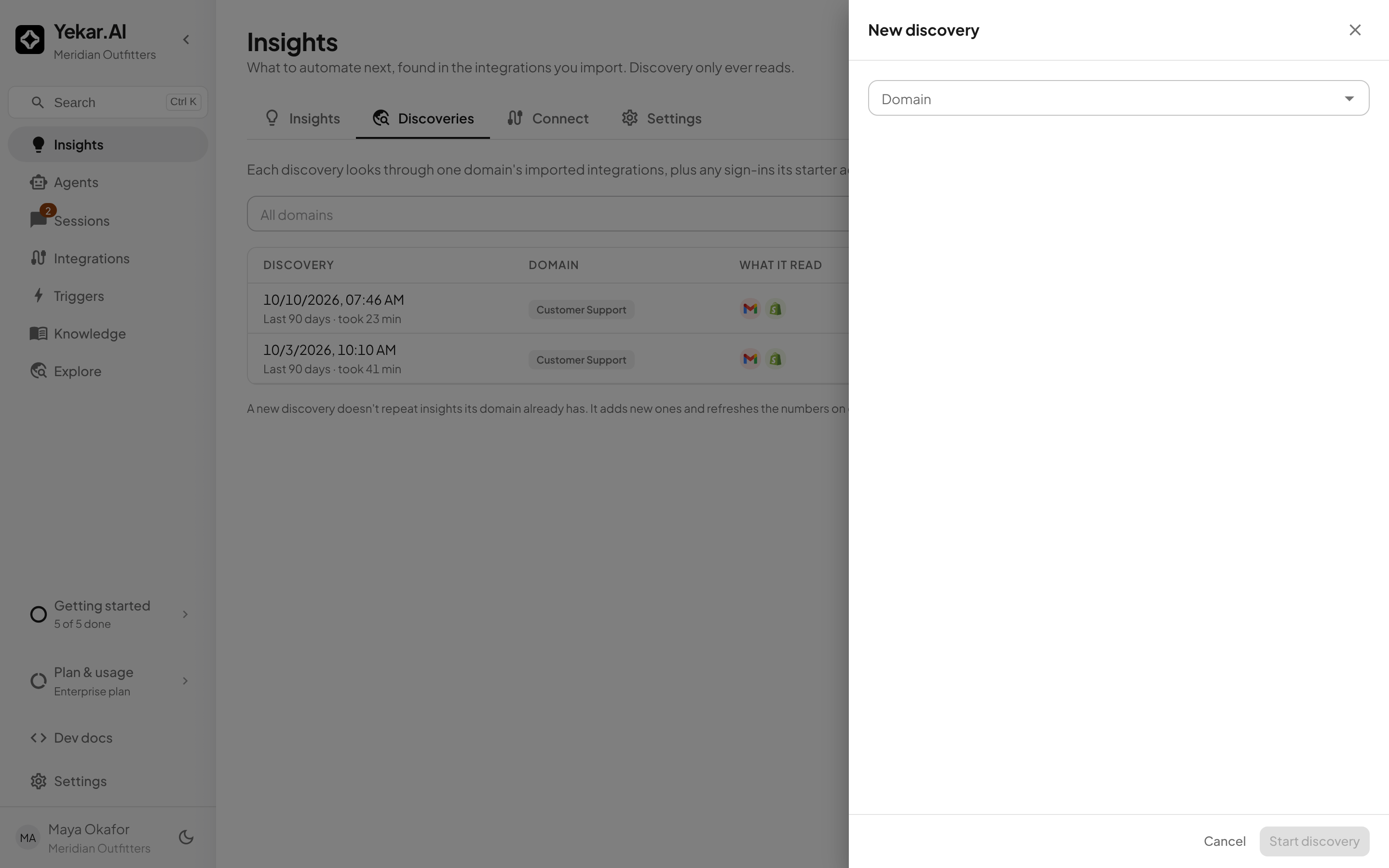
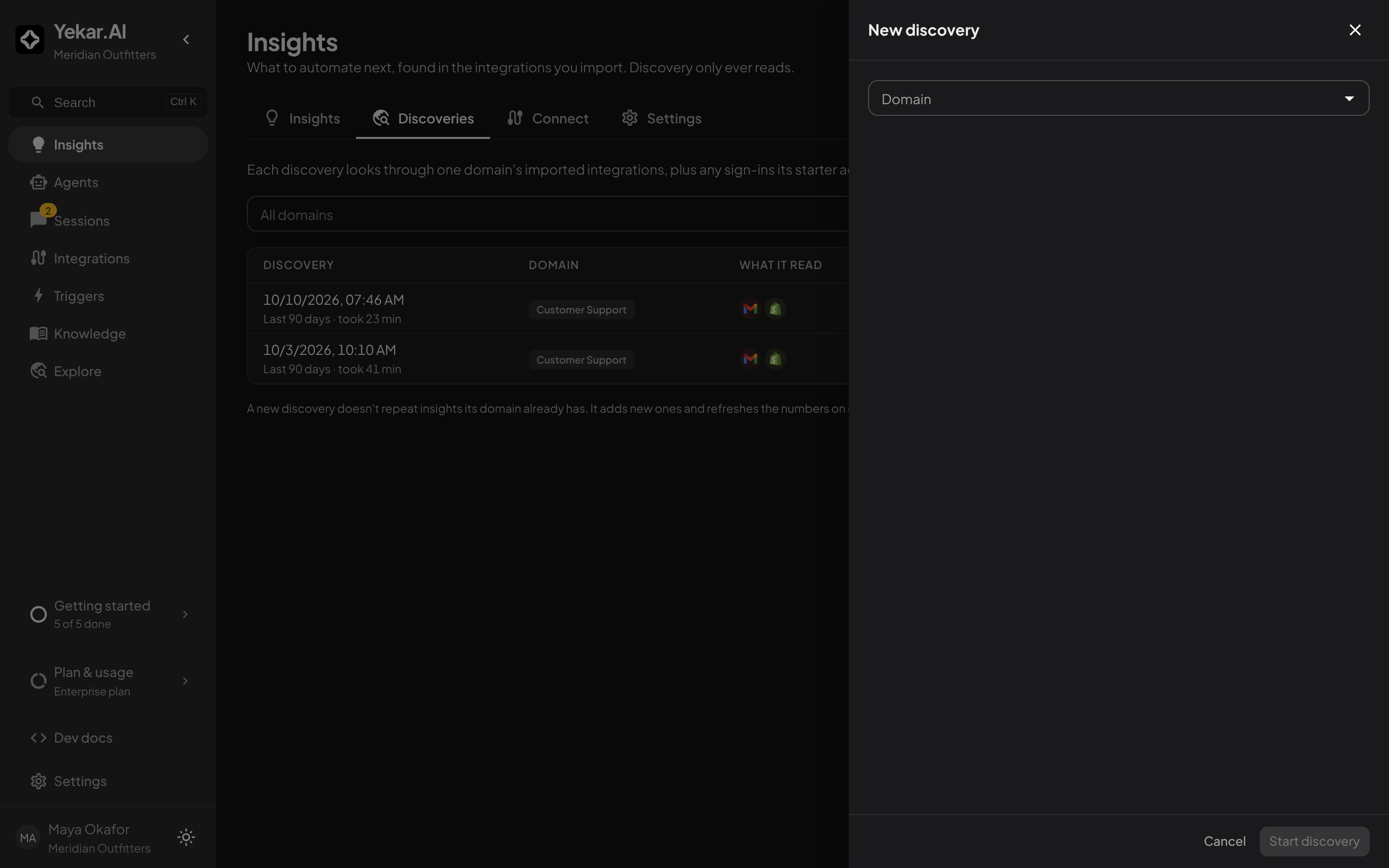
A discovery reads each source in turn, then looks through everything it read at once, so a problem that spans two tools - a mailbox and a store - can be found. Its page shows what it is reading while it runs and the insights it found when it is done. One discovery runs in a domain at a time.
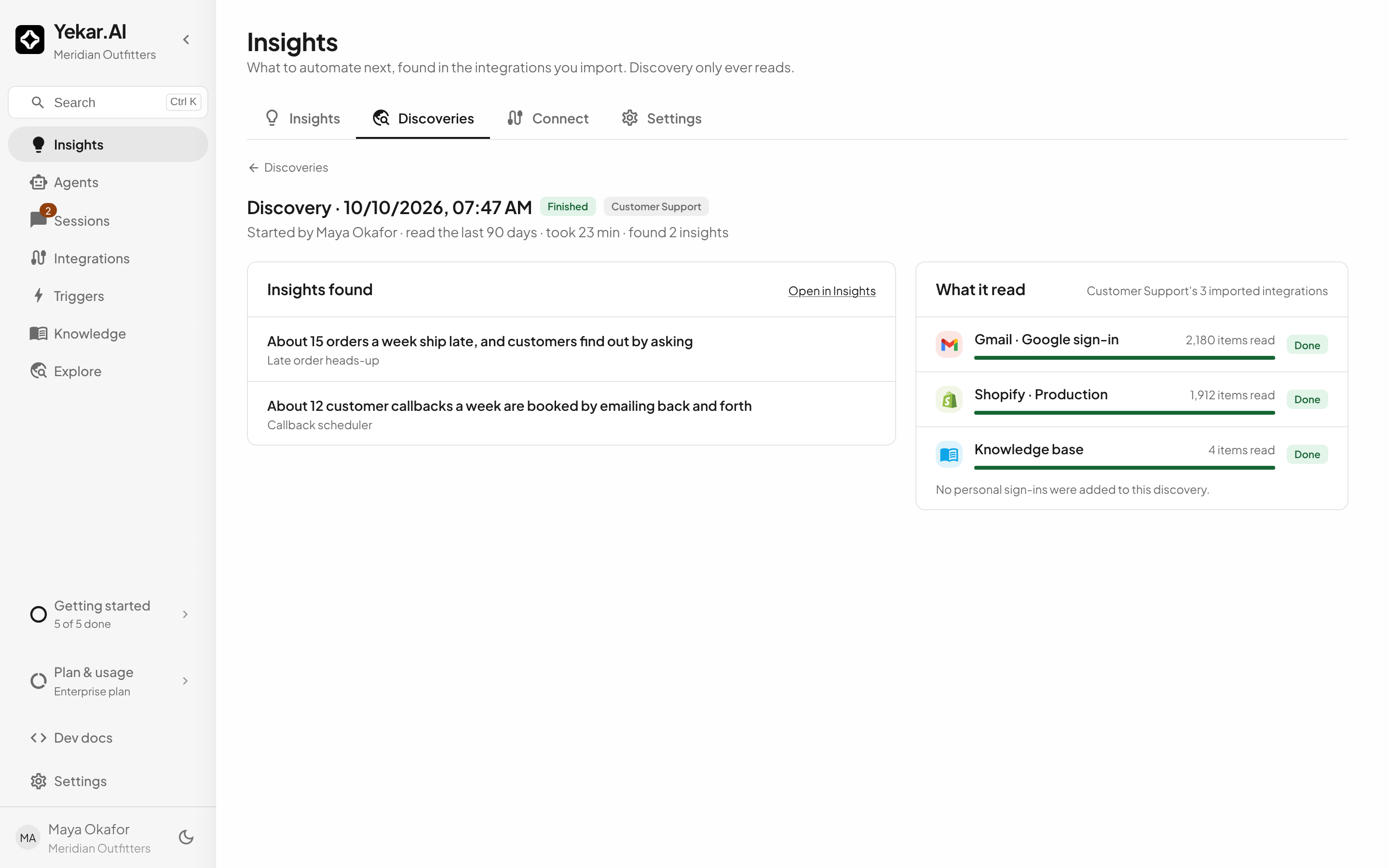
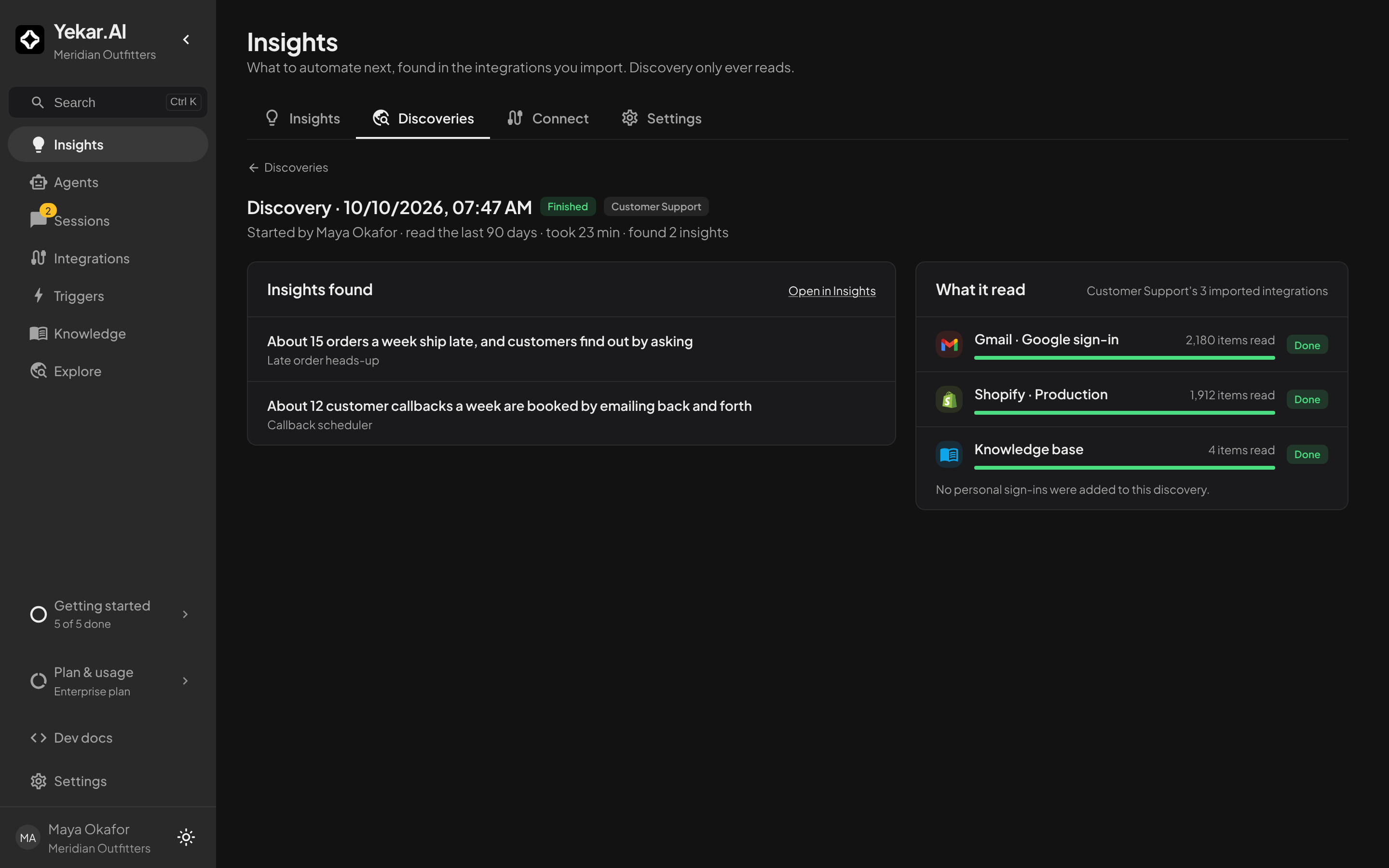
Stop ends a discovery early: it skips what it has not read yet and still looks for insights in what it has. Anything in the sources it skipped shows up the next time you discover.
Every discovery is listed under Discoveries. Discovering again never repeats an insight the domain already has - it refreshes that insight's numbers instead.
Discovery reads the most recent items each integration lists, and only counts the ones dated inside the window you chose. A very busy mailbox may hold more than one discovery reads; the numbers on an insight say "about" where they are estimates.
3. Read an insight
Open an insight - or How it works - to see What to solve: the problem, its numbers, and which discovery found it from which integrations. See examples lists recent real items behind it.
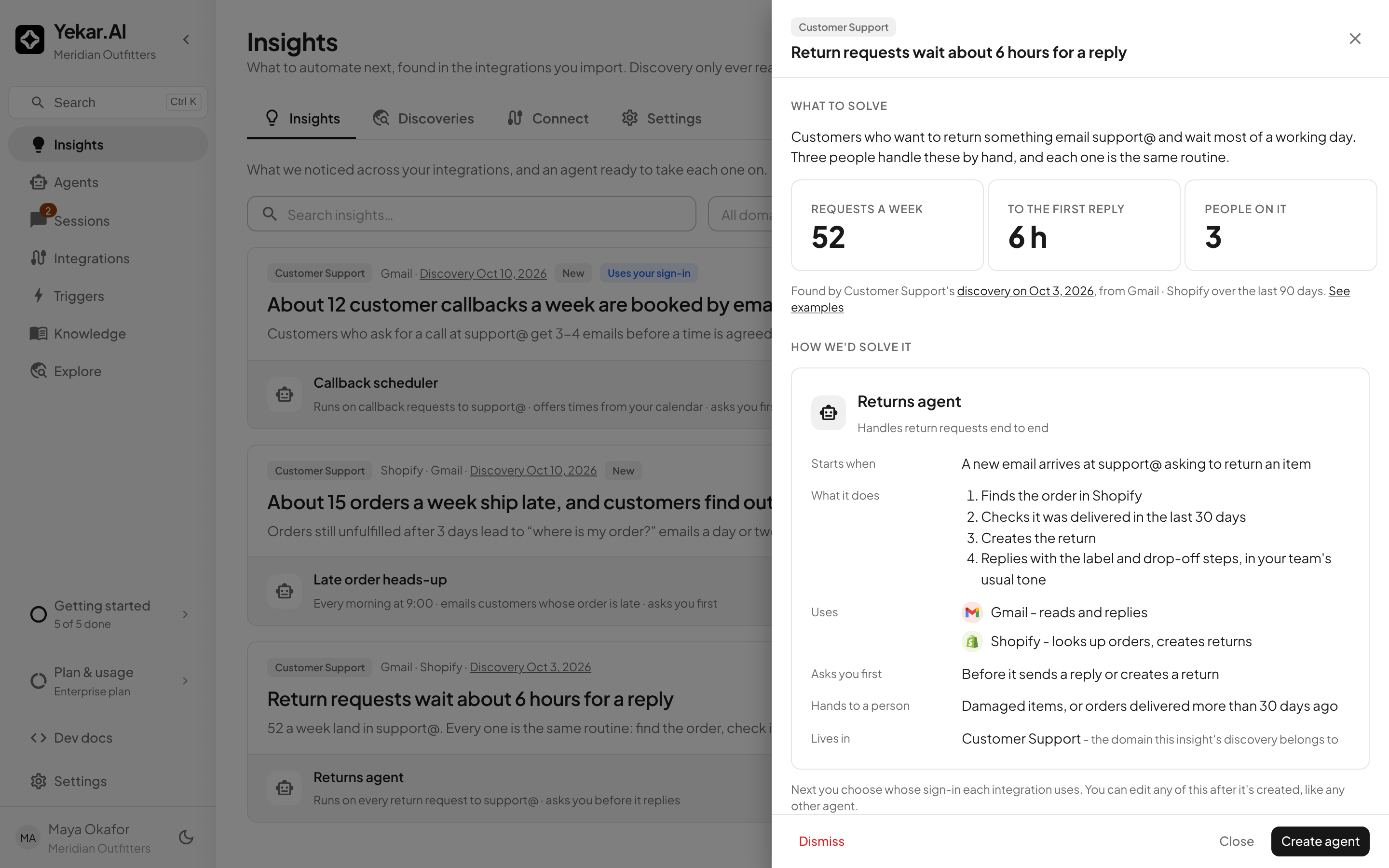
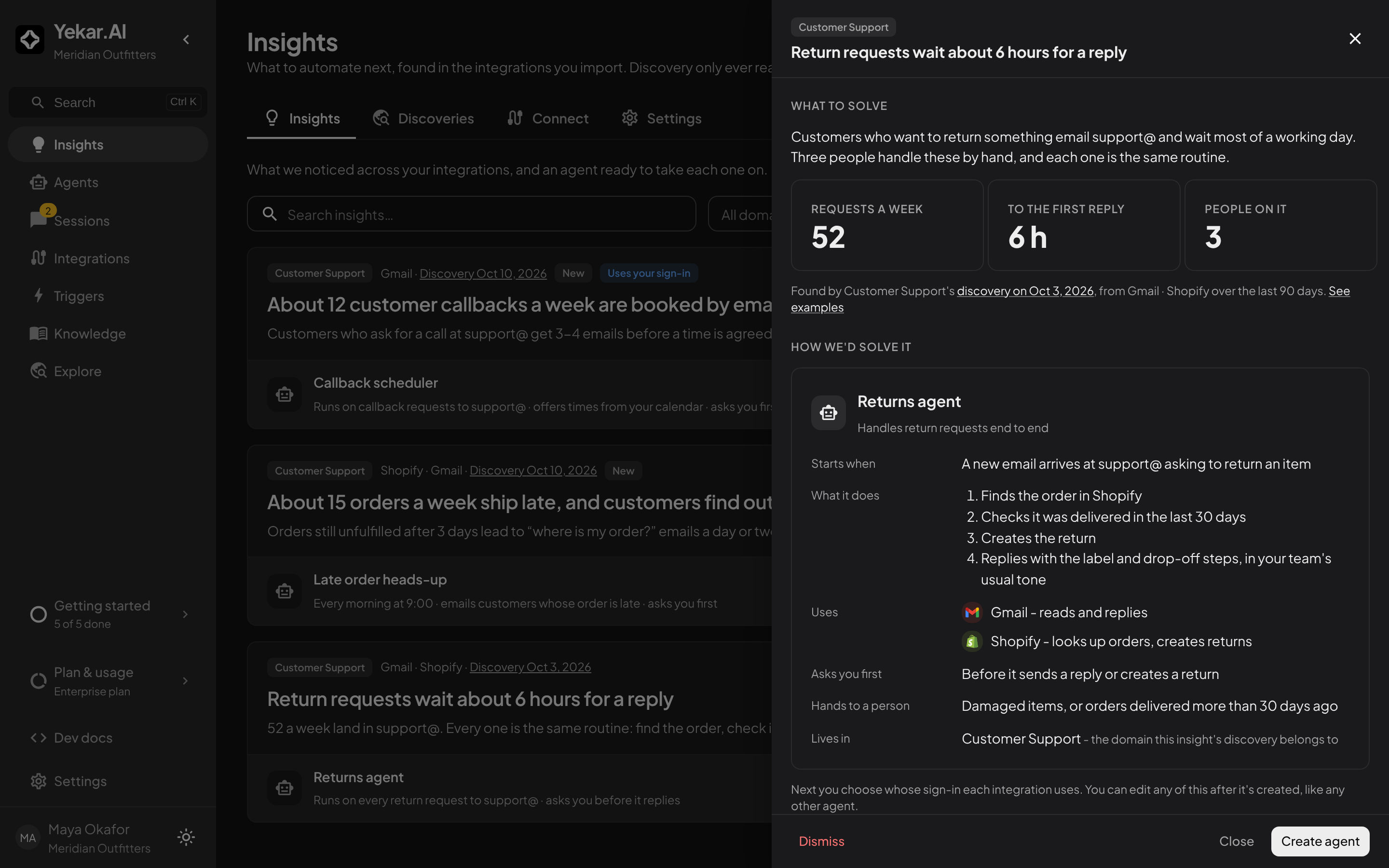
How we'd solve it is the proposed agent: what starts it, what it does step by step, the integrations it uses and what for, what it asks you before doing, and what it leaves to a person.
If the agent uses an integration the domain has not connected, it can still run on each person's own sign-in for it, and Create agent offers that. Two cases need the domain to connect it first, and the insight says so - with a button to connect it, for the domain's owners:
- the agent starts on an event from that integration, which only the domain's connection can deliver;
- your plan has one domain, where agents always use your organization's connections.
Dismiss asks why, and moves the insight to Dismissed. Future discoveries never bring a dismissed insight back. Restore returns it to New.
4. Create the agent
Create agent asks one question per integration: whose sign-in the agent uses.
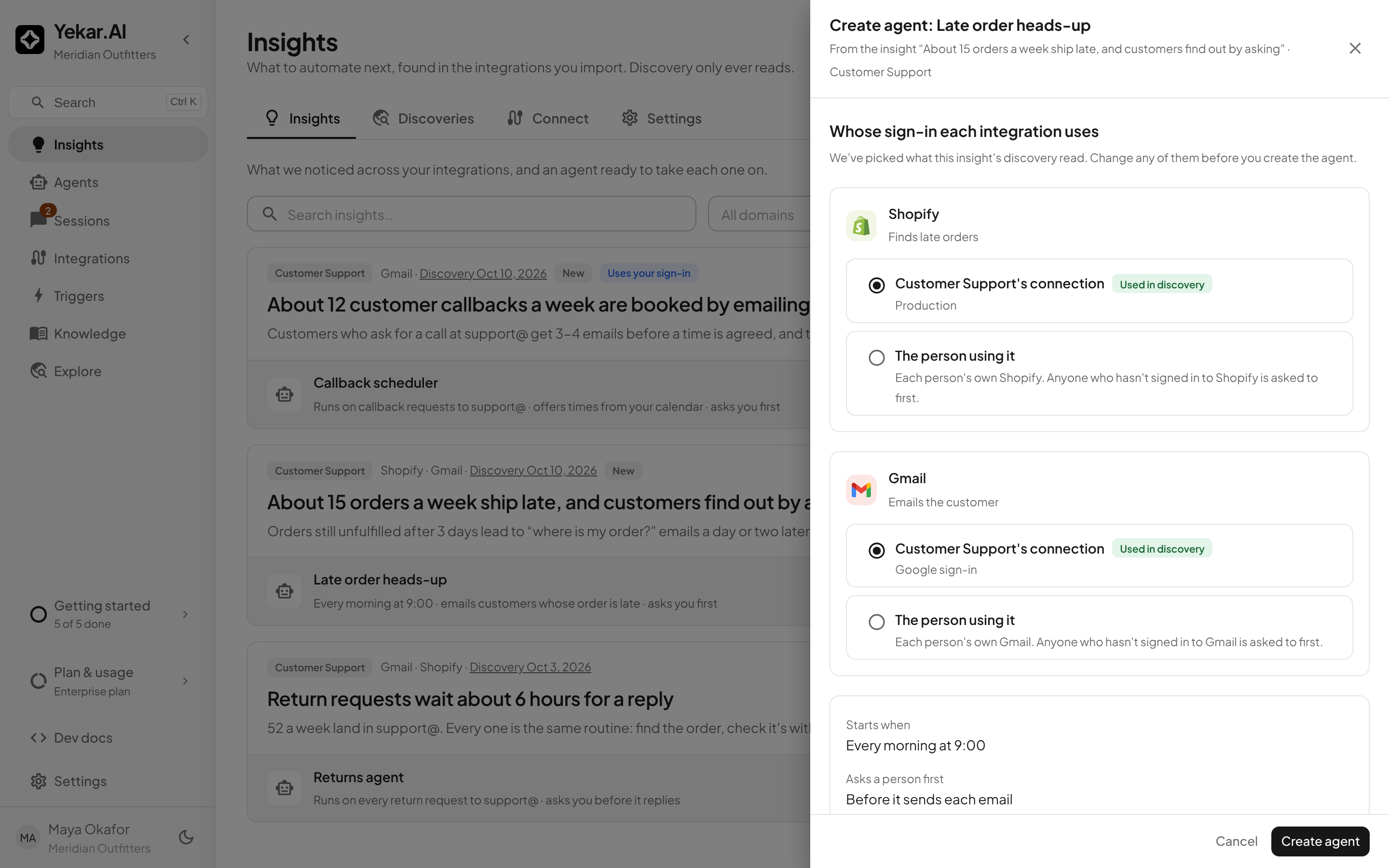
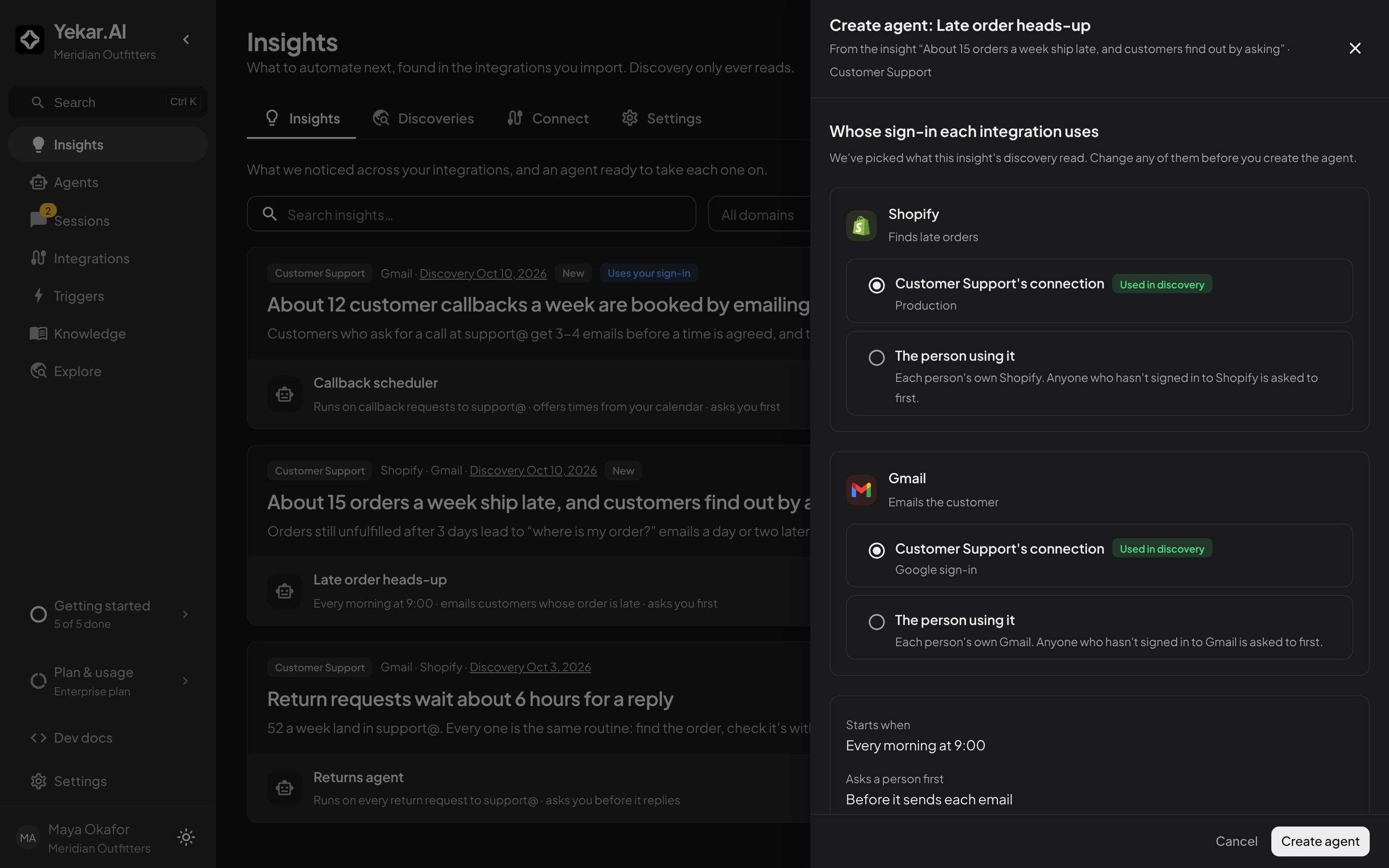
- The domain's connection - the agent acts as the shared account (replies come from support@).
- The person using it - each person's own account. Not offered on a plan with one domain. When the agent starts on its own, with nobody in the conversation, the person is whoever created it - so only they can switch its trigger on or off.
Each choice starts at what the discovery read. Then Create agent creates the agent with its procedure and principles, publishes it, binds each integration, creates its trigger and switches it on. Every write tool starts gated, so the agent asks before it sends or changes anything until you change that in its Setup.
The insight moves to Agent created and links to the agent; the agent's page links back to the insight. It reads Live once the agent is published and its trigger is on. If a step fails after the agent exists - for example its trigger could not be switched on - the agent is kept and the insight says exactly what is left to do. If you delete an agent that never published, its insight goes back to New.
Settings
Under Settings, organization owners and admins choose:
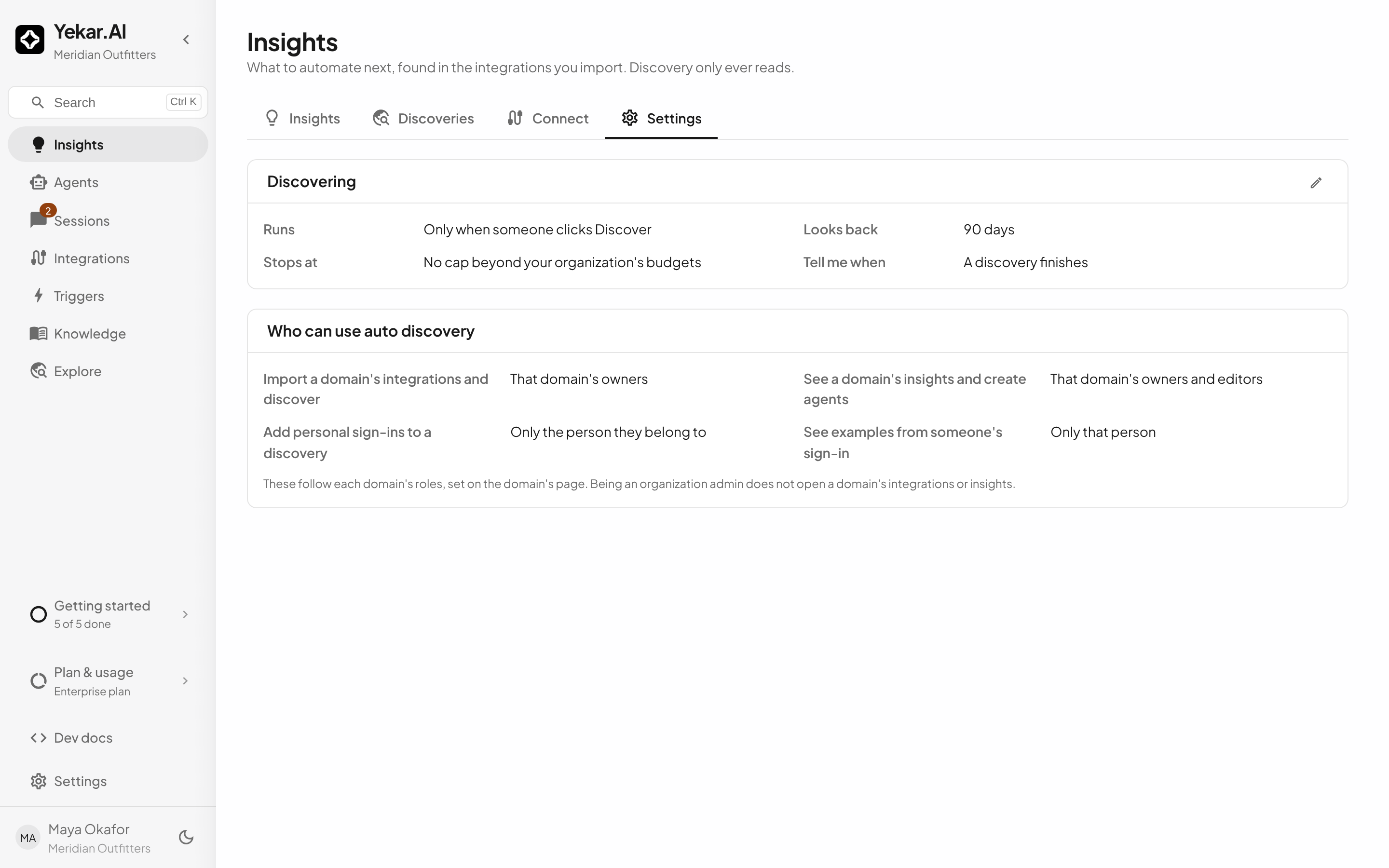
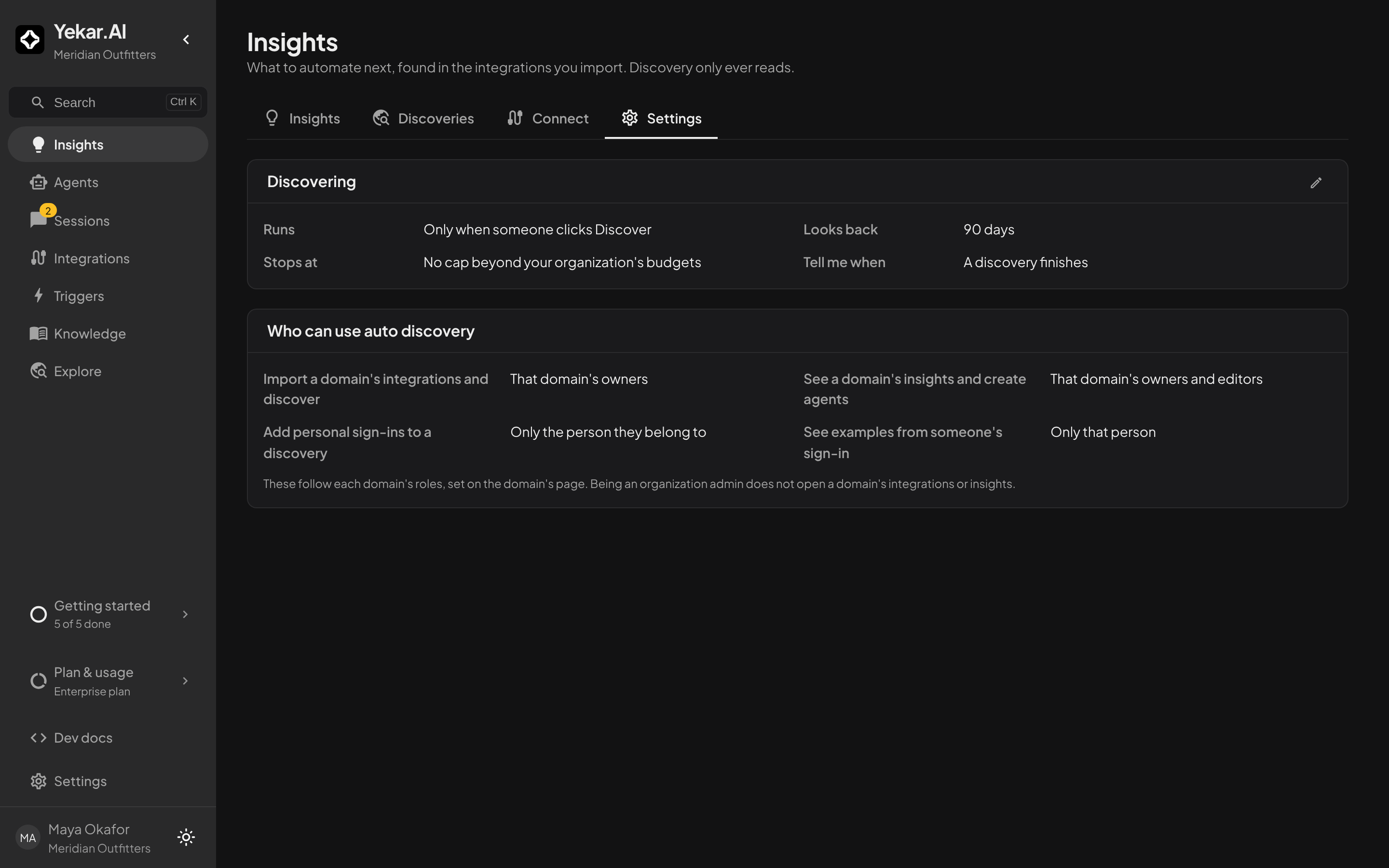
- Runs - only when someone clicks Discover, or every week at a day and time. A weekly run starts a discovery in every domain that has imported anything; it looks back only as far as that domain's previous discovery.
- Looks back - how far back a discovery looks.
- Stop each discovery at - a spending cap. A discovery reads less to stay under it, and refuses to start if the cap is too low to be useful. Your organization's own budgets always apply.
- Tell me when - an email when a discovery finishes: to whoever started it, or to the domain's owners for a weekly run.
Who can do what
| Action | Who |
|---|---|
| Import a domain's integrations and discover | That domain's owners |
| See a domain's insights and create agents | That domain's owners and editors |
| Add personal sign-ins to a discovery | Only the person they belong to, in a domain they own |
| See examples from someone's own sign-in | Only that person |
| Change discovery settings | Organization owners and admins |
Being an organization admin does not open a domain's integrations or insights. See Roles and permissions.
Cost
Reading integrations costs nothing. Each discovery makes one model call over what it read, charged like any other model use in your workspace and shown in your usage.