Why did it do that?
An Agent that sent the wrong reply, skipped a tool it should have used, or answered from thin air is not a mystery. Every turn records what the model was shown, what it called, and what the engine did about it. Work from the session outward, and match the finding to the one control that addresses it.
1. Read what the turn saw
Open the conversation and look at the details panel. The Context window meter is the prompt's anatomy for that turn: base prompt, rules (Principles and Procedure), knowledge, the rolling summary if one exists, history, and the tool definitions loaded last turn.
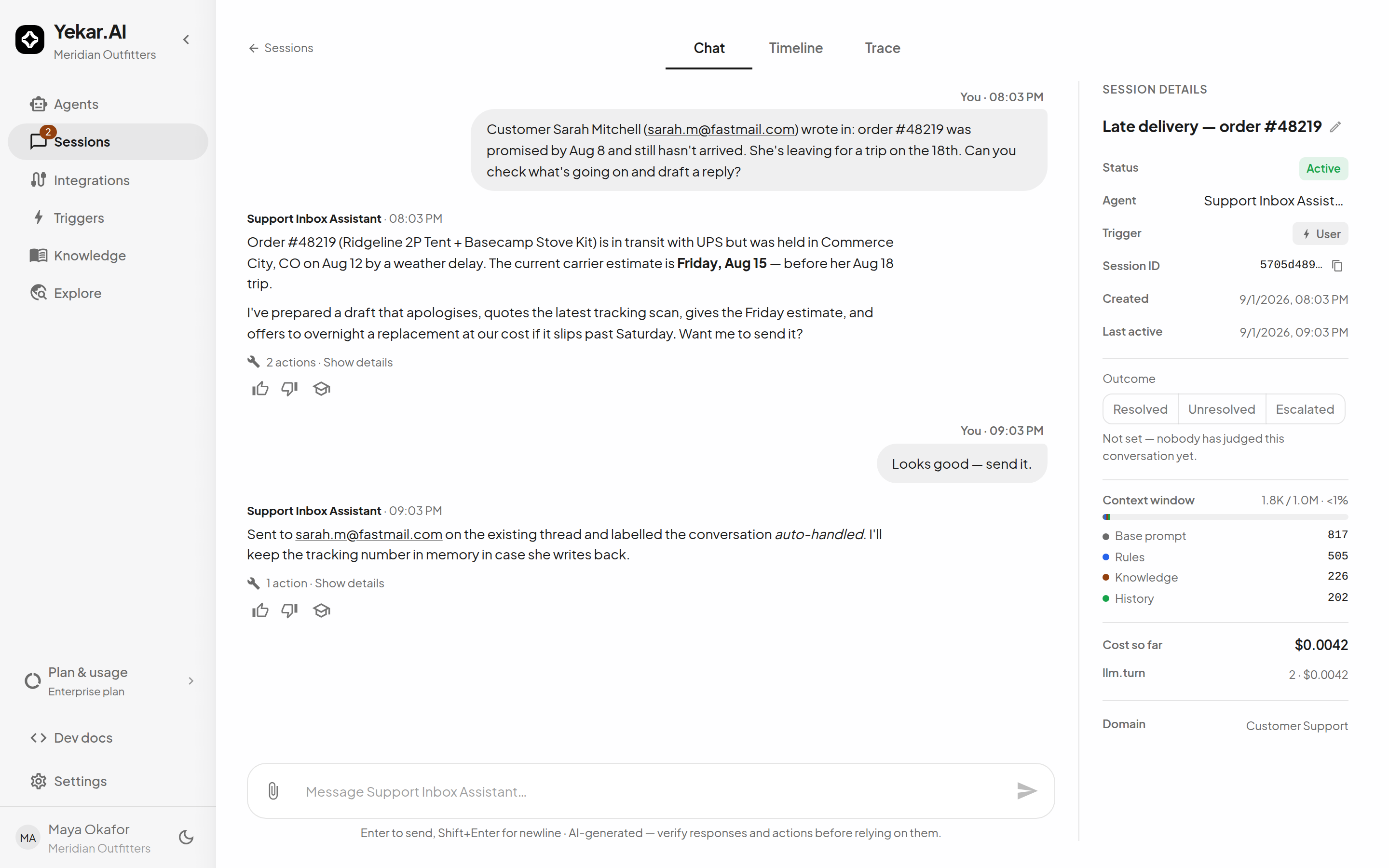
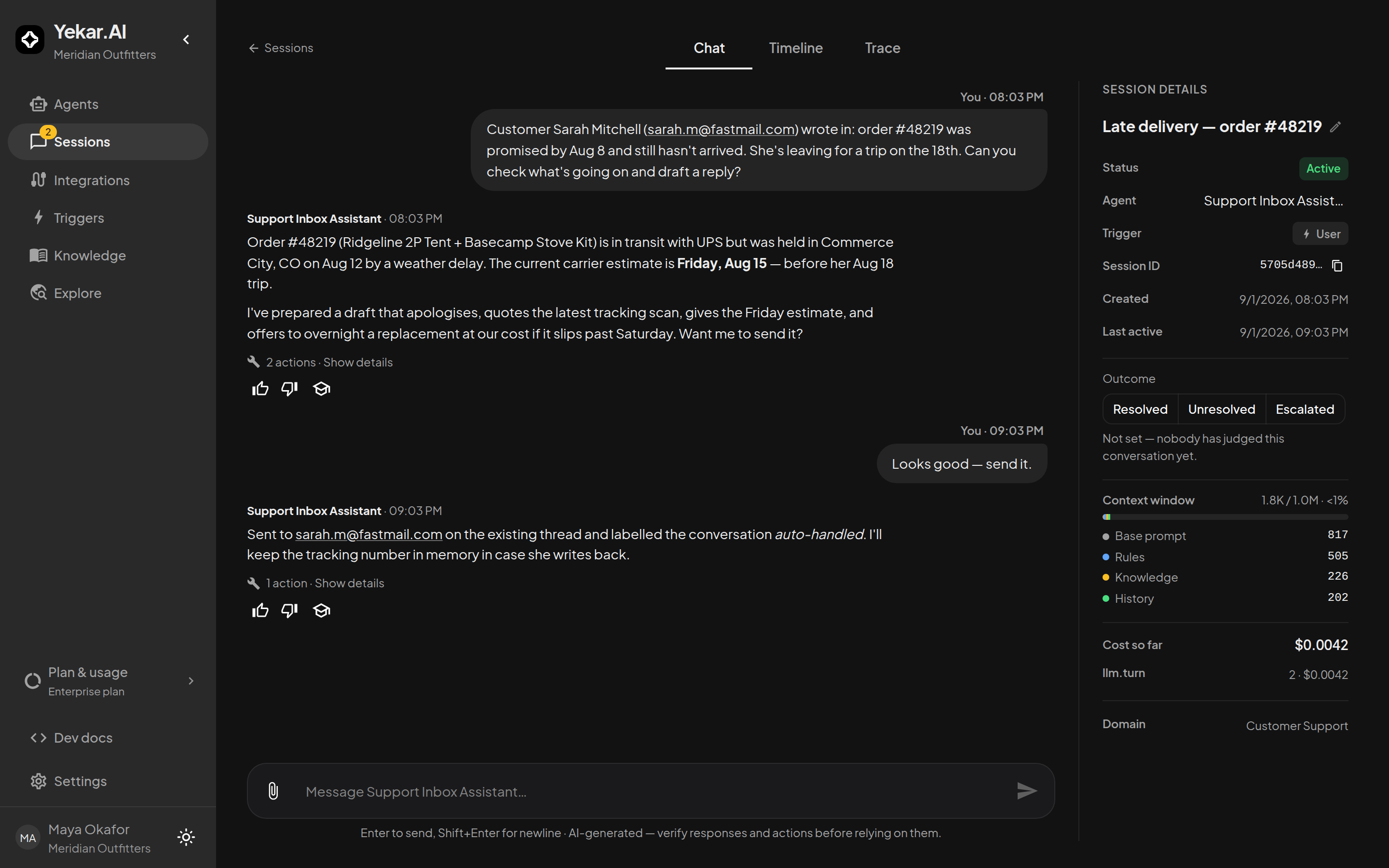
It also states, in plain sentences, anything that was left out: how many oldest messages no longer fit, whether only some integrations' tools were loaded, whether knowledge exceeded its budget and only the most relevant passages were retrieved, and whether your organization capped the window below what the model supports. Each of those is a candidate explanation. An agent that "forgot" a detail from twenty messages ago may simply not have been shown it - see Long conversations.
2. Read what it did
Select the actions line under the reply (Used N tools). Each action opens to show the tool, its status, its duration, and what it sent and got back - View raw JSON shows the input and output exactly as recorded. Three things to look for:
- A tool it never called. Check the Procedure names the tool and the integration is bound; then check the tool is not unticked on the connection under Integrations. An Agent with a very large tool set is shown only some integrations' tools at a time, though it can ask for the rest - the details panel says when that happened.
- A tool it called with the wrong arguments. The input is right there. This is the case for a Principle or a learned rule, not for a longer Procedure.
- A call that failed. The output carries the error. Integration and credential failures have named codes; see Troubleshooting.
The Activity tab shows the same record turn by turn, each step on a time axis. Watch and inspect tool calls covers them.
3. Read what the engine corrected
Some answers were fixed before you saw them. Four verifiers watch each turn, and each may nudge the model once - after which the answer stands and the repair is counted:
| Repair | What it caught |
|---|---|
| Searched first | It answered without searching knowledge it was told to search. |
| Said what it did not know | Knowledge had no coverage and the answer did not say so. |
| Cited what it read | It named a knowledge file this turn never retrieved. |
| Matched its output schema | Its answer did not fit the JSON schema the Setup declares. |
Repairs are counted on the Reliability tab of the Agent's Health page under Grounding & repairs - Repairs the engine made lists them per verifier, and Across revisions cuts them per published revision - which is how you learn whether the last publish made the Agent better or worse. A rising repair count is a Setup problem showing itself early.
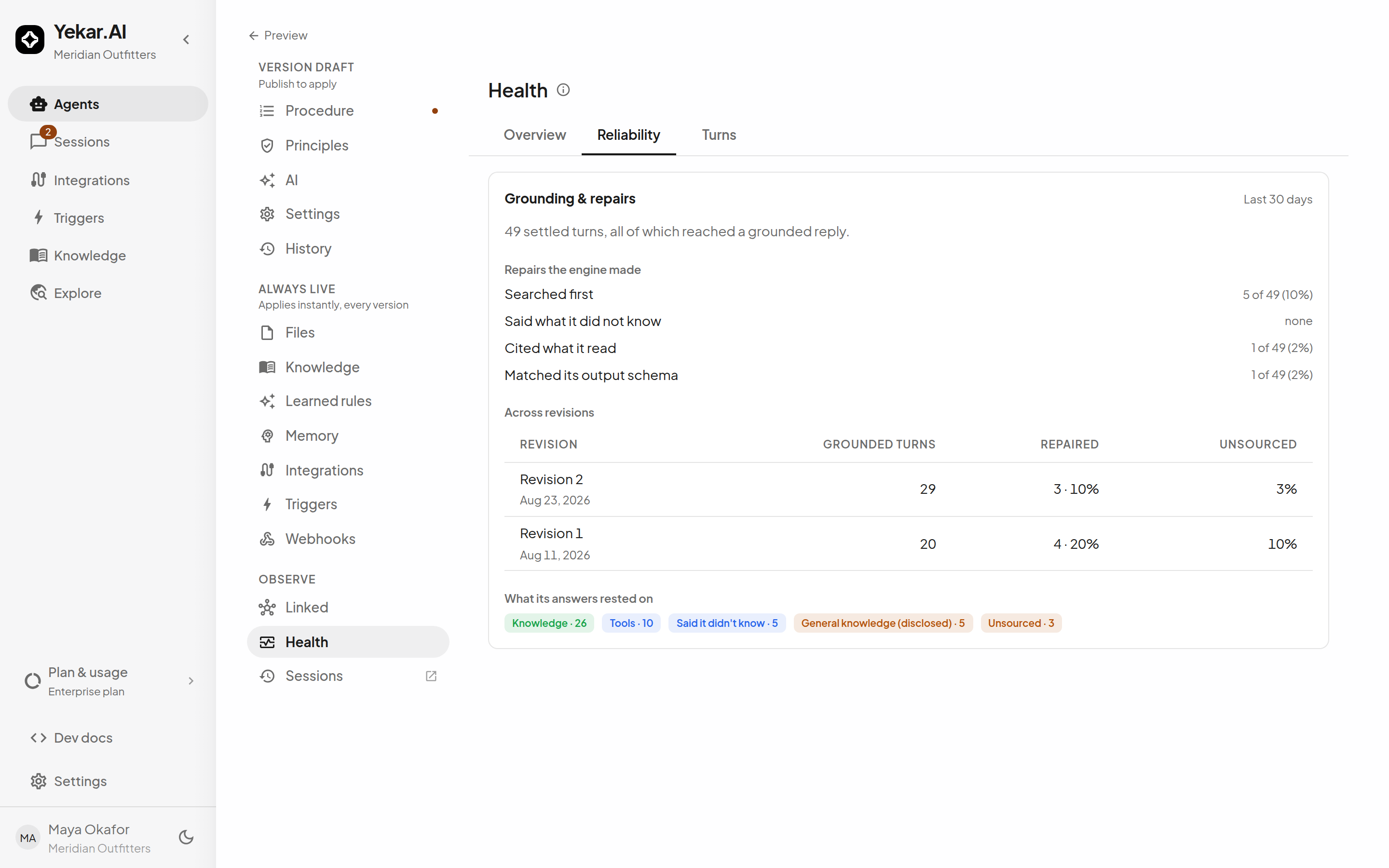
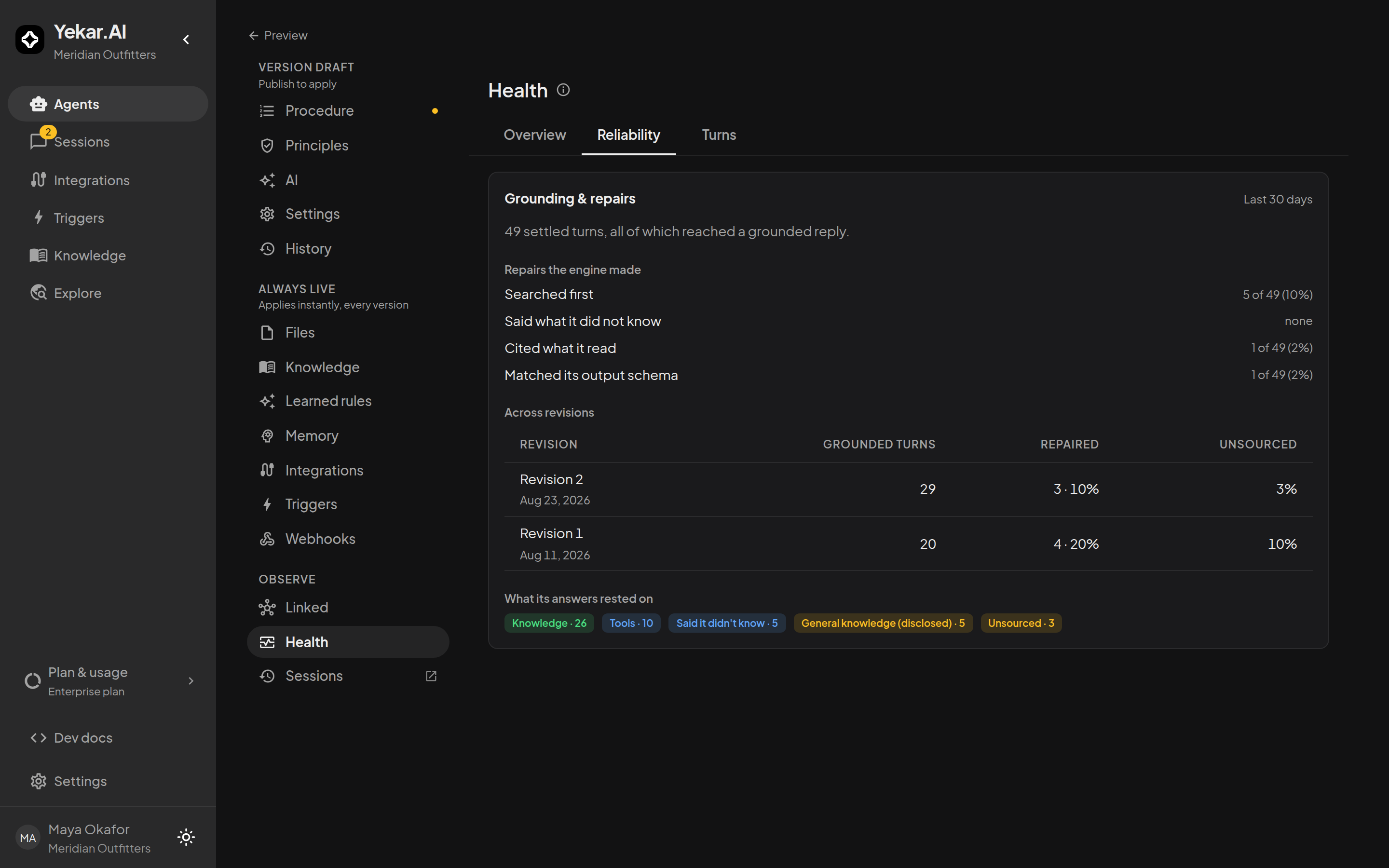
The same page files every answer by where it came from. Unsourced - prose with no retrieval and no tool call behind it - is the bucket to watch. Said it didn't know is the Agent behaving well: when knowledge has nothing relevant, search returns nothing and tells the model to say so rather than guess.
4. Read what the turn was refused
Some turns end without a reply because the platform refused the model call. The refusal is written into the thread as a plain notice:
| Notice | Meaning |
|---|---|
| This turn was cancelled. | Someone pressed stop or cancelled it from Monitor. |
| I can't respond yet - this workspace hasn't been connected to a language model. | The provider is off or has no key (LLM_NOT_CONFIGURED). |
| I can't respond right now - … | The key was rejected, or a monthly budget or cap is spent. |
| I've run out of tool-use steps for this turn. | The turn reached Max turns and the model kept calling tools after its wrap-up. |
| This turn's tool results have filled my context window… | Tool output filled the window; start a new conversation or ask for smaller pieces. |
A turn the provider throttled is different: it shows as a warning, The AI provider rate-limited this turn, with two buttons beneath it on the newest message while nothing is running. Retry runs the same turn again as you; Continue with another model switches this conversation - and only this conversation - to another model your organization offers, leaving the Agent's own model untouched. The details panel then says For this conversation only beside the model, with a link back to the Agent's. Anyone who can manage the session can do either.
Anything else arrives as an error code and message on the reply.
5. Choose the fix
| You found | Change |
|---|---|
| It did not follow a step | The Procedure - one step, concrete, in order |
| It did something it must never do | A Principle - checkable, absolute |
| One specific mistake in one specific situation | A learned rule, taught from the reply |
| It did not know a fact | Knowledge - a file, or the organization's library |
| It guessed where it should have asked | A Principle to ask when a request is ambiguous; for a called agent, the caller's Questions per call |
| It ran too long, or not long enough | Max turns, Reasoning |
| It chose badly on hard reasoning | A stronger model, or a higher reasoning level |
| It wrote where it should have asked | An approval on that tool |
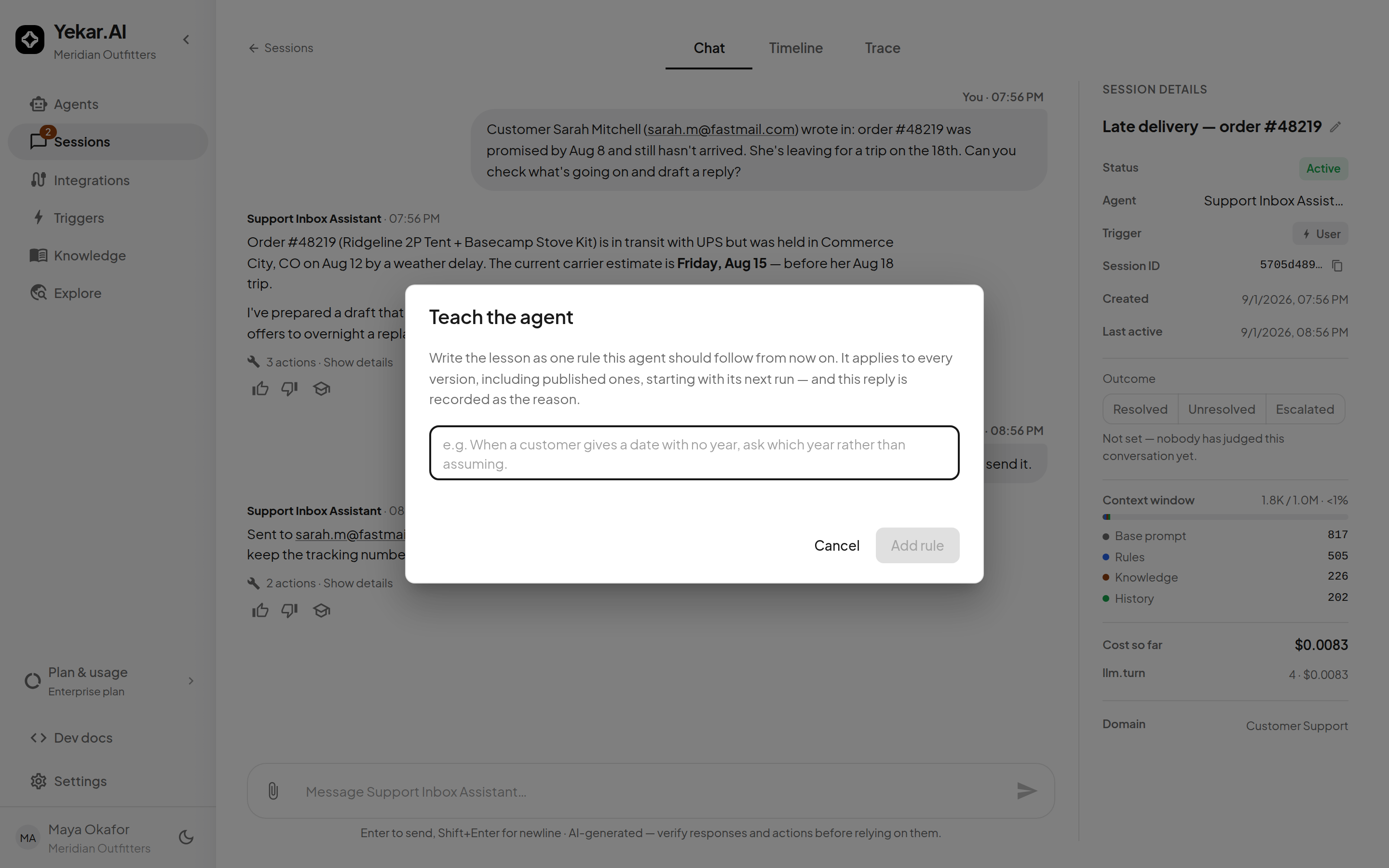
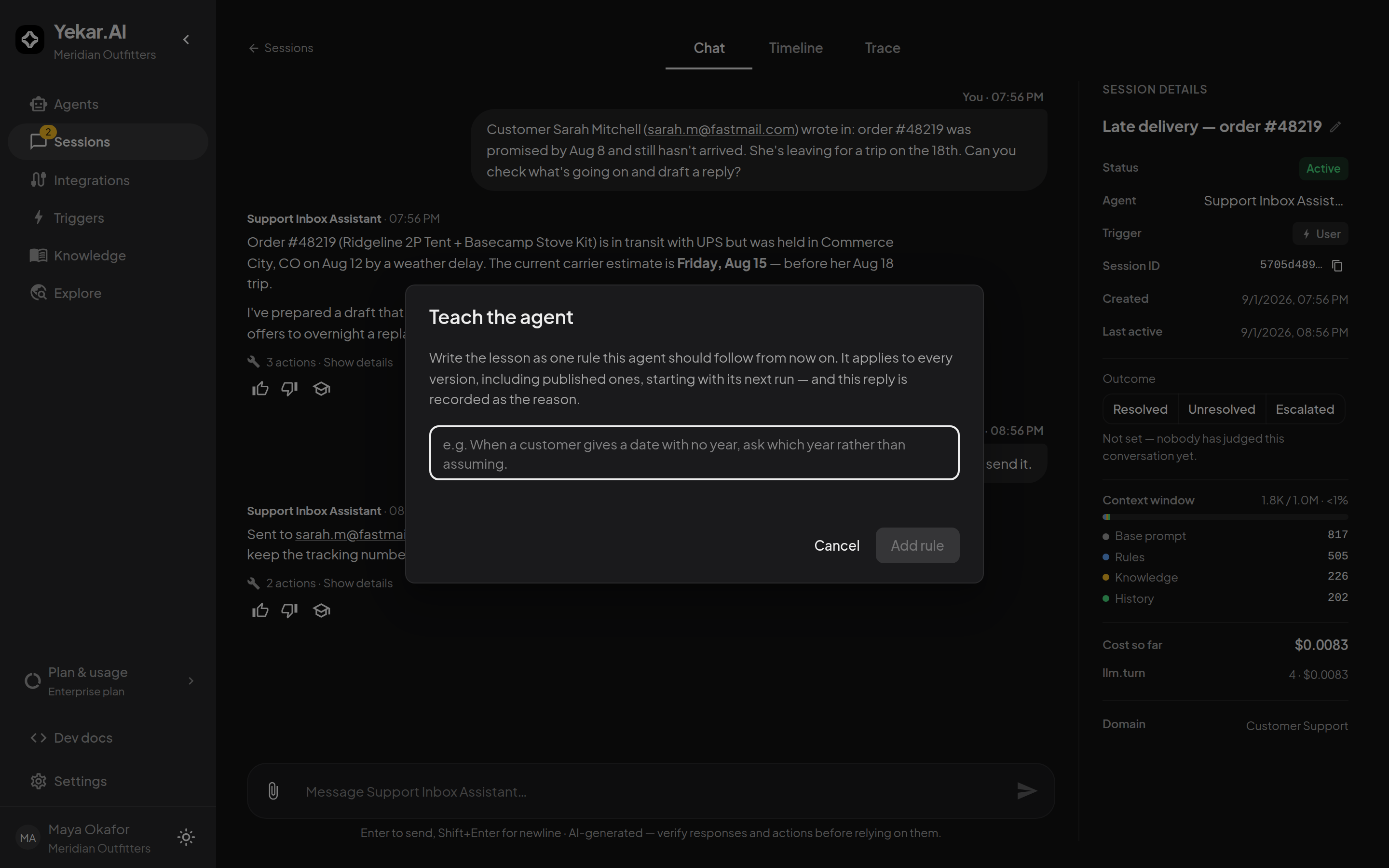
Teach the agent is the fastest of these. Beside the thumbs on any reply, it opens a one-line rule - the lesson this agent should follow from now on - and records that reply as the reason. A learned rule applies to every version, including the published one, from the next run. Rules are the right home for corrections; a Procedure that grows a clause per incident stops being a procedure.
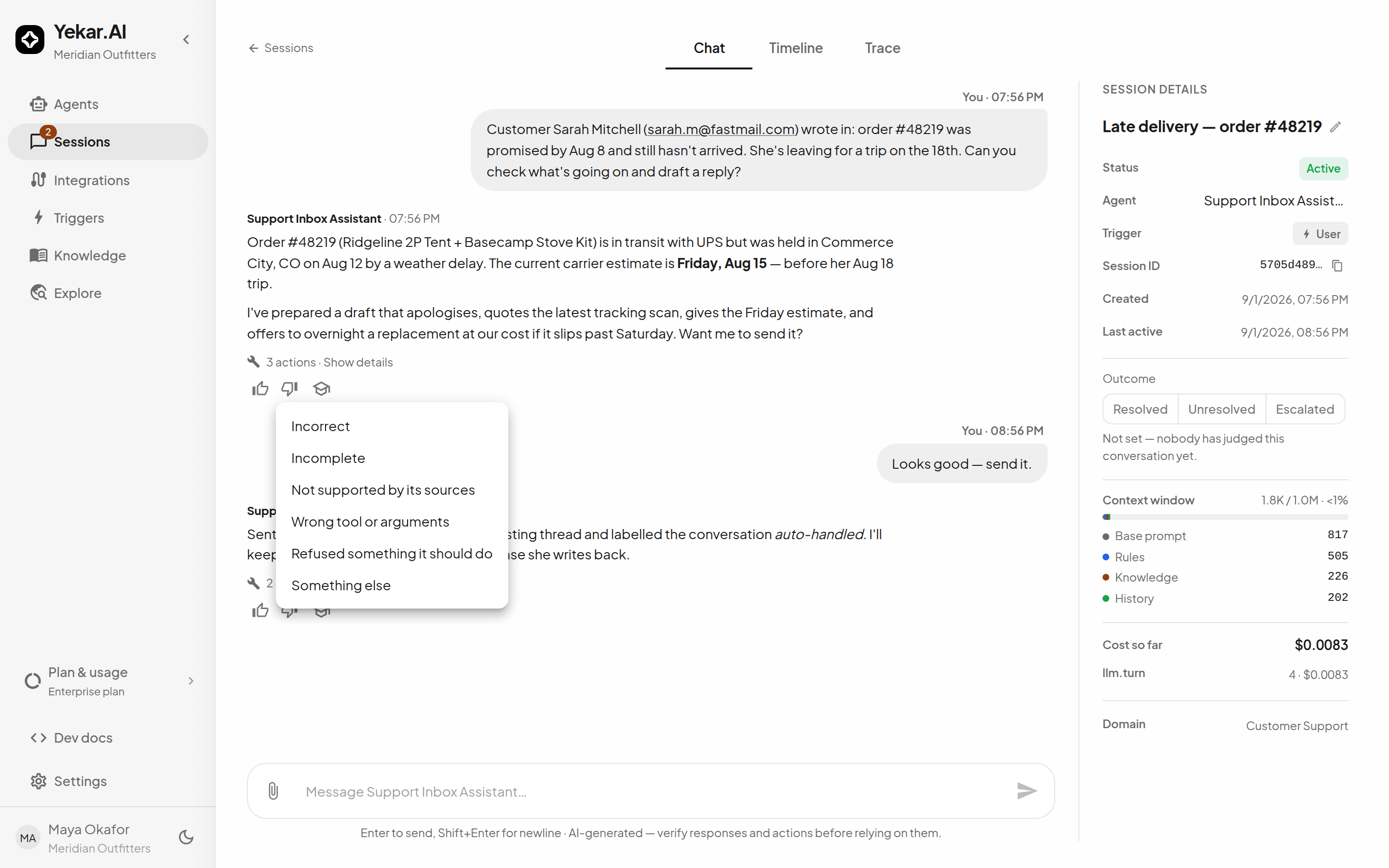
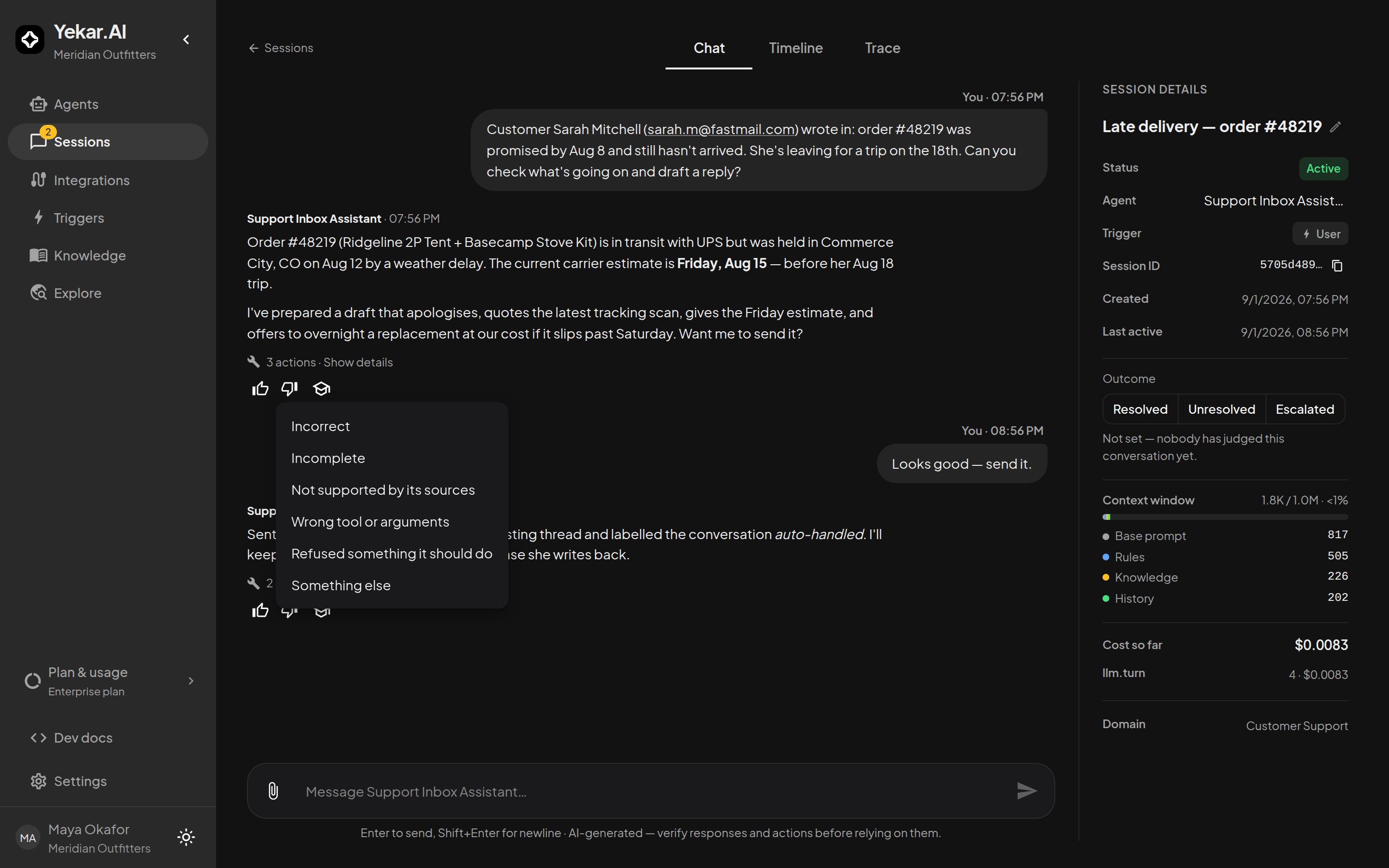
Rate the reply too. A thumbs-down asks why - incorrect, incomplete, not supported by its sources, wrong tool or arguments, refused something it should do - and the session's Outcome records whether the conversation was resolved. Neither changes the Agent by itself; both feed Learning and are what the Agent's health is measured against. See Outcomes & feedback.
6. Prove it before you publish
Change the draft, then Test drive it: the same tools, the same approvals, the unpublished Setup. If the conversation you started from was a good example, Save as a test keeps it, and Evals replays it against every future draft. Publish when the test passes - or turn on Require passing tests to publish so it cannot be published until it does.