Long conversations
A model reads a fixed amount of text per call. A conversation that runs for weeks will outgrow it, and so will a single turn that makes forty tool calls. Three mechanisms keep that from becoming your problem: every turn is budgeted before it is sent, whatever falls out of the window is folded into a rolling summary, and a turn that outgrows the window while it is running is compacted rather than abandoned.
None of this needs configuring. This page describes what happens, so the behaviour is recognisable when you meet it.
What the turn is budgeted against
Each turn is assembled against the model's own context window - or your workspace's Context window setting when that is lower, in which case the panel says so and names the window the model itself supports (see Workspace settings).
Out of that budget come the base prompt, the Agent's rules (its Principles, Procedure and learned rules), its knowledge, the rolling summary, the tool definitions for its bound integrations, and a reserve of roughly 16,000 tokens for the reply itself. Conversation history and its attachments fill whatever remains, newest first: the oldest messages fall out when the budget runs out, and the newest message is always kept.
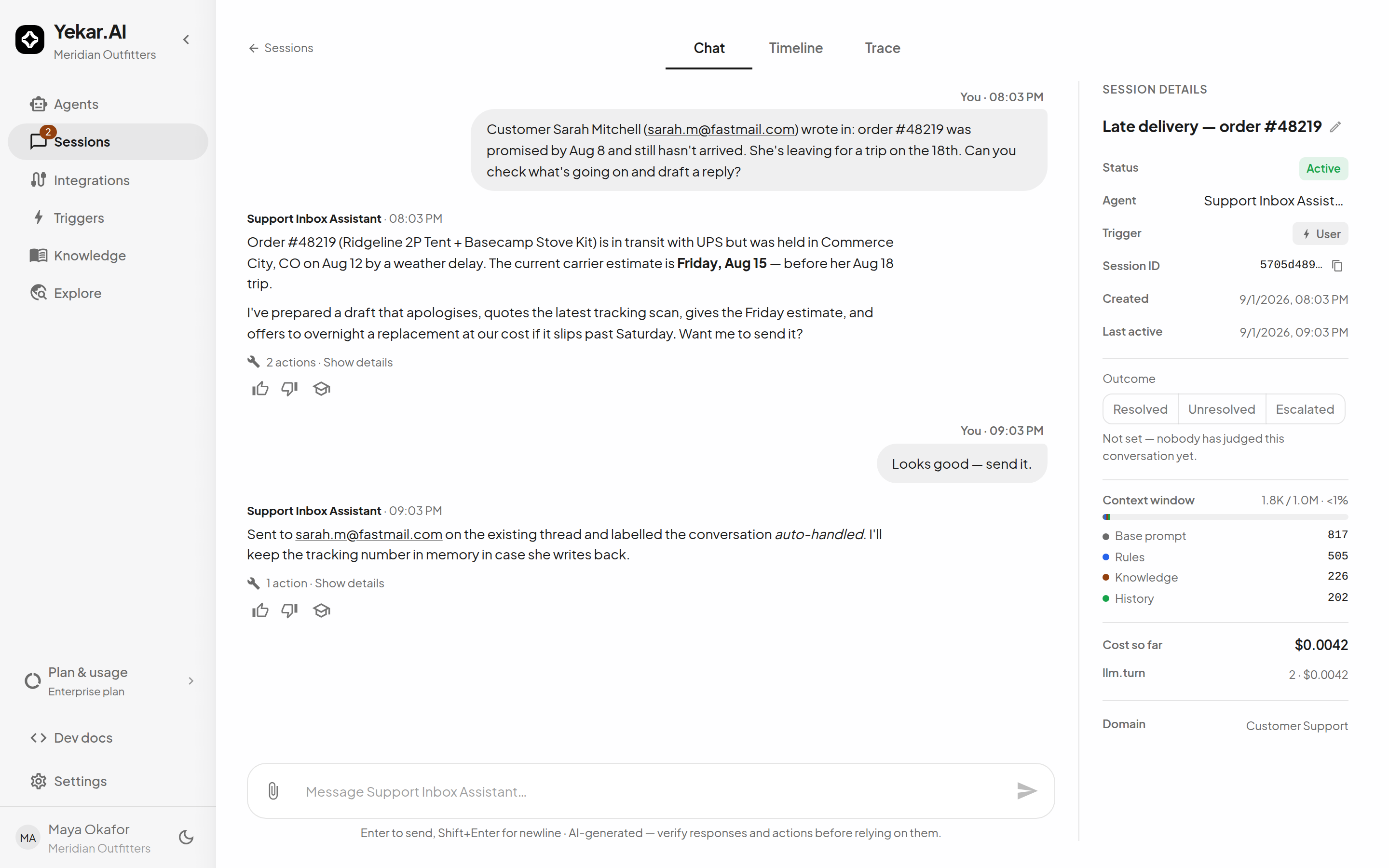
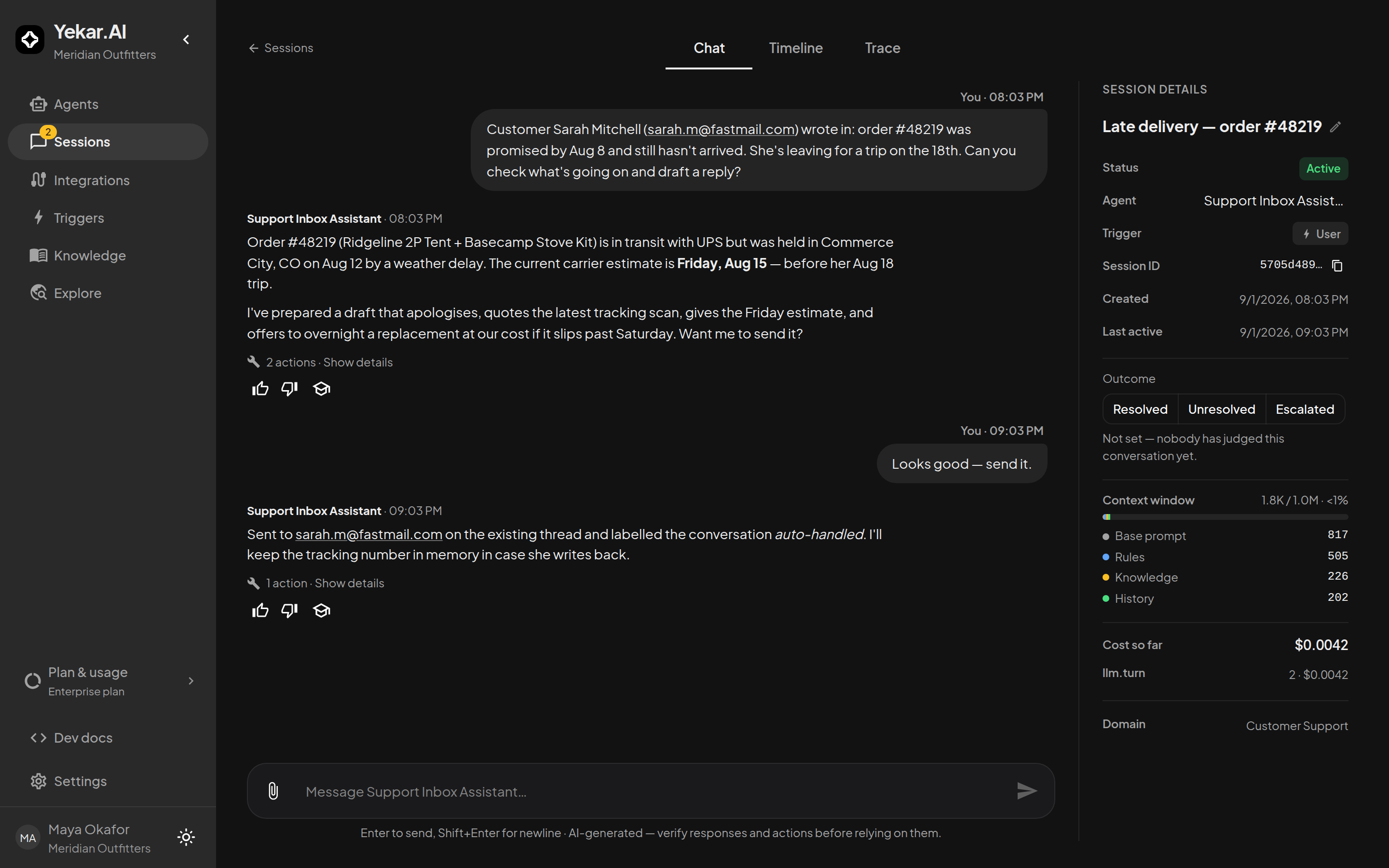
The session's details panel breaks the turn down - Base prompt, Rules, Knowledge, Summary, History, Tools and Attachments against the window - and it is deliberately honest about two things:
- Dropped messages are counted, not hidden. The panel says how many messages did not fit, measured against the session's real length rather than against the slice that was read.
- Tools is the last completed turn's figure. Which integrations an Agent is shown is decided inside the turn, after the history has been trimmed, so the panel reports the set that was actually bound last time and treats it as the estimate for next time. It says how many of the Agent's connected integrations were loaded - an Agent with a wide tool belt is shown the ones the turn needs, and loads more when it needs them. Before an Agent's first turn, and on a turn that binds no tools, the row is absent rather than showing a zero that would read as "this Agent has no tools".
Where knowledge alone exceeds its share, it is retrieved rather than injected whole, and the panel says so - see Knowledge for agents.
The rolling summary
Messages that fall out of the window are not simply forgotten. After a turn whose window did not reach back to the start of the conversation, Yekar.AI folds the newly out-of-sight messages into a single rolling summary of the session, and the next turn carries it in the Agent's prompt under Earlier in this conversation. The Agent is told plainly that the summary is lossy and to ask rather than guess when something it omits looks load-bearing.
What that means in practice:
- One bounded summary per session. However long the conversation runs, the summary stays a single short passage - about 4,000 characters at most - rather than growing without limit. It is budgeted like every other part of the prompt and appears as Summary in the details panel when one exists.
- It never delays a reply. The roll runs after the turn has answered, folding up to 100 messages at a time; a longer span simply rolls again after the next turn.
- It is best-effort. If the roll fails - or the workspace has no model key for it - the previous summary stands and the same messages are picked up on the next turn. A degraded summary is preferred to a failed turn.
- It is charged and visible. Each roll is a model call, ledgered as
llm.summaryagainst the session, so it appears in the cost breakdown like any other spend.
A summary is a compression, not an archive. The full conversation is always in the session itself.
Mid-turn compaction
A turn can fit comfortably when it starts and still outgrow the window before it ends: every round of tool calls appends its results to what the model is holding, and a few large results are enough to fill a window that had room to spare.
From the second round on, Yekar.AI keeps the turn inside the window by eliding old tool results - replacing the content of the oldest ones with a short note saying the result was elided and can be fetched again. Nothing is removed: the assistant's matching tool call still sits above it naming the tool and the arguments it used, so re-running the call is a step the Agent can take on its own.
Two protections shape which results are elided:
- Results the model has not read yet are never touched. Eliding those would hand the Agent a placeholder for the very work it is about to reason over.
- The most recent round is elided last. Older results - ones the Agent has already acted on at least once - go first, oldest first; the previous round's results become candidates only if elision has otherwise run out of room.
Compaction changes what the Agent carries into its next round. It does not rewrite the session's record: the actions drawer under each reply still shows each call as it was recorded when it ran.
When it still does not fit
If every eligible result has already been elided and the turn is still over the window, the Agent stops and says so rather than failing mid-step:
This turn's tool results have filled my context window, so I've stopped here rather than fail mid-step. Start a new conversation, or ask me to work in smaller pieces.
That message is a real limit, not a transient error - repeating the same request in the same conversation reaches it again. What helps: start a fresh conversation, ask for the work in smaller pieces, or narrow the tools whose results are large (a list call bounded by a filter beats one that returns everything). If an Agent meets it routinely, the shape of the job is usually the cause - an Agent asked to page through a large dataset in conversation wants a Flow or a narrower tool, not a bigger window.
What you can change
- Context window (Settings → AI → Defaults) sets a token budget per turn below the model's own. Leave it empty to use the model's full window; set it to control cost. See Workspace settings.
- Max turns (Setup → AI → Limits) bounds how many model rounds one turn may take, which bounds how many tool results a turn can accumulate in the first place. See AI & Settings.
- Knowledge and tools both take budget before history does. A focused knowledge file and a bound integration set the Agent actually needs leave more room for the conversation itself.